

What Google Search AI Mode With Apps Actually Does
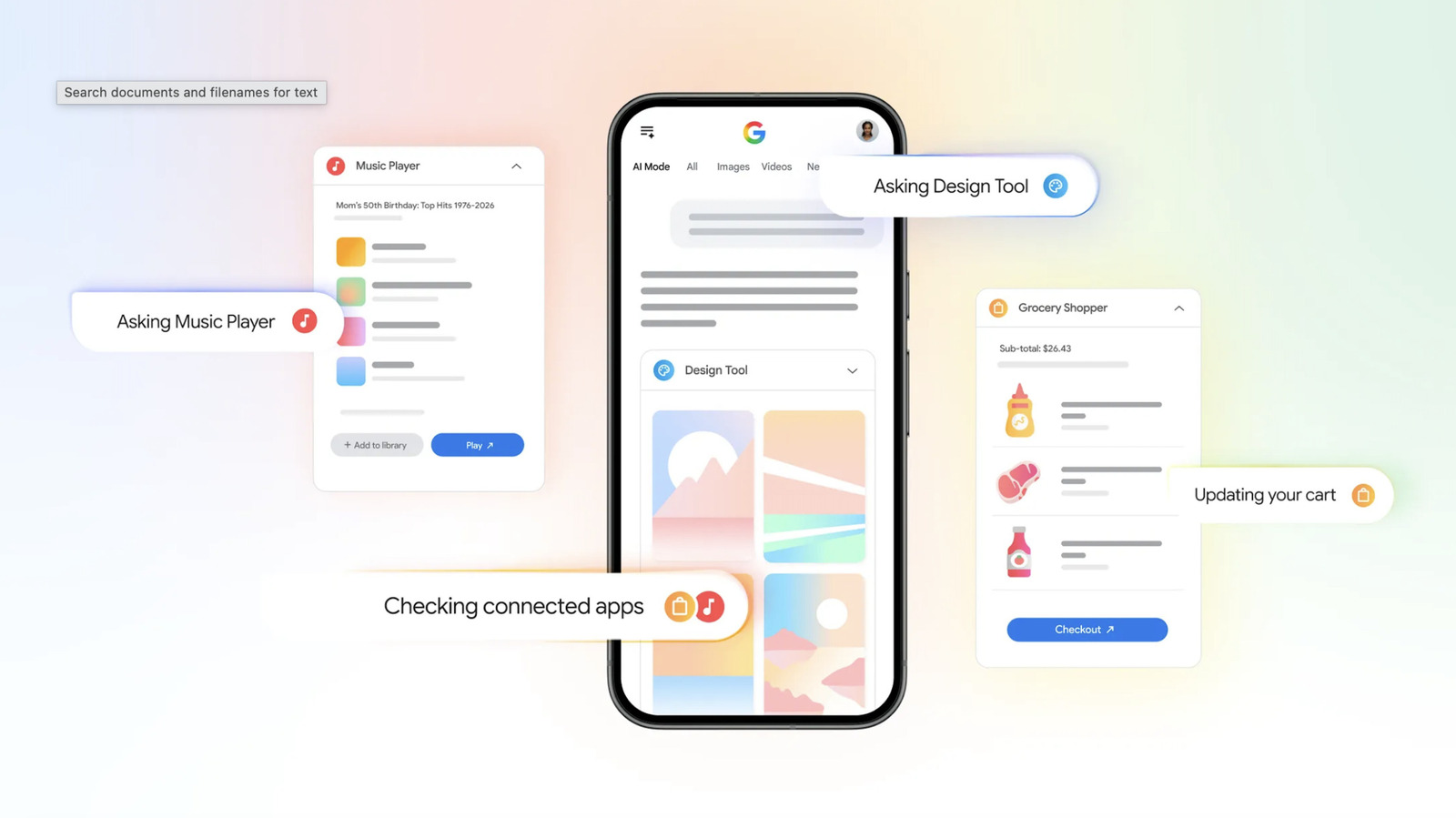
Google Search AI mode is an AI app integration inside the Search page that connects to services like Canva, YouTube Music, and Instacart so you can request designs, playlists, or shopping lists with natural language prompts and have the results appear back in your Search chat instead of jumping between separate apps.
Think of this as turning the search bar into a mobile AI assistant that helps you finish tasks, not only find information. If you already use AI in Gmail or Calendar to pull event details or messages into replies, this feels like the same idea applied to your everyday planning and errands. You stay inside Google Search’s AI mode, describe what you want in regular language, and it talks to connected apps on your behalf. Right now, the lineup includes Canva for designs, YouTube Music for playlists, and Instacart for groceries. The main caveat: support is still limited to these apps, though Google says it is working with more partners to expand connected workflows over time.
Step-by-Step: Completing a Multi-App Task From Search
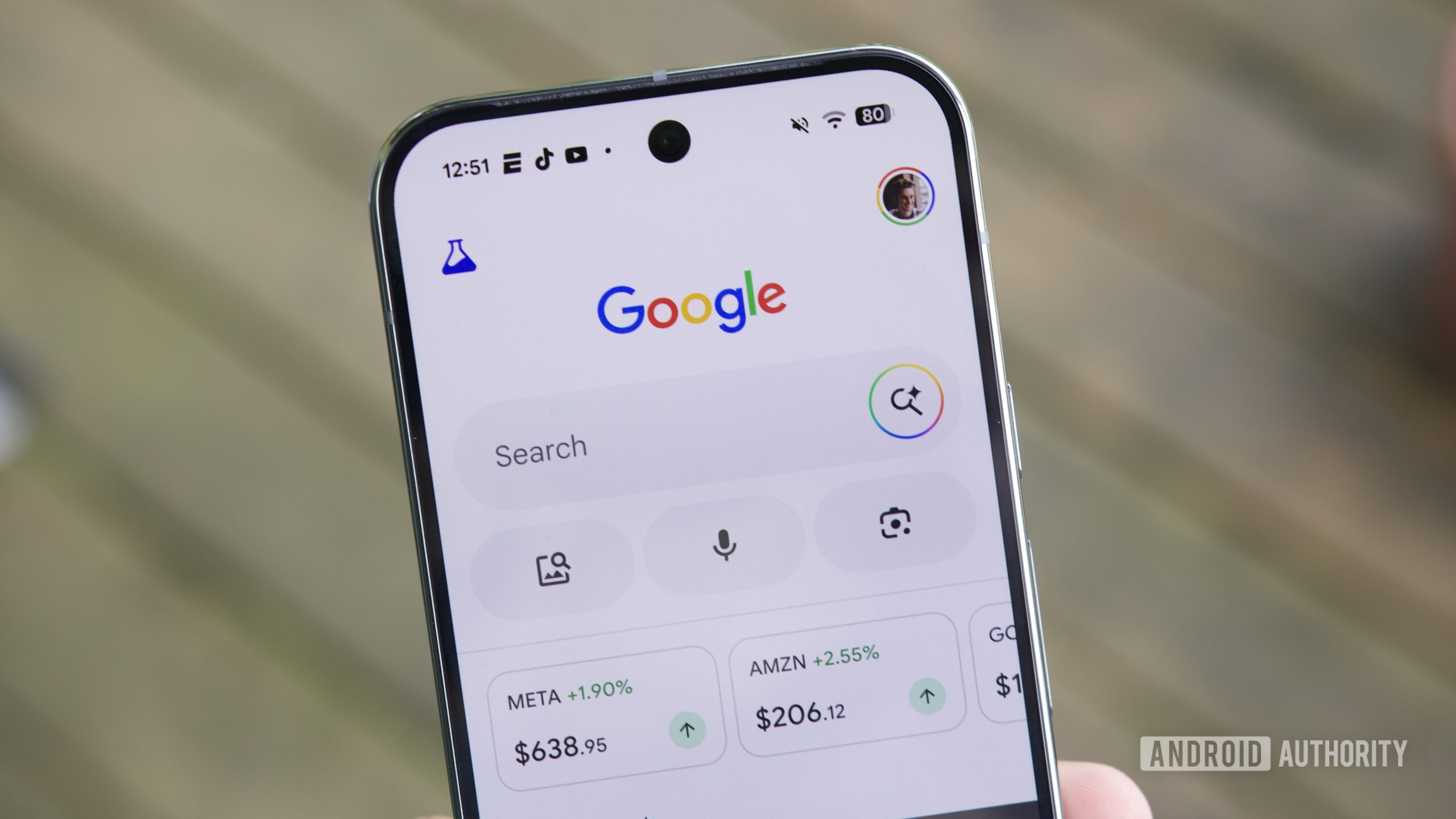
Here’s how it feels in practice, walking through a typical multi-step task like planning a party. Instead of bouncing between tabs and apps, you can stay in Google Search AI mode while it coordinates with Canva, YouTube Music, and Instacart in the background. You still make the decisions, but it handles much of the setup work and returns finished items you can open in their respective apps.
- Switch to AI Mode in Google Search and connect your Canva, YouTube Music, and Instacart accounts when prompted, so the assistant is allowed to send tasks to each app.
- Describe your design need, such as invitations or flyers for an upcoming party, including the date, theme, and any details already in your calendar, so AI mode can pass this context into Canva.
- Review the design templates AI mode returns from Canva in the Search chat, then open the one you like in the Canva app to adjust text, colors, or images before sharing.
- Ask AI mode to build a YouTube Music playlist that matches the event’s vibe, mentioning genres and mood, and then save the suggested playlist to your YouTube Music library when it appears in the chat feed.
- Tell AI mode what food, drinks, and supplies you need for the event so it can add ingredients and grocery items directly to your Instacart shopping cart, which you can later review and decide whether to check out.
The gotcha to watch for is context: the more clearly you describe the event, mood, or guest needs, the better AI mode can pass that information along. This matters especially when it uses Personal Intelligence, Google’s term for Gemini pulling calendar details or other app data to inform its responses inside Search. If those details are incomplete or outdated, your designs, playlist, or grocery cart might miss important items.
Design Faster With Google Canva Integration
Google Canva integration in Search means you can request designs in AI mode and receive ready-made templates from Canva without opening the design app first. According to one report, “Once Canva is connected, Search understands the request, sends it over, and returns a ready-made design in moments.” This shifts design work from picking templates manually to describing what you want and letting the mobile AI assistant handle the initial layout.
For example, you can ask AI mode to mock up design templates for flyers or party invitations, including notes like date, location, and theme. If those details live in your calendar, Personal Intelligence can pull them into the request to shape a more accurate design. The benefit is reducing friction at the start of a project: you spend less time browsing template galleries and more time polishing a design that already fits the event. Still, treat these outputs as starting points. You’ll want to open the result in Canva and check every detail—time, address, spelling—before printing or sending, because the assistant completes parts of the task but does not replace your final review.
Build Playlists and Fill Carts Without Leaving Search
The same AI app integration model extends to music and groceries, turning Google Search AI mode into a flexible mobile AI assistant for everyday routines. With YouTube Music connected, AI mode can make you a playlist based on a prompt about genres and mood, then drop the suggested playlist into the chat feed for you to open in the app. For Instacart, once the link is set up, AI mode can add ingredients and grocery items to your shopping cart, informed by details like a saved BBQ or party in your calendar.
This centralizes planning work: instead of spending time manually searching for each track or item, you explain the vibe or menu and let Search do the repetitive parts. You can complete real-world tasks, including building YouTube Music playlists and filling Instacart shopping carts, with simple prompts from the Search page. The main thing to remember is that you stay in control. You still decide whether to save a playlist, tweak song choices, or check out your cart; AI mode “can actually complete parts of a task on your behalf,” but not the entire workflow end-to-end. Use it to shorten the tedious steps, then refine the results to match your taste and budget.
Why This Shift Matters and What to Watch For
These integrations show a broader shift: Google Search AI mode is evolving from a tool that answers questions to one that helps you get things done across multiple apps. You can handle everyday planning, shopping, and creative work from a single interface, which reduces friction for common productivity tasks like designing invitations, building playlists, and drafting shopping lists. Once more partners connect, this unified approach could cover a large portion of the workflows you currently juggle across different apps and tabs.
Is it worth using? If you often plan events, organize music, or manage groceries from your phone, centralizing these flows inside Search is a clear time-saver. You speak in natural language and let the mobile AI assistant handle the first draft of the work. The trade-off is learning to phrase prompts with enough context and accepting that early outputs may need editing. Watch for outdated calendar entries, vague descriptions, or missing constraints; they can lead to designs that feel off, playlists that miss the mood, or carts that skip essentials. Treat AI mode as a smart starting point, not an autopilot, and you’ll gain convenience without losing control.





