
Are These Budget Work Laptops Worth It?
Budget work laptops are discounted Windows 11 and productivity-focused machines that deliver enough performance, battery life, and reliability for office tasks, schoolwork, and light creative use without costing more than midrange phones or premium notebooks. Right now, several big-brand Windows 11 laptops under 600 dollars are on sale, and most of them offer far better value than ultra-cheap Chromebooks or older, slower systems. So, are these deals worth it? In short: yes, with a few caveats. The HP OmniBook 3 at USD 599.99 (approx. ₱33,600) is a strong all-rounder, the Asus Vivobook 14 at USD 548 (approx. ₱30,700) is the best balance of price and portability, and Dell’s 15-inch model is good if you prioritize screen size over memory. A more expensive wildcard is Samsung’s Galaxy Book6, but its 38% price cut makes it compelling if your budget can stretch.
Best Buy is running a Back to School sale from mid-July to early September, which creates an ideal window for student laptop deals and remote workers planning their tech purchases ahead of the new term or quarter. With multiple Dell, HP, Asus, and Samsung models on promotion, this is one of the better times this season to buy, provided you match the laptop to your real workload and do not overpay for features you will not use. According to one deal hunter, “now is a great time to pick up a laptop for work and study that’s actually worth the money.”
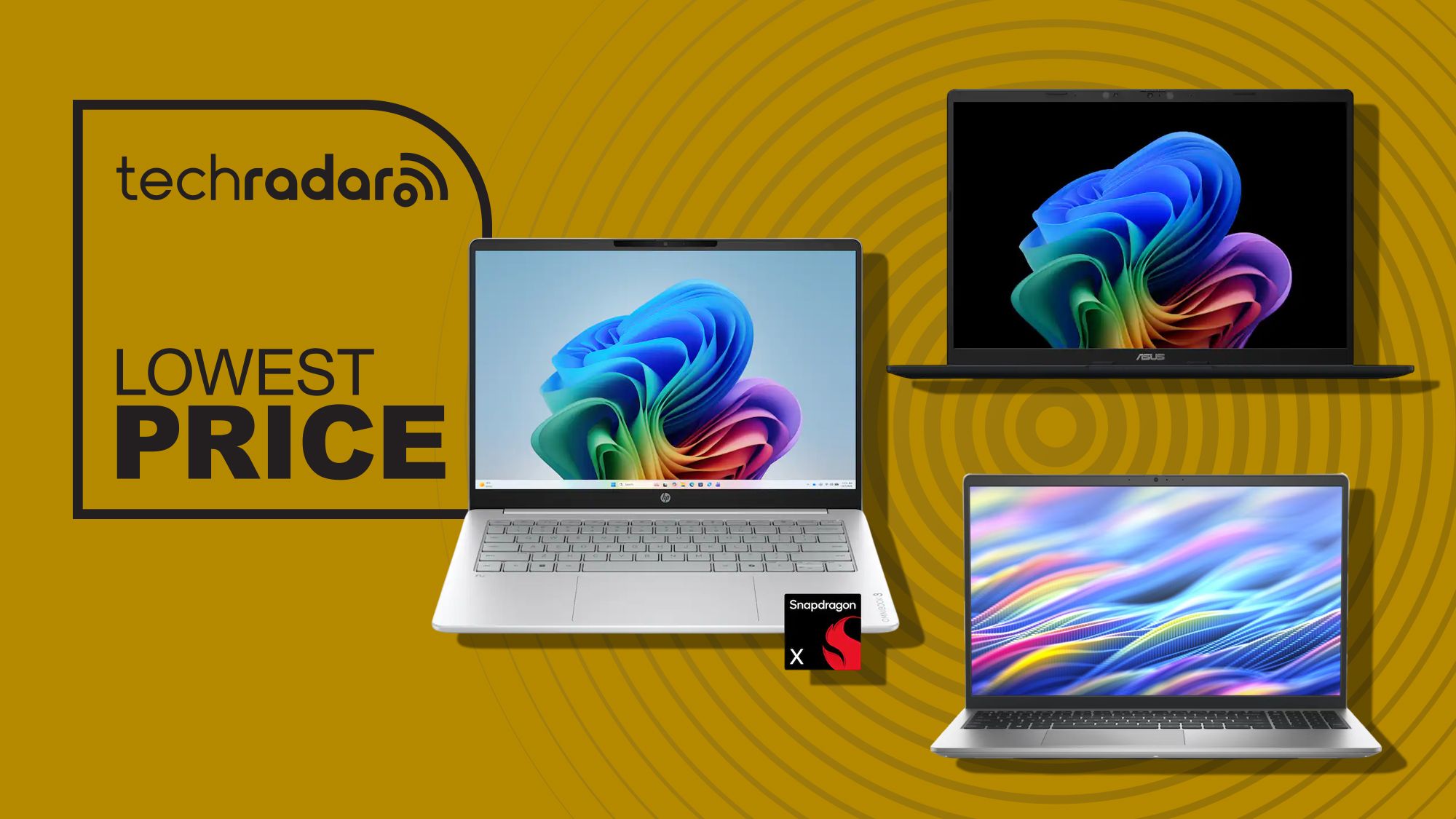
Deal snapshot: HP OmniBook 3 drops from USD 949.99 (approx. ₱53,200) to USD 599.99 (approx. ₱33,600); Asus Vivobook 14 sits at USD 548 (approx. ₱30,700); Dell 15 falls to USD 549.99 (approx. ₱30,800); Samsung Galaxy Book6 falls from USD 1,449.99 (approx. ₱81,200) to USD 899.99 (approx. ₱50,400), a 38% discount worth USD 550 (approx. ₱30,900).
HP OmniBook 3: Long-Lasting Premium Feel Under $600
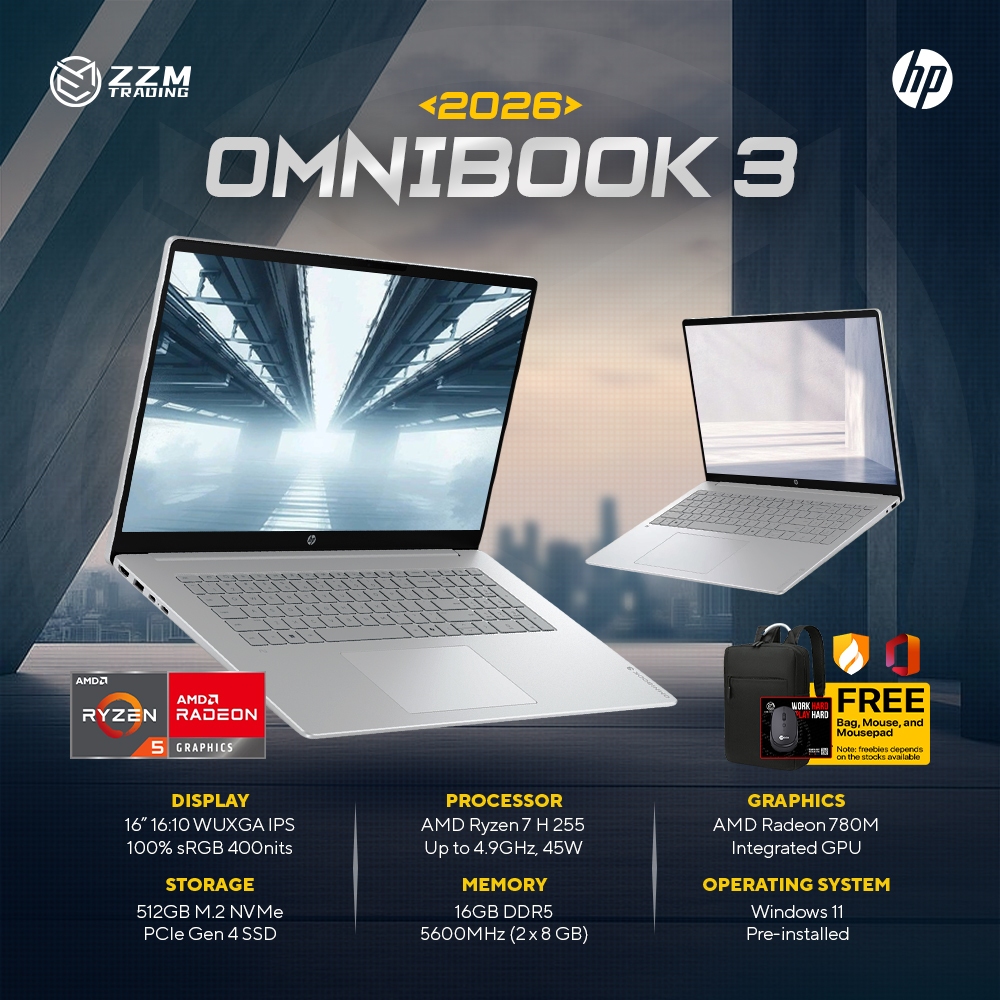
The HP OmniBook 3 is the standout if you want a premium-feeling Windows 11 laptop under 600 dollars that can double as a main work or study machine. It is currently USD 599.99 (approx. ₱33,600), down from USD 949.99 (approx. ₱53,200) at Best Buy, a substantial discount for a specification set that would typically sit closer to high-end territory. This model uses Qualcomm’s Snapdragon X processor and promises up to 32.25 hours of battery life, which is a huge win for students and office workers who spend long days away from an outlet.
With 16GB of memory and a 512GB SSD, the OmniBook 3 is much better equipped than many budget work laptops that still ship with 8GB RAM and smaller drives. It also supports Microsoft’s growing Copilot+ and AI features without feeling sluggish, thanks to that memory headroom. The 14-inch 1920 x 1200 touchscreen is sharp and versatile, and the inclusion of Wi‑Fi 6E plus HDMI 2.1 means it will handle fast networks and external monitors easily. In value terms, this is one of the strongest student laptop deals right now if you want all-day endurance and a touch display without creeping over the 600-dollar line.
Asus Vivobook 14: Best All-Round Windows 11 Laptop Under 600
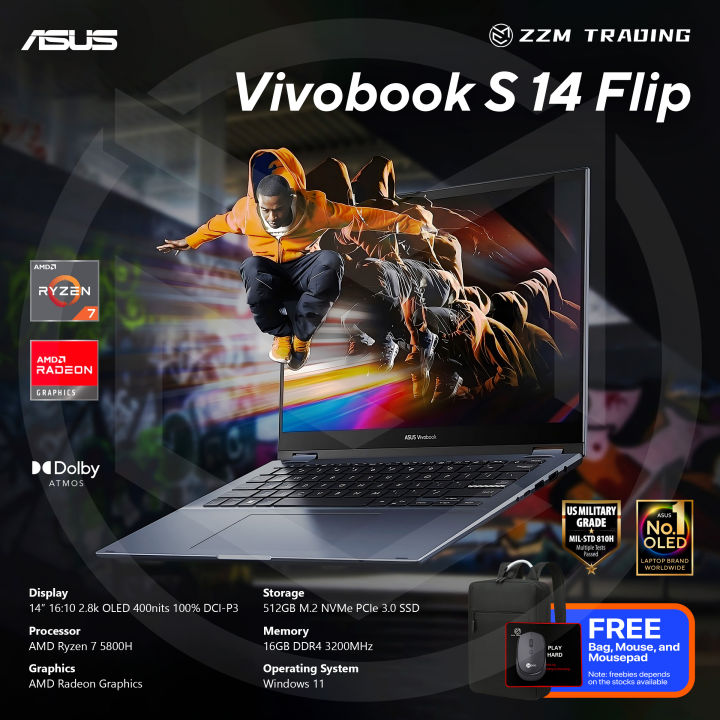
If you do not care about touch input, the Asus Vivobook 14 is arguably the best all-round buy among the Windows 11 laptops under 600 dollars. Priced at USD 548 (approx. ₱30,700) at Best Buy, it undercuts the OmniBook 3 while keeping more of the important internals intact. You still get the same Snapdragon X processor, 16GB of memory, and a speedy 512GB PCIe 4.0 SSD, which means fast boot times, smooth multitasking, and plenty of space for course materials, office files, and light creative work.
The 14-inch 1920 x 1200 IPS display offers the same practical resolution as the OmniBook’s panel, but the Vivobook 14 skips the touchscreen to save cost. It supports Copilot+ PC AI features via its 45 TOPS NPU, includes Wi‑Fi 6E, HDMI 2.1, and USB4, and is rated for up to 29 hours of battery life, making it highly attractive for mobile workers or students who bounce between classrooms and libraries. At 3.28lb, it is the lightest model in this group, which strengthens its case as the most portable option for all-day carry in a backpack. Among Dell HP Asus discounts, this is the sharpest mix of price, performance, and mobility.
Dell 15 and Samsung Galaxy Book6: Bigger Screens, Different Budgets
The Dell 15 Laptop is aimed at buyers who prefer a bigger screen and traditional Intel performance over ARM-based chips. It is on sale for USD 549.99 (approx. ₱30,800), down from USD 749.99 (approx. ₱42,000) at Dell. Powered by a 13th Gen Intel Core i7‑1355U processor, it combines a 15.6‑inch Full HD 120Hz IPS display, a 512GB PCIe NVMe SSD, Wi‑Fi 6, and a wide port selection including USB‑A, USB‑C, HDMI, SD card reader, and a headphone jack. The main drawback is its 8GB of DDR5 memory, which is limiting for heavy multitasking and will not age as gracefully as 16GB; upgrading to 16GB pushes the price steeply higher, against the spirit of budget work laptops.
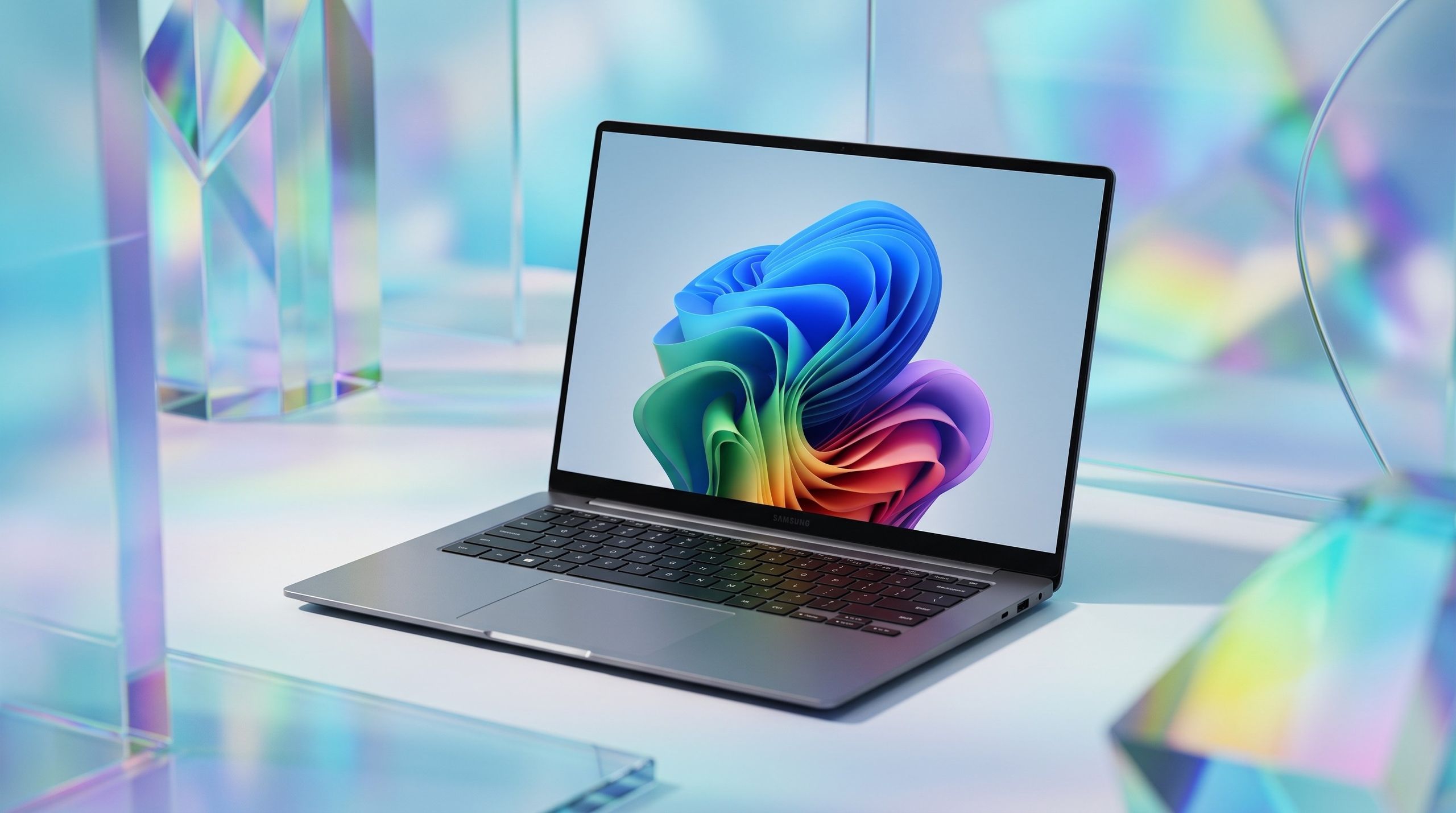
For those with more to spend, Samsung’s Galaxy Book6 brings a higher class of hardware into the discussion of student laptop deals. Best Buy has cut it from USD 1,449.99 (approx. ₱81,200) to USD 899.99 (approx. ₱50,400), saving 38% or USD 550 (approx. ₱30,900) during the Back to School sale. Inside you get an Intel Core Ultra 7 CPU, 16GB RAM, and a 512GB SSD, plus a 16‑inch 2K LED touchscreen that delivers bright, vibrant colors and sharp detail for documents and video. Samsung pairs this with a slim, sturdy design, many ports, Copilot+ integration, wireless phone connection features, and up to 24 hours of battery life. It is not ideal for high-end gaming, but as a long-term workhorse for exams and professional workloads, the discount makes it far more accessible.
Buy if / Skip if
- Buy the HP OmniBook 3 if you want a Windows 11 laptop under 600 dollars with a touchscreen, 16GB RAM, and all-day battery life for work or study.
- Skip the HP OmniBook 3 if you never use touchscreens and would rather save money on a lighter laptop with similar core specs.
- Buy the Asus Vivobook 14 if you care most about portability, strong battery life, Copilot+ AI features, and the best value balance among Dell HP Asus discounts.
- Skip the Asus Vivobook 14 if you specifically need a touchscreen for drawing, handwriting, or accessibility needs.
- Buy the Dell 15 Laptop if you prefer a larger 15.6‑inch 120Hz display and an Intel Core i7 chip for everyday Windows apps and schoolwork.
- Skip the Dell 15 Laptop if you run lots of apps at once or keep many browser tabs open, because its 8GB RAM will feel cramped over time.
- Buy the Samsung Galaxy Book6 if your budget can reach above 600 dollars and you want a premium 16‑inch 2K touchscreen, 16GB RAM, and long battery life at a 38% discount.
- Skip the Samsung Galaxy Book6 if you are strictly shopping for Windows 11 laptops under 600 dollars and do not need its higher-end screen or extra features.