


Siri Becomes the iPhone’s Quiet Backbone
Siri’s new AI overhaul turns the assistant from a voice-only helper into a system-wide, on-device intelligence layer that powers search, context-aware actions, and app suggestions, effectively becoming the main way many users will find information and trigger tasks across their iPhone.
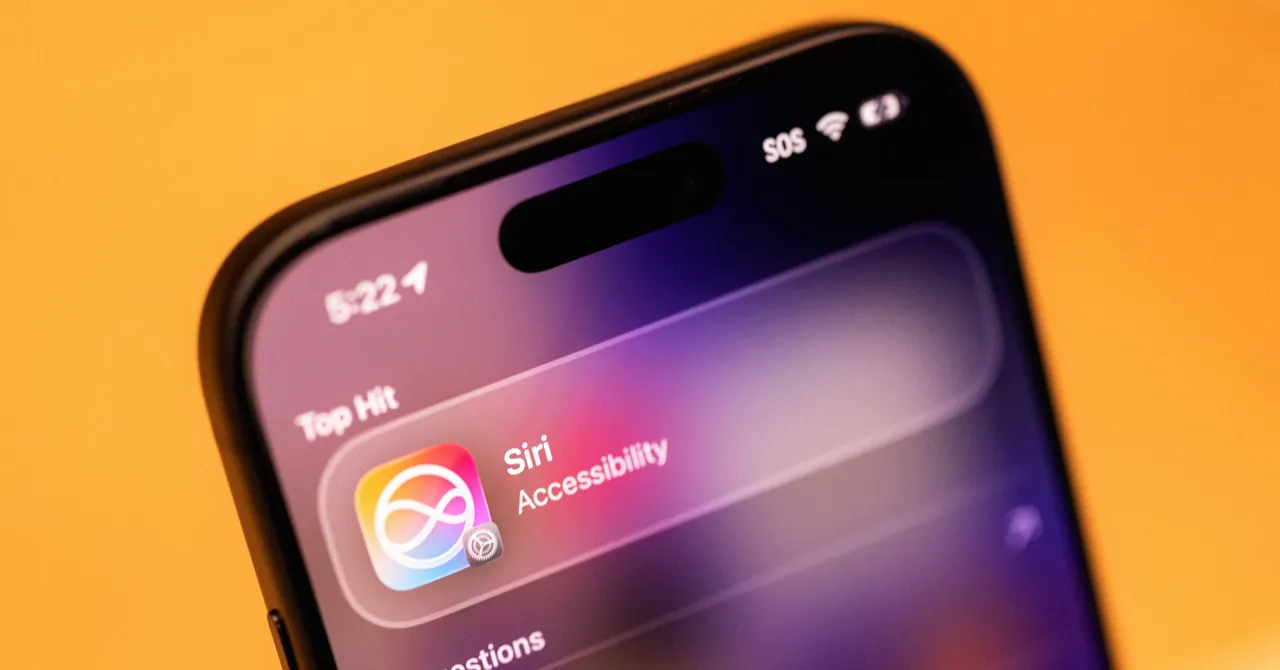
This change is not cosmetic. The upgraded Siri is now baked into iPhone search, so swiping down brings up a prominent “Search or Ask” bar where you can type or speak in the same place. That sounds minor, but it signals the shift: Siri is no longer a sidecar; it is the default starting point for doing things on the phone. Because this intelligence is built into the device, phone-wide search can pull from apps and data in ways cloud assistants cannot, indexing everything over several days after you upgrade. In practice, that means less app-hopping, more staying in one unified interface—and an assistant that feels like infrastructure rather than a bolt-on gadget.
Where Siri’s New AI Genuinely Helps
The strongest Siri AI capabilities are the grounded ones—things that touch real files, real apps, and your real habits. Type “Black Clover” into the Siri dropdown and it surfaces the episode you were last watching in your streaming app, pulled directly from your device context. Ask, “What’s a good route for driving to Sacramento?” and Siri opens Maps with a suggested path already selected. This is what an iPhone AI assistant should do: skip the web noise and act on your stuff.
Search is now meaningfully useful across your life, not just the web. Siri is good at finding specific photos, like passport headshots or images of your nieces, proving that semantic image search is past the gimmick phase. It also turns mundane utilities into instant tools: interacting with timers, alarms, and stopwatches becomes a fast, conversational action rather than an app hunt. The result is not magical, but it is efficient—the kind of daily friction reduction that adds up more than one flashy demo feature ever will.
On-Device Context, With Guardrails You Control
Siri AI works best when it can draw on as much on-device context as possible, and Apple leans into that without hiding the knobs. The assistant indexes apps and content over several days after installation, with Apple suggesting you keep the phone plugged in longer to speed this process. The payoff is a system that can infer what you meant from fragments—your last show, your recent deliveries, your visible screen—rather than demanding rigid commands.
Crucially, there are limits and controls. In Settings, a Siri AI section lets you toggle “Learn from this App” per app, so you can block sensitive software from feeding into cross-app suggestions. Onscreen awareness adds another layer: when you ask, “Where did she say this?” while looking at a social post, Siri reads the screen, understands who “she” is, and answers with details and links. Image analysis is integrated directly into the Camera via a Siri tab, giving you quick descriptions and optional web lookups with a single shutter tap. This is contextual computing, but with visible switches instead of opaque data grabs—and that makes it easier to trust.
Plain Interface, Smarter Automation
Visually, iOS 27 looks mostly like its predecessor, with only finer control over transparency and layering, which keeps the new Siri focus from feeling like a UI circus. You can now access the assistant with a swipe down from the Dynamic Island, though this piles on top of existing swipe gestures for notifications and Control Center and can feel cramped. There is also a dedicated Siri app that stores a history of meaningful requests, though image uploads still lack helpful thumbnails, making the flow feel unfinished.
Where Apple Intelligence features shine is in making power-user tricks feel approachable. You can describe an automation in natural language, and Apple Intelligence generates a shortcut for you, a “clean way to handle automation, without needing to be a coding wizard.” System-wide dictation improves punctuation and formatting, and writing tools in Mail and Messages can mimic your usual tone. Voice customization via “Expressive Voice” adds control over pace and emotion in US English, even if the options are limited for now. The throughline is clear: serious AI under the hood, conservative design on the surface.
Still Beta: Gaps, Limits, and What Comes Next
For all its progress, this Siri is not the all-knowing assistant the marketing might imply. Some of the most obvious jobs remain unfinished. Siri struggles with certain Settings queries and fails to guide you to menus, often without explanation. It can dig up delivery emails—but only if you are using the built-in Mail app, not a third-party client many people rely on. Multimodal Camera smarts can correctly spot a Muji-branded hexagonal pen, including the nib size, yet miss distinct objects like a stylized Tiki cup. This unevenness reminds you it is a beta, not a solved problem.
There are also signs of future constraints. Apple says that image generation will eventually have daily usage limits, likely tiered by iCloud+ subscriptions, with more details promised closer to public launch. Meanwhile, the indexing process can “take several days” before Siri AI feels fully reliable across your phone. Apple has clearly prioritized privacy and on-device processing over instant, cloud-scale wizardry, and that trade-off defines this release. In its current state, Siri’s AI overhaul is practical first and spectacular second—and that is not a bad outcome. It turns the iPhone AI assistant into something you depend on, not something you only demo to friends.





