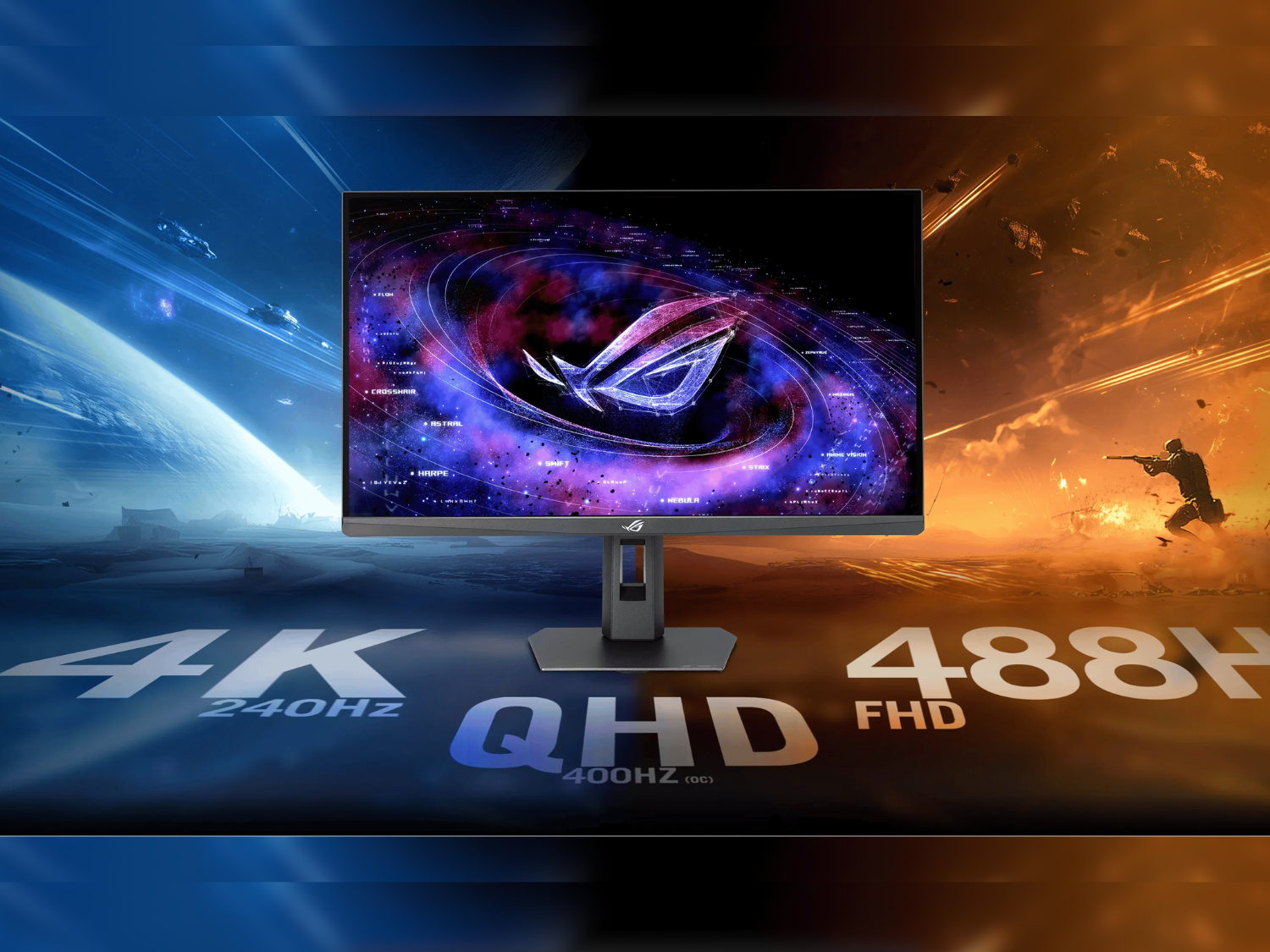

Triple‑Mode 4K vs 5K Dual‑Mode: The Big Picture
Ultra-high resolution gaming monitors are displays that combine 4K or higher pixel counts with high refresh rate modes, letting players trade resolution for speed depending on whether they prioritise cinematic visuals or competitive responsiveness in a given game session.
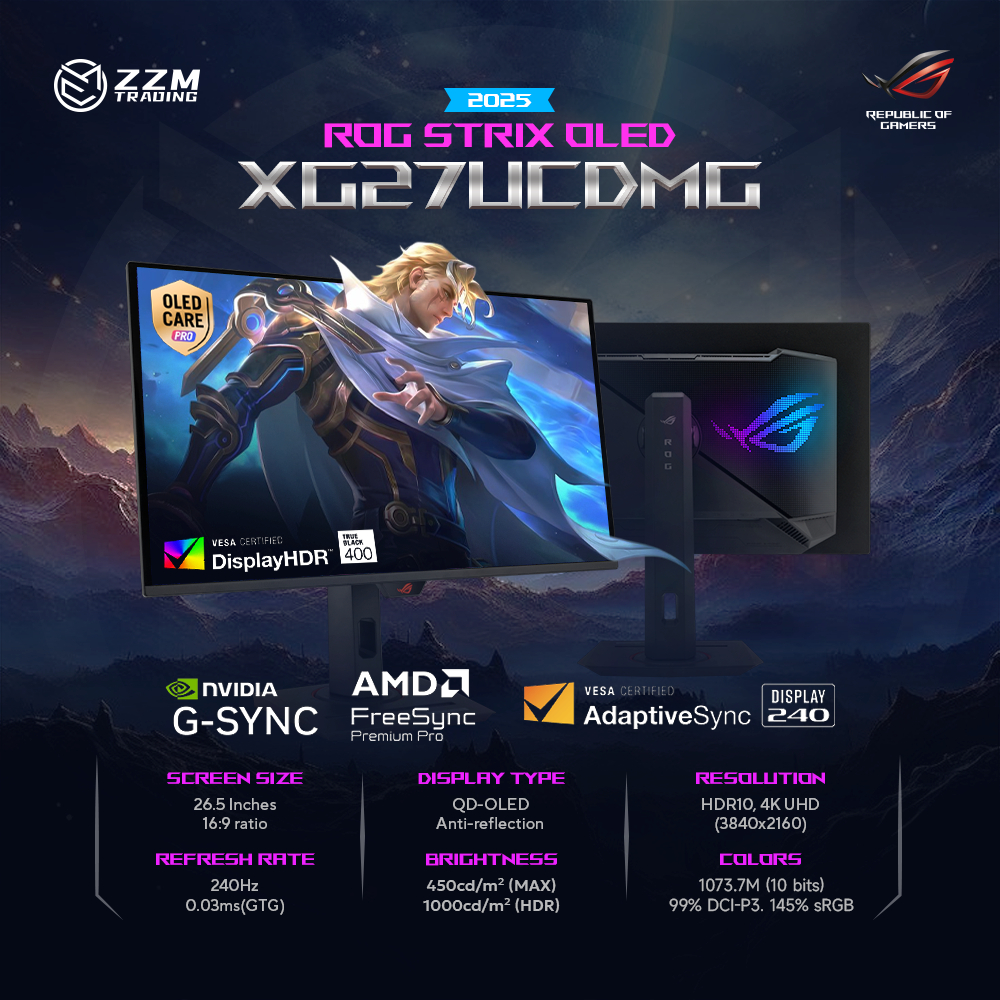
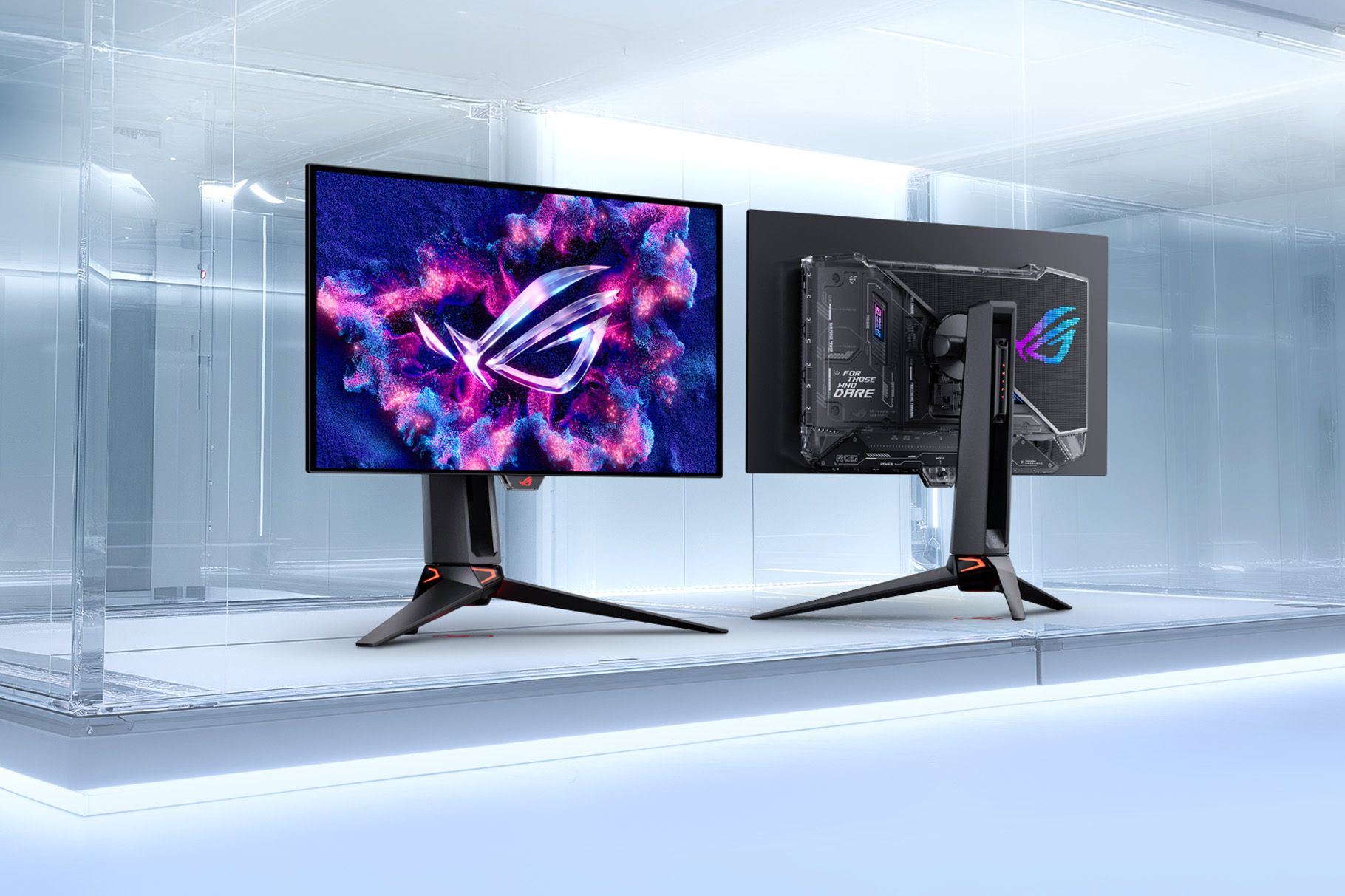
Between the ASUS ROG Strix XG27UCMG and the ROG Strix 5K XG27JCEG, the choice is less about panel quality and more about your ratio of esports to eye‑candy. Both use fast IPS panels with 0.3 ms response times to minimise ghosting at extreme refresh rates. The XG27UCMG is the purist’s competitive gaming monitor: its triple‑mode 4K@240 Hz, QHD@400 Hz, and FHD@488 Hz design puts frame rate above everything else. The 5K XG27JCEG instead chases ultra‑high resolution gaming first, then offers a serious WQHD@320 Hz esports mode as a second gear. If you mostly grind ranked shooters, pick the 4K triple‑mode. If you divide your time between single‑player showpieces and competitive matches, the 5K model fits better.
How Their Fast IPS Panels Shape Real‑World Gameplay
Both monitors are built around fast IPS panels rated at a 0.3 ms response time, which is vital when you push into the 320–488 Hz territory. In practice, that means cleaner edges on strafing enemies and less smearing during rapid flick shots, especially when combined with ASUS’s motion‑blur reduction. The XG27JCEG uses ELMB 2 to cut blur while keeping more brightness than older strobing modes. The XG27UCMG goes a step further with ELMB Sync, which can run blur reduction and variable refresh rate together, so you keep clarity even when frame rates fluctuate. Both support AI‑assisted tools like Dynamic Crosshair, Dynamic Shadow Boost, and AI Visual to tune contrast and aim visibility on the fly. Competitive players who live in the sub‑5 ms input‑lag mindset will appreciate how these fast IPS panels keep up with their mechanics.
Resolution and Refresh: 5K Detail or 488 Hz Speed?
On raw resolution, the ROG Strix 5K XG27JCEG pulls ahead. Its native 5120 × 2880 5K canvas at up to 80 Hz gives dense detail for open‑world titles, RPGs, and even content creation work. When you need speed, it switches into WQHD with a refresh rate up to 320 Hz, a serious mode for high‑level shooters. The XG27UCMG is built around 4K, but its flexibility is unmatched among 4K gaming monitors: 4K at 240 Hz, QHD at 400 Hz (overclocked), or FHD at 488 Hz (overclocked) cover almost every competitive scenario. According to ASUS, this triple‑mode support lets the XG27UCMG “cover a wide range of use cases, from high-res gaming to competitive gaming, where FPS is much more important than resolution”. If 5K productivity and pixel density matter, the XG27JCEG wins; if chasing maximum frame rate is your identity, the XG27UCMG is the clear pick.
| Spec | ROG Strix 5K XG27JCEG | ROG Strix XG27UCMG |
|---|---|---|
| Panel size / type | 27" Fast IPS | 27" 4K Fast IPS |
| Native resolution | 5120 × 2880 (5K) | 3840 × 2160 (4K) |
| High‑res mode | 5K @ 80 Hz | 4K @ 240 Hz |
| High‑FPS mode(s) | WQHD @ 320 Hz | QHD @ 400 Hz OC / FHD @ 488 Hz OC |
| Response time | 0.3 ms | 0.3 ms (minimum) |
| Peak brightness | 400 cd/m² | 400 cd/m² peak HDR |
| Contrast ratio | 1,500:1 | 1,300:1 |
| VRR / G‑Sync | Not specified (ELMB 2) | FreeSync Premium & G‑Sync compatible, ELMB Sync |
| Ports (DP / HDMI) | 1 × DP 1.4 / 2 × HDMI 2.1 | DP 1.4 DSC / 1 × HDMI 2.1 |
| USB‑C & hub | USB‑C (DP Alt Mode) + 3 × USB‑A hub | USB‑C with DP Alt Mode & 15 W PD + 2 × USB‑A 3.2 Gen 2 |
| Stand & VESA | Tilt, swivel, pivot, 110 mm height; 100 × 100 VESA | Tilt, swivel, pivot, 110 mm height; 100 × 100 VESA |
| Weight with stand | 6.8 kg | 6.5 kg |
Connectivity, Sync Tech, and Shared Limitations
Both monitors qualify as high refresh rate displays thanks to their 240 Hz and above gaming modes. The XG27JCEG piles on ports: DisplayPort 1.4, two HDMI 2.1 inputs, USB‑C with DisplayPort Alt Mode, a three‑port USB 3.2 Gen 1 hub, and a 3.5 mm headphone jack. The XG27UCMG simplifies slightly but adds modern touches: DisplayPort 1.4 with DSC, one HDMI 2.1, USB‑C with DP Alt Mode, two USB 3.2 Gen 2 Type‑A ports, and 15 W USB‑C power delivery. Crucially for competitive gaming monitors, the XG27UCMG supports AMD FreeSync Premium, G‑Sync compatibility, and ELMB Sync so you can run blur reduction with VRR at the same time. Both panels top out at 400 cd/m² peak brightness, which is fine for SDR and basic HDR10 but falls short of true HDR punch. That’s the main shared caveat: neither is a reference‑grade HDR screen, despite their otherwise premium specs.
Buy if / Skip if
- Buy the ROG Strix XG27UCMG if you prioritise esports performance and want triple‑mode flexibility up to FHD at 488 Hz for competitive play.
- Skip the ROG Strix XG27UCMG if you care more about creative work or 5K‑class pixel density than the highest possible refresh rates.
- Buy the ROG Strix 5K XG27JCEG if you split time between ultra-high resolution gaming, productivity at 5120 × 2880, and serious WQHD 320 Hz sessions.
- Skip the ROG Strix 5K XG27JCEG if your main goal is to push frame rates beyond 320 Hz in titles where every extra hertz helps.
- Buy the ROG Strix XG27UCMG if you want G‑Sync compatible VRR, FreeSync Premium, and ELMB Sync for blur‑free, tear‑free gameplay across refresh ranges.
- Skip the ROG Strix 5K XG27JCEG if you expect very bright HDR; its 400 cd/m² peak limits HDR impact, similar to its 4K sibling.