

T-Life App Privacy: Personalization Wrapped in Data Collection
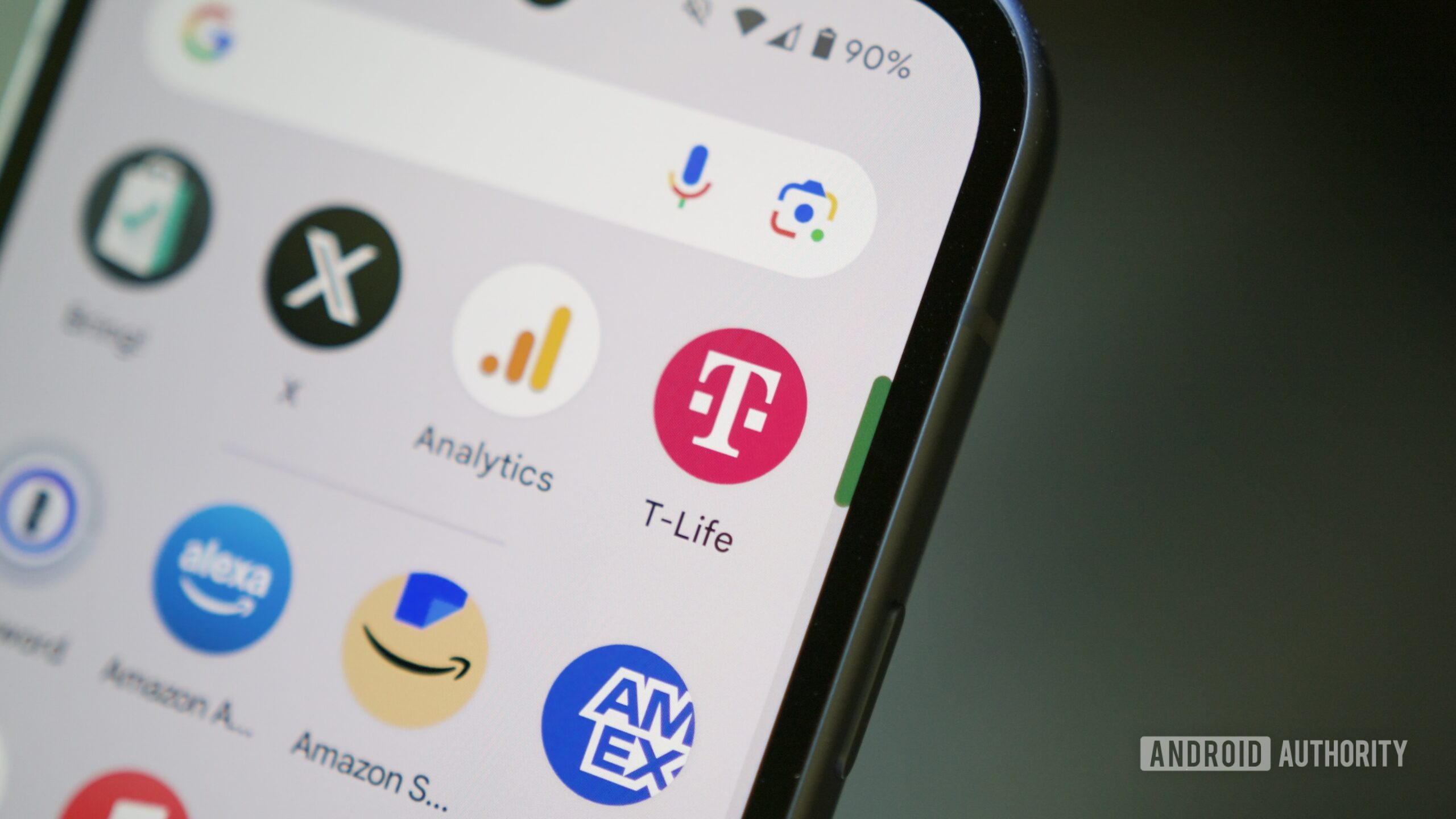
T-Mobile’s T-Life app privacy refers to how the company collects, uses and shares account, interest and behavioral data from customers through its T-Life account-management and rewards app and related advertising programs, which together support personalized experiences while raising questions about mobile data tracking and targeted advertising opt out options. The core shift is clear: T-Mobile outlined future plans for T-Life that focus on “expanding personalization through richer account profiles and interest-based preferences” to surface tailored benefits and experiences for each customer. That sounds helpful, but it also means the app is becoming a central hub for collecting more detailed information about who you are and what you do across your device and network. Given the history of data breaches and the mandatory use of T-Life for in-store transactions, you are not being offered personalization as a neutral perk—you are being pushed into a data ecosystem you must actively manage.
From Rewards App to Tracking Hub: How T-Life Feeds Targeted Ads
T-Life already handles account management, shopping, support and customer benefits, but its new “richer account profiles” and “interest-based preferences” make it much more than a simple utility. T-Mobile wants T-Life to know more about its customers, yet it has not said whether those details will support advertising, which should set off alarm bells for anyone who cares about app data collection. The privacy notice shows how mobile data tracking works behind the scenes: Relevant Ads uses app-usage information, purchased or customer-provided demographic data and a mobile advertising ID (MAID) to infer interests and deliver ads to a device, while Tailored Offers and Ads may analyze app usage, purchases, browsing activity, precise location and Customer Proprietary Network Information to create audience groups and measure campaigns. In plain language, your behavior in and around T-Life becomes fuel for targeting—even if T-Mobile has yet to connect the dots publicly between the upcoming profiles and its advertising programs.

Why Uninstalling T-Life Isn’t Enough to Protect Your Privacy
If your first instinct is to delete T-Life, you are only half protected. Uninstalling T-Life does not end all collection because the carrier also gathers data through connected devices, its network and several advertising programs. T-Mobile says it automatically receives device, app, network and location information when customers use its services, meaning your account remains a source of behavioral data even without the app icon on your phone. The company is touting higher daily, weekly and monthly active users in T-Life, helped by making the app mandatory for in-store retail transactions, so avoiding it is not a realistic option for many customers. The real concern is that richer profiles plus persistent network-level tracking amplify the risk of over-collection—especially in light of previous breaches that make handing over more data feel less like a benefit and more like a liability. Personalization becomes hard to trust when you cannot fully step away from the surveillance that powers it.
Practical Steps: How to Limit T-Mobile’s Targeted Advertising and Tracking
You do have tools to push back—if you are willing to hunt for them. Inside T-Life, open Manage, tap the gear icon, choose Privacy and policies, then open the Privacy Dashboard to review settings for Relevant Ads, Tailored Offers and Ads, analytics and the Do Not Sell or Share option separately. This is where you can try a targeted advertising opt out, although T-Mobile’s July 9 personalization announcement did not provide a separate opt-out for the new profiles. On Android, you can search Settings for Ads or Advertising ID and delete or reset the identifier, which limits MAID-based targeting on the device, even though it does not erase data already held or stop processing needed to provide service. These controls are fragmented, and that is the point: when privacy requires chasing toggles across app permissions, carrier account pages and device menus, many people give up. Do not. Spending ten minutes here can meaningfully reduce how much of your life ends up as ad-targeting fodder.
Enterprise Accounts: Why IT Teams Must Treat T-Life as a Governance Issue
For businesses, T-Life app privacy is not a consumer annoyance; it is a governance problem. IT teams should document privacy settings for managed accounts and review mobile device management policies for permissions, advertising identifiers and third-party components, because T-Mobile may let third parties, including Google, place cookies or pixels on its apps and websites for tracking and targeted advertising. Some small business lines opened with an individual’s Social Security number fall under the consumer privacy notice, while T-Mobile has a separate business privacy notice, so organizations should confirm which rules apply to corporate-liable, employee-owned and small-business accounts before they assume protections are uniform. A recent third-party Android SDK flaw and a separate Microsoft 365 token vulnerability are reminders that mobile governance must cover embedded software and authentication data as well as visible app permissions. Treat T-Life and its expanded profiles as part of your risk surface, not an innocuous rewards app sitting on employee devices.





