


The One Laptop I Recommend First—and Why
A budget laptop buying guide is a set of practical rules and spec priorities that helps you pick laptops under 1000 without wasting money on marketing terms, underpowered RAM, cramped storage, or misleading performance claims that fail in real everyday use.
If you are about to buy a budget Windows laptop, your safest default choice is a midrange 14‑ to 15‑inch model with a current Intel Core i5/Core Ultra 5, Ryzen 5, or comparable chip, 16GB of RAM, and at least a 512GB SSD. In real use, this spec level avoids the biggest laptop buying mistakes: sluggish multitasking from 8GB of RAM, storage filling up after a few updates, and overspending on fancy labels instead of experience. Treat this as your baseline for the best budget laptops: if a deal falls below it, the price needs to be low enough that you are consciously accepting the shortcuts, not stumbling into them.
According to one major testing outlet, “The Essentials…for Laptops Under $1,000” are the core components, operating system, and connectivity, not flashy extras. Anchor your decision on those pillars, then layer in battery life, screen quality, and keyboard comfort.
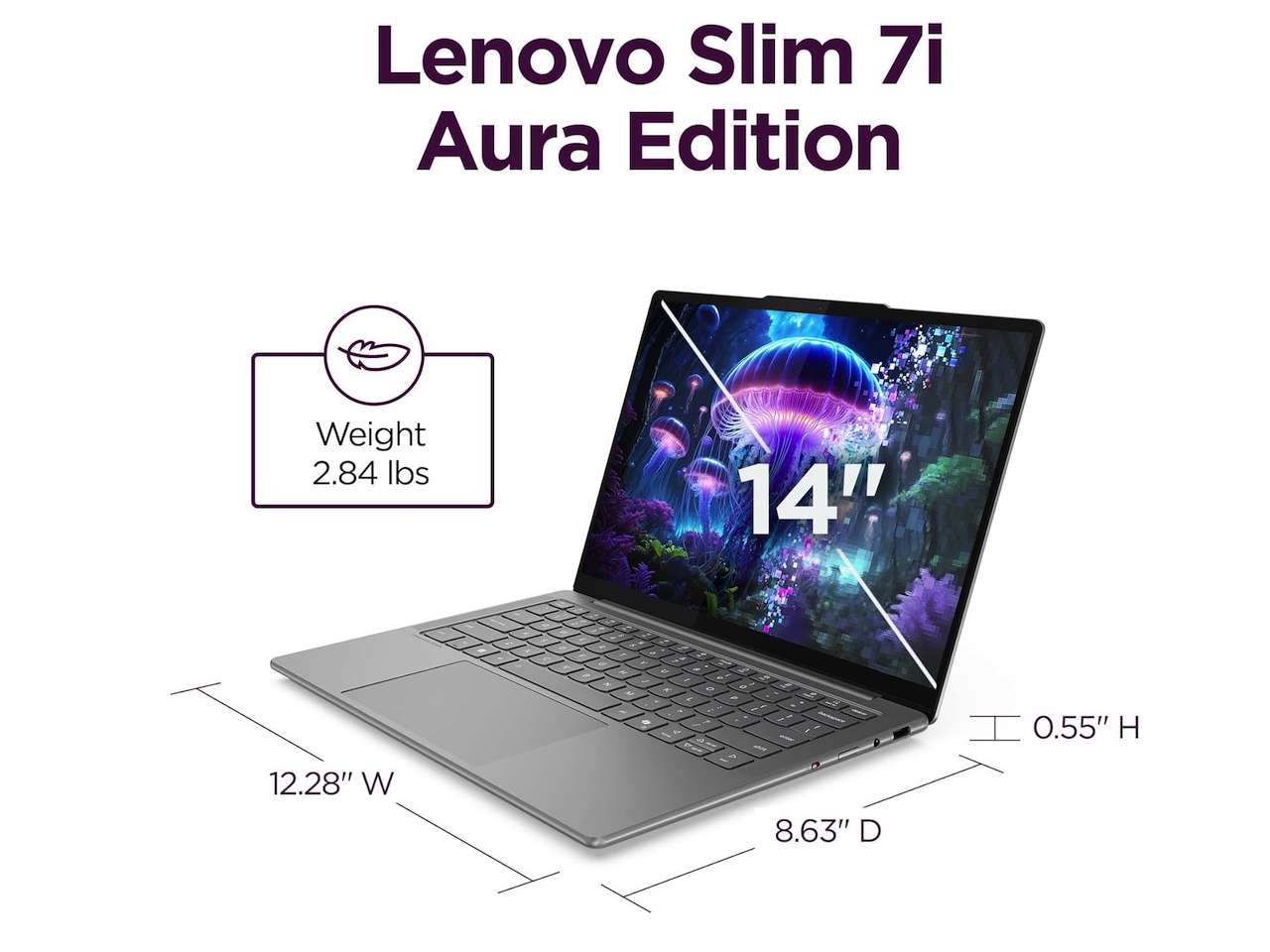
Laptop Specs Explained: RAM, Storage, CPU, and the AI Hype
Most painful laptop buying mistakes start with misunderstanding laptop specs, especially RAM and storage. The worst trap is treating 8GB of RAM as “normal” for Windows and assuming you can upgrade later—many cheaper laptops solder that memory to the board, so you are stuck with slow tab switching and lag once your workload grows. At the same time, memory prices are rising because AI systems consume huge amounts of RAM, which pushes brands to cut capacity to protect price tags. Do not reward that: for a main machine, treat 16GB as the minimum you expect to live with for several years.
Storage is similar. A 256GB SSD looks acceptable on paper, but Windows, recovery partitions, apps, photos, and cloud sync can swallow that fast, and you may discover the drive is difficult or expensive to replace. Aim for at least 512GB and check reviews or manufacturer details to see if the SSD is user‑replaceable. For the processor, stick to modern families—Intel Core/Core Ultra 5 or 7, AMD Ryzen 5 or 7, or Snapdragon X‑class chips—scaled to your work.
Ignore AI sticker shock. Labels like “AI PC,” “Copilot+ PC,” NPU TOPS numbers, or Ryzen AI sound exciting, but none of them matter enough to rescue a bad display, weak RAM, tiny SSD, or poor keyboard. Treat them as nice‑to‑have extras, not reasons to pay more or accept core compromises in sub‑$1,000 laptops.
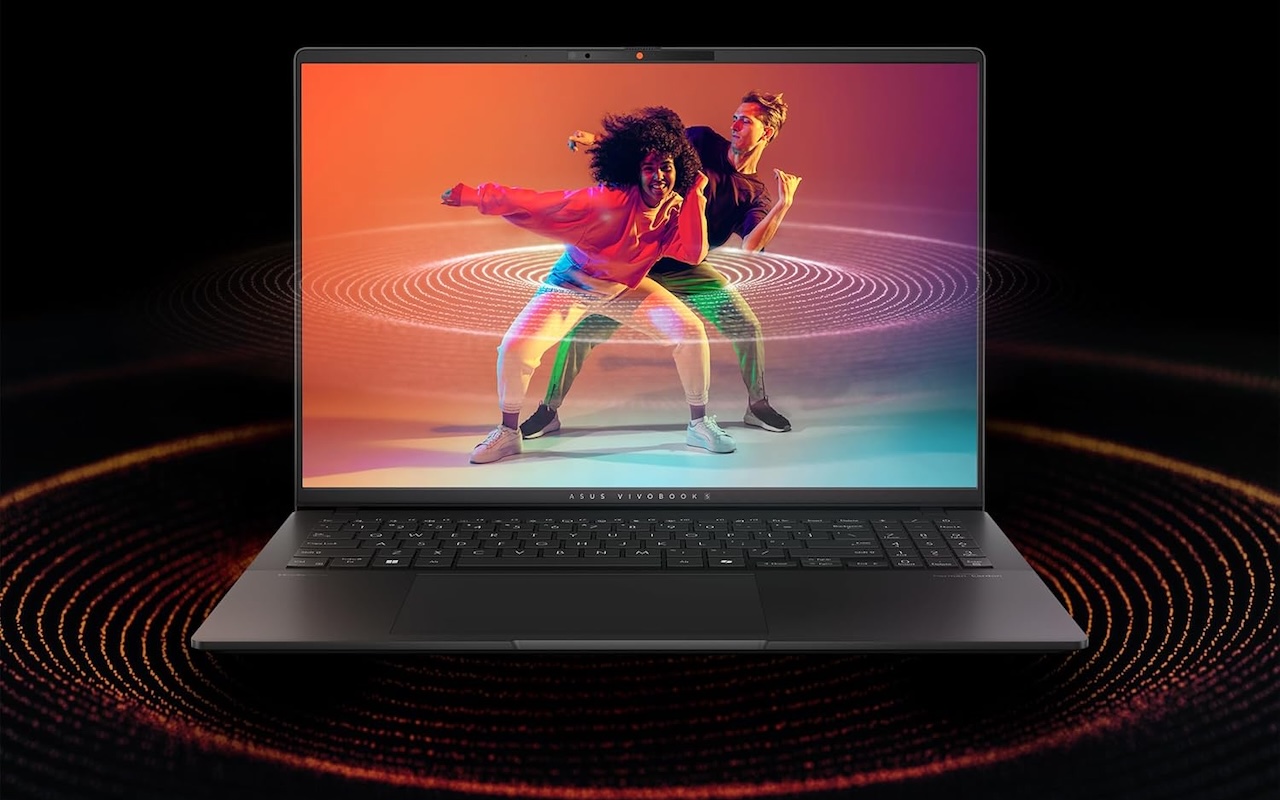
Screen, Battery Life, Ports, and Upgrades: What Matters Most
A common laptop buying mistake is focusing on CPU and ignoring the display and battery. You stare at the screen all day, so treat brightness, resolution, and panel type as key criteria. Look for reviewers who measure brightness in nits, discuss panel type (IPS or OLED), and note whether the screen is sharp and comfortable for long sessions. If a laptop’s display is routinely called dim or washed‑out, skip it even if the processor looks great.
Battery claims are often based on the easiest possible workload: low brightness, light apps, and no heavy multitasking. To assess real endurance without hands‑on testing, compare multiple reviews and focus on mixed‑use benchmarks that involve web browsing, video, and office apps rather than video‑loop tests alone. If several sources say it struggles to get through a workday, believe them, not the marketing number.
Ports and upgrade potential are your safety net on laptops under 1000. Make sure you get at least one USB‑C port, plus enough USB‑A, HDMI, or card slots for how you work, and check that the charger is not a heavy brick that ruins portability. Where possible, favor models with user‑upgradeable RAM or SSD so you can extend their life later instead of replacing the whole machine.
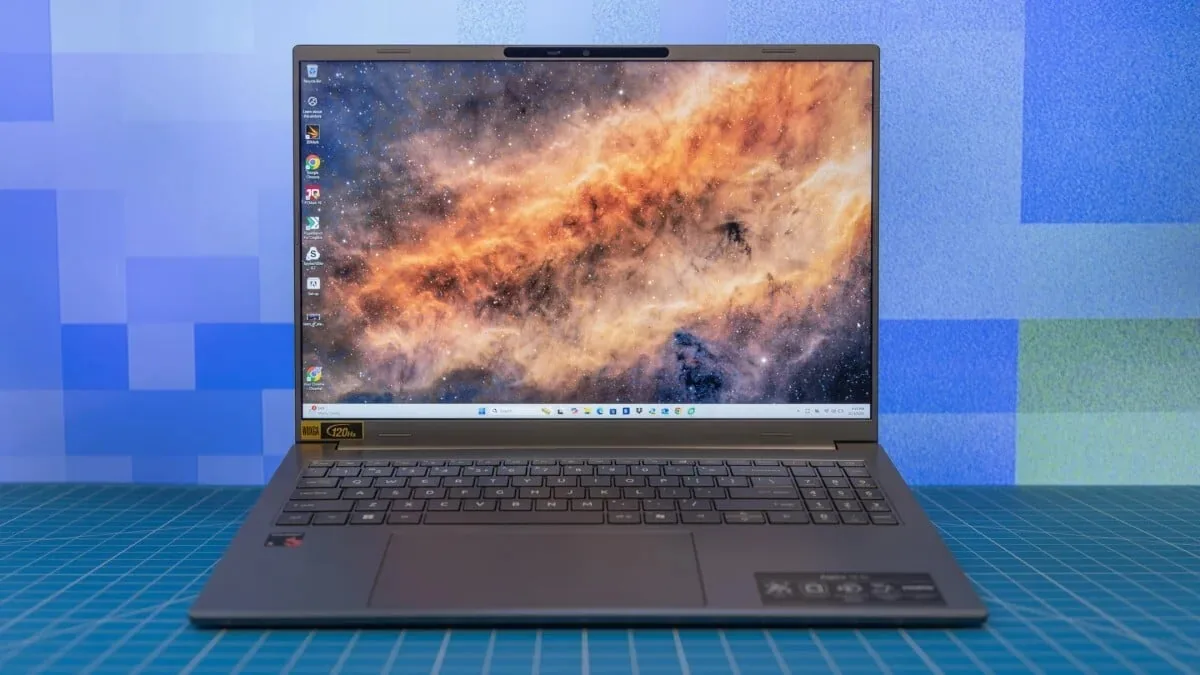
Retailer Traps and Real‑World Budget Picks
Your budget laptop buying guide is not complete without checking where you buy, not only what you buy. Marketplace listings can blur the line between first‑party products, authorized resellers, refurbished units, open‑box upgrades, and third‑party sellers. The same model number may hide different conditions, altered RAM or SSD configurations, or weaker warranties. Before checkout, confirm who sells and ships the laptop, whether the box has been opened for upgrades, whether the manufacturer warranty still applies, and how long the return window is.
Refurbished and open‑box laptops can be good value if they come with clear grading and strong return policies, but they are not automatic bargains. For example, a machine with 8GB of soldered RAM at a small discount is worse value than a new one with 16GB and a full warranty. In all cases, prioritize retailers that spell out return terms and warranty coverage in plain language and avoid listings that hide these details behind third‑party links.
If you see prices like “From USD 1,114.44 (approx. ₱62,400)” or “From USD 1,005 (approx. ₱56,200)” on higher‑end models, remember that you are leaving the true laptops under 1000 bracket. A tighter budget makes it even more important to insist on 16GB RAM, a 512GB SSD, and a screen and battery you can live with every day.

Buy if / Skip if
- Buy the midrange 16GB‑RAM, 512GB‑SSD laptop if you want one safe default choice that avoids the most common laptop buying mistakes and will handle everyday work for years.
- Skip the 8GB‑RAM laptop if you plan to keep it more than two years, open many browser tabs, or run heavier apps like photo or video editors.
- Buy the laptop with a clear, bright IPS or OLED screen if you care about comfort for long reading, writing, or creative work sessions and do not want to fight a dim panel.
- Skip the “AI PC”‑branded laptop if it trades away RAM, storage, or display quality for buzzwords like NPU TOPS or Copilot+ on the box.
- Buy the model with user‑upgradeable RAM or SSD if you want the flexibility to boost performance later without replacing the entire laptop.
- Skip the cheapest listing on a marketplace if the seller, condition (new vs. refurbished vs. open‑box), warranty, and return policy are not clearly explained in the description.




