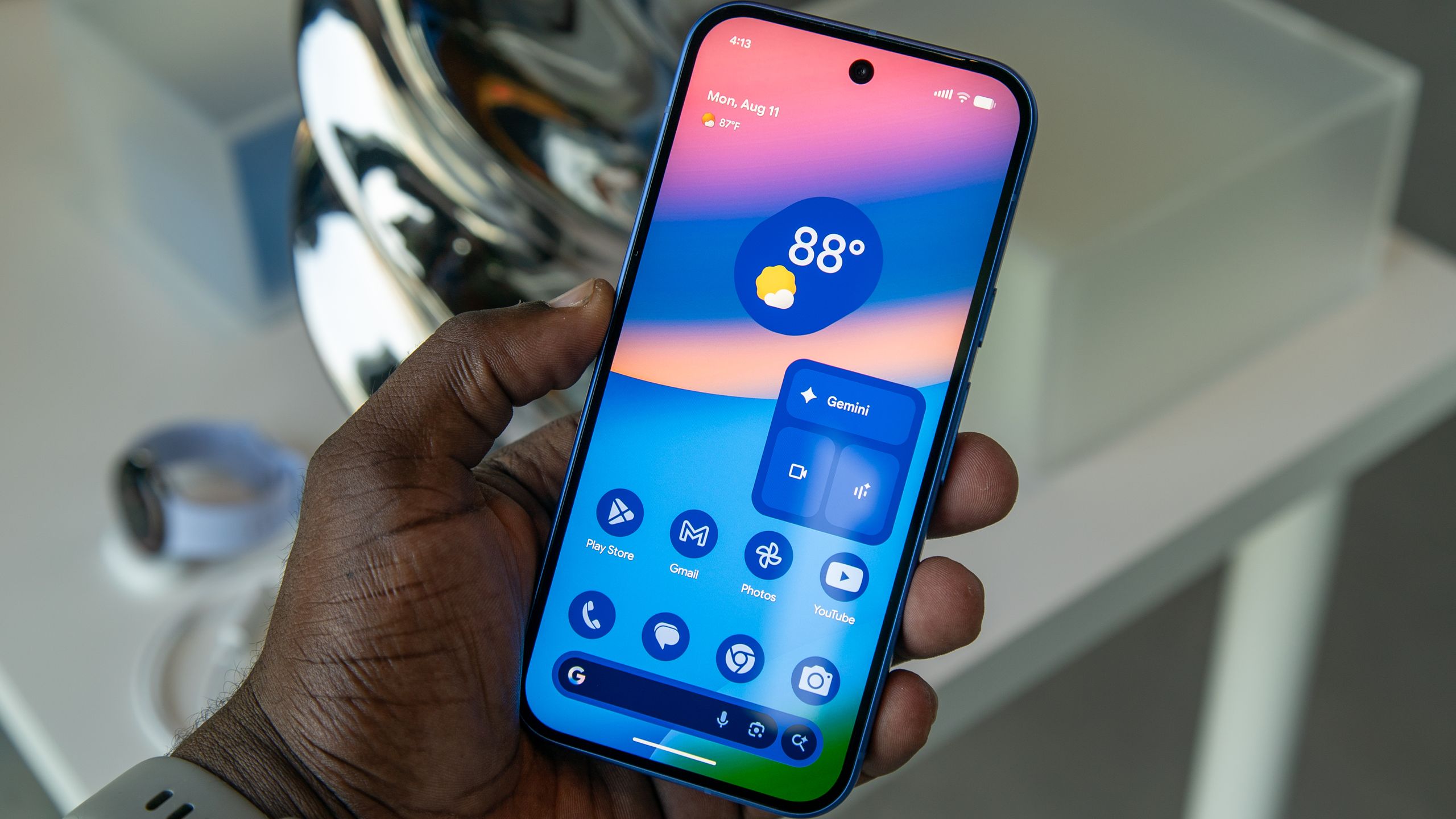

What the iOS 27 Public Beta Is and Who It’s For
The iOS 27 public beta is a pre-release version of Apple’s next iPhone software that lets any compatible iPhone owner enroll in the Apple Beta Software Program and try new features such as the revamped Siri AI assistant, Liquid Glass visual customizations, and updated CarPlay video playback before the stable update arrives later this year.
Think of this public beta as Apple’s open test phase: it contains most of what was shown on stage at the developer conference, but it is still being polished and may contain bugs or battery quirks. You do not need a developer account to join, which makes it the easiest path for iPhone beta testing if you are curious about new Siri AI features or design changes like Liquid Glass. The stable iOS 27 release is expected later in the year, so this is for people who are comfortable living with a few glitches in exchange for getting early access and helping surface issues before that wider launch.
Key Features: Siri AI, Liquid Glass, and CarPlay Video
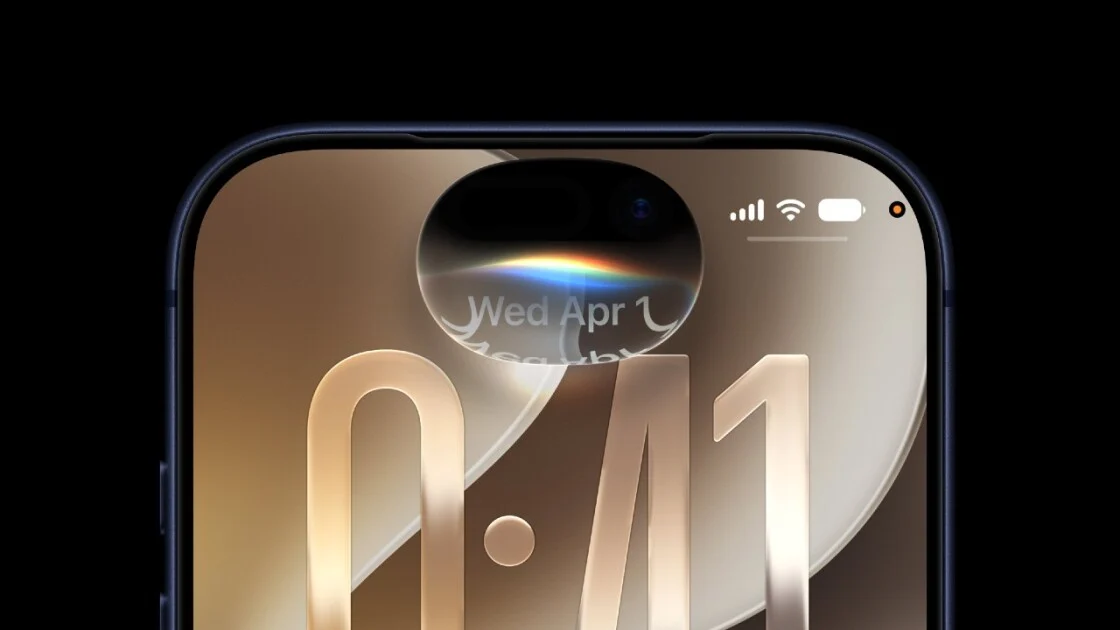
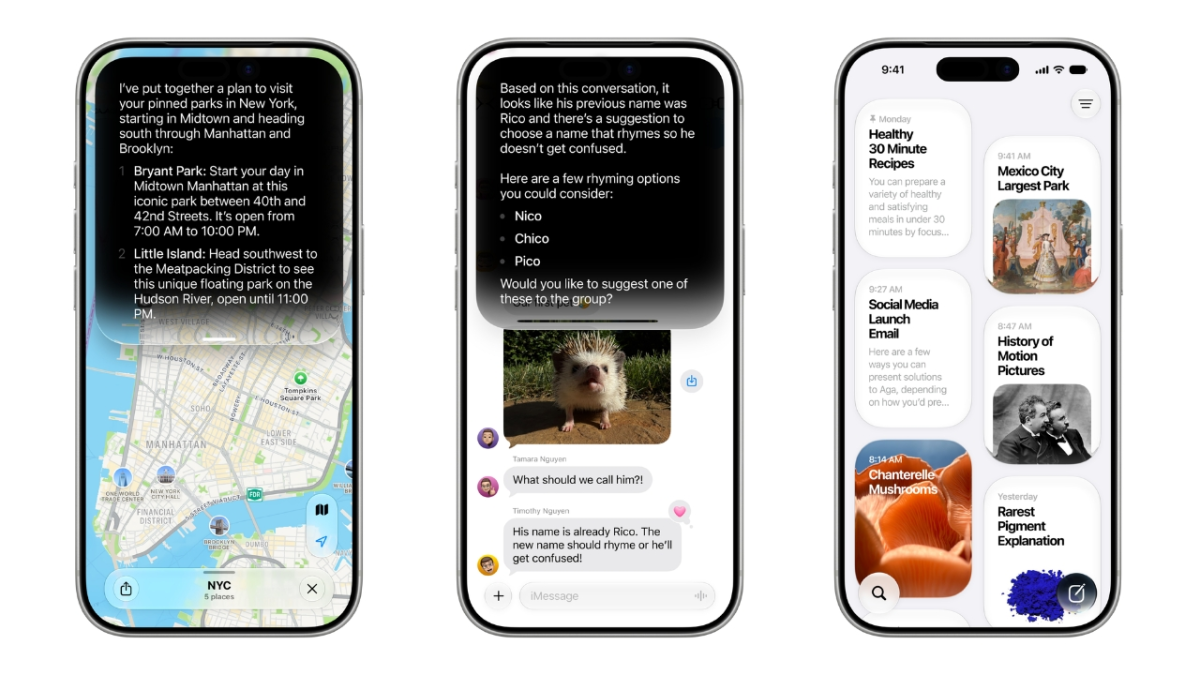
The headline attraction in the iOS 27 public beta is Siri AI, a major overhaul that turns the assistant into a more capable, AI-powered tool with deeper access to your device and world knowledge. Siri can look through emails, photos, and messages, respond to what is on your screen, and answer broad questions much more like a modern chatbot. It is wired into the system: you can call it with “Hey Siri,” the side button, a swipe from the Dynamic Island, or by opening the new standalone Siri app or Spotlight search.
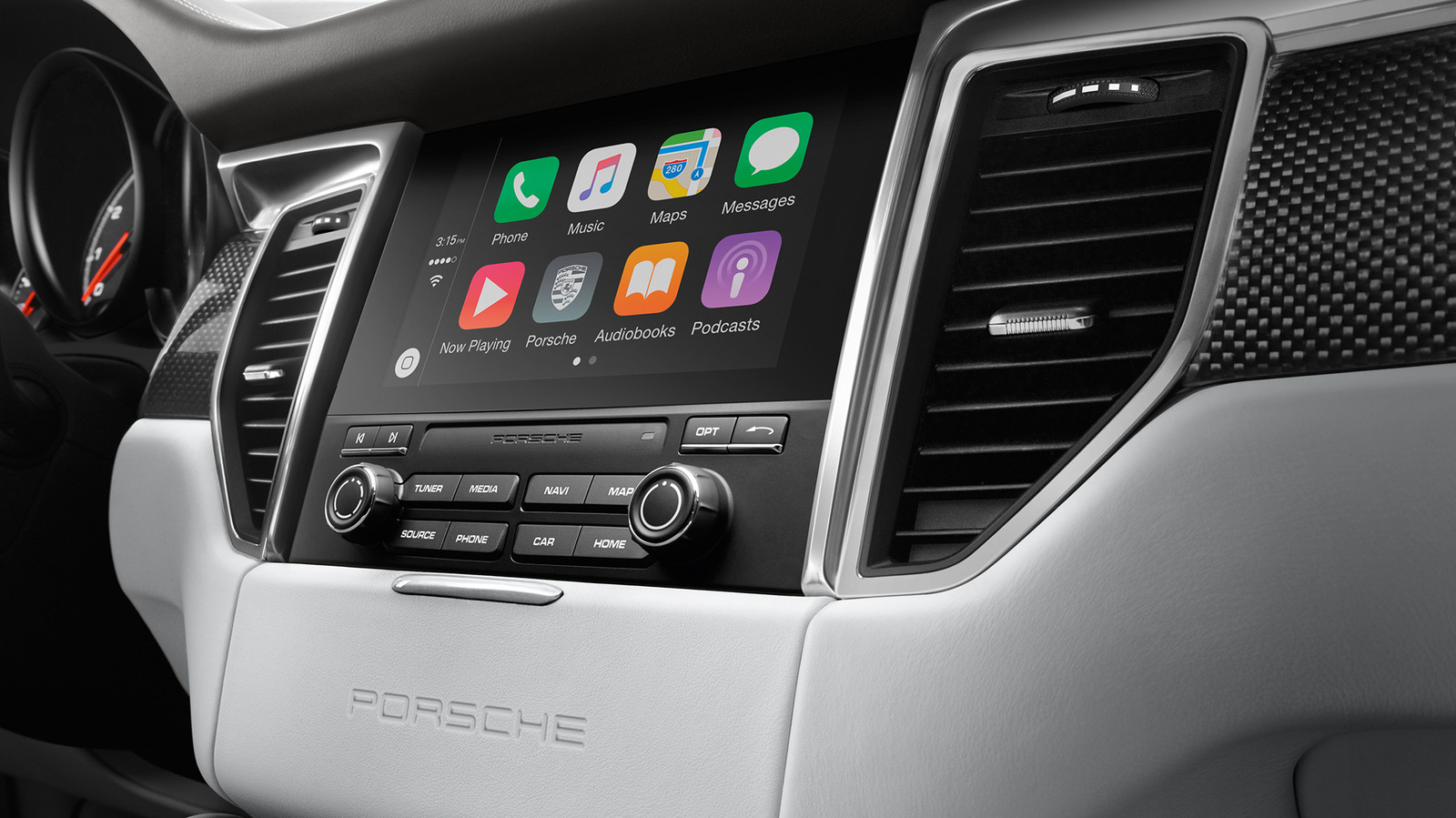
Visual changes come from Liquid Glass, which adds new customization options to the interface so your iPhone can look and feel fresher. According to one report, the iOS 27 public beta already includes every feature shipped across three earlier developer betas, so you can also explore extras like Write with Siri, an Insights view in Wallet, and improved RCS chats with Android phones. On the road, CarPlay gains more advanced video browsing and playback when the vehicle is parked, expanding on earlier video mirroring and relying on automakers to add the hardware and logic to detect when it is safe to show video.
Check Compatibility and Prepare Your iPhone
Before you sign up, you need the right hardware. iOS 27 supports iPhone 11 and newer models, including iPhone SE (second generation and up), iPhone 12 and 12 mini, iPhone 13 and 13 mini, iPhone 14 and 14 Plus, iPhone 15, and the iPhone 16 and 17 families. That means most phones from 2019 onward are covered, but some of the most advanced Apple Intelligence features only work on higher-end devices such as iPhone 15 Pro and Pro Max. If your phone is older than iPhone 11, you will have to sit this round out or upgrade hardware before you can join iPhone beta testing.
Because this is beta software, you should treat your main phone with care. Beta builds are expected to be buggier than the final release and can drain battery faster than usual. If you have a spare compatible iPhone, installing there is safer so your everyday device stays reliable. If you must use your primary phone, back it up first and be ready for occasional app crashes or odd behavior; if your device needs to run perfectly and never hit errors, the safer choice is to wait for the public launch later in the year.
Step-by-Step: How to Install the iOS 27 Public Beta
Once your iPhone qualifies and you have decided you are okay with beta quirks, installing the iOS 27 public beta is straightforward through Apple’s beta signup program. Do this when you have a solid internet connection and enough time for a full software update, the way you would for a normal iOS upgrade.
- On a computer or your iPhone’s browser, visit beta.apple.com to access the Apple Beta Software Program.
- Sign in using the Apple Account you already use on your iPhone; enroll the device in the iOS beta program when prompted.
- On your iPhone, open Settings, then go to General > Software Update to check for new beta options.
- Tap Beta Updates, then choose iOS 27 Public Beta so your phone knows which test build to install.
- Return to the Software Update screen if needed and follow the prompts to download and install the iOS 27 public beta like a normal update.
After installation, your phone will reboot into iOS 27. From there, you can explore Siri AI through the dedicated app, Spotlight, Dynamic Island, or voice activation. You can tweak Liquid Glass options in the relevant settings, try new Wallet and messaging features, and, if your vehicle supports it, test CarPlay video playback while parked. If you are a developer and want even earlier builds, you can register as an Apple developer, restart your phone, and select the developer beta from the same Beta Updates menu, though those builds may miss certain features at first.
Is iOS 27 Public Beta Worth Installing Right Now?
Installing the iOS 27 public beta is worth it if you are excited about Siri AI and do not mind helping shake out early bugs. You will get access to Apple’s biggest Siri overhaul so far, complete with deeper integration across your phone, on-device intelligence, and more natural ways to ask questions or act on what you see on screen. Add Liquid Glass design changes, enhancements in Wallet and messaging, and parked CarPlay video playback where vehicles support it, and there is plenty to experiment with.
The trade-off is stability. Beta software can be a battery hog and may misbehave in small but annoying ways, especially on a phone you depend on daily. If you have a spare compatible iPhone or are comfortable living with minor glitches, the iOS 27 public beta is a fun way to get a head start on iPhone beta testing and see where Siri AI is going. If you cannot afford downtime, hold off until the stable release rolls out later, and keep an eye on whether your car maker adopts the new CarPlay video playback features.