
Top Pick: Lenovo Slim 3 IdeaPad — Best Laptop Under $1,000 for Most People
A buying guide to the best laptops under 1000 explains how to match performance, portability, and value so students, remote workers, and casual gamers avoid overpaying for power they do not need.
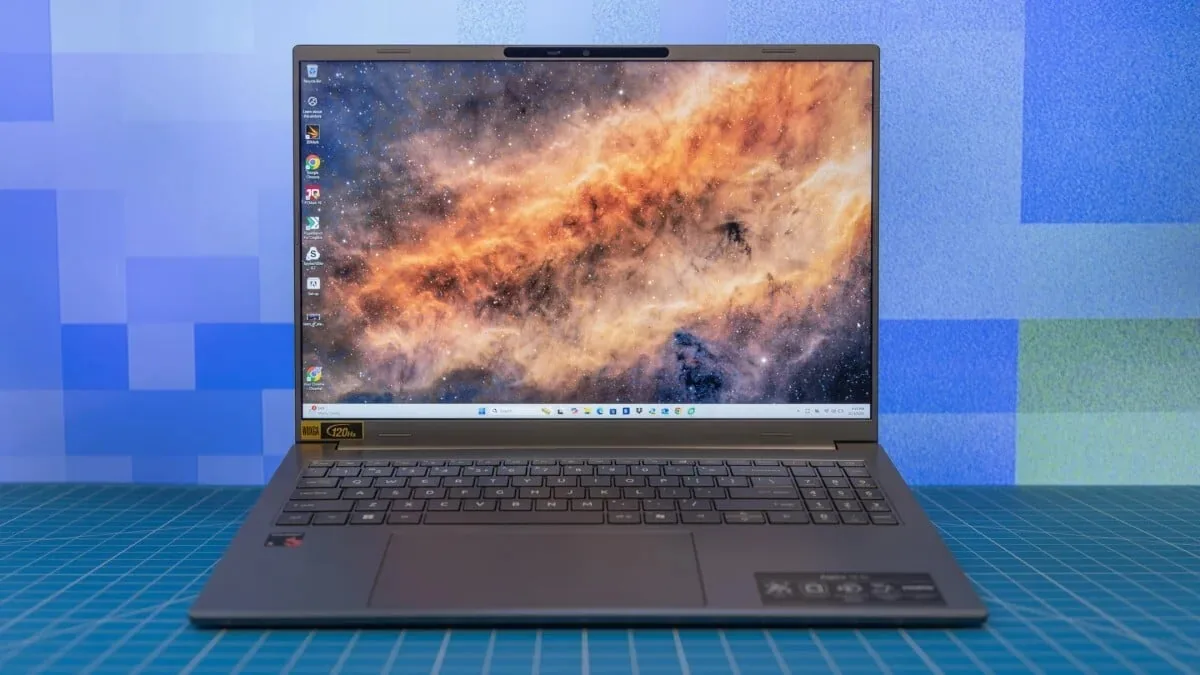
The Lenovo Slim 3 IdeaPad 15-Inch is the best laptop under $1,000 for most people because it nails the balance of speed, memory, storage, and price without obvious weak spots. At US$729.99 (approx. ₱41,000) at Amazon, you get a 15-inch FHD+ display, an AMD Ryzen 5 7535HS 6-core processor, 16GB of fast DDR5 RAM, and a 512GB PCIe SSD, plus Wi-Fi 6, Bluetooth 5.3, and a built-in webcam in a light luna grey chassis. That spec sheet covers office work, dozens of browser tabs, light creative tasks, and casual gaming using integrated graphics. This is exactly the “sweet spot pricing” tier where students and remote workers get enough power for years, without paying premiums for features they will rarely use.
According to one long-running testing lab, these value-focused models are screened with formal benchmarks before being recommended, so you are not gambling on reliability.
Best Budget Gaming Laptops Under $1,000
If you want budget gaming laptops, you must prioritize a dedicated GPU, even if that means last-generation parts or modest storage. Under-$1,000 gaming laptops are a relatively lean selection today, but the right deals still deliver smooth 1080p play without wrecking your wallet.
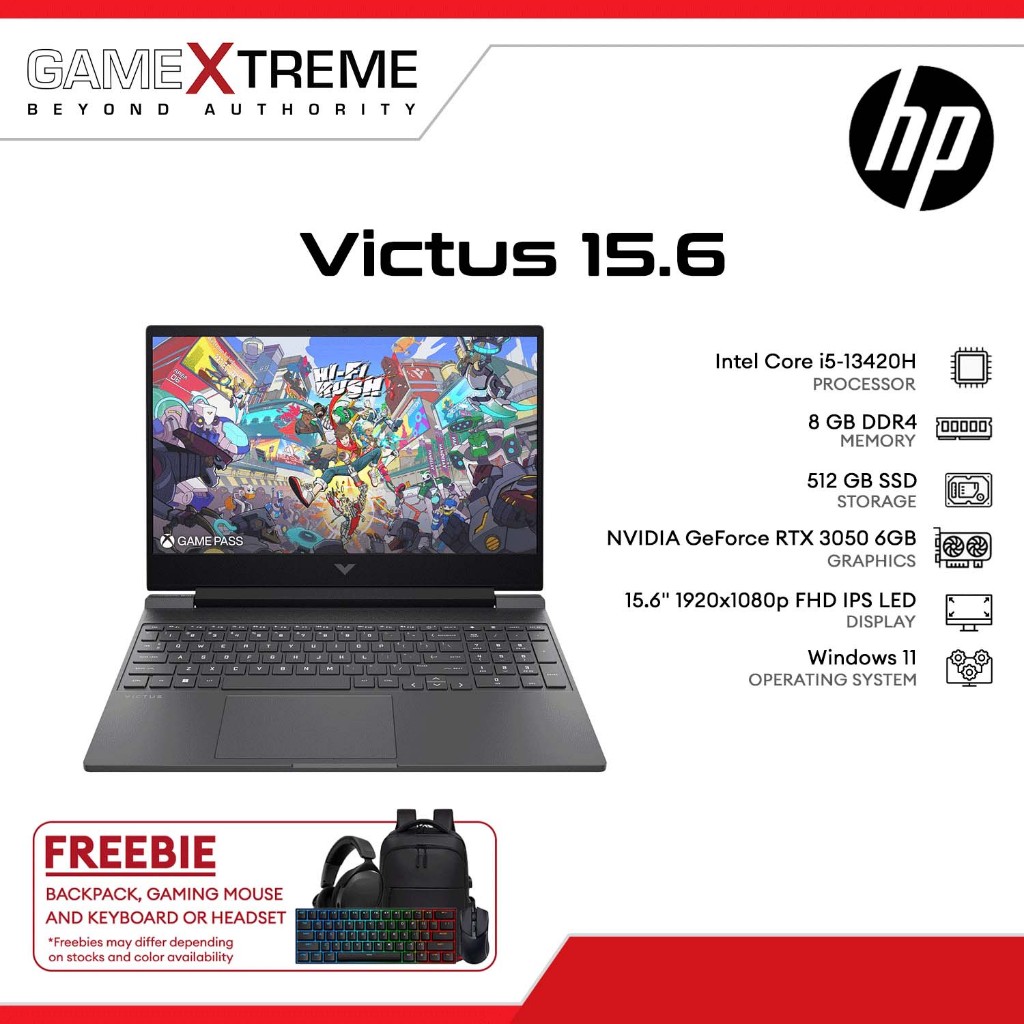
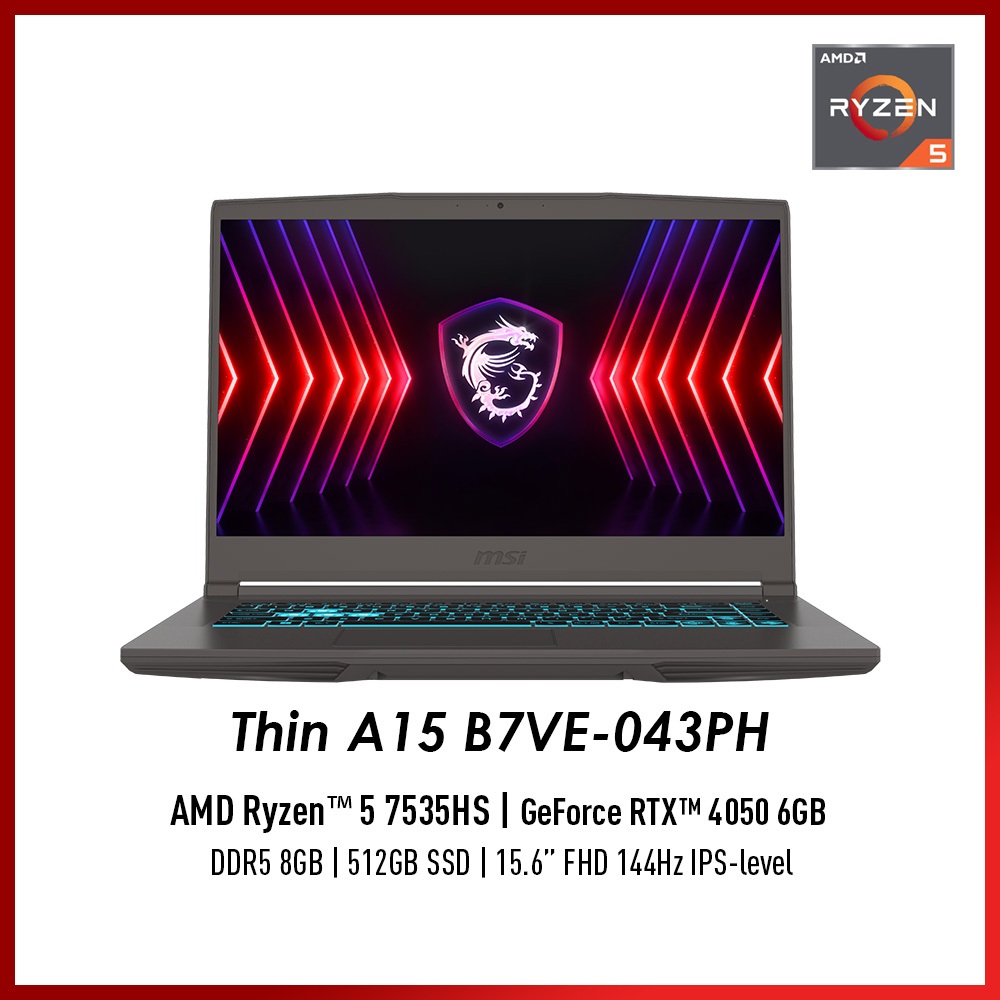
The HP Victus 15.6-Inch Gaming Laptop at US$823.99 (approx. ₱46,000) focuses on what matters for gaming. It pairs an Intel Core i5-12450H CPU with Nvidia RTX 3050 dedicated graphics, 16GB of RAM, and a 512GB SSD, driving a Full HD display with a 144Hz refresh rate and Wi-Fi 6 connectivity. You get the high-refresh screen competitive players expect and enough horsepower for popular esports titles and tuned AAA settings. The MSI Thin A15 Gaming Laptop at US$899 (approx. ₱50,000) plays in the same arena, giving you a second strong option if the Victus deal disappears.
A testing team notes that memory and storage prices are at record highs, so deals like these have become rare wins in a market where “the amount of laptop you get for the money has shrunk significantly.”
Affordable Ultrabooks, 2-in-1s, and MacBooks Under $1,000
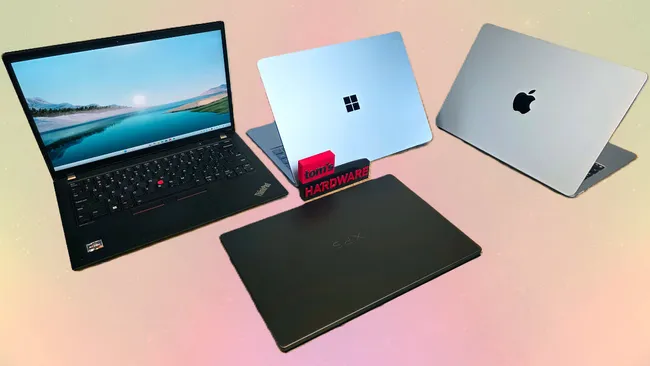
If you care more about a light bag than maxed frame rates, affordable ultrabooks and 2-in-1s under $1,000 give you slim designs, long battery life, and enough power for documents, streaming, and light editing. A $1,000 budget can buy a system with both portability and strong endurance, even if the most premium featherweight models still cost more.
You will find a wide range of slim, lightweight laptops, convertible hybrids, and business-ready machines for $999 or less, plus Chromebooks if you want ChromeOS and frequent updates with minimal virus concerns. For Apple fans, the standout is the Apple MacBook Neo 2026 at US$699 (approx. ₱39,000) at Amazon. It packs Apple’s A18 Pro chip engineered for Apple Intelligence features, a 13-inch Liquid Retina display, 8GB of unified memory, and a 256GB SSD, giving you “adoptable performance in a small and budget-friendly package” that undercuts typical Apple entry prices.
With many of these ultraportables weighing under 4 pounds and some under 3 pounds, they hit the classic ultrabook target while keeping costs in check for students and frequent commuters.
What to Look For: Core Specs and Smart Compromises
To choose among the best laptops under 1000, focus on five core criteria: processor, graphics, memory, storage, and connectivity. Reviews and formal testing from trusted labs are worth listening to, because they uncover thermal issues, battery life, and build quality that a spec sheet hides.
On the CPU side, a modern Intel Core i5 or Core Ultra 5, AMD Ryzen 5, or Snapdragon X Plus-class chip is enough for most buyers, while heavy creators should consider “7” tier chips. For gaming and video work, discrete graphics matter, but sub-$1,000 machines with dedicated GPUs are usually limited to gaming-focused models. Aim for 16GB of RAM where you can, since 8GB only covers basic browsing and office work and memory prices are rising fast due to AI demand. Storage-wise, 512GB SSDs are a practical floor for mixed use, with external drives as your backup plan. Finally, prioritize Wi-Fi 6 or 6E and USB-C; missing ports can be patched with a cheap hub, but poor wireless cannot.
| Spec Priority | Work & Study | Gaming |
|---|---|---|
| CPU | Core i5 / Ryzen 5 / similar | Core i5-H / Ryzen 5 H-class or better |
| Graphics | Integrated GPU fine | Dedicated GPU (e.g., RTX 3050-class) |
| Memory (RAM) | At least 8GB, 16GB preferred | 16GB strongly recommended |
| Storage | 512GB SSD ideal | 512GB SSD or more with game library planning |
Buy if / Skip if
- Buy the Lenovo Slim 3 IdeaPad if you want a balanced everyday laptop with 16GB RAM and a Ryzen 5 CPU that handles work, study, and casual gaming at US$729.99 (approx. ₱41,000).
- Skip the Lenovo Slim 3 IdeaPad if you need a dedicated GPU for fast-paced AAA gaming or heavy 3D workloads.
- Buy the HP Victus 15.6-Inch Gaming Laptop if you want a budget gaming laptop with a 144Hz screen, Core i5-12450H, and RTX 3050 graphics at US$823.99 (approx. ₱46,000).
- Skip the HP Victus 15.6-Inch Gaming Laptop if you care more about an ultraportable chassis and all-day battery life than high-refresh gaming.
- Buy the MSI Thin A15 Gaming Laptop if you are chasing the strongest gaming performance you can find at US$899 (approx. ₱50,000) without breaking the $1,000 ceiling.
- Skip the MSI Thin A15 Gaming Laptop if your main tasks are office work and streaming, where its gaming hardware would be underused.
- Buy the Apple MacBook Neo 2026 if you want affordable ultrabook-style portability with Apple’s A18 Pro chip and a Liquid Retina display at US$699 (approx. ₱39,000).
- Skip the Apple MacBook Neo 2026 if you rely on Windows-only software or need more than 8GB of unified memory and 256GB storage.