
Apple TV 4K vs Budget Streaming Devices: What Are We Really Comparing?
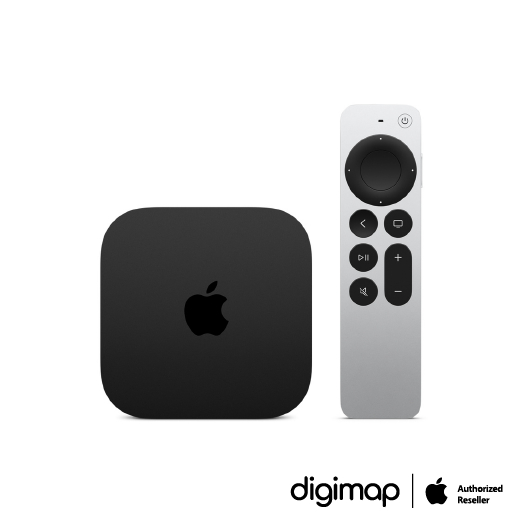
Apple TV 4K vs budget streaming devices is a comparison between a premium, high-performance 4K media box and cheaper sticks or streamers that aim to deliver "good enough" picture quality, app support, and smart TV features at a far lower price point for everyday viewers. The blunt truth: Apple TV 4K is excellent, but its price hike forces bargain-conscious households to ask whether those extra pixels and snappier menus matter enough to pay significantly more. At USD 199 (approx. ₱11,200), the Apple TV 4K has moved from expensive to almost luxury territory, and that shifts the entire streaming device comparison away from specs and toward value.
On pure performance, Apple TV 4K wins. It produces a punchier image than rival devices like the Fire TV Cube, even though the Cube can also output at 4K/60fps with Dolby Vision, HDR10+ and Dolby Atmos support. Apple’s interface is largely free of home-screen ads, which immediately feels more premium than the ad-heavy experiences on many cheaper boxes. But performance bragging rights are only half of the story; the other half is whether those gains change how a typical household watches Netflix, Disney+, or live sports. That is where the value argument starts to tilt away from Apple.
The Price Gap: Apple TV 4K vs Google TV and Roku
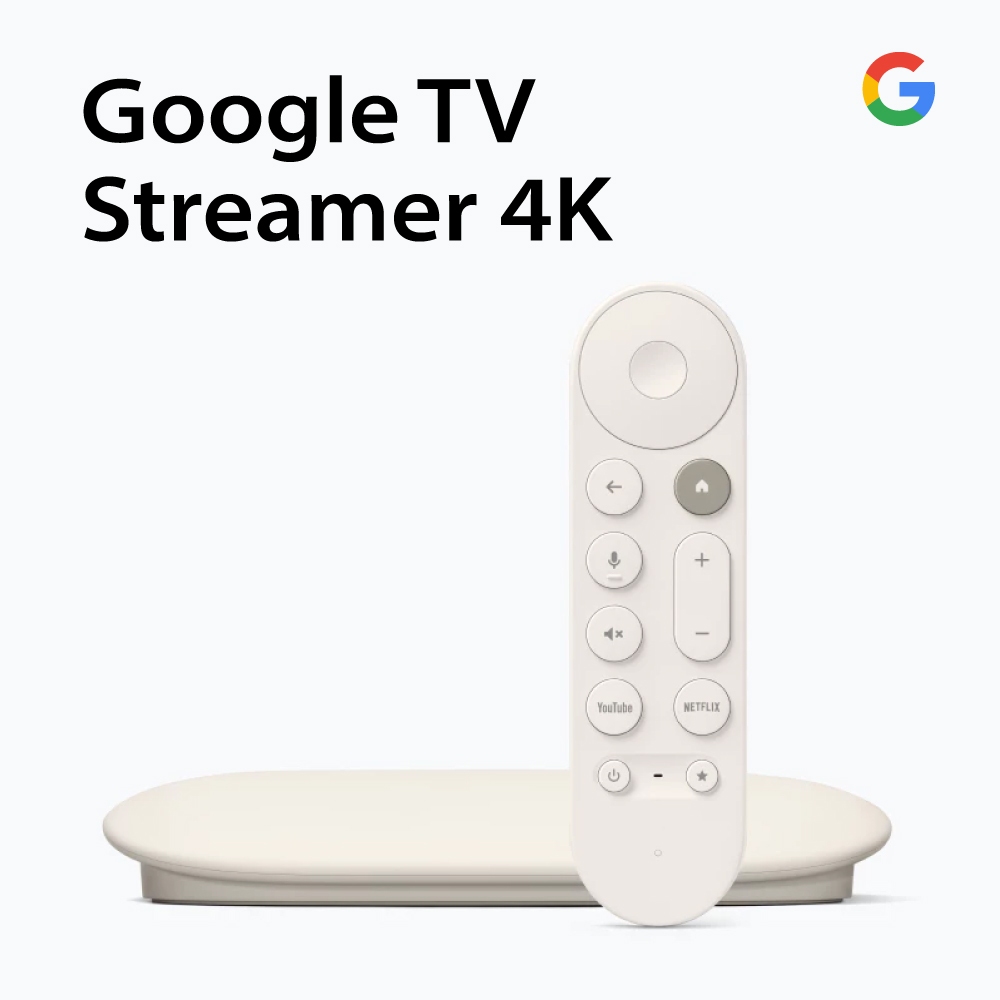
The Apple TV 4K price used to be high but tolerable at USD 129 (approx. ₱7,200); at USD 199 (approx. ₱11,200), it demands justification in every living room. Meanwhile, the Google TV Streamer comes in at USD 99 (approx. ₱5,600) — a full USD 100 (approx. ₱5,600) cheaper than Apple’s box — yet it has been named the “best all-in-one streaming device” in a major buying guide. It delivers 4K/60fps, supports key HDR formats, and offers voice control via Gemini. In real-world use, it is not as fast as Apple TV 4K, but it is nowhere near USD 100 (approx. ₱5,600) slower. That performance-price mismatch is the core problem for Apple in the Roku vs Google TV and Apple triangle: the premium feels more emotional than practical.
Roku Ultra sits in a similar mid-range space: a capable box that, despite lacking a phone or laptop ecosystem, still plays well with third-party platforms. It can support Apple AirPlay, which gives buyers who already own Apple content a flexible way to use their digital library on the TV. By contrast, Apple TV 4K asks you to pay top dollar for tight integration and polish. For casual viewers who spend their evenings inside Netflix or Max rather than managing vast digital libraries, that extra spend looks more like a luxury choice than a smart financial one.
Budget Streamers: More Than “Good Enough” for Most Households
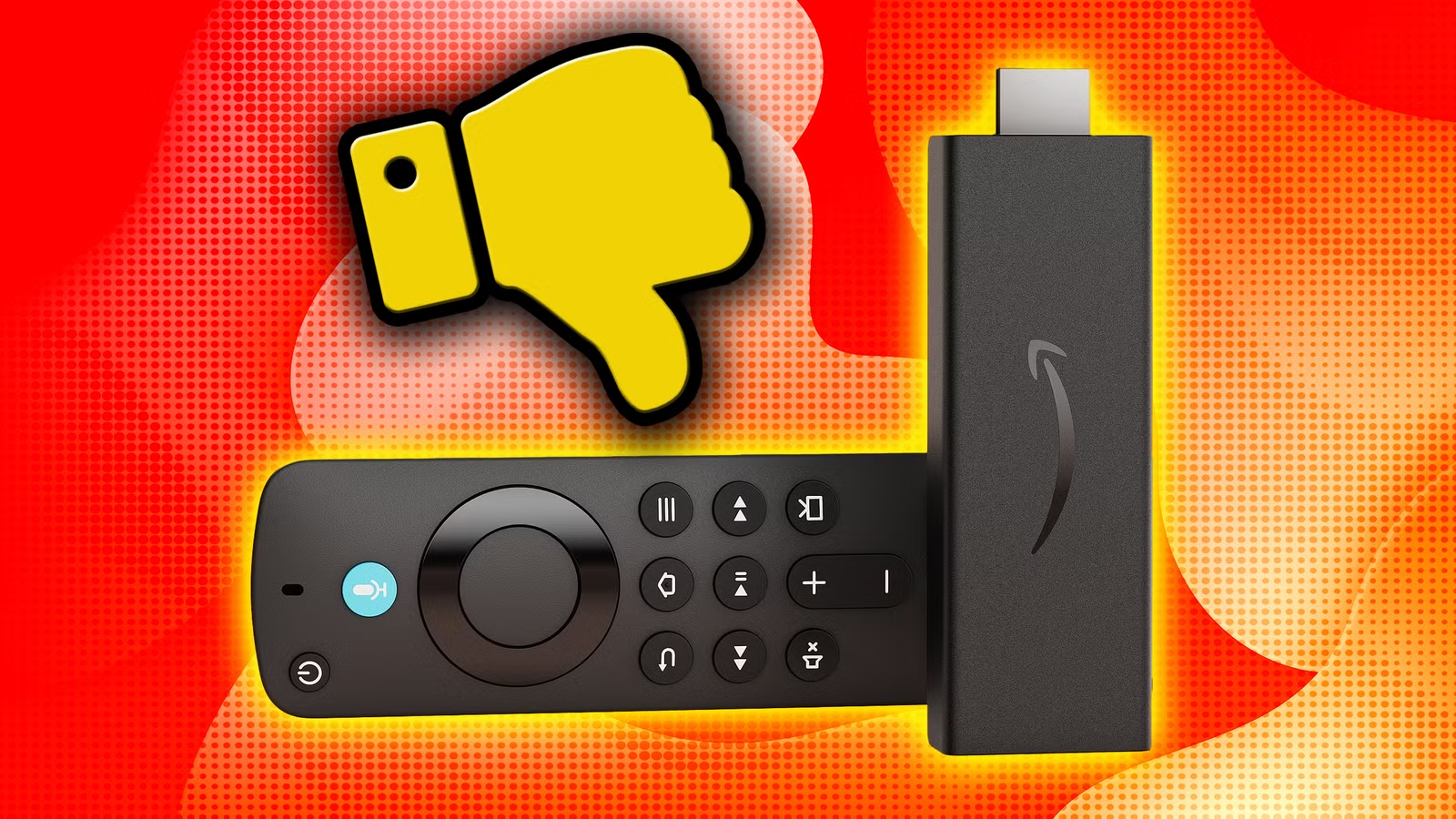
Budget streaming devices are not toys anymore; they are fully capable media hubs. The Fire TV Stick 4K Max, for instance, is described as “comically cheaper” than the Apple TV 4K at USD 60 (approx. ₱3,400), and it is often available for much less. It still offers Dolby Vision, multiple HDR formats, Dolby Atmos, and even a built-in Xbox Game Pass cloud-streaming app. Another user points out that you can typically find a Fire TV 4K Max on sale for under USD 50 (approx. ₱2,800), making it a low-cost way to keep up with both modern streaming and cloud gaming. For households whose main demand is smooth playback of major services and occasional light gaming, this is more than sufficient.
Crucially, these cheaper sticks support every major streaming service, so you are not sacrificing core content. Their performance is strong enough that, assuming you have reliable internet, you will see solid quality in movies, shows, and cloud games alike. They lack some premium touches — snappier menus, ad-free home screens, extra storage — but those are quality-of-life perks, not baseline necessities. When a USD 60 (approx. ₱3,400) stick can meet your needs, spending more than triple that for Apple TV 4K starts to look like gadget enthusiasm rather than value-driven buying.
The Hidden Costs of Fire TV: Ads and Locked Libraries
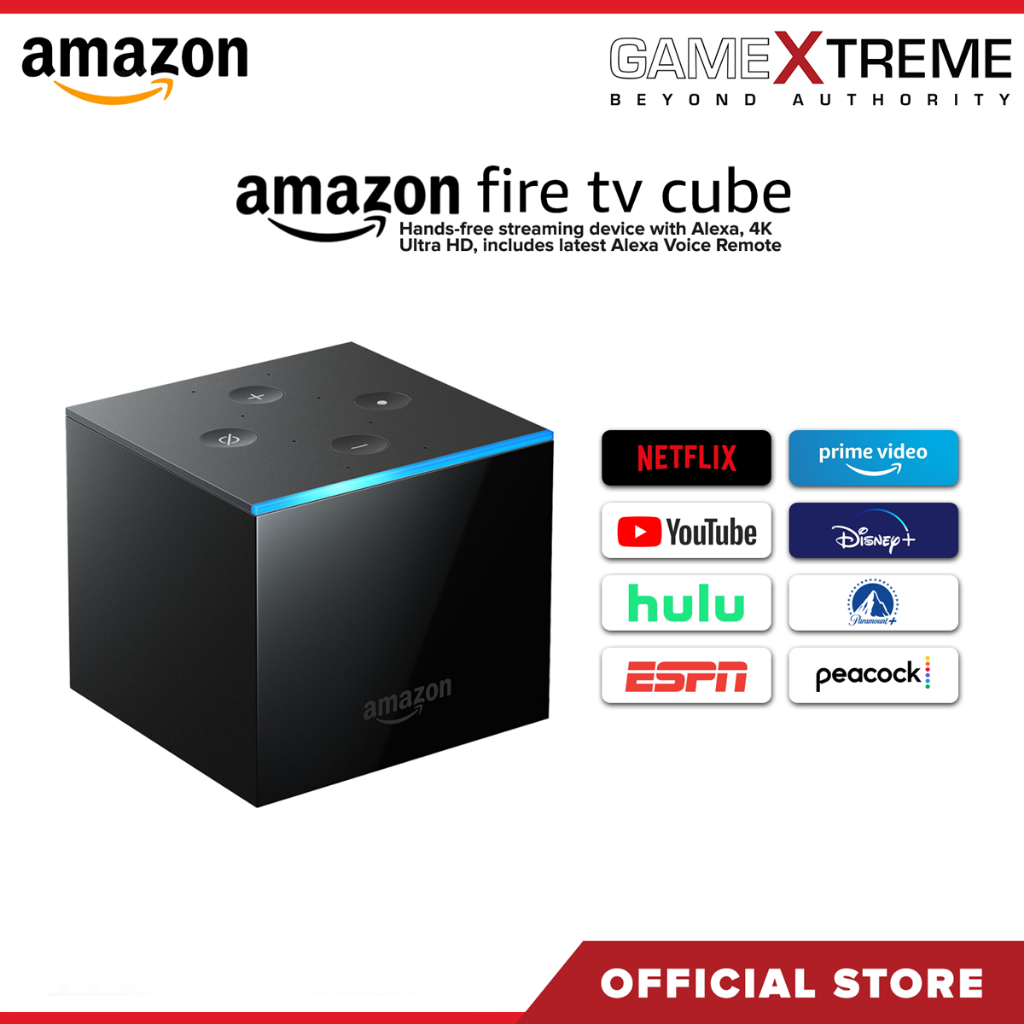
If cheap Fire TV hardware feels like a slam dunk, the long-term story is more complicated. The Fire TV Cube, Amazon’s set-top rival, offers hands-free Alexa, Wi‑Fi 6E, Ethernet and HDMI input for other devices at USD 140 (approx. ₱7,900). It supports 4K/60fps, Dolby Vision, HDR10+ and Dolby Atmos, plus strong app coverage. The catch is that its interface is saturated with Amazon self-promotion every time you turn it on. The cheaper Fire TV Stick 4K Max shares that ad-heavy character and adds something worse: it treats much of your existing digital library as if it does not exist.
One reviewer calls the Fire TV stick “the most egregious example” of platform exclusivity they have seen, locking out Google Play purchases despite FireOS being a tweaked version of Android. If you want a device that can use your digital library from Apple or Google, “you’re better off looking elsewhere.” There is no way to cast content from those libraries to the Fire TV, leaving it “sort of locked into being a streaming device and nothing more” for purchased media. Roku has a similar library limitation, but at least it supports Apple AirPlay, while Fire TV works with neither Google nor Apple casting. Those invisible walls dramatically change the value proposition if you already own movies or shows across ecosystems.
So, Should Bargain-Conscious Viewers Pay for Apple TV 4K?
When you strip away the marketing, the decision is straightforward: Apple TV 4K is the best streaming box for picture quality and processing power, but its steep price is hard to defend for casual viewers. Budget devices like the Google TV Streamer, Roku Ultra, Fire TV Cube, and Fire TV Stick 4K Max form a strong middle and low end that deliver what matters most — reliable access to major services, 4K/HDR support, and usable interfaces — at a fraction of the Apple TV 4K price. For many households, that is enough.
You should consider Apple TV 4K if you want the sharpest image, hate home-screen ads, and live deep inside Apple’s ecosystem. You should consider budget streaming devices if your priority is value, you mainly stream from subscription apps, and you can tolerate some ads and a slightly slower interface. Where I land: Apple TV 4K is a premium treat, not a default choice. Bargain-conscious viewers are better served by a thoughtful Roku vs Google TV or Fire TV comparison — and only stepping up to Apple when that extra polish is worth paying premium money for.