

What T-Mobile’s T-Life Expansion Really Means for Your Privacy
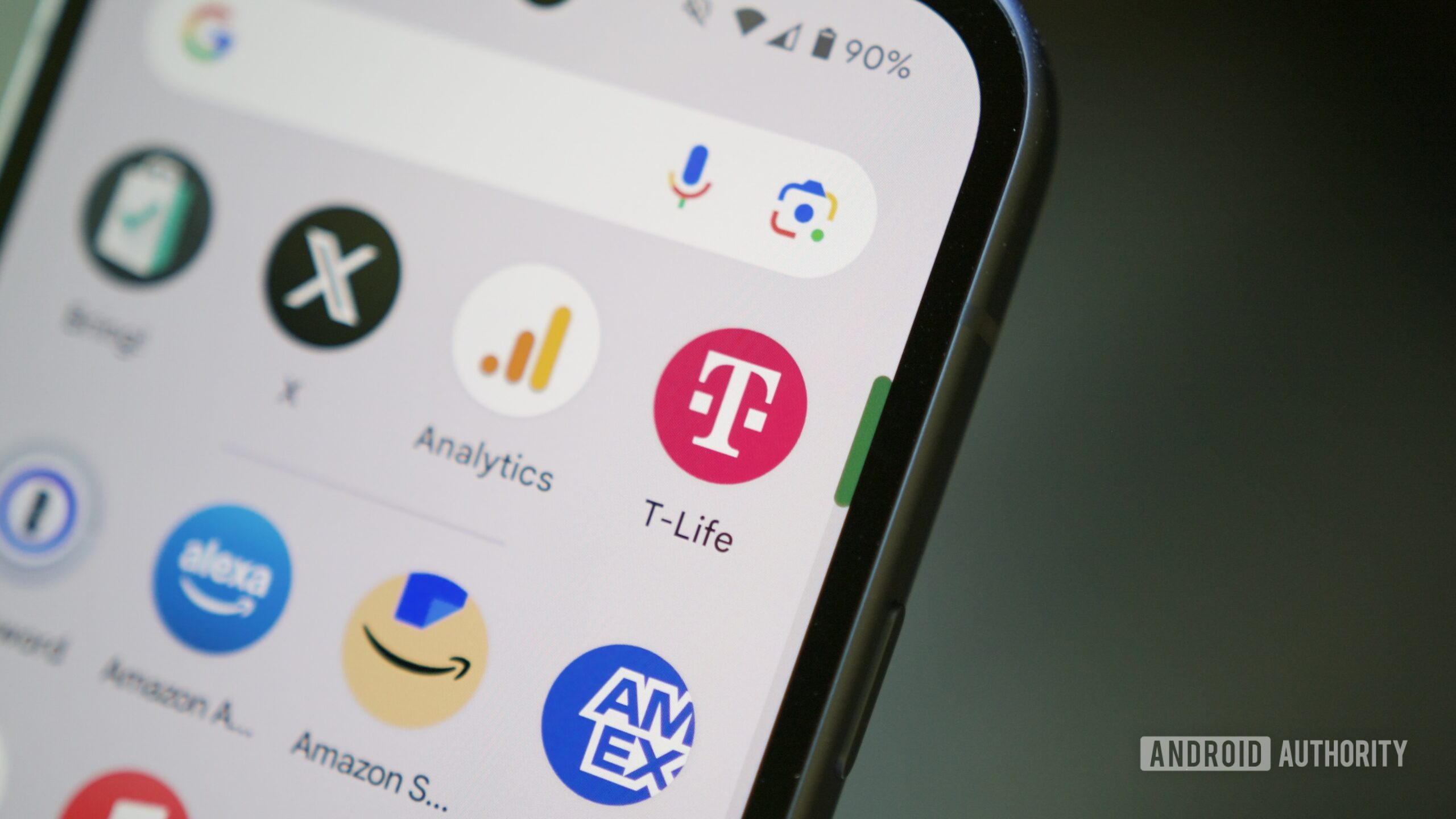
T-Mobile’s T-Life data collection expansion is a shift toward richer carrier-linked profiles that combine app activity, interest preferences and network-level signals to drive personalized perks, targeted advertising and broader carrier data tracking across your devices and accounts. This is not a neutral product upgrade; it is a strategic move to turn your account into a marketing-ready identity. T-Mobile has said it will “expand personalization through richer account profiles and interest-based preferences” to surface tailored experiences and benefits. At the same time, it wants T-Life to know more about its customers without clearly stating whether those new profile details will also support advertising. Because T-Life is now required for in-store transactions, opting out of the app is not realistic for many people. The only sensible response is to assume the carrier will maximize data use and to actively trim what you share.

What Your Carrier Knows: Beyond the T-Life App Screen
T-Life already handles account management, shopping, support and customer benefits, which gives it direct visibility into how you use your carrier account. T-Mobile plans to add richer account profiles and interest preferences to personalize benefits inside this app. In practice, that means the app can collect your stated interests plus behavioral data like usage patterns, all tied to your carrier identity. The privacy question extends far beyond T-Life itself, because T-Mobile also collects data through connected devices, its network and several advertising programs. The company says it automatically receives device, app, network and location information whenever customers use its services, even if they uninstall T-Life. In other words, deleting the app does not stop carrier data tracking; it only removes one interface. Without clear limits on how these richer profiles intersect with its broader ad ecosystem, it is safer to assume that more data in one place means more ways to target you elsewhere.
Inside T-Mobile’s Advertising Programs: How Targeting Works
T-Mobile’s privacy notice describes three customer-facing advertising programs that sit next to the growing T-Life profile system. Relevant Ads uses app-usage information, purchased or customer-provided demographic data and a mobile advertising ID (MAID) to infer your interests and deliver ads to your device. Personalized Ads and Offers can use precise location, self-declared demographics, high-level website domains and some Customer Proprietary Network Information for customers who have already opted in, although T-Mobile no longer accepts new enrollment in that program. Its opt-in replacement, Tailored Offers and Ads, may analyze app usage, purchases, browsing activity, precise location and CPNI to build audience groups, personalize offers and measure campaigns. T-Mobile may also let third parties, including Google, place cookies or pixels on its apps and websites for tracking and targeted advertising. When you combine all of this with richer T-Life account profiles, you get an ecosystem where your carrier can follow and influence your behavior across services.
How to Audit and Opt Out: A Practical Privacy Walkthrough
If you care about T-Life app privacy, you cannot rely on a single switch. Organizations cannot rely on one privacy toggle either; app permissions, carrier account choices and device controls all need separate review. T-Mobile has not said whether planned T-Life profiles will stay limited to customer benefits or connect directly to its advertising services, so you should assume they might. Start inside T-Life: open Manage, select the gear icon, choose Privacy and policies, then open the Privacy Dashboard. There, customers should review Relevant Ads, Tailored Offers and Ads, analytics settings and the Do Not Sell or Share option separately, turning off anything they do not want. On Android, search Settings for Ads or Advertising ID and delete or reset the identifier to limit identifier-based targeting on the device, understanding this does not erase information T-Mobile already holds or stop processing needed to provide service.
Why IT Teams and Power Users Need a Carrier Privacy Playbook
For enterprise and small-business environments, T-Mobile data collection is not just a consumer concern; it is a governance issue. IT teams should document privacy settings for managed accounts and review mobile device management policies for permissions, advertising identifiers and third-party components. Recent flaws in third-party Android SDKs and separate token vulnerabilities show that embedded software and authentication data can be as risky as visible app permissions. T-Mobile has a separate business privacy notice, while some very small business accounts opened with an individual’s Social Security number fall under the consumer notice; organizations should confirm which notice and settings apply to corporate-liable, employee-owned and small-business lines. The lesson is simple: transparency about what data is used is the only way users and admins can make informed decisions about app permissions, and T-Mobile’s own statements make clear that every layer—app, carrier account and device—must be checked individually.





