
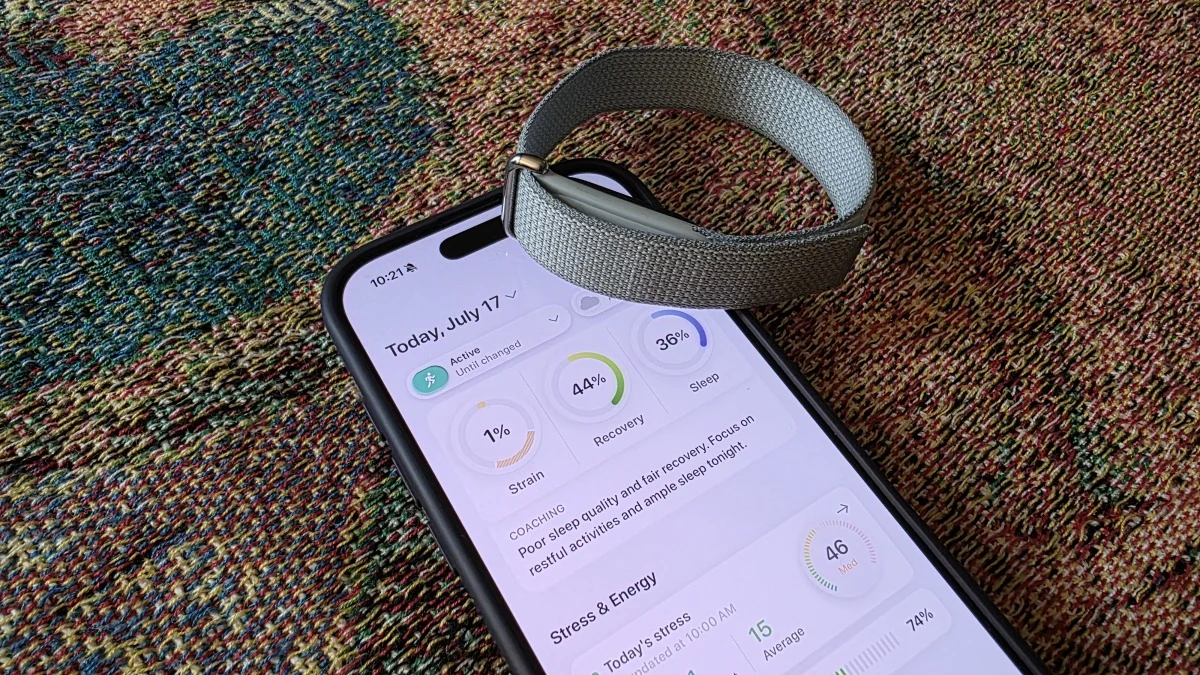

Fitbit Air Is Light on Your Wrist, Heavy on App Frustration
A Fitbit Air companion app is the software you use on your phone to read, visualize, and act on the health and fitness data your screen-free Fitbit Air collects all day long, turning a silent sensor band into something that can guide training, sleep, and everyday habits in a useful and understandable way.
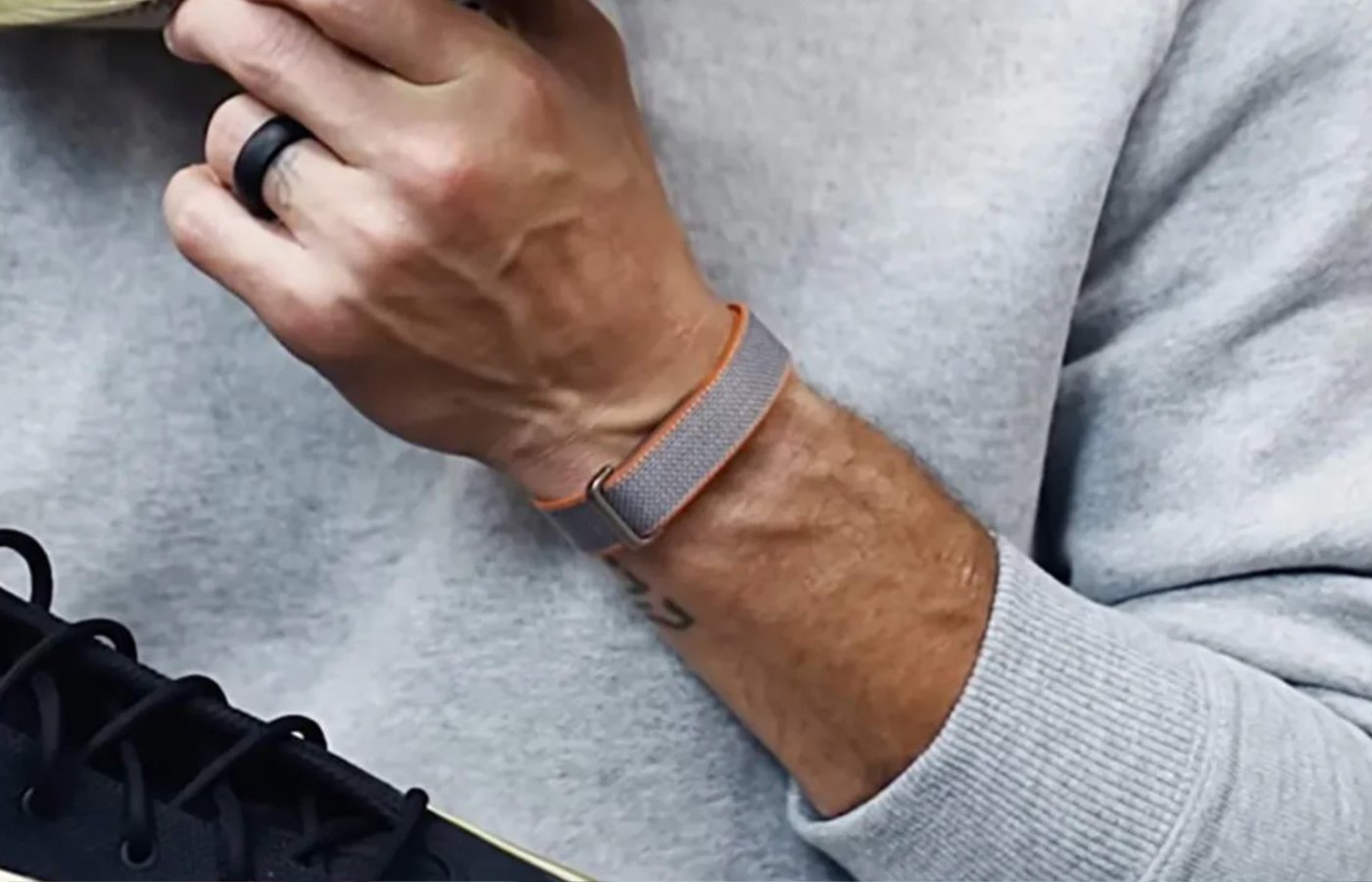
The Fitbit Air itself hits a sweet spot: a slim, screen‑free band made for all‑day health tracking with a lightweight build and fabric-style straps that keep it nearly invisible on your wrist. Supplier data points to a likely USD 99 (approx. ₱5,600) price, which makes it an appealing entry point for background health monitoring. The problem is not the hardware. It is Google Health, the default Fitbit Air companion app, which manages to feel both overcomplicated and underpowered at the same time.
Google is folding Fitbit’s best features into its broader ecosystem and retiring the old Fitbit Premium branding, signaling that Google Health is meant to be the one app to rule your fitness life. Yet this “official” route forces you through AI‑generated commentary and missing basics—like seeing yesterday’s stats—before you can get to what matters.
Google Health: Too Much AI Talk, Not Enough Basic Data
As a Google Health alternative, Bevel starts by fixing what should never have been broken in the first place: basic data access. Google Health is supposed to be the central hub for Fitbit Air data, but it is riddled with odd omissions and paywalled features that make everyday tracking more irritating than it needs to be.
When you turn on Premium features, Google Health pushes paragraphs of AI‑generated text multiple times a day, turning simple feedback into a running monologue instead of a quick status check. At the same time, it somehow omits simple functions like viewing your stats from yesterday, forcing you to live in the eternal “today” even if you want to look back at your week. Food logging is hobbled too: barcode scanning is locked behind a Premium subscription and requires AI features to be enabled.
This is the worst combination for fitness tracker apps: noisy where you want quiet, locked-down where you want flexibility. Google Health feels designed to keep you inside its ecosystem rather than to help you understand your body, and that is exactly why users are hunting for alternatives.
Bevel: A Free, User-First Google Health Alternative
Bevel is an iOS fitness tracker app that reads health data from Apple Health and now pulls directly from Google Health, Garmin, Oura, and Strava, turning your Fitbit Air into one of many data sources instead of a locked‑in device. It began life as a subscription‑only tool for Apple Watch users but is now free to use, with only a handful of optional premium add‑ons.
This matters because Bevel can act as a full Google Health alternative for your Fitbit Air data. You still install Google Health once to connect the band, but from there you can largely ignore Google’s app and live inside Bevel’s cleaner interface. One reviewer put it bluntly: they find Bevel’s free tier “a much better way to view data from the Fitbit Air than either Google’s free or premium tiers.”
In practice, that means you can wear your Fitbit Air, let Google Health quietly sync in the background, and then open Bevel whenever you want to check your sleep, cardio load, or training progress. Your band stays light and invisible; your app experience no longer has to share those qualities.
Better Visuals, Smarter Workouts: Where Bevel Pulls Ahead
Where Google Health feels like an AI narrator shouting over your data, Bevel behaves like a calm dashboard. Cardio load, for example, is displayed as an easy‑to‑read graph that shows your past trend and a recommended window, rather than Google’s single target number floating without context. This is how a Fitbit Air companion app should treat advanced metrics: visual, comparative, and grounded in your history.
Bevel also does things Google Health simply skips. It lets you log habits, track strength training with timers for sets and rest, record weights and reps, and keep a record of which muscles you have been working and how your strength is changing over time. You can mark yourself as sick, injured, or “taking a break” so the app stops nagging you about missed activity. For food, Bevel offers barcode scanning on its free tier, something Google Health hides behind Premium and AI requirements.
Even its coaching is restrained: a few lines of text about your workout or sleep instead of long, occasionally off‑base paragraphs. There is a paid tier with AI coaching and a “biological age” estimate, but the key point is that Bevel’s free experience already feels complete, while Google Health’s free plus Premium tiers still feel oddly unfinished.
Your Data, Your Rules: Using Third-Party Apps to Escape Lock‑In
The most important lesson from this Bevel app review is not that one company built a nicer interface; it is that users still have a real choice in how they manage fitness data. Google may be folding Fitbit features into its broader ecosystem, but the moment its app talks more than it listens, people will look elsewhere.
Third‑party fitness tracker apps like Bevel weaken device lock‑in by treating Google Health as a data pipe rather than a destination. Because Bevel can pull from Garmin, Oura, Strava, and Google Health, it becomes a neutral ground where your Fitbit Air is one sensor among many. You get to decide where your data lives and how it is presented, instead of being stuck with whatever AI‑heavy vision the hardware maker has this year.
If you bought the Fitbit Air for its light, screen‑free design and fair entry price, you should not have to accept a noisy, restrictive app as part of the deal. Pair it with a better brain. Skip Google Health as your daily driver, let it sync in the background, and let Bevel show you that fitness tracking can be calm, clear, and under your control.





