

Top Pick and How This Guide Works
A laptop buying guide for laptops under 1000 is a structured set of recommendations and criteria that helps you match real-world tasks, like work, school, or gaming, to the right mix of processor, memory, storage, and screen without overpaying for the wrong features.
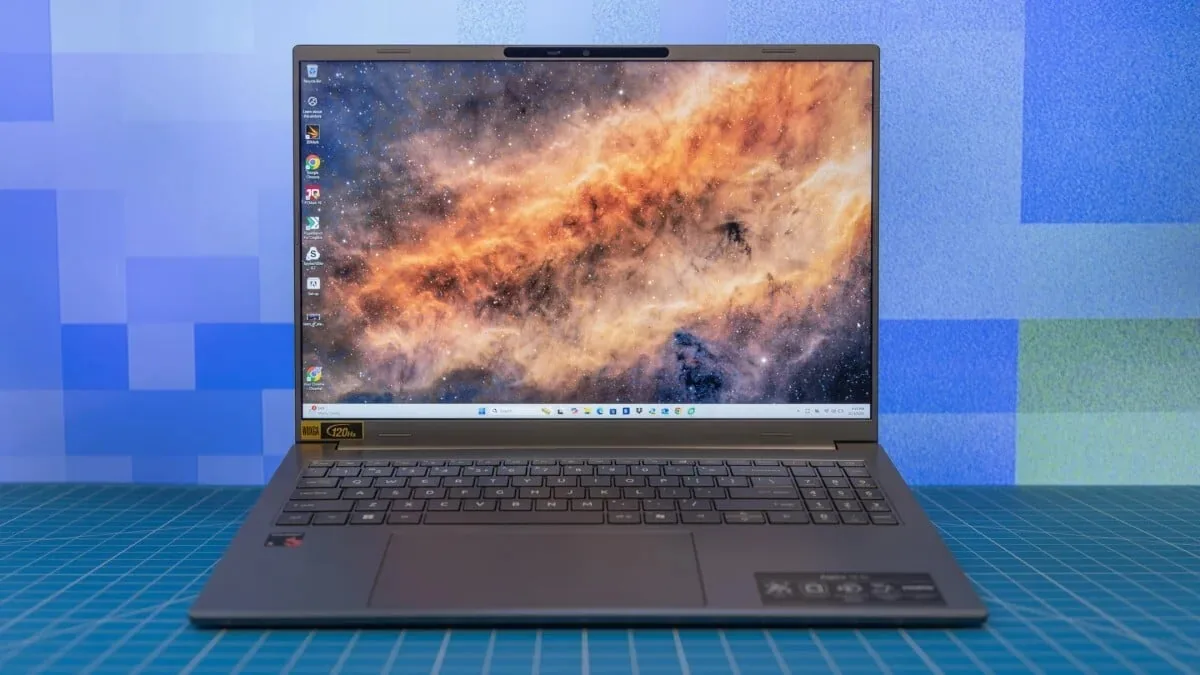
If you want one clear recommendation, start with a midrange 14- or 15-inch notebook with a recent Intel Core i5, Core Ultra 5, or AMD Ryzen 5 processor, 16GB of RAM, and at least 512GB of SSD storage. This configuration hits the sweet spot for most people who split time between browser work, video calls, and light creative tasks, and it is where the best affordable laptops tend to cluster. It is fast enough for day-to-day work, flexible enough to last several years, and still keeps you in budget laptop deals territory instead of pushing you into premium pricing.
This guide is written for the person staring at a wall of near-identical laptops or scrolling endless listings of suspiciously cheap machines, trying to figure out which specs are worth paying for when nothing about pricing feels normal. We focus on 10 tested models under USD 1,000 (approx. ₱56,000) across three groups: ultraportables, 2-in-1 convertibles, and gaming laptops budget picks. Each pick is tied to a specific type of user so you can choose with confidence instead of spec anxiety.

The 4 Critical Specs That Matter Most
Before you compare individual models, you need a short checklist that keeps you from paying for the wrong numbers. The 2026 laptop buying checklist asks: what will you do on this laptop every week, how much RAM you need, how much SSD storage you need and whether it can be replaced, what kind of screen suits your work, whether the platform fits your apps, and whether you truly need a dedicated GPU. These questions matter more than this year’s marketing labels.
For processors, aim for a Core i5, Core Ultra 5, or Ryzen 5 if you are a typical buyer; step up to the "7" series only if you do heavy content creation or other demanding work. Memory is the next big decision. Memory prices have risen sharply because AI infrastructure is hungry for RAM, and laptop prices are rising with them. One source notes that, for most people, 16GB is the sane floor, while 24GB or 32GB is safer for creators and heavy multitaskers. That aligns with guidance that 16GB has become the baseline for AI-ready laptops.
On storage, prioritize at least 512GB of SSD space and check whether it can be replaced or upgraded later. Screens should be bright and comfortable to stare at for hours, not merely high-resolution on paper. Finally, decide early whether you need discrete graphics for gaming or video work; if you do not, integrated graphics are fine and usually mean lighter, cooler laptops.
| Spec | Minimum for casual users | Recommended for most buyers |
|---|---|---|
| Processor | Core i5 / Ryzen 5 / similar | Core i5 or Core Ultra 5 / Ryzen 5 with recent generation |
| Memory (RAM) | 8GB for light web and media use | 16GB as a baseline for smooth multitasking and AI-ready systems |
| Storage | 256GB SSD if you keep files in the cloud | At least 512GB SSD, preferably replaceable |
| Graphics | Integrated graphics for streaming and office tasks | Discrete GPU only if you game or edit a lot of video |
Matching Picks to Work, School, and Gaming
With the basics set, here is how the 10 laptops under 1000 in our roundup break down by use case. For work-first buyers who live in spreadsheets, presentations, and video calls, we favor thin-and-light 14- and 15-inch models with sharp, bright screens and quiet cooling. They pair midrange CPUs with 16GB RAM and at least 512GB SSD, which gives enough headroom for heavy browser sessions and long meetings without slowdowns.
Students and casual users get more value from durable, lighter machines with strong battery life and comfortable keyboards than from raw speed. For them, an 8GB configuration can work for basic web browsing and media streaming, but we still recommend 16GB where possible because browser tabs and school apps tend to grow over a few years. Convertible 2-in-1 laptops make sense if you read and annotate a lot or watch lectures in tablet mode, but the hinge and touchscreen do not magically solve every use case.
For gaming laptops budget shoppers, the priority is a dedicated GPU: integrated graphics fall short in modern fast-paced games. However, under-USD 1,000 (approx. ₱56,000) gaming laptops are a relatively lean selection right now, so our gaming picks focus on models with sensible GPUs, reliable cooling, and 16GB of RAM instead of chasing the highest frame rates. That way, you stay in the game without giving up everything else that makes a laptop pleasant to live with.

Avoiding Common Budget Laptop Traps
The biggest mistake buyers still make is paying for the spec sheet that looks impressive instead of the laptop that fits their life. A model labeled with buzzwords like AI PC, Copilot+ PC, NPU, or OLED cannot rescue a bad screen, 8GB of soldered RAM, a tiny SSD, or a keyboard you hate. One source sums it up sharply: “Every one of these mistakes is really the same mistake wearing a different label: paying for the number that’s easy to print instead of the experience you’ll actually live with.”
Another trap is treating 8GB of RAM as normal in a world where apps and browser tabs are heavier. In 2026, 8GB can still work for light browser use, a few documents, and a patient owner, but many experts now call 16GB the sane floor. Cheap laptops that skimp on RAM, SSD size, or display quality can feel fine in week one and miserable by month six as updates and workloads grow. That is why the cheapest thing that clears the checkout page is often the most expensive mistake over time.
Finally, do not ignore the return policy or support. A low price from a questionable seller can work, but it comes with higher risk, and that risk should be part of the price you are willing to pay. Always check who sells the laptop, who ships it, whether the box has been opened for RAM or SSD upgrades, whether the manufacturer warranty still applies, and what the return window looks like. These checks are your best defense against fake discounts and inflated reference prices.
Where to Find Real Deals and Final Checklist
Not every promotion in the budget laptop deals section is a real discount. Some listings show inflated “original” prices to make ordinary sales look special. To separate real deals from noise, first decide your spec floor—processor class, RAM, SSD size, and screen quality—then compare only laptops that meet it. If a model misses two or three of those basics, it is not a deal, no matter how low the sticker price.
Next, verify the seller. Check whether you are buying from the manufacturer, an authorized reseller, or a marketplace third party. Confirm that the warranty is intact and that any upgrades (like RAM or SSD swaps) were done without voiding it. Check the return window and restocking fees, especially if the laptop might arrive opened or refurbished. Mistake 10 in one expert guide warns that not checking the seller, return policy, and warranty is a repeat offender that turns bargains into headaches.
Finally, run through the laptop buying guide checklist one last time: weekly tasks, RAM target, SSD size and upgradability, screen quality, platform choice, dedicated GPU yes or no, and portability needs. Once you are clear on those, the 10 best affordable laptops in this roundup are easy to sort: pick the one whose strengths line up closest with the way you will use it most.
- Buy the midrange 14- or 15-inch work laptop if you mostly do office tasks, video calls, and heavy browser use and want a balanced all-rounder.
- Skip the midrange 14- or 15-inch work laptop if you are a serious gamer or video editor who needs a stronger GPU than these models include.
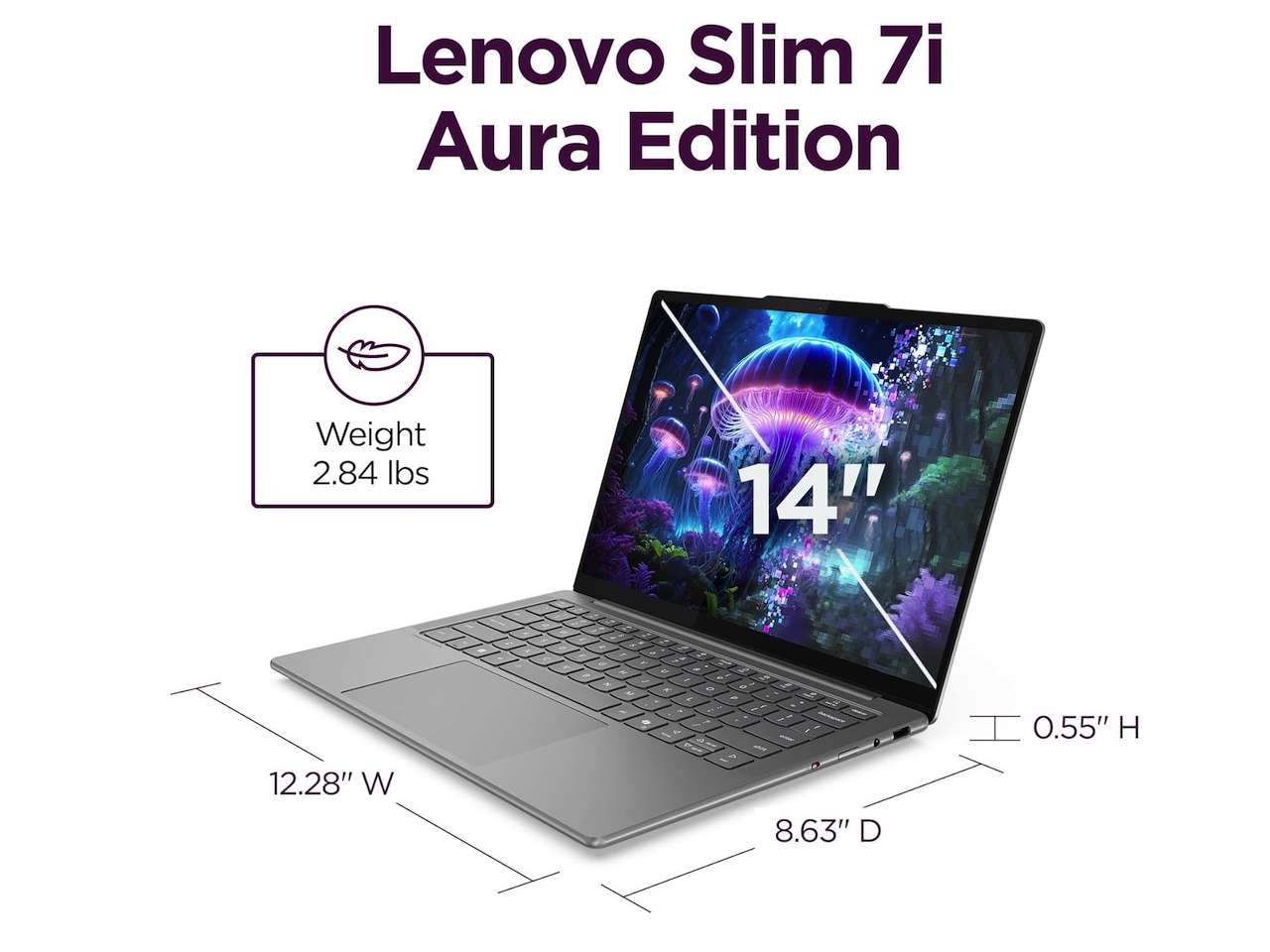
- Buy the lightweight ultraportable if you travel often, carry your laptop all day, and value battery life and comfort over raw power.
- Skip the lightweight ultraportable if you plan to run heavy creative workloads or local AI experiments that demand 24GB or 32GB of RAM.
- Buy the 2-in-1 convertible if you read, annotate, or present a lot and will use tablet and tent modes regularly.
- Skip the 2-in-1 convertible if you seldom use touchscreens; the hinge and glass add cost and weight without helping your daily tasks.
- Buy the gaming laptop if you want the best gaming laptops budget pick with a dedicated GPU that can handle modern titles at sensible settings.
- Skip the gaming laptop if you never play demanding games and would rather have a cooler, quieter, lighter machine with integrated graphics.




