
Why Free Utilities Beat Bundled Bloat
Free Windows utilities are third‑party tools that extend and repair the operating system, removing bloatware, improving performance, and adding everyday quality‑of‑life features that the default install leaves out, often matching or beating paid software without any subscription cost. The blunt truth: Windows feels incomplete until you install a handful of the best free Windows tools. Out of the box, you get pre‑installed apps you never asked for and half‑hidden settings that waste time and slow your machine down. Meanwhile, there are powerful, free, open‑source tools that eliminate the need for many paid utilities and “PC optimizer” subscriptions by decluttering, tuning performance, and giving you deeper insight into what the system is doing. If Microsoft bundled these by default, most users would never feel the urge to download yet another questionable cleaner.
Winhance: Strip Bloat and Tune Windows in One Go
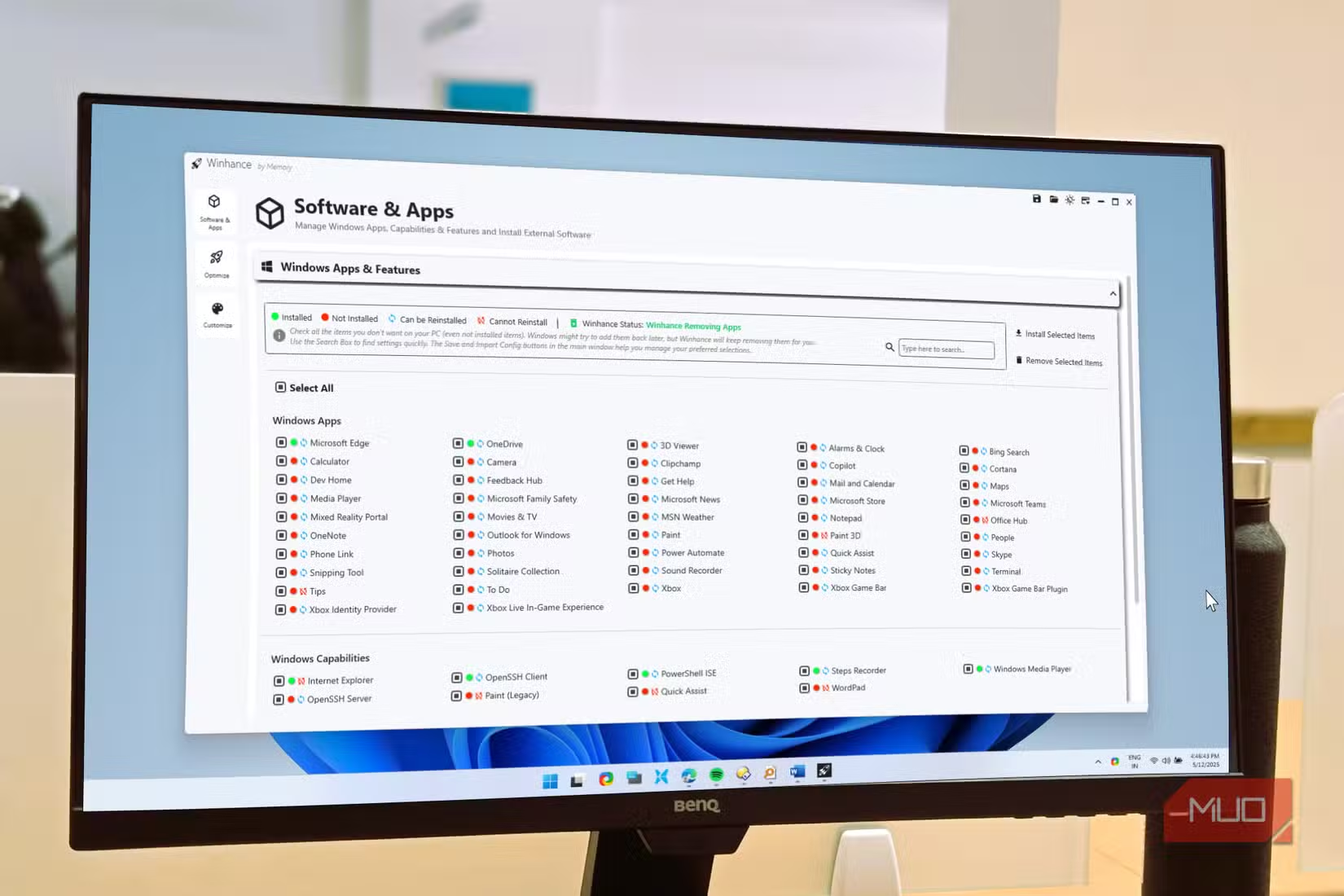
If you buy a new PC and install your apps without decluttering first, you are building on a messy foundation. Winhance is free, open‑source Windows optimization software that removes unwanted pre‑installed apps, centralizes privacy controls, and tweaks performance settings so your system starts out lean instead of bloated. Instead of clicking through multiple panels in Settings and Control Panel, Winhance lets you select the junk you do not want—manufacturer tools, cloud sync apps, even built‑in extras—and trigger a script that uninstall them in bulk. It also exposes key privacy and performance switches in one interface and can apply recommended settings with a single action. In practice, it replaces several single‑purpose utilities and makes the usual “de‑bloat and harden Windows” routine accessible to people who have zero interest in registry edits or hidden system menus.
PowerToys: The Missing Productivity Suite
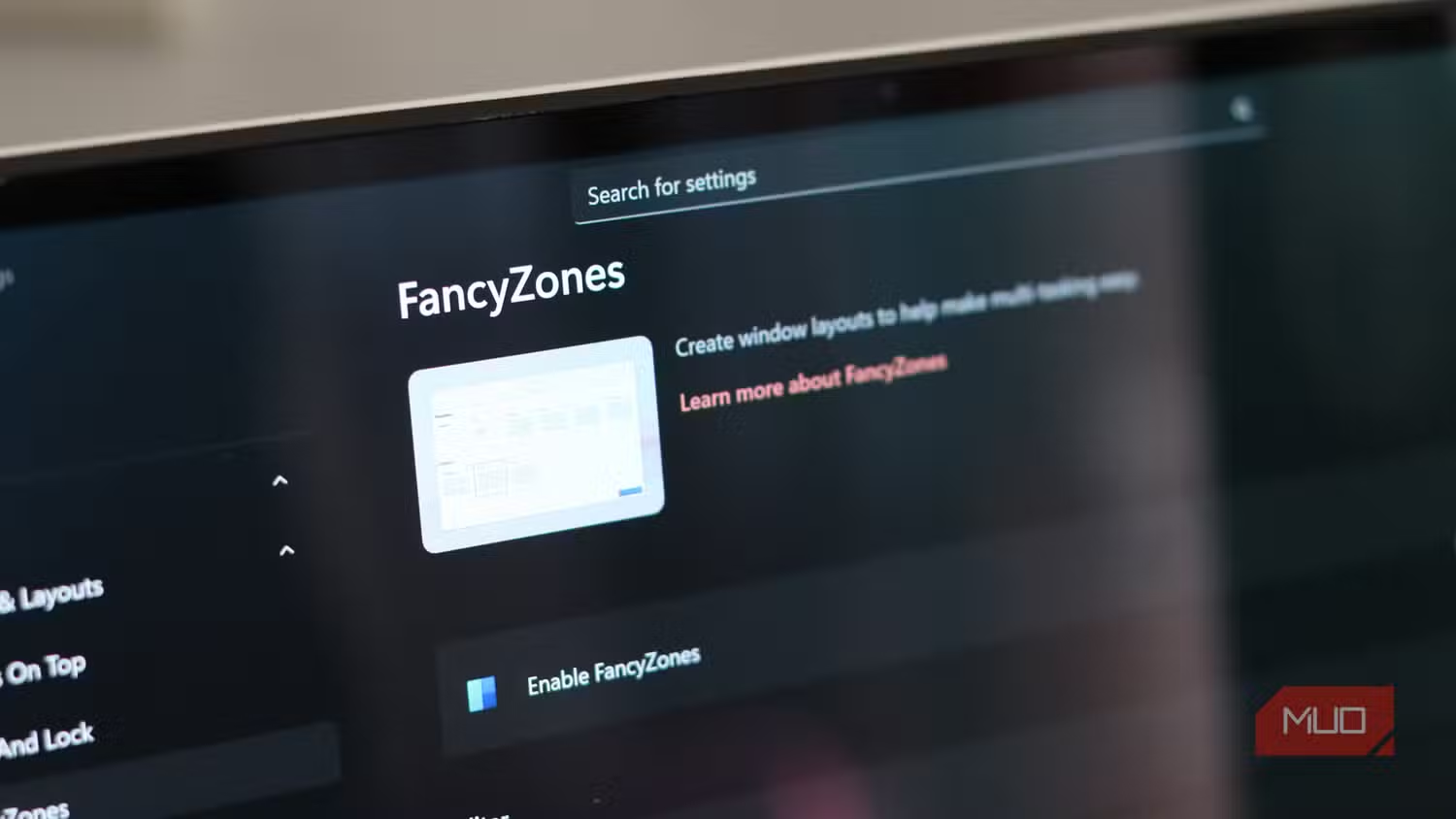
The most baffling omission in modern Windows is that PowerToys is not pre‑installed, even though it is an open‑source utility suite made by Microsoft. PowerToys bundles dozens of free Windows utilities that turn the OS into a far better productivity environment, from FancyZones for custom window layouts to Workspaces for launching entire app setups at once. It also includes tools such as a command palette launcher, a text extractor that pulls text from images and videos, an Awake mode to keep the PC from sleeping, and an Always On Top toggle for pinning reference windows above everything else. “Once you’ve used it for a week, you’ll wonder why any of it is optional.” In a world where people pay monthly fees for fancy window managers and launchers, PowerToys quietly proves that free open‑source tools can be more powerful than premium alternatives.
Sysinternals: Portable Insight for Broken PCs
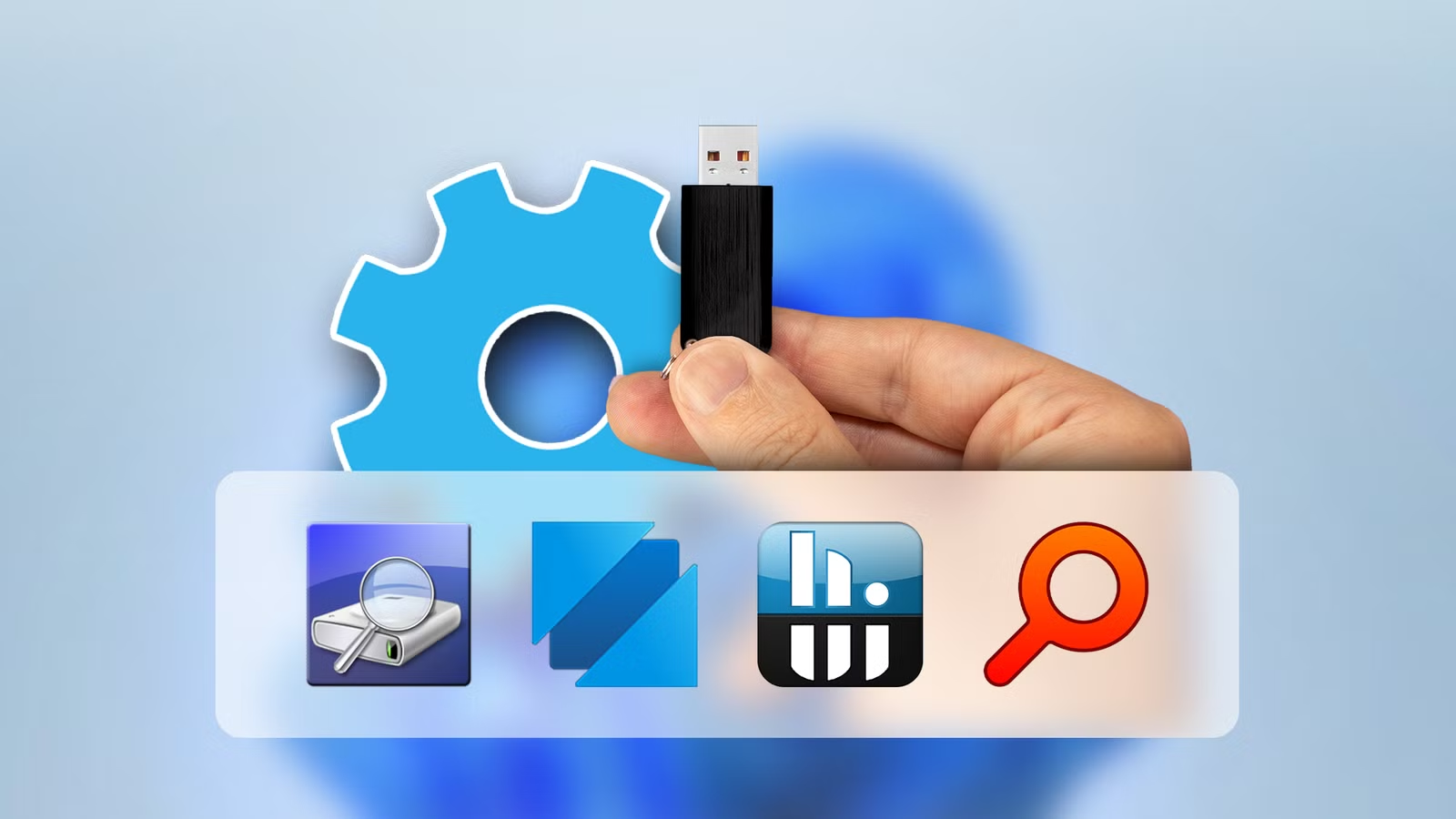
When Windows misbehaves—sluggish performance, startup weirdness, mysterious crashes—guesswork is the enemy. This is where the Sysinternals Suite, a free Microsoft Windows toolkit, earns a permanent spot on any troubleshooting flash drive. These portable PC repair tools are lightweight and give you a clear view of what is happening under the hood in ways built‑in utilities rarely match. Process Explorer acts as a Task Manager on steroids, showing processes, resource use, and which files or DLLs they have locked so you can track down slowdowns or stubborn files. Autoruns lists every startup item, scheduled task, and shell extension, exposing the hidden programs that quietly drag boot times down. Because the suite is portable, you can plug in your USB drive and start diagnosing any Windows PC without installing extra software, which is invaluable when the machine is already unstable or locked down.
Quality of Life Tools Are Not Optional Anymore
There is a pattern across these utilities: they fix common Windows frustrations, cover system optimization and repair, and add daily convenience that the base OS skips. Collectively, the best free Windows tools make paid “PC optimization” subscriptions look unnecessary by providing clear controls, transparent diagnostics, and real performance gains. Free, open‑source tools have even made several single‑purpose apps obsolete, which is the opposite of the usual pile‑on of overlapping utilities. And keeping portable PC repair tools on a USB drive means you are ready to troubleshoot any Windows PC without scrambling for downloads when something breaks. According to one long‑time Windows power user, many of the most effective utilities are the small, focused ones that tell you exactly what the system is doing instead of promising magic with a one‑click “boost.” That is what should come built‑in.