
iOS 27 Is About Practical Upgrades, Not Only Siri AI
iOS 27 is the latest major iPhone software update whose public beta focuses not only on new Siri AI powers but also on everyday usability upgrades like visual design, media playback, and app refinements that change how you use your phone across work, driving, and entertainment.
The headline feature is the long‑awaited Siri AI revamp, integrated across your phone via a dedicated app, the Dynamic Island, and throughout the operating system. But the more interesting story is how many quality‑of‑life iOS 27 features improve what you do dozens of times a day: checking photos, setting alarms, docking your phone on your desk, or paying at checkout. The public beta officially launched on July 13 and is available for iPhone 11 and newer models, so this isn’t a niche upgrade limited to the latest flagship. If you are an early adopter who accepts some bugs and battery drain in exchange for early access, this is the first iOS release in a while that feels worth the hassle.
Siri AI and Liquid Glass: The Phone Feels Different
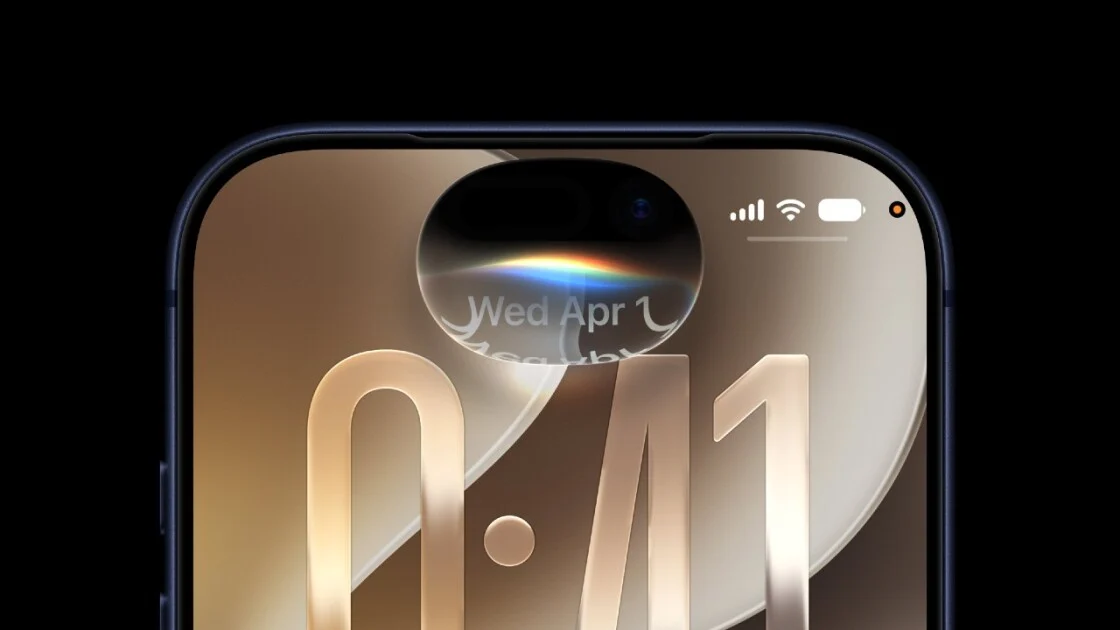
Siri AI is the obvious iOS 27 headline, but it is more than a new label. You can call it up from a dedicated Siri app, from the Dynamic Island, and across the system, so it feels like a feature you can reach instead of a voice buried behind a long‑press. Voice controls for Pace and Expressivity even let you decide how quickly and how emotionally Siri speaks, which matters if you live with voice responses all day.
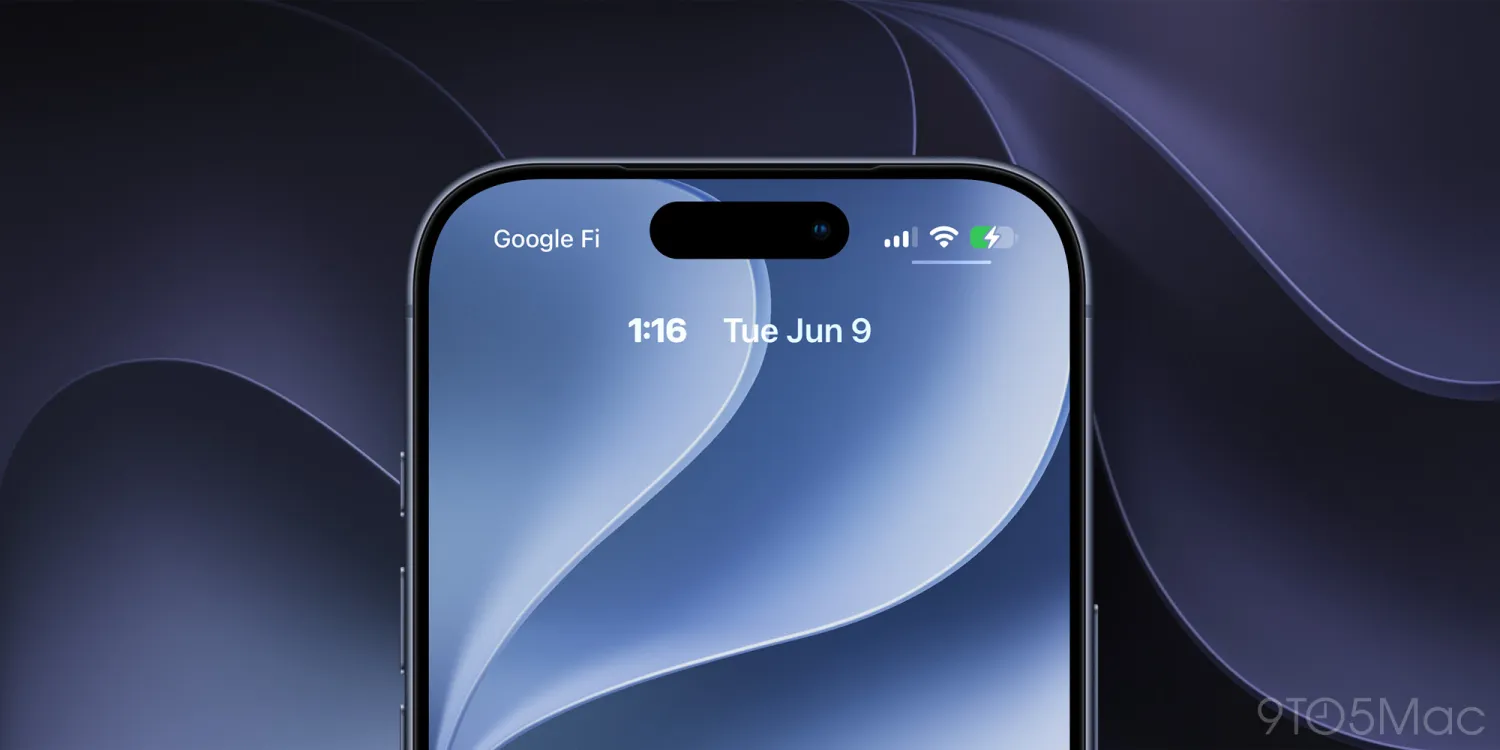
The quieter but equally important shift is the Liquid Glass design overhaul. Apple is expanding Liquid Glass customization options, so the interface looks less flat and more like a polished physical object. Combined with a redesigned Screen Time app and deeper Apple Intelligence hooks where your hardware supports it, the system starts to feel cohesive rather than a pile of separate apps. The catch: many of the most advanced intelligence features only work on iPhone 15 Pro, 15 Pro Max, and newer, so older devices will see the new coat of paint but not all of the brains.
CarPlay Video Playback: Great Idea, Messy Reality
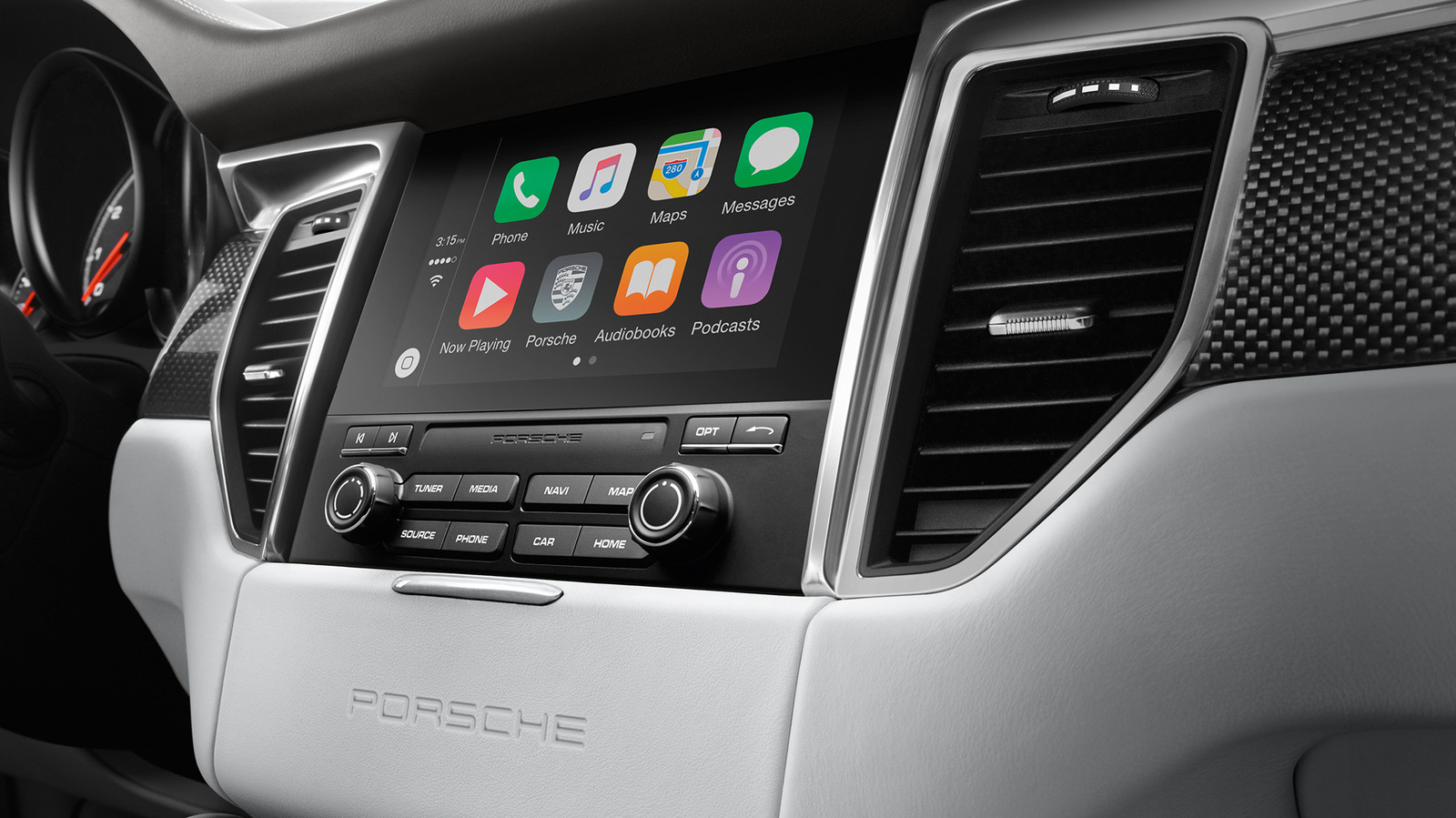
CarPlay video playback is the feature people will talk about and fight over. Video on CarPlay is not new; with iOS 26.4, Apple added AirPlay-based mirroring so video from your iPhone could appear on the car’s screen. In iOS 27, Apple is going further with built‑in video browsing and playback in CarPlay, which is more convenient than the AirPlay workaround and makes sense for waiting in a parked car.
The problem is that CarPlay hardware is all over the place. Developers noticed that CarPlay video mirroring only works on screens with at least 1,920 x 1,080 resolution, and many factory head units do not meet that bar. Video streaming also expects modern codecs and enough memory, which older systems may lack. On top of that, automakers need to explicitly implement the feature, and so far none have publicly committed to it. If you install the iOS 27 public beta hoping to watch video in your driveway, be prepared for the possibility that your car will not support it at all, at least for now.
Everyday iOS 27 Features That Make the Beta Worth It
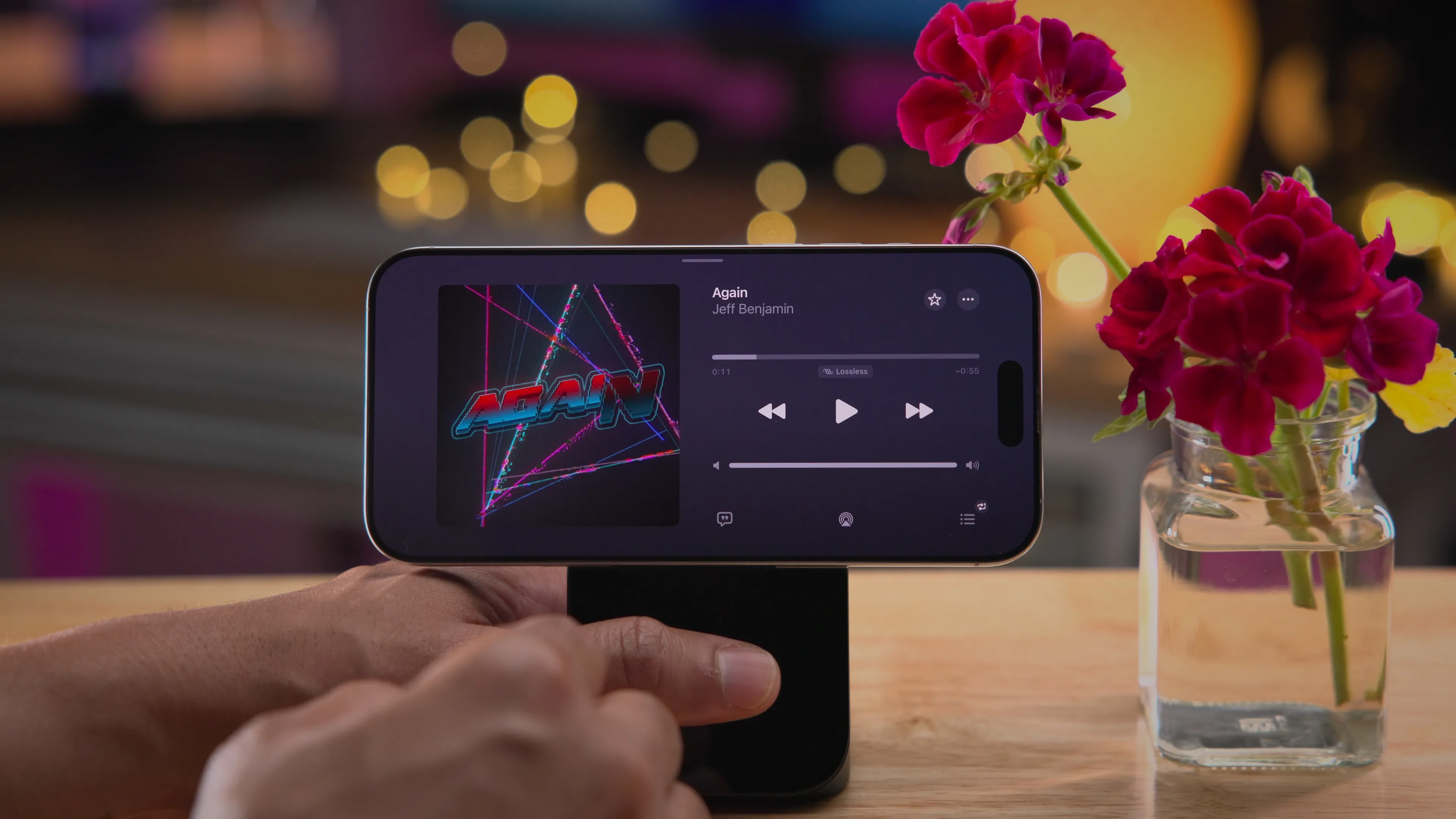
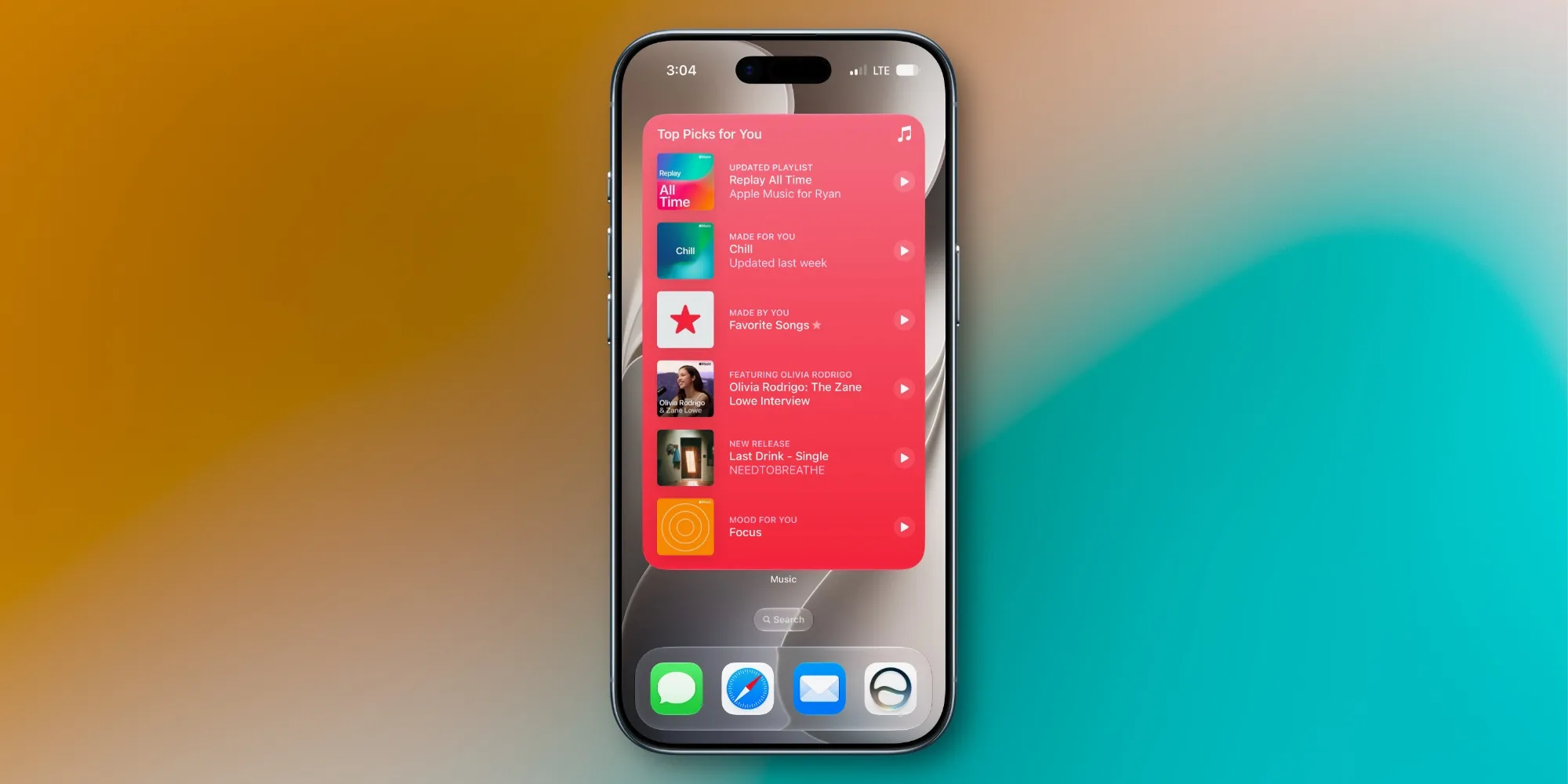
Where iOS 27 shines is in the small upgrades you feel every day. In Music, AutoMix gains new transitions that sound smoother and more immersive, a welcome polish if you already liked the original AutoMix from iOS 26. Photos gets a quiet but huge quality-of-life win: iCloud Shared Albums now support full‑resolution sharing, so you no longer trade detail for convenience when sharing with family and friends.
The Clock app finally lets you set an independent alarm volume, separate from your ringtone, under Sounds & Haptics. There is a new extra‑large home screen widget size, with full‑screen widgets for apps like Music, Photos, Weather, and Calendar, plus landscape support in more apps, which is especially useful if you keep your iPhone docked on your desk all day. The Lock Screen now lets you move the clock into the top widget row and swipe away the Now Playing widget, while Photos adds the option to save a specific video frame as a photo. These are the kinds of iOS 27 features that quietly change habits.
Who Should Install the iOS 27 Public Beta (and How)
The iOS 27 public beta is aimed at early adopters who want to test new iOS 27 features before the stable release and who accept bugs and possible battery drain as the price of admission. According to Apple’s documentation, the compatible iPhone list stretches back to the iPhone 11 from 2019, plus newer models and recent iPhone SE versions. Many Apple Intelligence tricks are still limited to iPhone 15 Pro, 15 Pro Max, and above, but older phones still get Siri AI, Liquid Glass, and most day‑to‑day changes.
To start the public beta download, you need to join the Apple Beta Software Program: visit beta.apple.com, sign in with the Apple account on your iPhone, then on the phone go to Settings > General > Software Update, tap Beta Updates, and choose iOS 27 Public Beta. Installing any beta is a commitment; using an extra device is wise because this software is expected to be buggier and more power‑hungry than the final release. If you live in CarPlay, dock your phone at your desk, or share a lot of photos, iOS 27 feels less like an AI science project and more like an update that respects how you already use your phone.