


Start with the right laptop for most people
A laptop buying guide is a practical checklist that explains laptop specs in plain language, highlights common laptop buying mistakes, and shows how to choose a laptop that fits your real work and entertainment needs instead of paying for misleading marketing labels or short‑lived hardware. The best overall choice for most people is a mid-range laptop with 16GB of RAM, at least 512GB of SSD storage, and a current processor platform, because that mix avoids the worst performance bottlenecks and keeps the machine usable for several years without wasting money on power you never use.
If your budget is tight, avoid the instinct to grab the absolute cheapest device. A low-price machine with weak RAM, slow storage, a dim screen, and a short support runway can feel fine for the first week and miserable by month six. Instead, treat 16GB of RAM as the practical starting point, SSD storage as non‑negotiable, and make sure the screen is bright and comfortable enough to stare at for hours. For most people standing in front of a wall of near-identical laptops, that single rule of “solid mid-range specs over rock-bottom price” is the safest recommendation.

Mistake 1: Letting price choose the laptop for you
The biggest laptop buying mistake is still buying the spec that sounds impressive instead of the laptop that fits your life. That usually starts with price: many buyers grab the first machine that clears the checkout page, even if it is a $399 laptop with underpowered RAM, slow storage, and a short support window. Cheap laptops can be useful. Bad cheap laptops are expensive because they slow down your work and age fast.
Marketing makes this worse. Sellers lean on big numbers and new buzzwords—AI PC, NPU, 50 TOPS, Wi‑Fi 7—while quietly downgrading RAM and storage to protect their margins. Every one of these mistakes is really the same mistake wearing a different label: paying for the number that’s easy to print instead of the experience you’ll live with. To avoid overpaying for a laptop, check three to five key criteria before you buy: what you will do on the laptop every week, whether you have at least 16GB of RAM, whether the SSD is at least 512GB and replaceable, whether the screen is bright and sharp enough, and whether the platform fits your apps.
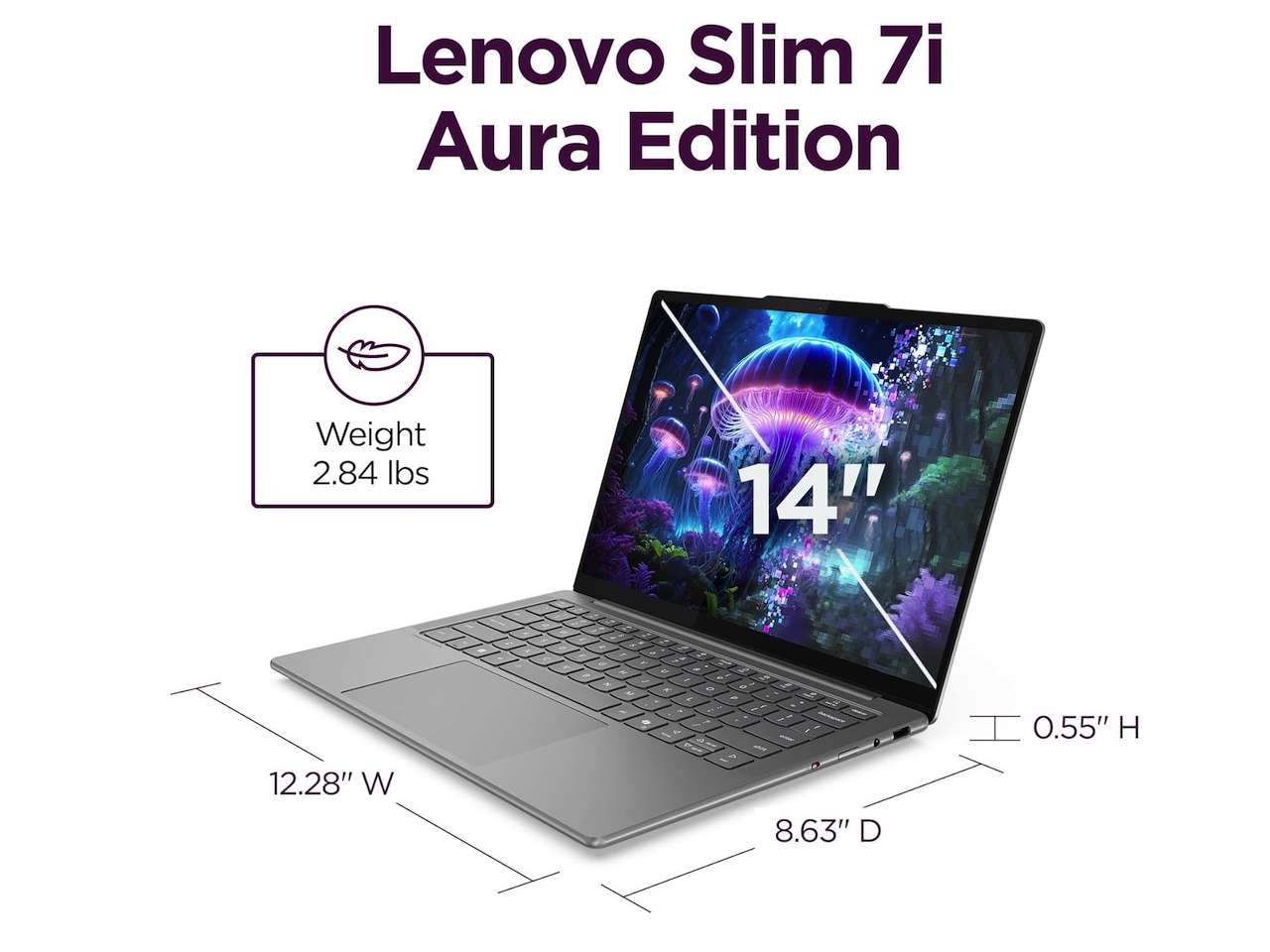
Mistake 2: Misreading RAM and storage for your real workload
RAM and storage are where buyers most often either overpay for specs they do not use or accept a configuration that becomes obsolete in months. The 8GB laptop is the trap to avoid first: it can still work for light browser use and a very patient owner, but the moment you stack Chrome tabs, video calls, chat apps, and background tools, 8GB starts to feel tight. The problem is worse when memory is soldered, because you cannot fix the mistake later.
For most people, 16GB of RAM is the sane floor, while creators, coders, heavy multitaskers, and anyone who wants to run local AI tools should look at 24GB or 32GB. Storage follows the same pattern. A 256GB SSD looks tolerable until Windows, recovery partitions, caches, photos, and downloads fill it up, turning every update into a chore. For a main Windows laptop, 512GB should be your minimum and 1TB the comfortable target, because storage stress changes how you use the machine. Always check whether the SSD can be replaced, and whether a reseller has opened the machine, which can complicate warranty terms.
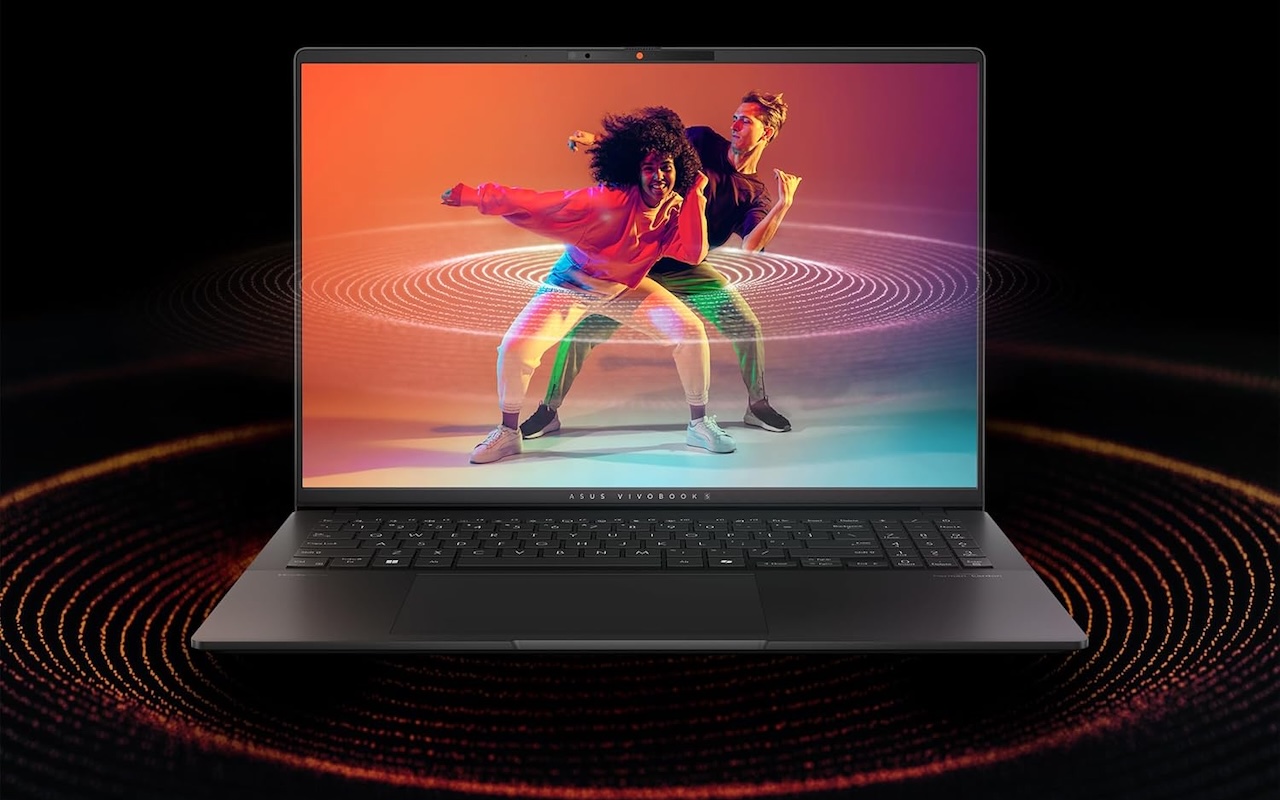
Mistake 3: Trusting processor names and AI badges
Processor makers are reusing old silicon in new product lines, and the processor name often conceals more than it explains. Microprocessor vendors have begun reusing old silicon in ways that are hidden from shoppers, making it hard to know if a new laptop contains a new processor or older hardware sold at a premium price. One example is the Ryzen 8000 mobile series, which was described as “architecturally aligned” with earlier Ryzen 7000 chips and then later renamed into a new Ryzen 200 lineup, even though they share the same Zen 4 architecture as chips like the Ryzen 5 7640HS and Ryzen 9 270.
According to one report, “increasingly, the processor name does the opposite: It conceals, rather than clarifies.” That is why a processor comparison guide should focus on real performance and generation, not branding. Avoid buying a processor name instead of a platform: Intel and AMD laptops usually give the broadest Windows app compatibility, while Arm‑based systems can offer great battery life but may block older apps and some games. AI badges add more noise. A Copilot+ PC badge means the machine meets a basic AI hardware threshold, but it does not guarantee your existing software, drivers, or games will work. Treat AI logos and TOPS numbers as optional extras, not reasons to overpay.
Mistake 4: Believing battery and listing claims at face value
Battery life and seller listings are where many buyers miss hidden traps. Battery marketing often shows ideal conditions that you will never see: if a company claims 20, 30, or 34 hours, treat it as a ceiling, not a promise. Heavy multitasking, high screen brightness, and video calls can cut those numbers sharply. This is another place where AI chip claims and NPU figures do not match real‑world performance; an AI‑branded machine may still drain quickly under your normal workload.
Listings can also blur the line between first‑party devices, authorized sellers, refurbished units, open‑box upgrades, and third‑party resellers. That matters because some third parties open the laptop to upgrade RAM or storage, which can affect warranty terms or service confidence. Always read the fine print on warranty and returns, and remember that the old habit of trusting the biggest number on the box costs more now than it used to. Understanding processor generations, checking real performance metrics, and matching RAM and storage to your weekly workload will help you avoid overpaying for a laptop that looks new on paper but feels old in daily use.
- Buy the solid mid-range laptop with 16GB RAM and at least 512GB SSD if you want a dependable all-rounder that will stay responsive for several years.
- Skip the 8GB RAM laptop if you run many browser tabs, chat apps, and video calls, because it will feel cramped and cannot always be upgraded.
- Buy the laptop whose SSD can be replaced if you plan to keep it for four to five years and expect your storage needs to grow.
- Skip the AI‑branded laptop with vague processor naming if you cannot confirm its actual generation and performance compared to known chips.
- Buy the laptop with clear warranty terms and an easy return window if you are ordering from a marketplace with many third‑party resellers.
- Skip the laptop whose listing hides whether it is refurbished or open‑box if you are worried about long‑term reliability and support.




