
A Record Patch Tuesday That You Cannot Ignore
Microsoft’s latest Patch Tuesday July release is a security update that fixes a record 570 Windows security flaws, including three zero day vulnerability issues, with many rated critical Windows bugs that attackers can abuse if users delay installing the new Windows security patches.
This is not a routine patch; it is the largest Windows security update Microsoft has ever shipped in a single month, beating previous records of 206 and 164 bugs fixed in earlier cycles. When a vendor suddenly patches nearly three times its former “largest ever” batch, it signals one thing: the risk window was wider than anyone liked to admit. The update covers Windows 11 versions 25H2, 24H2, 23H2 and supported Windows 10 systems enrolled in the Extended Security Update program. If you run modern Windows at home or at work, this release is aimed directly at you. Delaying the reboot is no longer a harmless habit; it is an open door.
Three Zero-Days: Why These Flaws Matter More Than the Big Number
The headline number—570 bugs—is alarming, but the real story is the three zero-day vulnerabilities bundled inside. Two have already been exploited in attacks and one has been publicly disclosed, which means attackers have had a head start. One exploited flaw hits Active Directory Federation Services, allowing an attacker to elevate privileges locally, while another exploited bug in Microsoft SharePoint Server lets an unauthenticated attacker gain elevated access over the network. In other words, core identity and collaboration infrastructure was exposed.
The third zero-day is a BitLocker security bypass: with physical access, an attacker could sidestep encryption to view data on an encrypted system drive and obtain encrypted data. Anyone who travels with a laptop, leaves devices in shared offices, or manages remote endpoints should treat this as a direct threat. Zero-days are, by definition, flaws that are exploited or exposed before a fix exists, and every hour after a patch is released shifts the advantage back toward defenders—if they act.
Critical Windows Bugs and the AI Factor Behind the Surge
Behind the 570 fixes is an uncomfortable truth: Windows has been accumulating more exploitable weaknesses than users realized. Sixty-one of these vulnerabilities are rated critical, combining remote code execution, elevation of privilege, security bypass, and spoofing flaws that can lead to full system compromise. According to one patch management provider, Microsoft’s own AI-powered "multi-model agentic scanning harness" (MDASH) is now surfacing more real vulnerabilities faster, compressing the time attackers have to exploit them.
This is the new normal: more flaws discovered, more frequently, thanks to AI-assisted hunting. Microsoft has signaled that organizations should expect security updates to become more frequent as this tooling matures. Users who treat Patch Tuesday as an occasional chore will be outpaced by attackers who adapt far faster. The upside is that once these Windows security patches land, defenders have a practical way to slam shut entire classes of attack—if they treat patching as operational security, not maintenance.
Who Is Affected and Where Caution Still Applies
If you run Windows 11 (25H2, 24H2, 23H2) or a Windows 10 system still receiving updates through the Extended Security Update program, these patches are meant for you. Home users, small businesses, and large enterprises all sit in the blast radius of the Active Directory, SharePoint, and BitLocker flaws. The BitLocker issue in particular turns any lost, stolen, or unattended device into a potential data breach, especially in shared or remote locations where physical access is more plausible.
There is one notable exception: Microsoft has paused the update for a limited number of Dell devices with Intel processors due to an incompatibility that can cause unexpected shutdowns, poor performance, increased heat, and battery drain. If you manage such hardware, you will not see the update yet, and that is intentional. Everyone else should resist the temptation to hide behind potential edge cases. Waiting for hypothetical problems while known exploited vulnerabilities remain unpatched is a poor trade.
What You Should Do Now: Practical Update Guidance
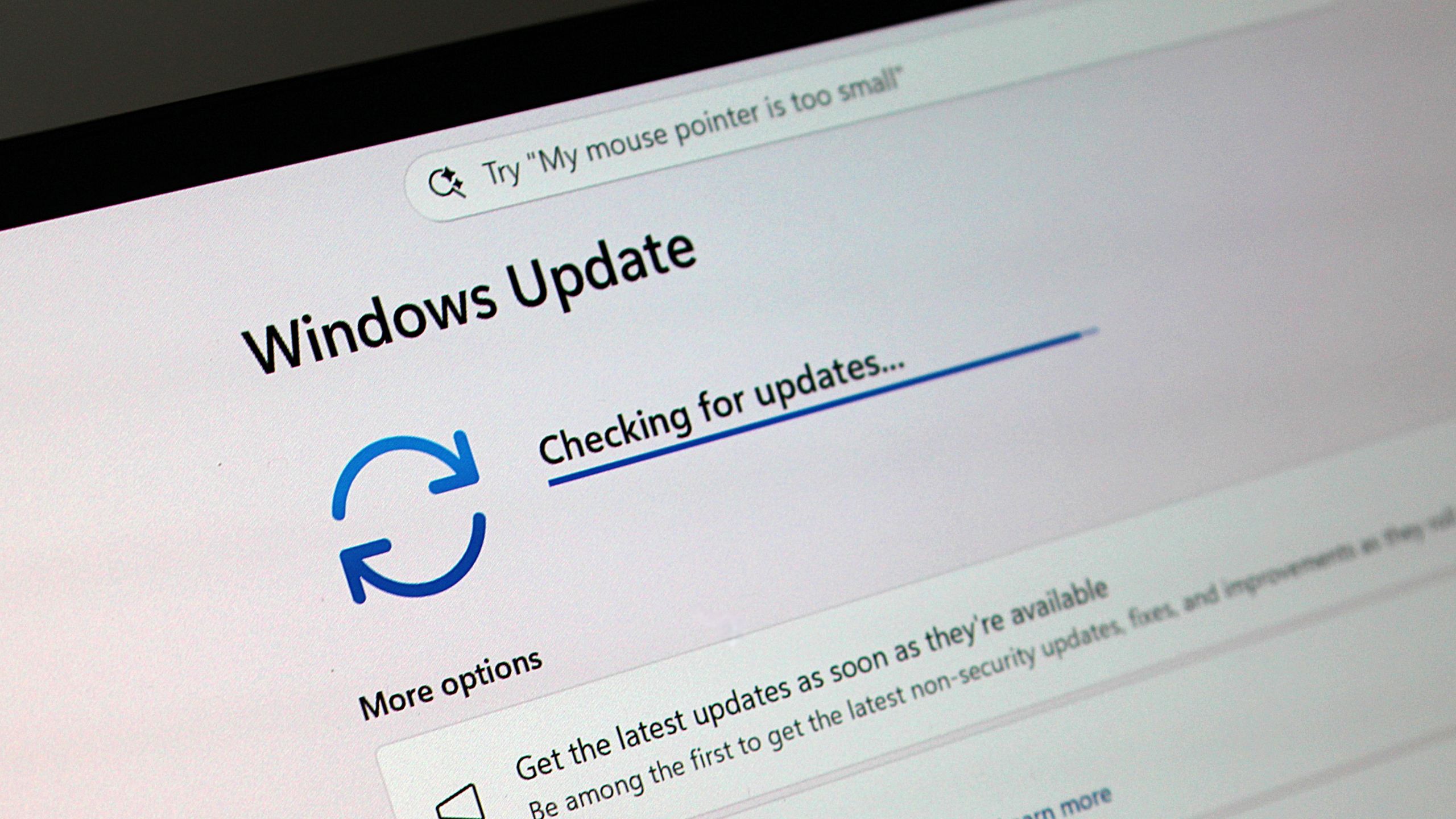
Microsoft’s Patch Tuesday July updates are mandatory and configured to download and install automatically; in most cases, the missing step is your reboot. You should receive them automatically, but you need to ensure these Windows security patches are installed as soon as possible. On Windows 11, open Settings → Windows Update; on Windows 10, go to Settings → Update & Security → Windows Update and click “Check for updates” if nothing appears. Install, reboot, and confirm the system reports it is up to date.
For individuals, the priority is simple: update every Windows device you own, starting with laptops and systems that leave your home or office. For organizations, critical Windows bugs tied to Active Directory, SharePoint, and BitLocker should move straight to the front of the queue. Deploy to test rings quickly, then promote to wider groups on an aggressive schedule, accepting minor disruption over the far larger cost of compromise. Security patches do not protect the systems that planners intend to patch; they protect the systems that are actually patched and rebooted.