

Our Top Pick for Most Gamers: A Balanced 1440p Upgrade
A 1440p gaming monitor is a budget gaming display that offers sharper detail than 1080p, paired with modern refresh rates for smoother motion in games while staying affordable for most players. Among today’s high refresh rate monitors and gaming monitors under 200, the standout choice for most people is the 27-inch Acer Nitro 1440p model at USD 160 (approx. ₱9,000). It hits the sweet spot between price, speed, and usable resolution, making it the best default upgrade from a 1080p panel if you care about both clarity and responsiveness. This Acer Nitro sits in the middle of the range with a 180 Hz refresh rate, which is more than enough for fast-paced shooters while avoiding the premium pricing of 200 Hz and above. It is ideal for players with a midrange graphics card: 1440p gives you sharper visuals, but 180 Hz keeps input lag low and motion smooth. You should pick this first unless you are chasing the absolute highest refresh rates or the lowest possible price.
Six Sub-$200 1440p Gaming Monitors: Specs and Use Cases
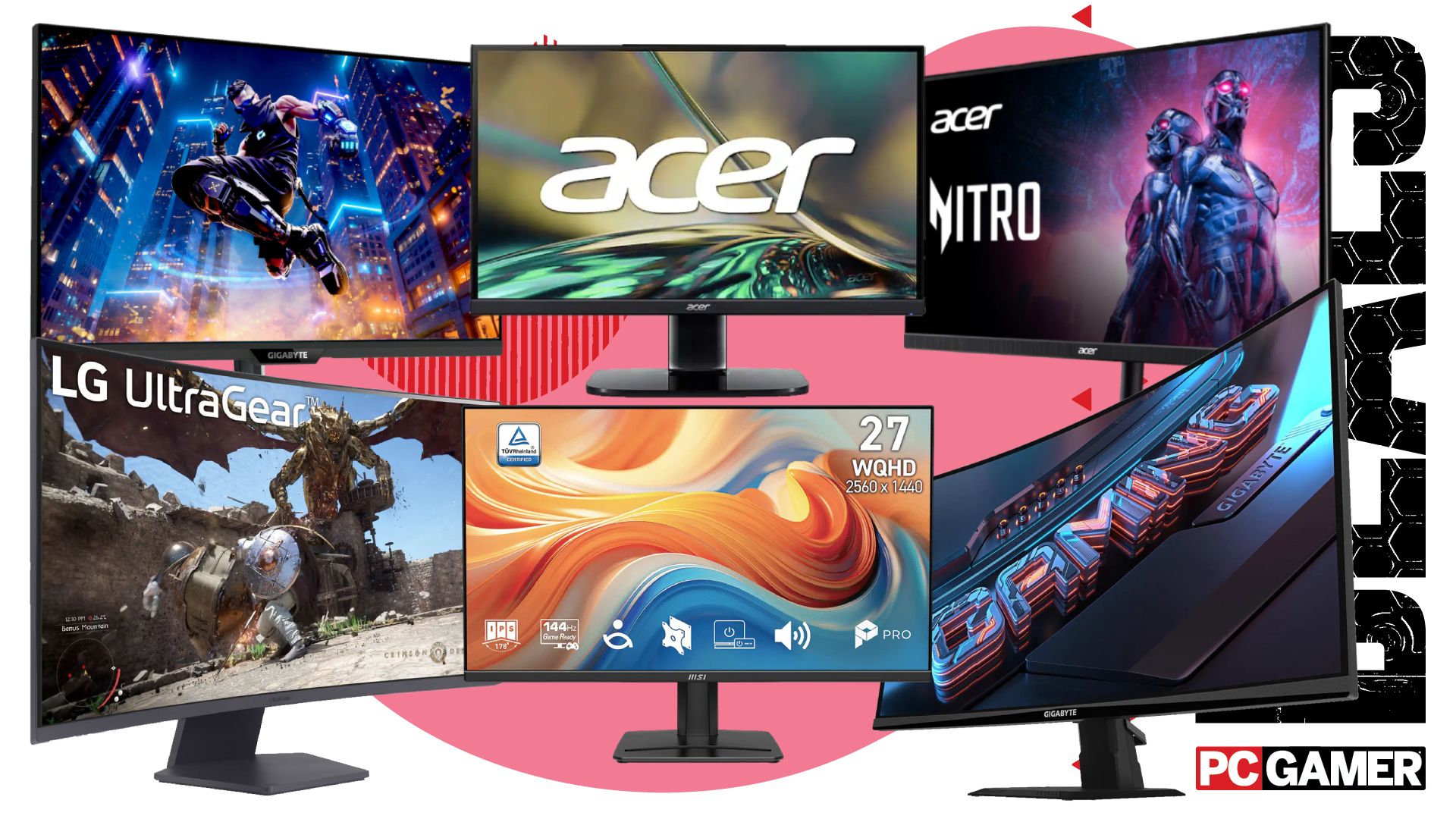
You can now get six 1440p gaming monitors for under USD 200 (approx. ₱11,250), with the cheapest 27-inch model starting at USD 110 (approx. ₱6,200). This group covers a wide spread of refresh rates, from a 100 Hz MSI IPS display at USD 130 (approx. ₱7,300) through that 180 Hz Acer Nitro at USD 160 (approx. ₱9,000), up to a speedy 200 Hz Gigabyte panel at USD 180 (approx. ₱10,100), among others. Together, they deliver a clear path off 1080p without blowing your budget. The 100 Hz MSI IPS display is built for mixed use: single-player games, general desktop work, and casual esports where color accuracy and viewing angles matter more than ultimate speed. The Acer Nitro 180 Hz model is the flexible all-rounder, while the 200 Hz Gigabyte panel is the option for players who live in competitive shooters and want the fastest response they can get without crossing the USD 200 line. According to the source, “each of these gaming monitors represents fantastic value right now, and means you can pick up a relatively cheap upgrade for your gaming setup in 2026.”
| Spec | MSI IPS 1440p | Acer Nitro 1440p | Gigabyte 1440p |
|---|---|---|---|
| Approx. price | USD 130 (approx. ₱7,300) | USD 160 (approx. ₱9,000) | USD 180 (approx. ₱10,100) |
| Refresh rate | 100 Hz | 180 Hz | 200 Hz |
| Panel type | IPS | Unknown (gaming-focused) | Unknown (gaming-focused) |
| Best for | Visual quality and everyday use | Balanced competitive and casual play | Fast-paced competitive gaming |
How These Budget Displays Stack Up Against Premium Panels
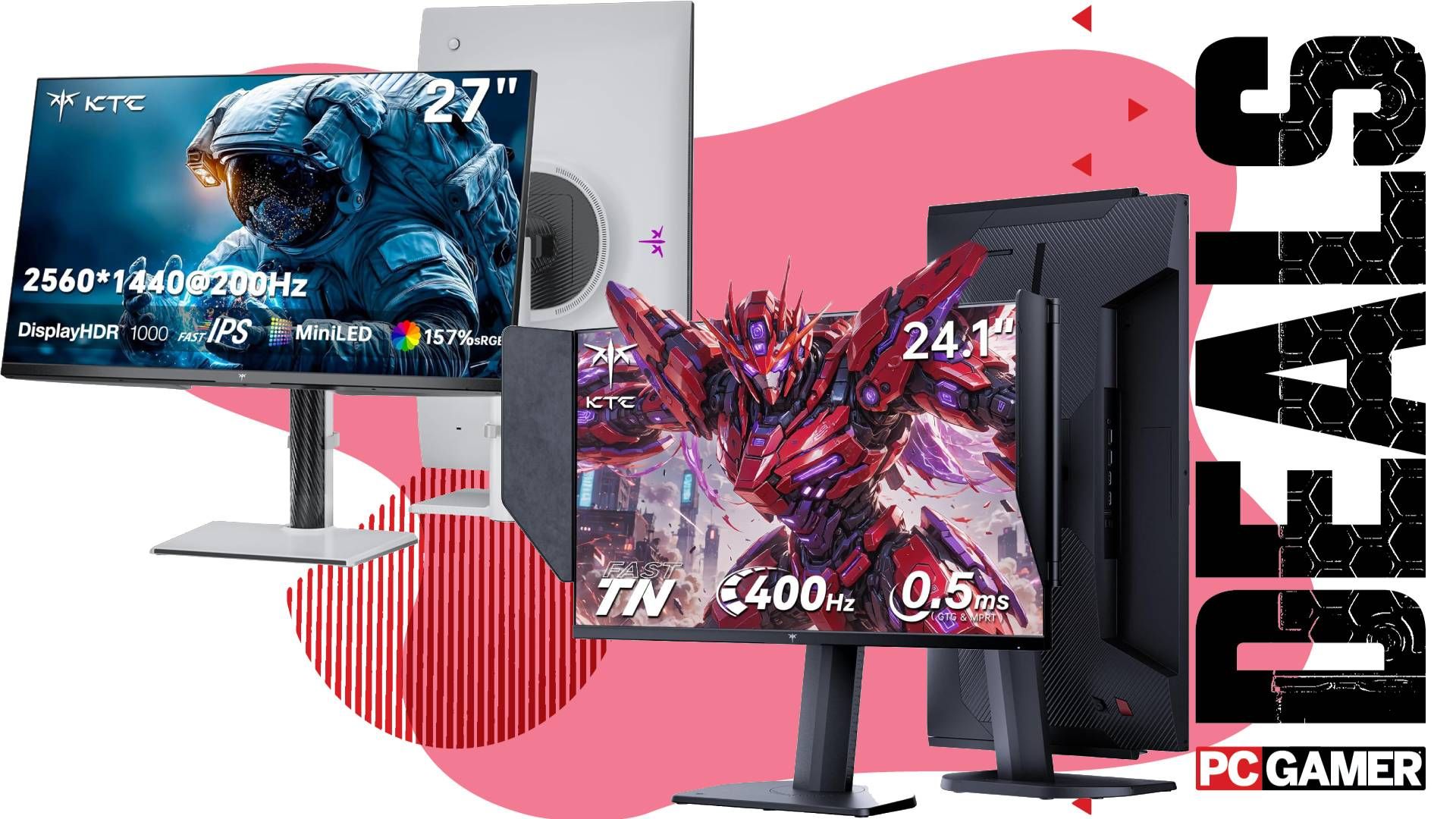
Staying under USD 200 means you skip some premium features, but it helps to know what you are avoiding. A recently reviewed 24.1-inch KTC 25M1 runs at 400 Hz with an advertised 0.5 ms response time and a TN panel, and it costs USD 332.49 (approx. ₱18,700). That speed is excellent for competitive shooters, but the TN technology means weaker color and limited viewing angles. As the review puts it, “it’s not the best for casual gaming, but if games like Counter-Strike or Valorant are your go-to, you’ll struggle to hit this sweet spot refresh rate in a nice panel for a better price.” On the 1440p side, a 27-inch KTC M27T6S IPS mini-LED monitor runs at 200 Hz, offers a 1 ms response time, and sells around USD 299.99–300 (approx. ₱16,800–₱16,900) with an applied coupon. It delivers “eye-popping mini-LED performance” and bright HDR, but, like other LCDs with full-array local dimming, it can show blooming, visible dimming zones, and brightness gradients that it does not fully eliminate. Compared with these premium options, the sub-USD 200 1440p monitors give up some peak speed or HDR brightness, but they keep the essentials: a sharp resolution and high refresh rates at far lower prices.
Refresh Rates, Panel Behavior, and Who Each Tier Is For
Within the budget 1440p tier, refresh rate and panel behavior decide which screen fits you. The MSI IPS 100 Hz model is best for players who value richer image quality and wide viewing angles: IPS panels tend to look better than TN, and 100 Hz is a clear step up from older 60 Hz displays. It suits slower-paced games, RPGs, and general use more than twitch-heavy shooters. The Acer Nitro 180 Hz strikes a smart middle ground, giving smoother motion that matters in battle royales and arena shooters without demanding the very highest frame rates from your GPU. The 200 Hz Gigabyte panel is aimed at fast-mouse players who want every frame they can get, echoing the priority seen in extreme examples like the 400 Hz KTC 25M1. That KTC TN panel is “an outstanding monitor for competitive shooters” but “not the best for casual gaming,” and the same thinking applies here: pick higher refresh rates when esports performance matters most. If your dream is not becoming a pro, the more balanced 1440p monitors with moderate refresh rates will feel better day to day.
Buy if / Skip if
- Buy the Acer Nitro 1440p 180 Hz if you want one high refresh rate monitor that balances sharp visuals, smooth motion, and sub-USD 200 (approx. ₱11,250) pricing.
- Skip the Acer Nitro 1440p 180 Hz if you only play slow-paced games and will never push frame rates near 144 Hz or higher.
- Buy the MSI IPS 1440p 100 Hz if you care more about IPS color and viewing angles than hitting the highest refresh numbers.
- Skip the MSI IPS 1440p 100 Hz if esports shooters are your main focus and you want a panel above 144 Hz.
- Buy the Gigabyte 1440p 200 Hz if you are chasing fast response and higher refresh rates for competitive games while staying under USD 200 (approx. ₱11,250).
- Skip the Gigabyte 1440p 200 Hz if your graphics card struggles at 1440p and you cannot maintain high frame rates anyway.
- Buy the KTC 25M1 if you prioritize extreme 400 Hz refresh and 0.5 ms response times for competitive shooters over color quality and viewing angles.
- Skip the KTC 25M1 if you play a lot of casual or single-player games and want richer visuals rather than a TN panel’s speed-first compromise.
- Buy the KTC M27T6S if you are willing to spend more than the budget tier for 1440p, 200 Hz, and bright mini-LED HDR performance.
- Skip the KTC M27T6S if blooming and local dimming artifacts bother you or you strictly need to keep your monitor purchase under USD 200 (approx. ₱11,250).





