
Deal verdict: an expensive laptop that’s finally priced to buy
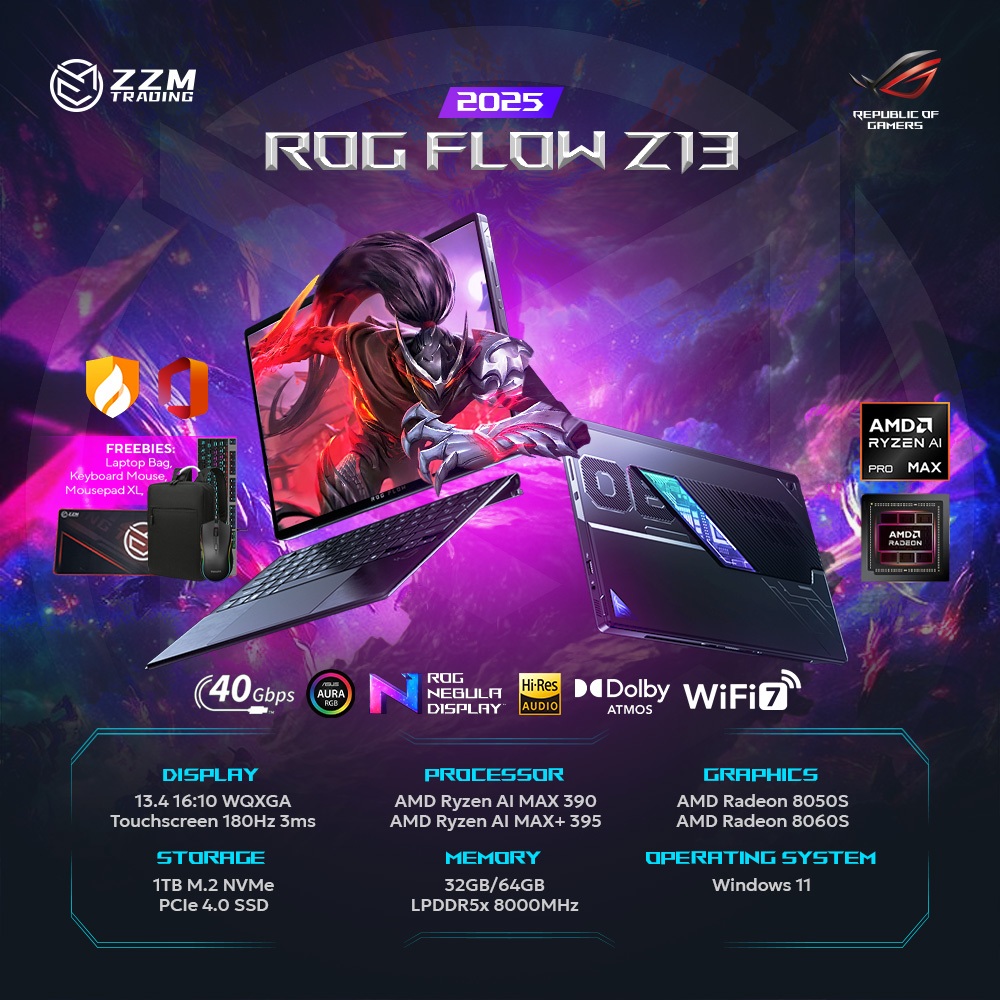
The Asus ROG Flow Z13 is a 13.4‑inch, 2‑in‑1 gaming laptop-tablet hybrid powered by an AMD Ryzen AI Max+ 395 processor, 64GB of high-speed LPDDR5X memory, and a powerful integrated Radeon 8060S GPU, designed to run demanding games and local AI workloads in a compact 2.65 lb form factor. At full price, this configuration is a tough sell, but the current Asus ROG Flow Z13 deal changes the equation. The machine with Ryzen AI Max+ 395, 64GB RAM, and 1TB SSD originally sold for about USD 2,999.99 (approx. ₱168,000) to USD 3,000 (approx. ₱168,000), but is now down to USD 2,099.99 (approx. ₱117,000) at Best Buy, a USD 900–1,000 (approx. ₱50,000–₱56,000) or roughly 30% gaming laptop discount. Given how costly high-capacity RAM is, that price for a 64GB AI laptop bargain is strong—if you need both portability and serious performance.
For this week only, Best Buy is cutting the Ryzen AI Max+ price on this configuration to USD 2,099.99 (approx. ₱117,000), and stock is described as a limited-time offer. At this level, it undercuts many traditional gaming laptops with weaker GPUs or half the memory. According to one review, this convertible is “a good deal at $2099.99, especially considering the extortionate price of RAM in the current climate.” If you have been waiting for a compact AI and gaming machine that can double as a tablet, this is one of the few options where the premium features finally align with a reasonable sale price.
Why 64GB RAM turns this into an AI and creator workstation
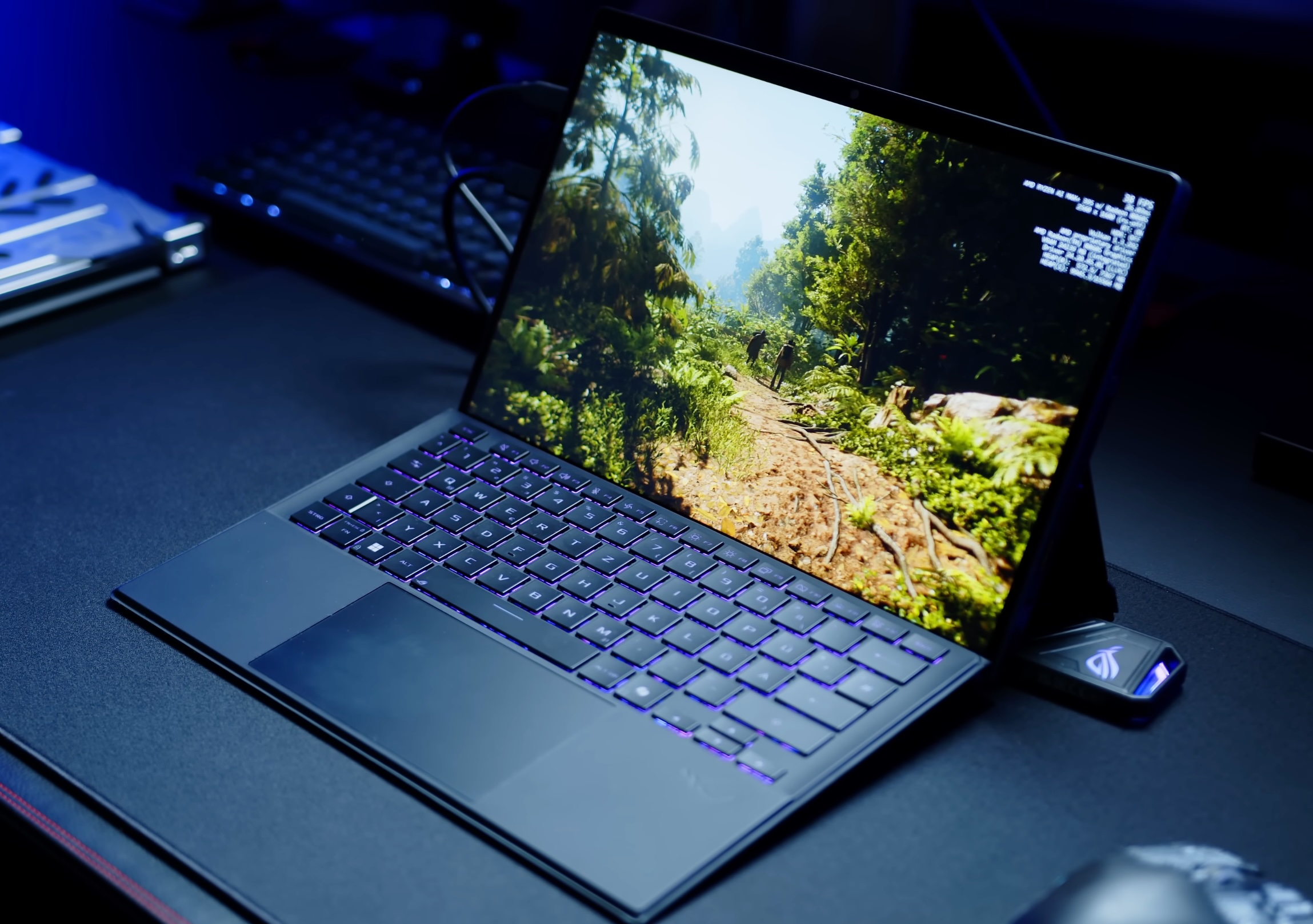
The standout spec in this Asus ROG Flow Z13 deal is the huge 64GB of LPDDR5X-8000 unified memory. For AI enthusiasts, that much RAM is the difference between dabbling in local models and running more capable small local LLMs directly on the device. You can keep a model, vector database, browser, and development tools all open without paging your system into the ground. For creators, 64GB means large Photoshop documents, timeline-heavy video edits, or massive Lightroom catalogs feel much less constrained, especially at 2560×1600 resolution. It also helps modern games that increasingly demand more memory for high-resolution textures and background tasks.
There is a tradeoff: the RAM is soldered, so you cannot upgrade later. That is why getting 64GB out of the box matters. One review notes that a 32GB version had a higher price than this sale yet offered half the capacity, making this discount more attractive for future-proofing. With RAM prices still high, paying sale pricing now to secure 64GB for the life of the machine is a smart move if you plan to run AI tools, VMs, or heavy multitasking for years.

Ryzen AI Max+ 395 and Radeon 8060S: no dGPU, still gaming-grade
Inside, the ROG Flow Z13 uses AMD’s 16‑core Ryzen AI Max+ 395 paired with integrated Radeon 8060S graphics instead of a separate GPU. This dGPU‑less design is more efficient and helps keep weight to 2.65 lb, yet performance is far above typical integrated chips. Reviewers found that the Radeon 8060S can almost match RTX 4070 Laptop performance in some scenarios, putting this compact machine in the same conversation as many full-size gaming notebooks. Another test even likens it to a discrete RTX 5060 mobile and notes it is faster than RTX 4060 mobile in many gaming situations. In practice, you can expect smooth high‑settings gameplay at 1080p and respectable frame rates at 1440p with some tweaks.
The 13.4‑inch 2560×1600 IPS touchscreen runs at 180Hz and carries a ROG Nebula badge plus Gorilla Glass protection, which pairs well with that GPU power for fast-paced titles. Thermal design is thoughtful too: a CNC‑machined aluminum chassis, stainless steel vapor chamber, and liquid metal on the CPU help keep noise down during heavy gaming or AI workloads. The lack of a discrete GPU also means fewer moving parts and less heat, which is useful in a thin 2‑in‑1. If you want a compact AI laptop bargain that does not lug around a bulky GPU, this configuration hits a sweet spot for both gaming and productivity.
Ultra-portable 2‑in‑1 design: strengths and tradeoffs
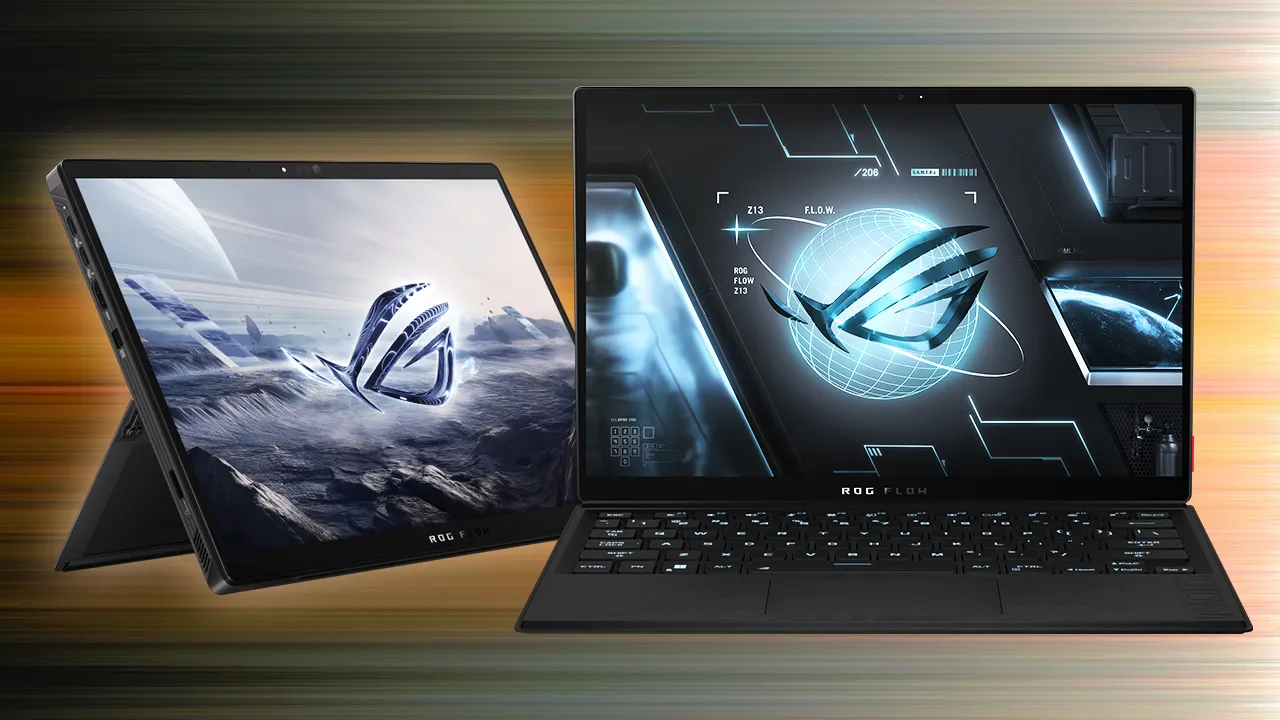
This machine is closer to a high-performance Surface-style tablet than a traditional clamshell gaming rig. The 13.4‑inch display, detachable keyboard, kickstand, and 2.65 lb weight make it genuinely travel‑friendly and almost handheld‑like in tablet mode, yet it rivals many full-sized gaming laptops in performance. That 16:10, 1600p touchscreen is bright and fast, ideal for sketching, photo work, and content browsing at 180Hz. The build is reassuring: a blacked-out CNC aluminum alloy chassis with Gorilla Glass Victus or similar Gorilla Glass protection on the screen, plus a vapor chamber that adds both strength and cooling capacity.
There are compromises. Aside from the M.2‑2230 SSD, the internals are not serviceable: CPU, GPU, and that 64GB memory are all soldered. Speakers are noted as underwhelming, and the IPS panel, while excellent for motion, cannot match the punch of OLED alternatives. Still, this design targets a specific buyer: someone who wants a hybrid work and play device that can move from desk to couch to travel bag without sacrificing serious gaming or AI performance. At roughly 30% off, it becomes competitive with many heavier gaming laptops that cannot transform into a tablet.
Buy if / Skip if
- Buy the Asus ROG Flow Z13 if you want a 2.65 lb 2-in-1 that can handle modern games and local AI workloads in a compact form.
- Skip the Asus ROG Flow Z13 if you prefer a traditional clamshell gaming laptop with easier serviceability and upgradeable RAM or GPU.
- Buy the Asus ROG Flow Z13 if you need 64GB of LPDDR5X memory for local LLMs, VMs, or heavy creative workloads and value that it is included at a steep discount.
- Skip the Asus ROG Flow Z13 if you want OLED-level contrast and color or rely heavily on loud, high-quality built-in speakers.
- Buy the Asus ROG Flow Z13 if the USD 2,099.99 (approx. ₱117,000) sale price and 30% discount fit your budget for a premium AI laptop bargain.