
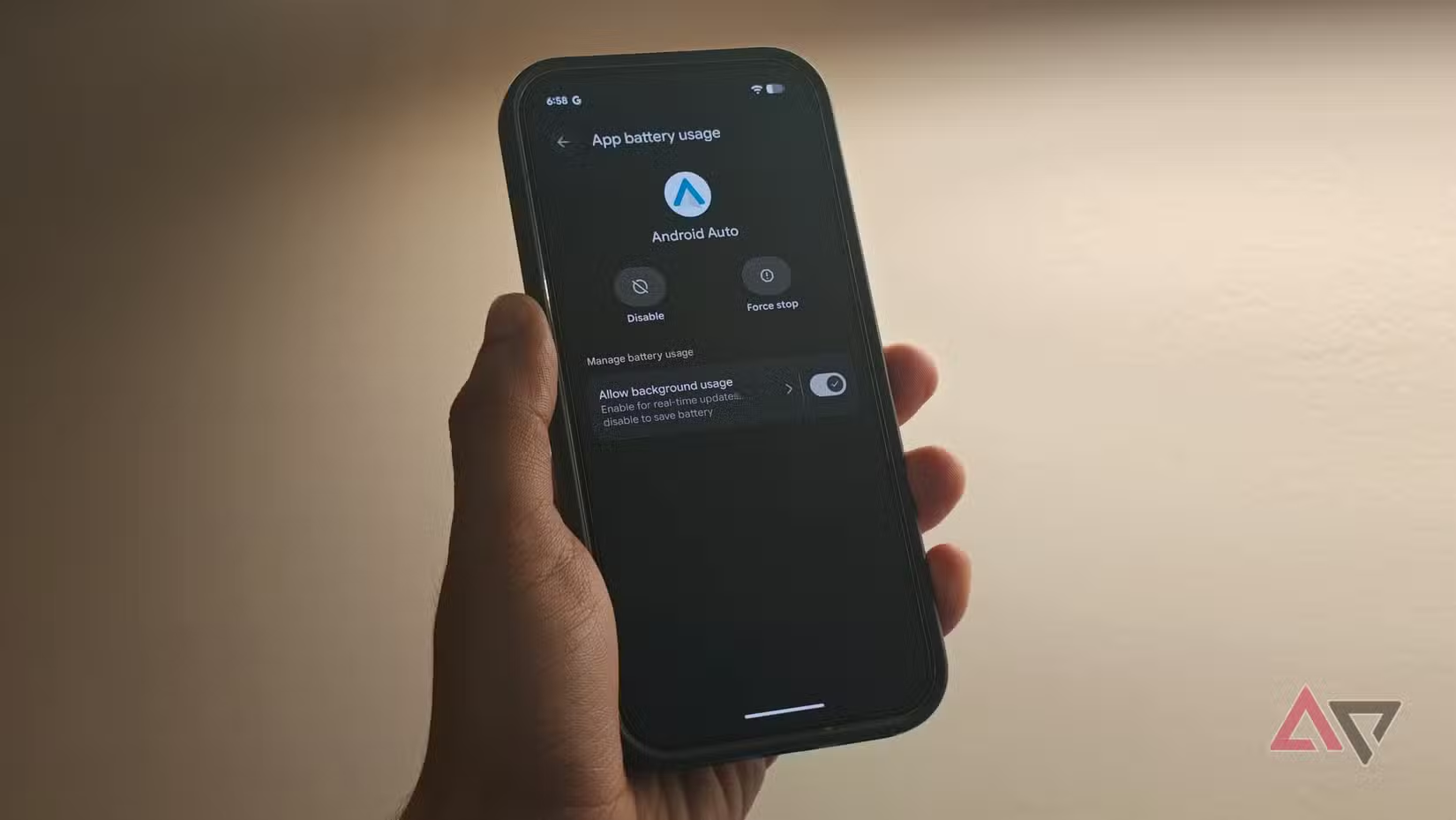

Android Auto 17.3: The Update That Gives You Your Commute Back
The Android Auto crashes fix in version 17.3 is a software update for Google’s in-car app that focuses almost entirely on resolving the severe bugs, crashes, and random disconnects introduced with the earlier Android Auto 17.2 release, restoring stable connectivity for everyday drivers who rely on the platform during their commute.
If your last few drives have turned into a tech support session, you are far from alone. Android Auto 17.2 had been available for some time, but only started reaching many users recently—and that is when the wave of crashes and Android Auto disconnects made the platform “virtually unusable” for numerous people. Worse, the problems hit regardless of phone operating system or manufacturer, so no brand was spared. Google’s answer is Android Auto update 17.3, an intentionally lean release that promises to fix those bugs and little else. If you care about reliable navigation and media in your car, this is not an optional update; it is the way to get stability back.
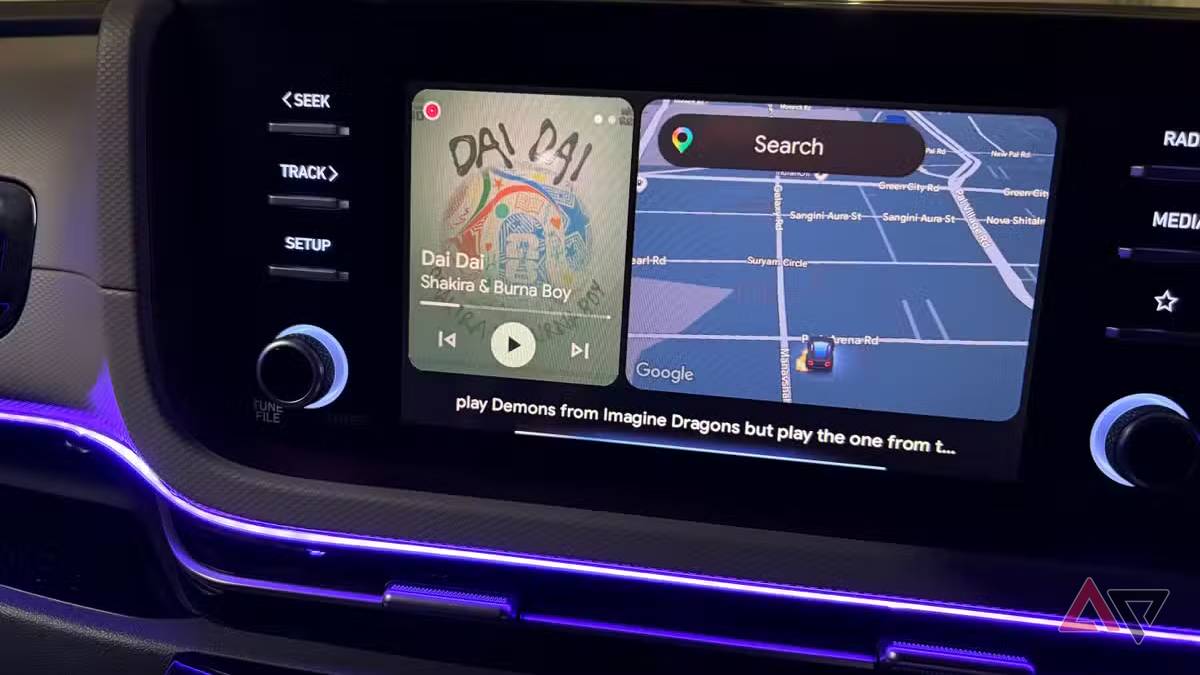
Why This Android Auto Crashes Fix Matters Now
Earlier this month, Android Auto 17.2 users began reporting problematic crashes and random disconnects, turning their dashboards into a source of stress instead of help. The issues did not spare any major phone platforms or makers, which meant the usual advice—switch phone, switch cable—did not fix the problem. According to a statement shared with affected users, Google identified an issue with uncertified aftermarket head units that impacted a smaller subset of people during the 17.2 rollout.
The result was a perfect storm: an update that reached more drivers only recently, combined with behavior that made Android Auto sessions drop without warning. In practice, that meant losing navigation, music, or calls mid-drive—a safety and convenience headache. Google’s response is targeted. Android Auto update 17.3 has now arrived and “promises to do little other than fix the bugs and crashes caused by the older update.” For anyone wondering how to fix Android Auto misbehavior today, keeping your app on 17.3 or the latest stable build is now the clearest answer.
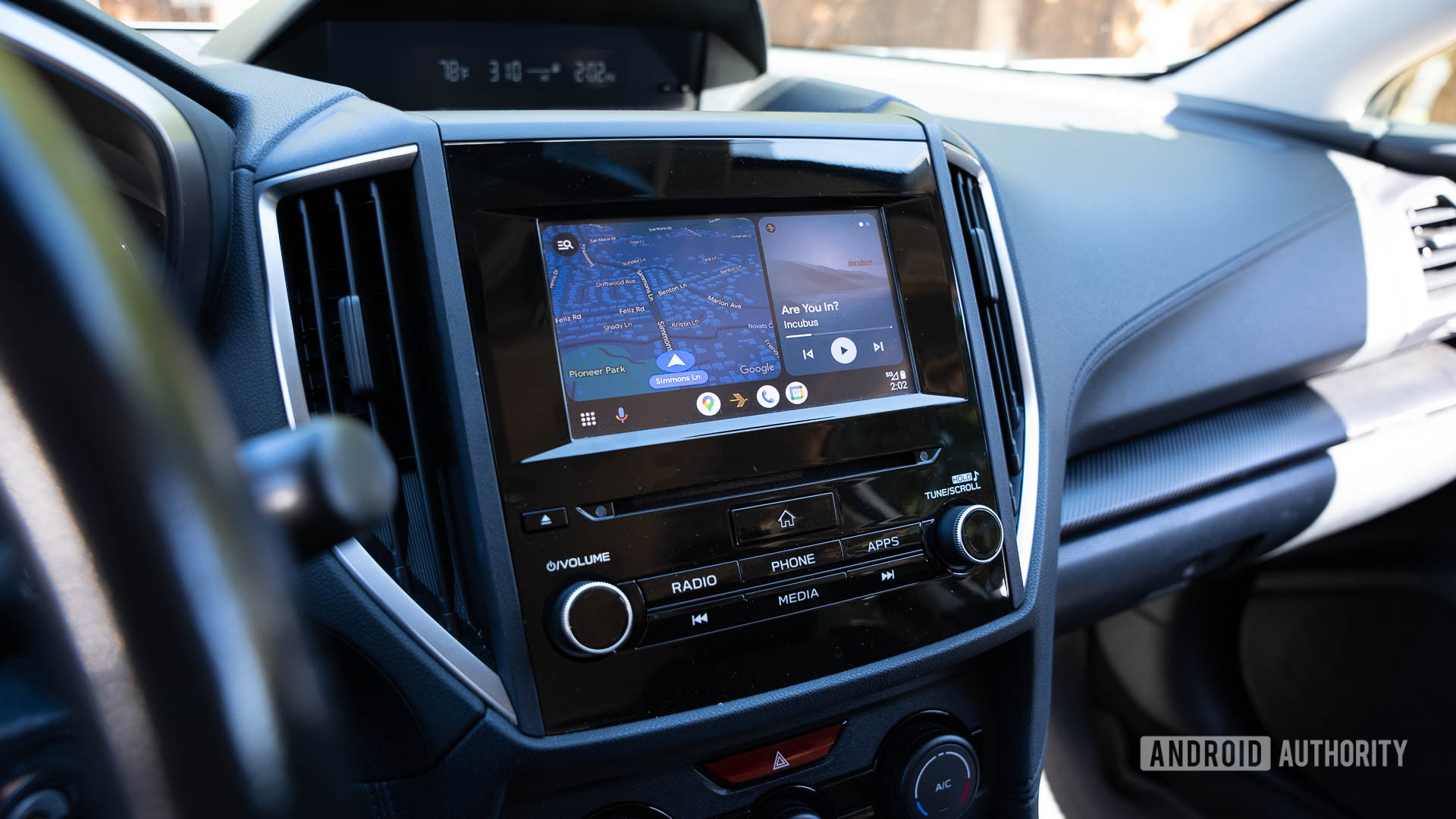
Which Version You Get: Stable vs Beta
The important detail is that the Android Auto disconnects solution is rolling out to both stable and beta users at the same time. But you are not all getting the exact same version number. If you are on the public beta program, the fix arrives as Android Auto update 17.3.662813. If you stick to the stable channel, your build number for the fix is 17.2.662638. Either way, these are the releases that aim to make random disconnects “a quickly fading memory.”
Android Auto 17.3 itself is intentionally small. The changelog lists only “bug fixes and other improvements,” with no new features or interface changes. That is a good sign: the update exists to stabilize your experience, not surprise you with more variables. The only real downside is the pace. As usual, the update will roll out slowly across the user base, and there is little you can do to move yourself up the queue. That staggered rollout protects everyone from new problems, but it also means drivers still stuck on 17.2 might be left dealing with glitches for longer than they would like.
How to Update and Fix Android Auto Crashes
If you want to know how to fix Android Auto today, the answer is straightforward: update as soon as the new build is available to you. Google is already rolling out the fix and has told affected users to “check for and install Google’s latest updates.” Here is the practical sequence to follow if Android Auto keeps crashing or dropping your connection.
- On your phone, open the app store where you normally update apps and search for Android Auto.
- If an update is available, install it; this will move you onto the new stable or beta build carrying the fix.
- After updating, restart your phone and reconnect to your car’s head unit to give the new version a clean start.
- If you still do not see the update, wait for the staged rollout to reach your account, as the release is being distributed slowly to all users.
For drivers who depend on Android Auto daily, this is not a patch to postpone. Android Auto 17.3 is described as a must-download for anyone who uses Google’s automotive app regularly, and anyone who encountered problems is urged to install the latest updates. The sooner you move off the problematic 17.2 build, the sooner your in-car experience goes back to being invisible—which is exactly what a good dashboard should be.





