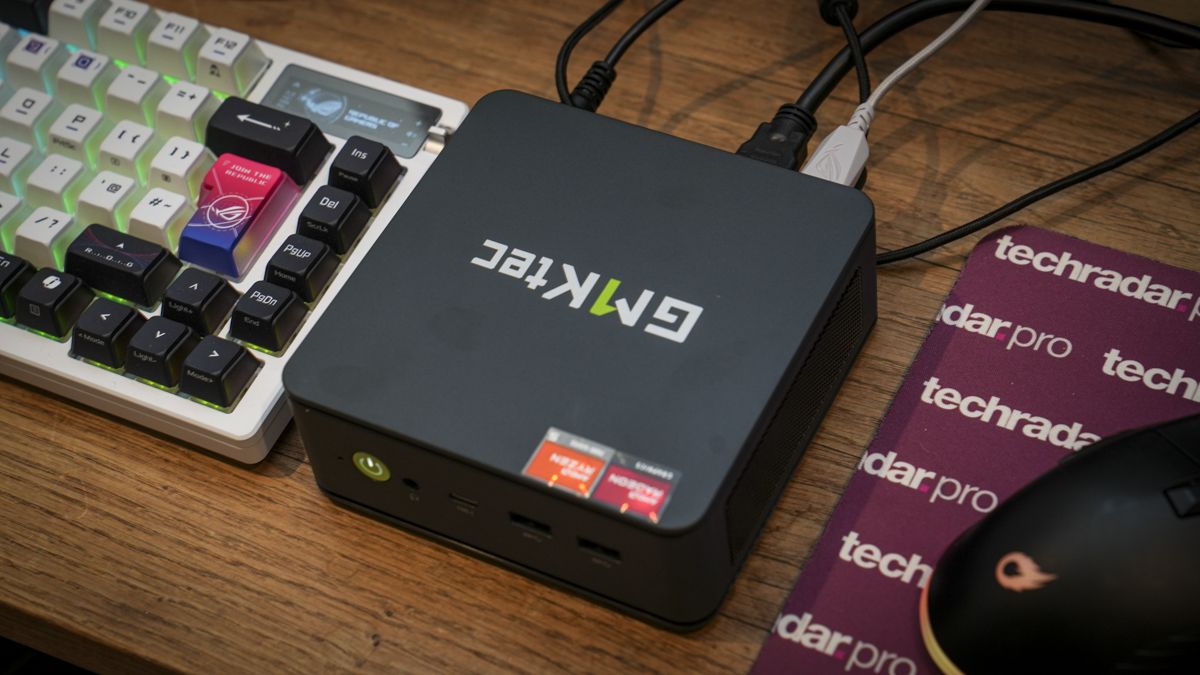

Top pick: GMKtec NucBox M6 Ultra for most people
A mini PC is a compact desktop computer that trades bulky towers for small, space-saving enclosures while still delivering enough CPU, storage, and connectivity to handle everyday work, creative apps, and even some gaming workloads when paired with efficient modern processors.
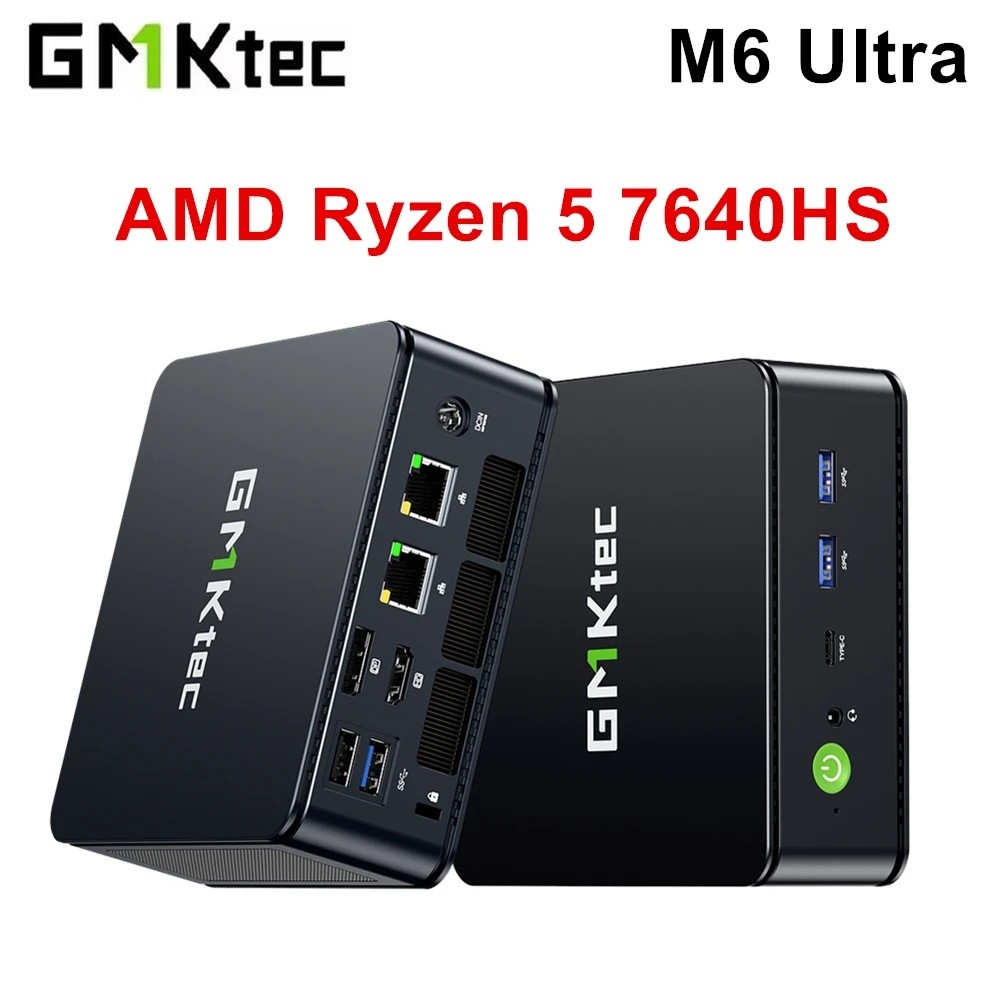
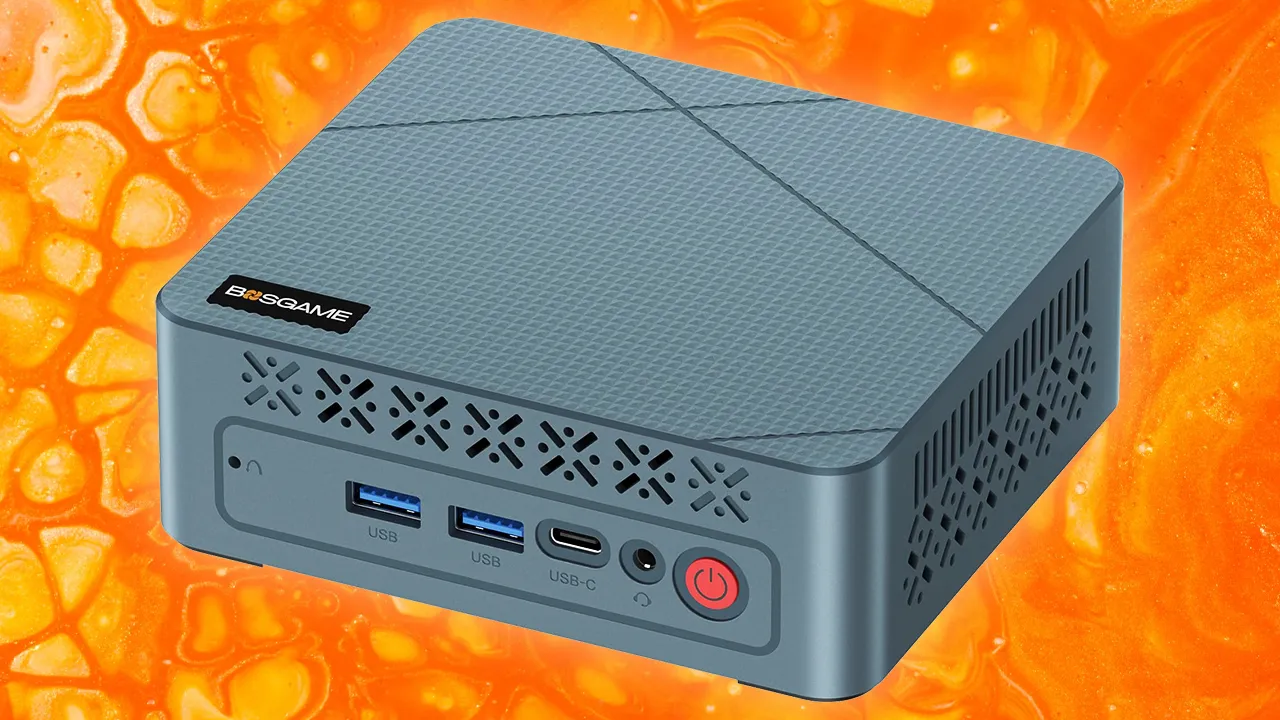
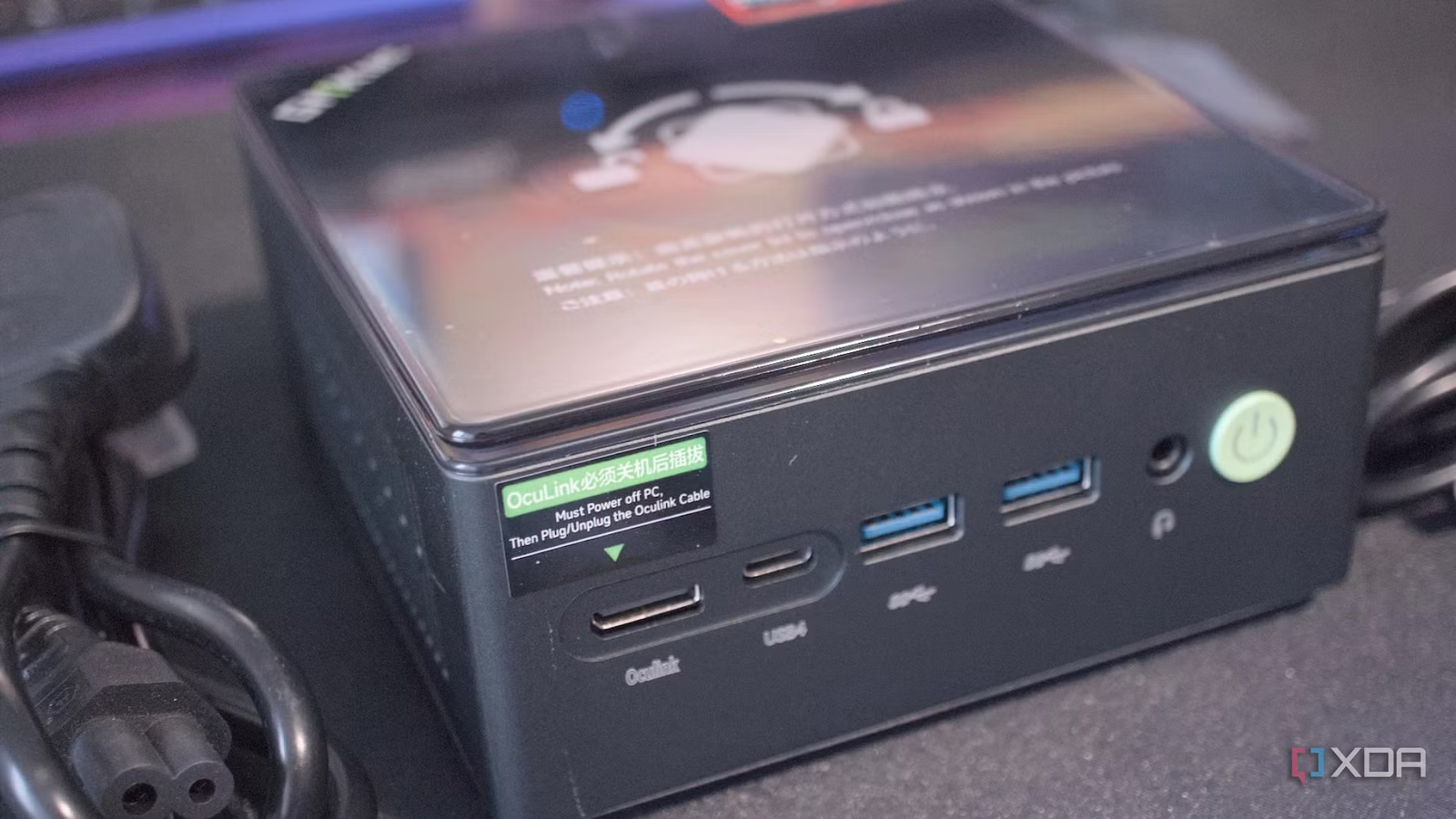
If you want one small system that can handle office work, light content creation, and some games, the GMKtec NucBox M6 Ultra is the mini PC to buy. It pairs an AMD Ryzen 5 7640HS CPU with integrated AMD Radeon 760M graphics, up to 32GB of DDR5 RAM (expandable to 128GB), and a 1TB SSD that can grow to 8TB. Connectivity is strong for a compact desktop: 3x USB 3.1, 1x USB4, 1x USB 2.0, HDMI 2.0, DisplayPort, two 2.5G Ethernet ports, and a 3.5mm audio jack. The case measures 5.07 x 5 x 1.88in (12.88 x 12.7 x 4.78cm), so it disappears under a monitor or behind a display. According to the testing team that reviewed over 100 mini PCs, this machine is an “affordable all-rounder for professionals, creators, students and even gamers.”
The M6 Ultra’s strengths are clear: a compact minimalistic design, easy upgrade options, and an affordable overall package. Its downsides are the lack of a discrete GPU, limited upgrade paths beyond its current layout, and thermal cooling that can be pushed under heavy, sustained loads. In practice, that means it shines in productivity, light creative work, and lighter games, but it is not aimed at high-end AAA gaming or feature-length video production.
Best budget mini PC: GMKtec G10 for basic office and home use
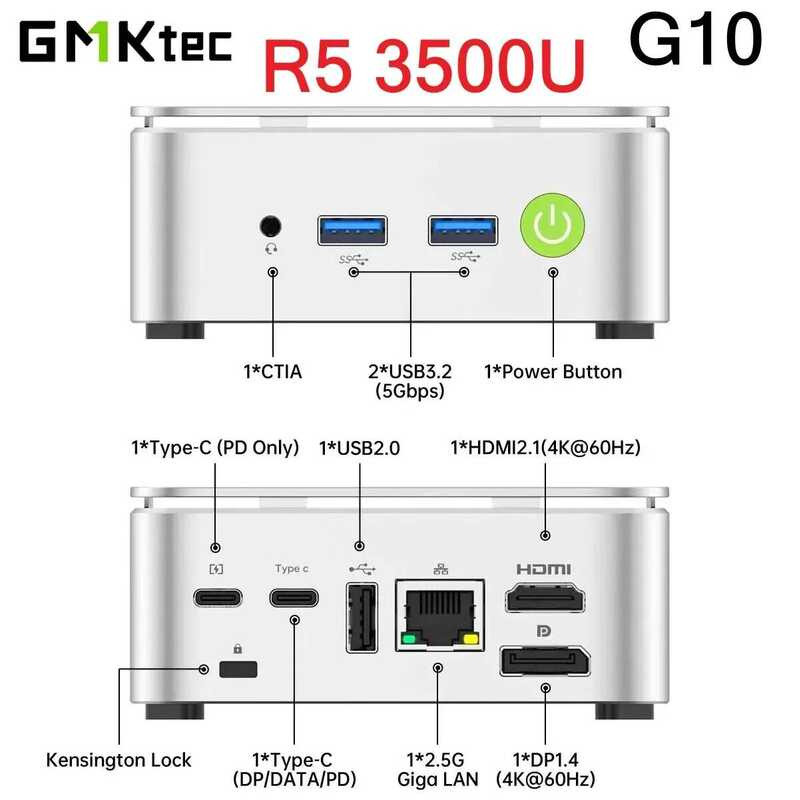
For buyers who care more about price than raw speed but still want a flexible mini PC, the GMKtec G10 is the standout budget choice. It uses an AMD Ryzen 5 3500U CPU with AMD Radeon Vega 8 Graphics, paired with 16GB of DDR4 RAM (expandable to 64GB) and 1TB of storage, with support for up to 16TB via dual drives. Ports include 3x USB-A, 2x USB-C, HDMI 2.1, Display 1.4, Ethernet, and a 3.5mm audio jack, with a barebones model also available for custom builds. The chassis is compact at 4.1 x 3.9 x 1.7in (10.3 x 9.8 x 4.2cm), so it fits in tight home offices or behind a TV.
This compact desktop computer is ideal for browsing, streaming, and office tasks, and reviewers noted that “for price and performance, there’s nothing much that comes close to the GMKtec G10.” Reasons to buy include its cheap price, dual M.2 PCIe 3.0 slots, 2.5GbE LAN, and easy internal access for upgrades. The trade-offs are clear: the CPU is based on older technology, and there is no USB 4.0 or Thunderbolt for high-speed peripherals. You should not expect it to handle demanding 4K video editing, modern games, or complex software with the same ease as higher-end models, but as a mini PC buying guide staple for budget buyers, it earns its place.
Best Mac mini PC: Apple Mac mini (M4) for creative work
If you prefer macOS and want a compact desktop that “just works,” the Apple Mac mini with M4 is the best mini PC in that ecosystem. It features an Apple M4 processor with up to 12 CPU cores and an integrated GPU with up to 16 cores. Memory goes up to 24GB, paired with a 512GB SSD. Connectivity includes 2x USB-C ports, 3x Thunderbolt 5 (USB-C) ports, HDMI, a 3.5mm headphone jack, and Ethernet in a 5 x 5 x 2in (12.7 x 12.7 x 5cm) enclosure.
Reviewers highlight its great performance and value, along with a more compact design compared to many traditional desktops. It is especially well-suited to photo and video editing alongside everyday office apps, making it a strong choice for content creators who want a tidy, quiet setup. There are some drawbacks: it struggles with modern games, the front USB-C ports are slower than the rear ones, and the power button placement can be awkward. Unlike many Windows-based mini PCs, there is no barebones option and no easy way to upgrade internal components later, so you need to choose your configuration carefully at purchase time.
Power, accessories, and how to decide
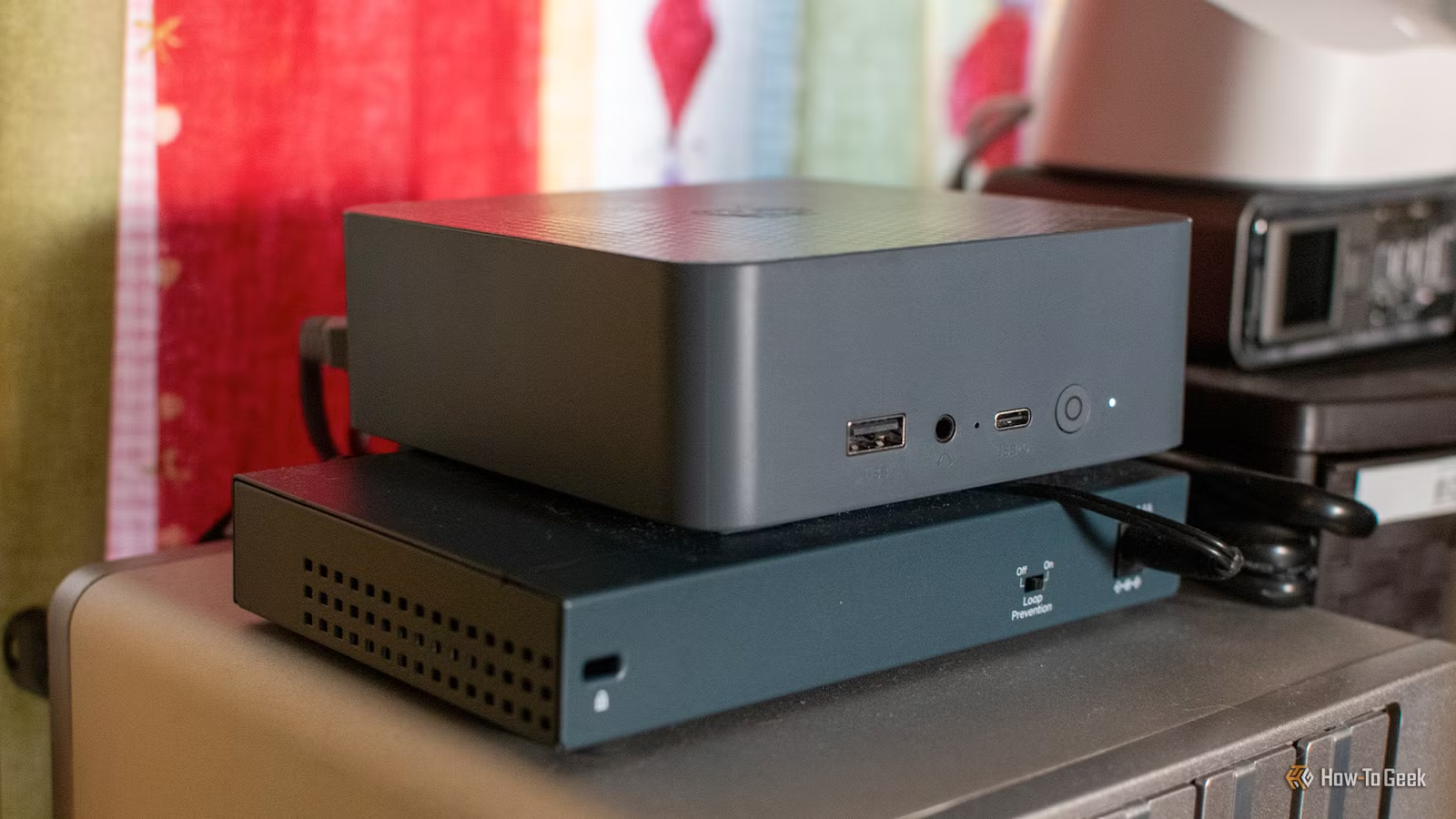
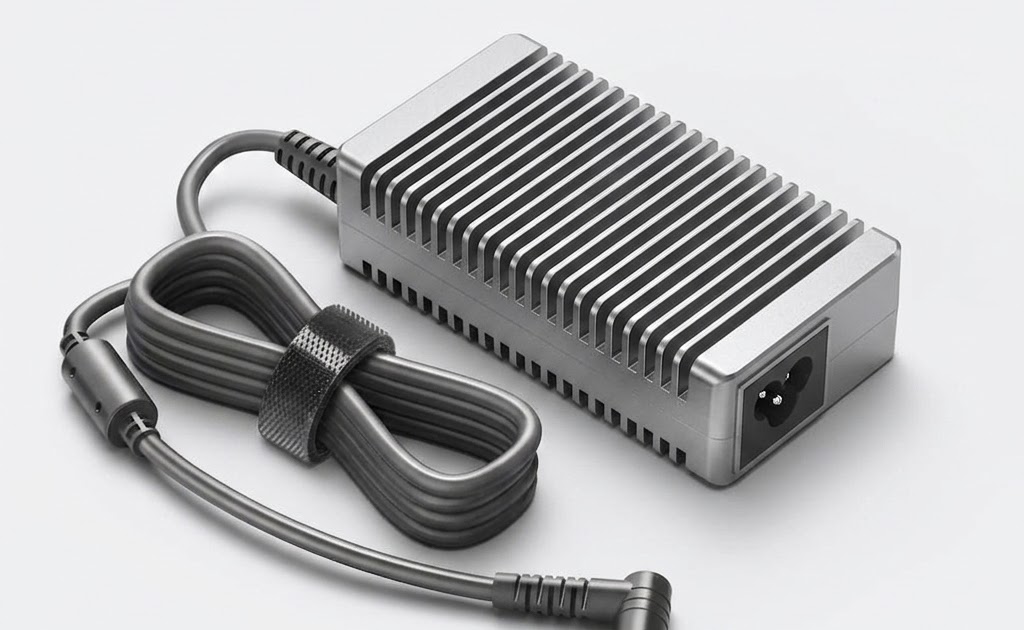
Beyond specs, power delivery and accessories are important for any mini PC setup. Reliable external power bricks can be hard to find for small form factor systems, and one commentary notes that it is still surprisingly difficult to buy a high-quality, brand-name power adapter for many NUC or Thin mini-ITX builds. Losing or damaging the original power brick can leave buyers dependent on generic, potentially unreliable replacements. That is worth keeping in mind if you plan to mount your mini PC in a hard-to-reach place or move it between locations frequently.
When choosing between the GMKtec NucBox M6 Ultra, GMKtec G10, and Apple Mac mini (M4), start from your main workload and ecosystem. The M6 Ultra is best if you want a performance-driven mini PC that balances office tasks, content creation, and some gaming without needing a discrete GPU. The G10 fits buyers who want a cheap, configurable system for everyday tasks with easy internal access. The Mac mini is ideal if you value macOS workflows and content creation and do not need heavy gaming or user-serviceable upgrades. Together, they cover the most common needs for compact desktop computers without wasting space or energy.
Buy if / Skip if
- Buy the GMKtec NucBox M6 Ultra if you want a performance-driven mini PC that can handle office tasks, light content creation, and some gaming without a high price.
- Skip the GMKtec NucBox M6 Ultra if you are a dedicated gamer who needs a discrete GPU or external graphics support for AAA titles.
- Skip the GMKtec NucBox M6 Ultra if you are a professional video editor planning feature-length or very heavy 4K projects.
- Buy the GMKtec G10 if you want a good cheap mini PC for browsing, streaming, and office work with room for future storage and RAM upgrades.
- Buy the GMKtec G10 if you like configuring your own machine and want a barebones-friendly chassis with easy internal access.
- Skip the GMKtec G10 if you need a workhorse for demanding creative apps, modern games, or complex development workloads.
- Skip the GMKtec G10 if you require USB4 or Thunderbolt connectivity for high-speed external drives or docks.
- Buy the Apple Mac mini (M4) if you want a mini PC that just works for productivity and content creation in the macOS ecosystem.
- Buy the Apple Mac mini (M4) if you create content and need strong performance in photo and video editing apps alongside office tools.
- Skip the Apple Mac mini (M4) if you specifically want a Windows machine or prefer the flexibility common in NUC-style systems.
- Skip the Apple Mac mini (M4) if you want a mini PC you can upgrade over time, since its internals are not user-configurable.