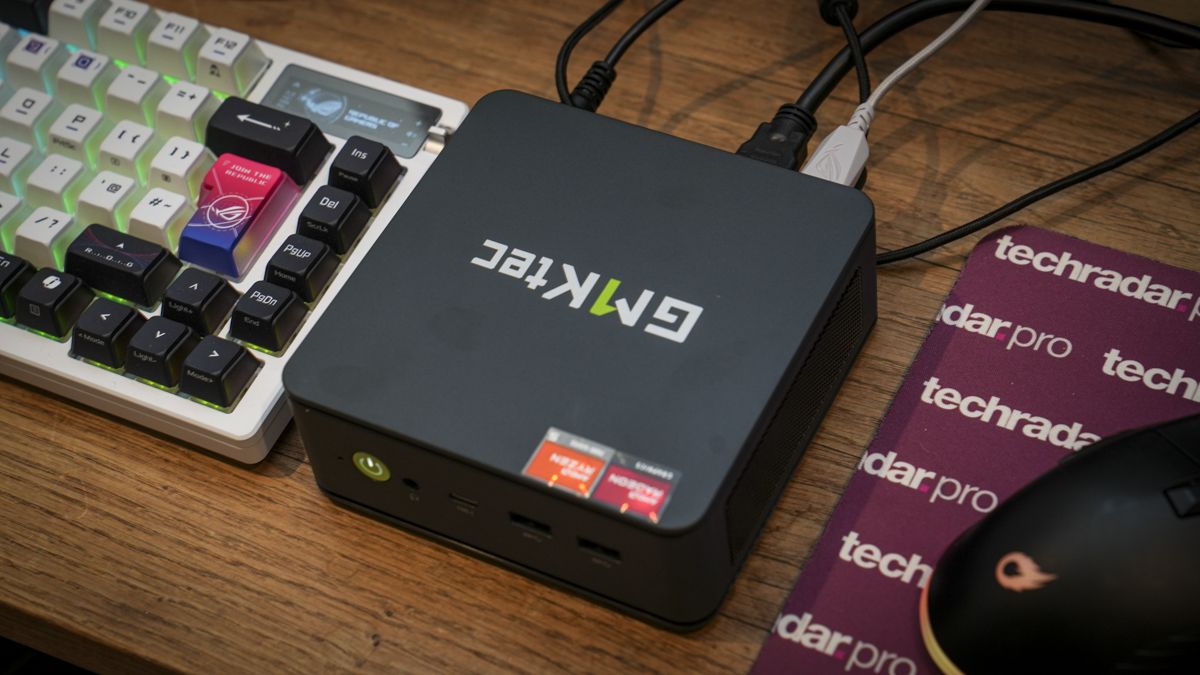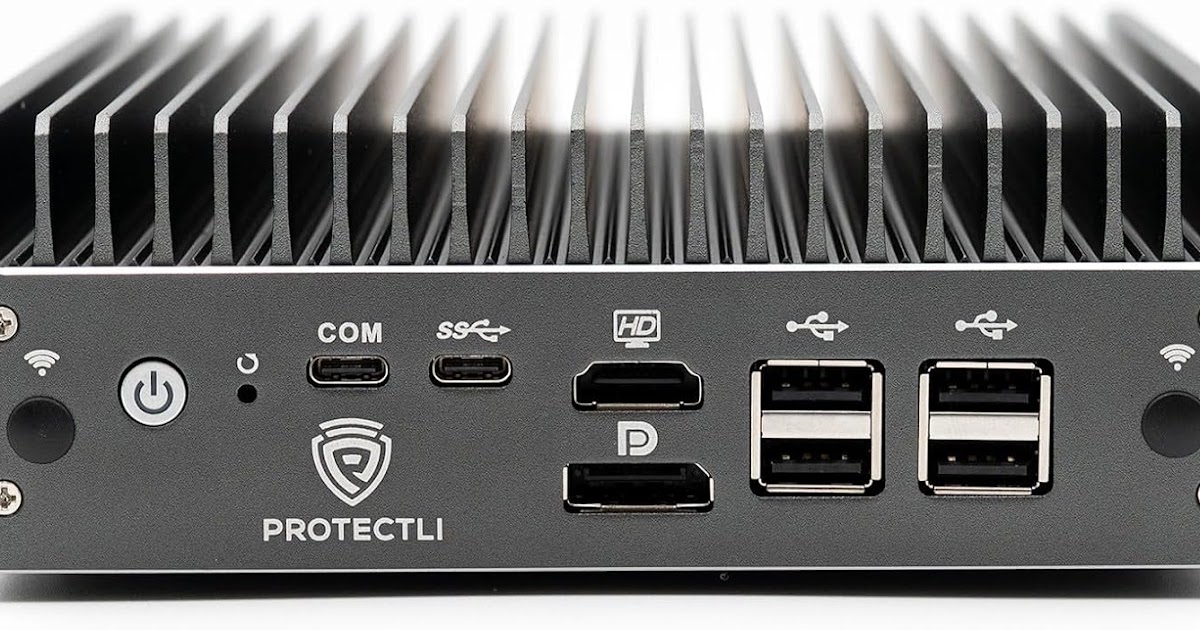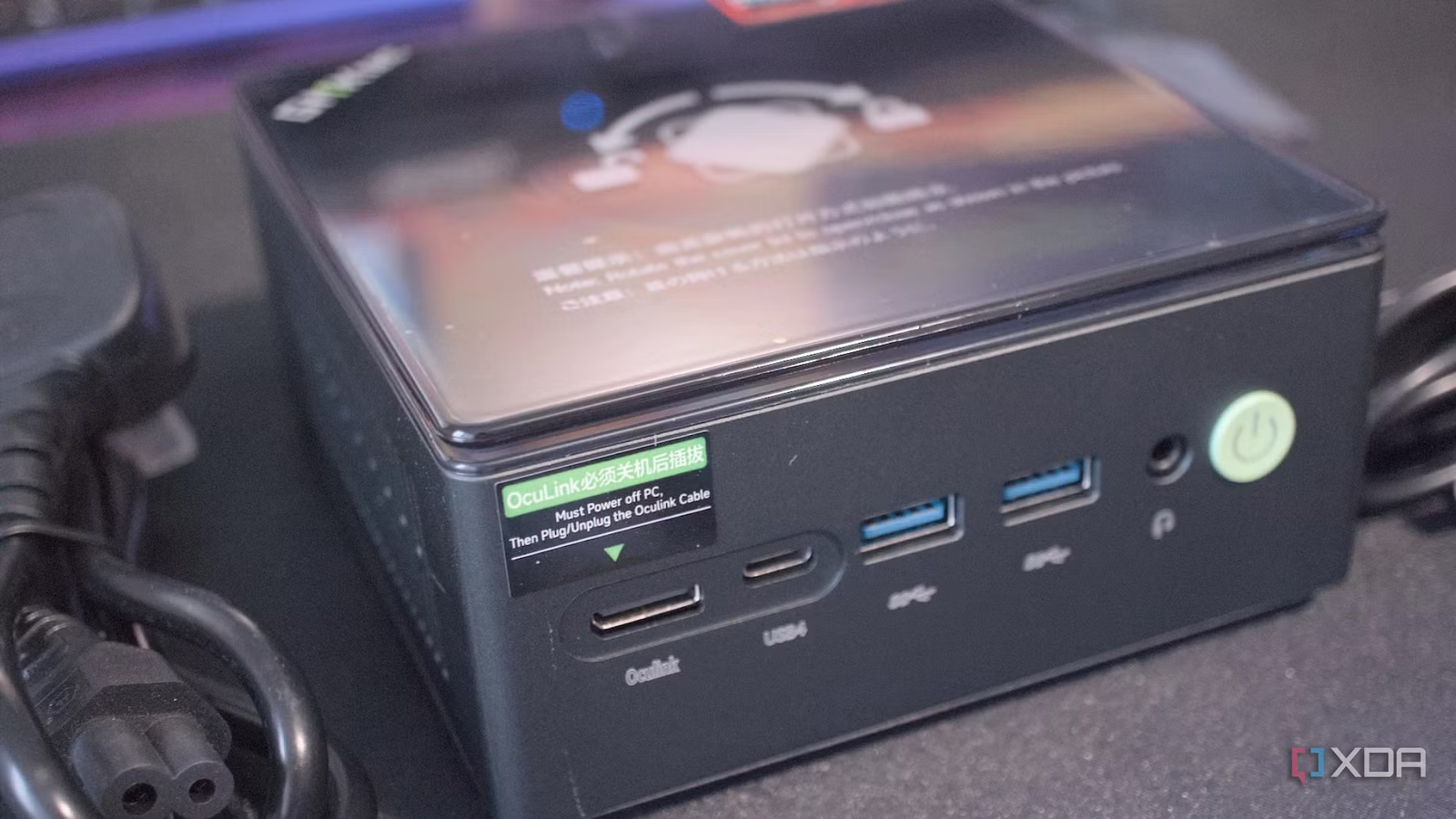
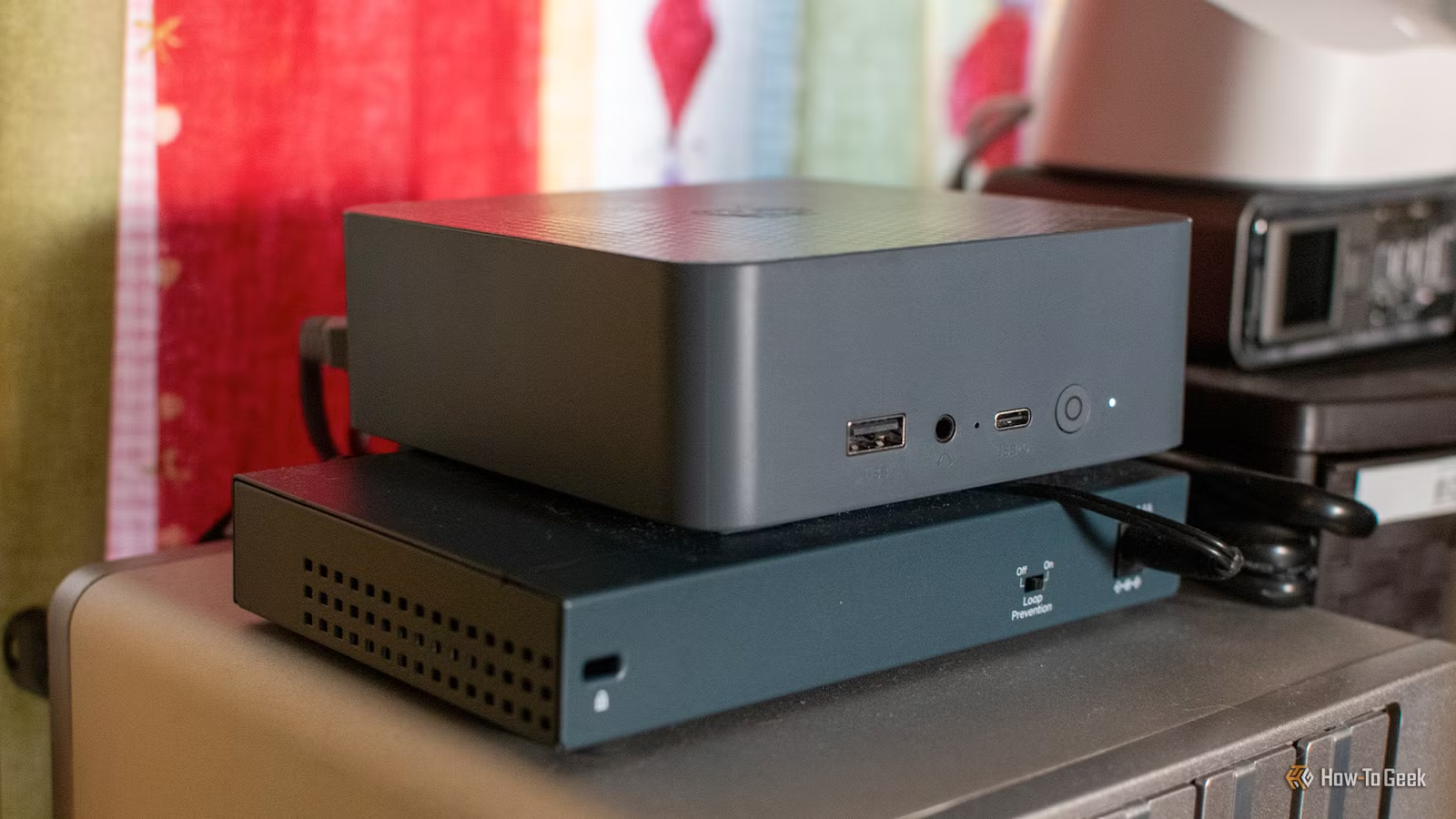

What “frontier-level AI on a mini PC” really means
Running frontier-level or near-frontier AI models on a mini PC means choosing lightweight AI models and smart deployment tricks so you get useful local LLM behavior on limited hardware, balancing capability, speed, and memory use instead of expecting cloud-grade performance on a compact PC or single-board computer. This guide is for you if you want private, local AI that can handle everyday productivity and automation tasks, and you are willing to trade raw speed for control and lower hardware requirements. Think of this as building a capable assistant that lives inside your mini PC, Raspberry Pi, or modest home server. You will not match the fastest cloud services, but you can get solid results and keep your data local. The prerequisite is accepting those limits and working with them, not fighting them. According to one engineer, Colibrì can run a 744‑billion‑parameter GLM‑5.2 model on a modest CPU with 25GB of RAM and a 1GB/s virtual NVMe drive. That proves frontier‑level models can fit into a home lab, as long as you respect the performance hit.

Picking the right lightweight local LLM for limited hardware
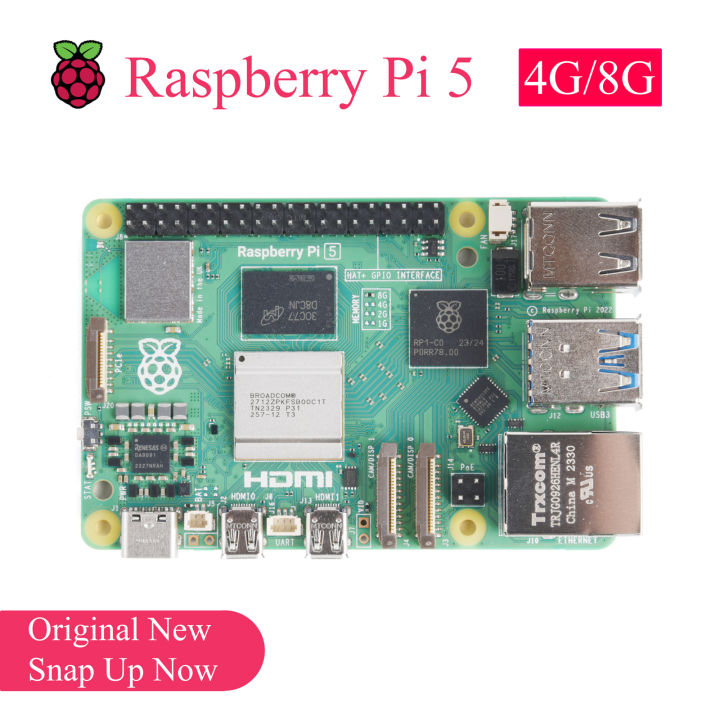
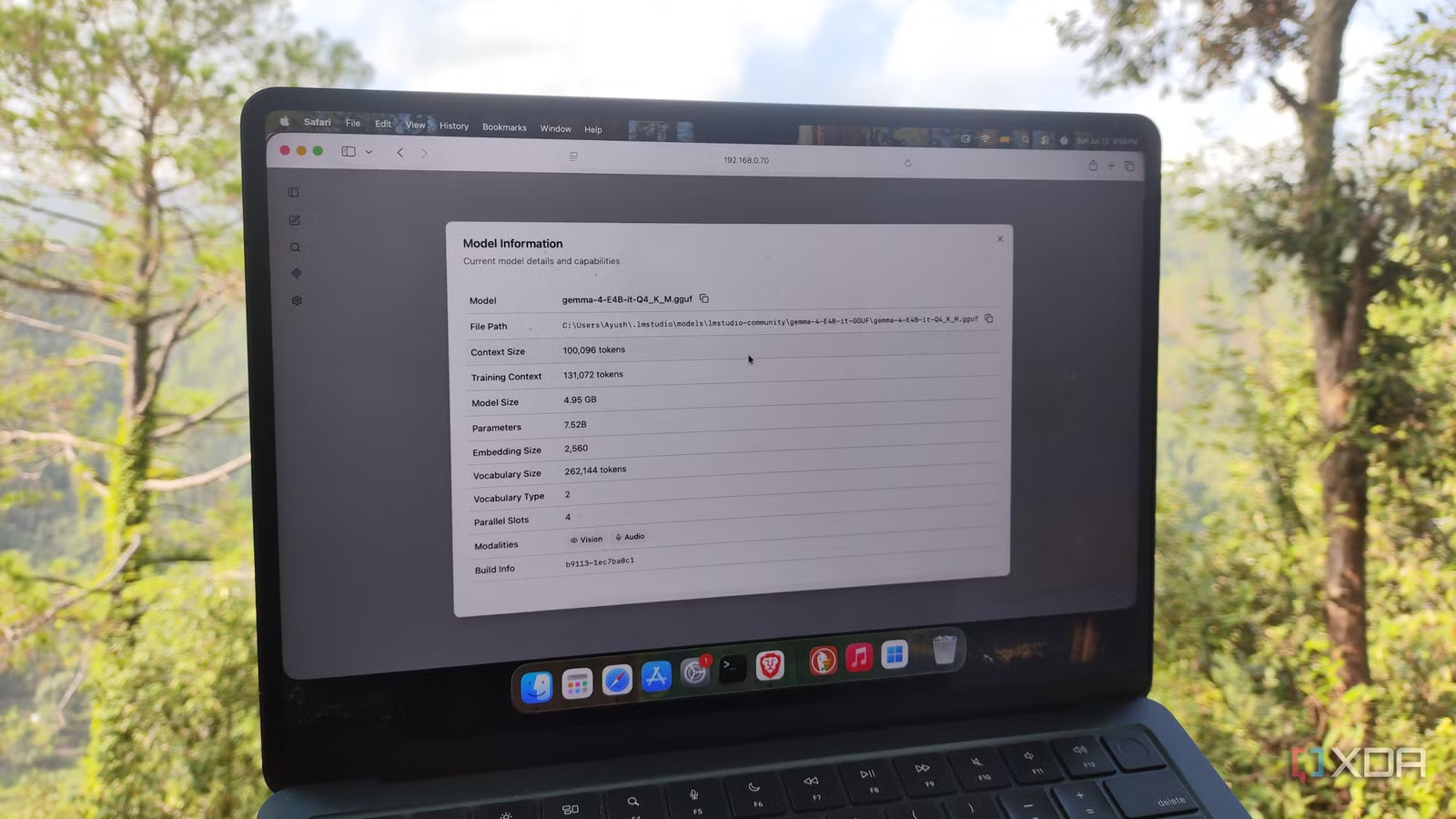
Before you try to run AI models on a mini PC, decide what you want the model to do and how patient you are willing to be. On weak systems, very small models in the 1.7–2B range can load, but they often hallucinate, loop endlessly, or melt down on anything more complex than simple questions and basic terminal commands. That is the classic gotcha: yes, the model fits, but the answers are not reliable enough for serious work. Gemma 4 E4B is a good example of a lightweight AI model that dodges this problem. It behaves more like an 8B model but uses Per-Layer Embeddings to cut effective parameters to 4.5B, so it accesses more information without hogging memory. As a result, it runs well on weak systems like a Raspberry Pi 5 with 8GB RAM, which struggles with typical 5–6B models. For practical productivity—troubleshooting code, reading logs, or answering everyday questions—this kind of design is what you are looking for in a local LLM on limited hardware. On compact PC AI deployment, another pattern is to pair a small LLM with auxiliary components. One setup passes structured data into a 4B model (Qwen3-4B) running in a local manager, which then turns it into natural language briefings. You do not need a huge model for tasks like daily summaries or templates, as long as your inputs are clean and your expectations are realistic.
A practical step-by-step setup that works on slow machines
Once you have the right model in mind, the trick is arranging your workflow so slow hardware does not get in your way. Compact PC AI deployment is less about chasing maximum tokens per second and more about fitting AI into your day without waiting by the terminal. This is where people with mini PCs, old laptops, or Pi-based home labs tend to either succeed or give up. On very constrained hardware, frontier-level experiments like Colibrì show what is possible but also highlight the speed penalty. Colibrì repeatedly loads and unloads Mixture-of-Experts slices per token, letting a cheap machine use a large model at about 0.05–0.1 tokens per second on one test setup—a rate that turns a single question into hours. That is inspiring for hobbyists but unusable for interactive chat. For more down-to-earth use, a 4B local LLM can still be slow, but it becomes practical when generation happens at off-peak times and results are cached. In one home automation setup, the system takes key information from a household manager, sends it to Qwen3-4B on a mini PC, and produces natural language morning briefings that are ready before the family walks into the kitchen. The same idea powers an overnight batch of spoken announcements: they are generated when nobody is waiting for them, so slow generation never feels like a problem.
- Decide your core tasks (briefings, code help, log analysis) and accept that a small local LLM will be slower and less capable than cloud models.
- Match tasks to a lightweight AI model that fits in memory, such as Gemma 4 E4B or a 4B-class model, instead of pushing 6B+ models onto 8GB machines.
- Install a local runner (for example, a container or desktop app) on your mini PC or Pi and configure the model with modest context and batch sizes to avoid out-of-memory errors.
- Design your automations so heavy prompts run on a schedule—overnight or early morning—and store outputs for instant use later, rather than waiting for live responses.
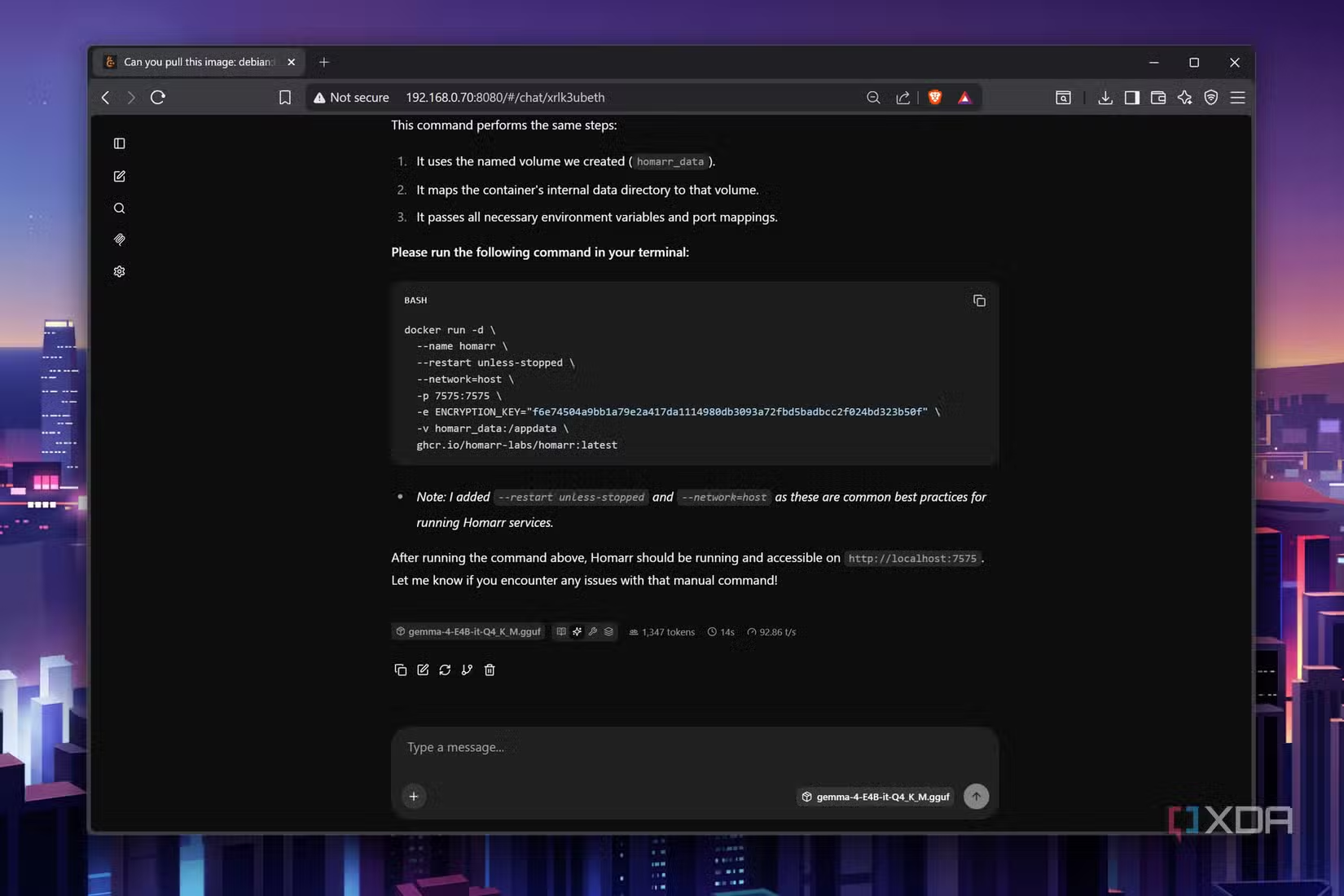
- Gradually add more advanced tasks and tools, but avoid asking tiny models to create complex infrastructure like full Ansible playbooks or container orchestration, where errors and tool-calling failures are common.
Follow these steps and you will end up with a local LLM on limited hardware that feels helpful instead of painfully slow. The expected result is a setup where structured data flows through a small model into natural language, or where a compact model like Gemma 4 E4B reliably edits existing code, answers targeted questions, and troubleshoots server logs without collapsing under load.

Real trade-offs: capability, speed, and hardware constraints
Running AI models on a mini PC is all about balancing three things: how smart the model is, how fast it responds, and whether your hardware can keep it in memory. Bulky LLMs deliver accurate results but demand decent GPUs and lots of RAM. At the other extreme, frontier-level experiments like Colibrì compress enormous models into limited memory with clever slicing, but each token can take seconds, so conversation feels glacial. Lightweight AI models sit in the middle. A design like Gemma 4 E4B’s Per-Layer Embeddings gives you 8B-like knowledge with 4.5B effective parameters, which is why it runs respectably even on machines that choke on standard 5–6B models. You get good reasoning and code editing, but there are clear limits: it fails at some container-creation workflows and tends to produce malformed full-scale Ansible playbooks. These are the sort of sharp edges you need to be aware of when you start leaning on a tiny LLM for big infrastructure tasks. Slow generation is another trade-off that matters less than you might think. On modest hardware, even small local LLMs will never match the speed or breadth of cloud models, and even fairly simple tasks can take a long time to complete. But if you schedule those tasks and design around the delay, the speed penalty becomes a background detail rather than a daily frustration.
Is it worth it? How to keep your local AI setup sane
If you treat this as building a careful, privacy-friendly assistant instead of chasing benchmarks, running local LLMs on limited hardware is worth the effort. You gain control over your data and can automate very personal workflows—morning briefings, RSS newsletters, log digests—without sending every detail to a remote service. The payoffs are clear: compact PC AI deployment works when you choose lightweight AI models that respect your RAM ceiling, accept slower generation, and focus on narrow, well-defined tasks. On the frontier side, proof-of-concepts like Colibrì show that even huge models can be squeezed into modest machines using about 25GB of RAM and fast virtual storage, but they also remind you that raw capability means little if every reply takes hours. Watch out for two common mistakes. First, cramming the biggest model your mini PC can barely load, which leads to crashes and unusable latency. Second, expecting tiny models to design complex infrastructure end-to-end, where hallucinations, loops, and broken tool calls are still widespread. Keep your tasks modest, let your automations run ahead of time, and your local LLM on limited hardware will feel like a helpful background service instead of a science project.