
What Black Flag Resynced PC Optimization Is And Why It Matters
Assassin’s Creed Black Flag Resynced PC optimization is the process of tuning patches, graphics options, and hardware-specific settings so the game maintains stable frame rates and responsive controls on a wide range of systems, from portable devices to full desktops, without sacrificing more visual quality than necessary.
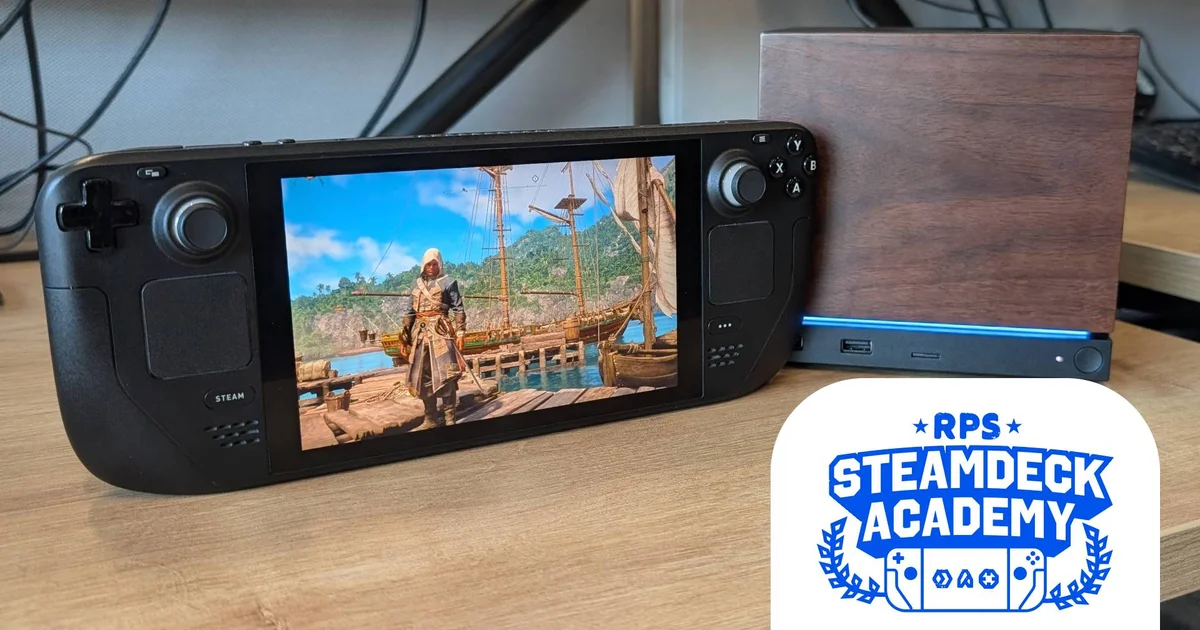
If you’re playing Black Flag Resynced on a PC, Steam Deck, or Valve’s compact Steam Machine, you can get smoother performance with a bit of tinkering. Valve has already given the game a Verified badge on Steam Deck, and both the Deck and Machine can run it reliably when configured well. Patch 1.04 also fixed the notorious bug that caused the game to be locked to 30 FPS on PC, improving performance and stability for many players. This guide aims to help you optimize gaming performance with clear steps and practical settings that keep the game looking decent while staying responsive during long sessions.
Prerequisites: Patch 1.04 And Installing Ubisoft Connect On Steam Deck
Before you dive into Black Flag Resynced PC settings, make sure you’re patched and ready. Patch 1.04 fixes the “locked to 30 FPS” bug on PC and delivers improved performance and stability. PC gamers who ran into the 30FPS cutscene issue can now expect it to be resolved after updating. That alone makes a big difference, especially if you’re sensitive to frame pacing or switching between high-refresh monitors and handheld screens.
On Steam Deck gaming setups, the other prerequisite is getting the Ubisoft Connect version running if you’re not using the Steam release. Normally, a third‑party launcher helper would be ideal, but a recent update to Ubisoft’s app has broken that route, so you should install Connect directly instead. Think of this as laying the foundation: once Connect and the latest patch are in place, all the later tweaks you apply will behave more predictably.
- Switch your Steam Deck to Desktop Mode so you can work with regular installers and files.
- Download the Ubisoft Connect installer, then add and launch it through Steam as a non‑Steam game so it can run under SteamOS.
- After installation, add the main Ubisoft Connect .exe as another non‑Steam game and launch it, then use it to install Assassin’s Creed Black Flag Resynced so the Deck treats it like any other Steam title.
Following these steps means your Deck will recognize controllers correctly once you press the A button to launch the game from Ubisoft Connect, and you’ll be ready to tweak performance settings from within Black Flag Resynced itself. Skipping this groundwork often leads to awkward controls or patch issues that you end up chasing later.
Optimizing Black Flag Resynced On Steam Deck And Low-Spec PCs
Once the game and patch are installed, you can move on to tuning Black Flag Resynced PC settings for weaker GPUs like the Steam Deck’s APU or other low‑spec systems. By default, the game offers handheld‑tuned High, Medium, and Low presets, but at native resolution these are targeted more at newer, more powerful handhelds, so the Deck benefits from upscaling help. With the Handheld Low preset, the benchmark tool shows about 28 FPS with native TAA, which climbs to a more comfortable 35 FPS when AMD FSR is set to Quality mode.
The good news is that you can tweak individual options to optimize gaming performance without dropping every slider to rock bottom. A custom mix can match or beat the lowest preset, giving you 30–45 FPS in many scenarios with fewer visual sacrifices. The key is to lean on the upscaler and aggressively lower geometry and effects that cost a lot of performance but have less impact on playability on a small screen.
A practical Steam Deck preset uses AMD FSR on Balanced with most heavy settings at Very Low or Ultra Low: dynamic resolution off; FSR Balanced; frame generation off; motion blur off; camera effects on; chromatic aberration off; ray tracing off; character, particles, water, texture, geometry, shadow, scatter, and several terrain options all at Ultra Low; and modest settings like Low for loading distance, screen space effects, light sources, clouds, deformation, and Micropolygon. While that list looks brutal, it keeps the game responsive and, in busier places like Havana, helps maintain a 30 FPS floor and reach up to around 45 FPS in calmer areas when FSR is on Balanced.
Tuning Black Flag Resynced For Midrange Desktops And Steam Machines
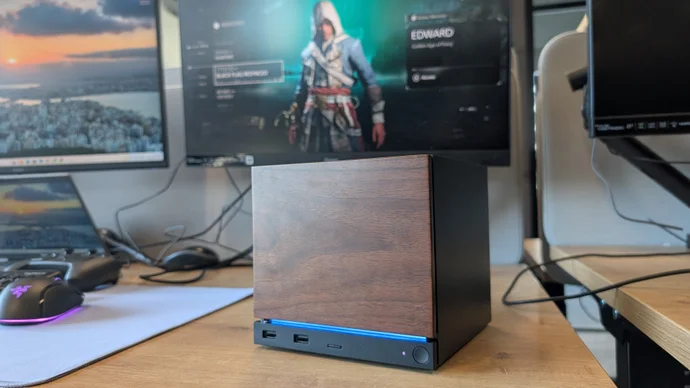
If you’re on a midrange desktop or Valve’s compact Steam Machine, you can afford higher visual quality at 1080p while still relying on FSR to keep frame rates healthy. Black Flag Resynced is decently performant on the Steam Machine, which can keep pace with some stronger desktops at that resolution. According to one performance analysis, using FSR at 1080p has become viable because the upscaler’s image quality has improved over the years, letting it contribute a solid chunk of extra frames without wrecking clarity.
A balanced desktop configuration keeps dynamic resolution off and FSR set to Quality, with motion blur off and camera effects on, much like the Deck profile. From there, it raises visual fidelity significantly: character quality on Medium; hair strands enabled for the player only; post effects High; particles Ultra High; water Medium; texture resolution Ultra High; loading distance High; geometry, micropolygon, terrain quality, and terrain texture quality all High; screen space effects Medium; light source and cloud quality Medium; shadows High; fog High; scatter density Ultra High; and deformation at Medium.
That mix focuses on things you notice in motion—shadows, fog, water, and textures—while still letting FSR handle the heavy lifting. All that translates into a 70 FPS average in the benchmark tool, with plenty of headroom above 60 FPS in the actual game. This is where you feel the benefit of a well-optimized port coupled with a sensible configuration: the ship battles and city chases look sharp and fluid without constant micro‑stutters or huge dips when effects ramp up.
Takeaway: Is The Tuning Worth The Time?
If you were put off at launch by the 30 FPS lock bug or wobbly performance, the current state of Black Flag Resynced is worth revisiting. Patch 1.04 addresses the locked‑to‑30 bug and brings improved performance and stability on PC, while careful tuning of Black Flag Resynced PC settings lets even the Steam Deck and other low‑spec machines hit smooth, playable frame rates with custom graphics adjustments.
The main thing to watch is how much you lean on AMD FSR: Balanced on handhelds and Quality on desktops strike a good compromise, but push them too far and the image will start to look soft. Take a few minutes to follow the setup steps, apply the profiles that make sense for your hardware, and then tweak from there. Once you find your sweet spot, the game’s seas, cities, and ship battles feel responsive and stable enough for long sessions without constant menu hopping between fights.