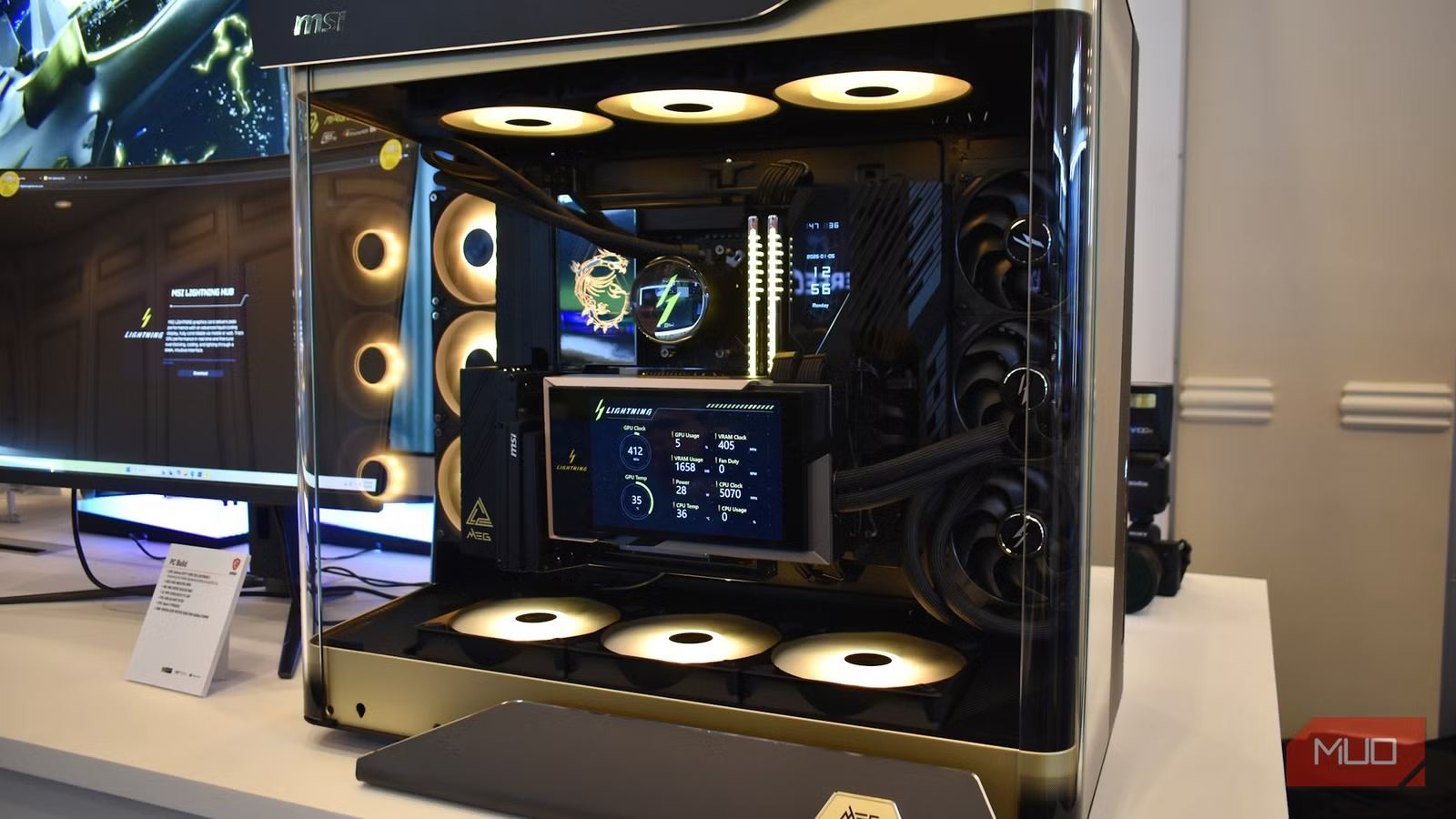


Thermal Monitoring: From Afterthought to Security Requirement
GPU thermal monitoring is the continuous measurement of temperatures around the graphics card’s power connectors, silicon hotspots and cooling interfaces, used not only to display statistics but to trigger protective actions that prevent graphics card overheating, thermal throttling and permanent damage during demanding workloads. Today’s threat is simple: modern graphics cards run hot, pull enormous power, and a single blind spot can turn into a melted connector or a throttling GPU stuck at triple‑digit temperatures. We have already seen melting 12V‑2×6 connectors on high‑end cards and misreported hotspot temperatures on new GPUs that hide genuine stress from standard tools. Treating this as a minor technical glitch is naïve; it is a security and reliability gap in the heart of the most expensive component in many PCs.
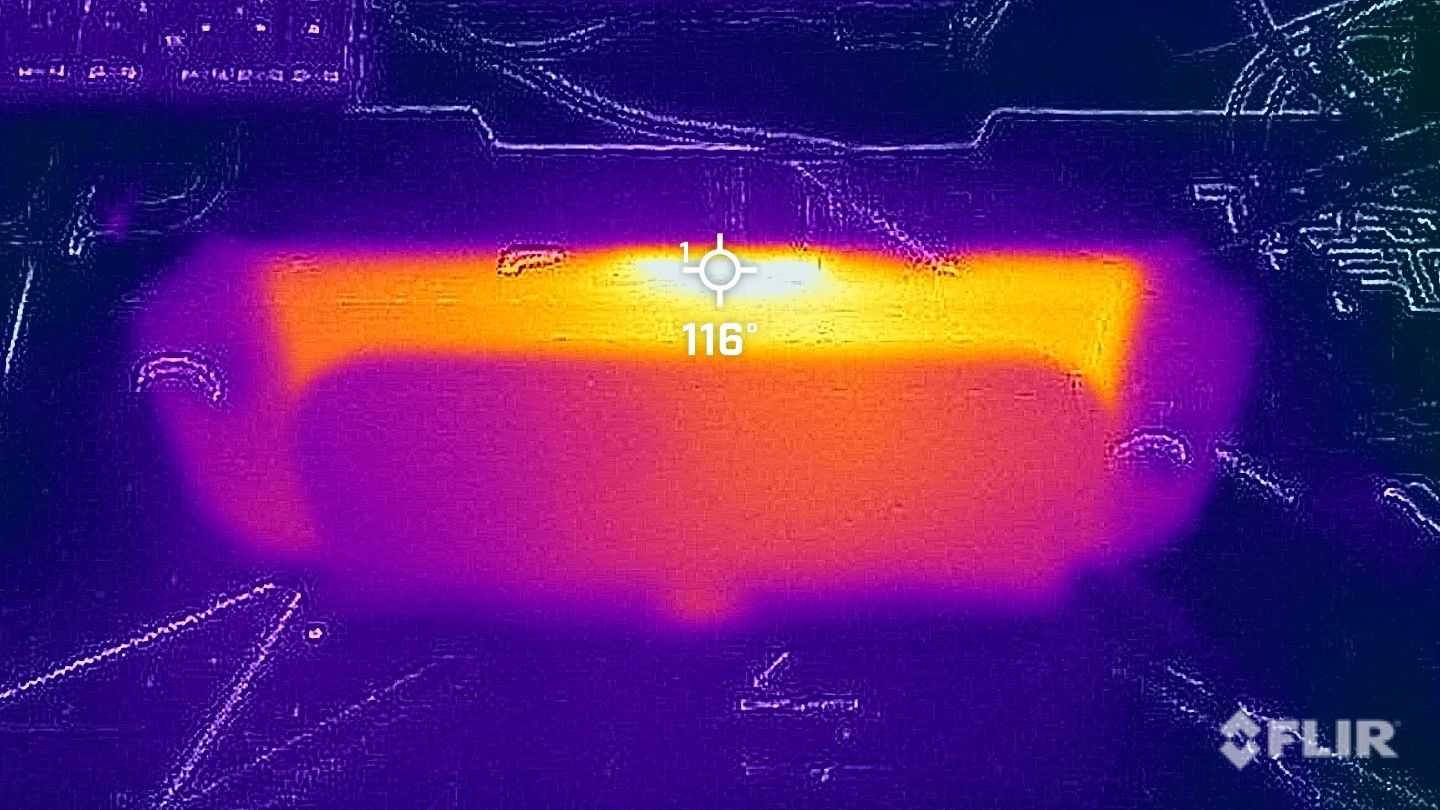
Power Supply Safety Features: T-Guard as a Thermal Bodyguard
If you still think a power supply is where you can save money, you have not been paying attention to connector failures. Melting 12V‑2×6 GPU cables are not a theoretical risk; they are a documented outcome of high power running through a poorly monitored interface. GIGABYTE’s new GAMING Series PSUs push back with T‑Guard, an active safety system built for the newer 12V‑2×6 connector. Instead of waiting for smoke, the PSU continuously monitors the GPU power connector using built‑in temperature sensors. When it detects abnormal heat from a loose cable or excessive load, it alerts the system and begins protecting the hardware immediately. The key opinionated point here: this is what power supply safety features should have been all along. Rather than killing the entire PC, the PSU intelligently reduces power only to the graphics card, keeping the rest of the system alive so you can save work and shut down safely. Combined with real‑time temperature monitoring, automatic GPU power limiting, and the ability to recover your work before shutdown, T‑Guard delivers layered defense against graphics card overheating prevention and connector‑related disasters.
Hidden Hotspot Sensors: Blackwell’s Double Life
On the GPU side, the story is not flattering. When the RTX 50 series launched, reviewers discovered that hotspot temperature readings in common monitoring tools were wrong, and the option to monitor hotspots had been removed altogether. The hardware sensor, however, never went away. New testing by repair specialist Paulo Gomes shows that Blackwell gaming GPUs still expose this hotspot sensor if you use Nvidia’s internal Modular Diagnostics Software, MODS. Within Windows, a troubled RTX 5070 Ti looked healthy, reporting an average temperature of 67–68°C. Under MODS, the truth was obvious: the hotspot rocketed to 107°C almost instantly under load. According to this investigation, "Nvidia had outright removed the option to monitor hotspot temps" while leaving the sensor available in internal tooling. This is not a minor UI decision; it is a visibility problem. Locking hotspot data away from users disables a critical piece of GPU throttling solutions and prevents real‑time graphics card overheating prevention. Power users are expected to trust that their card is fine while a hidden sensor is sounding the alarm in a diagnostic console they cannot access.
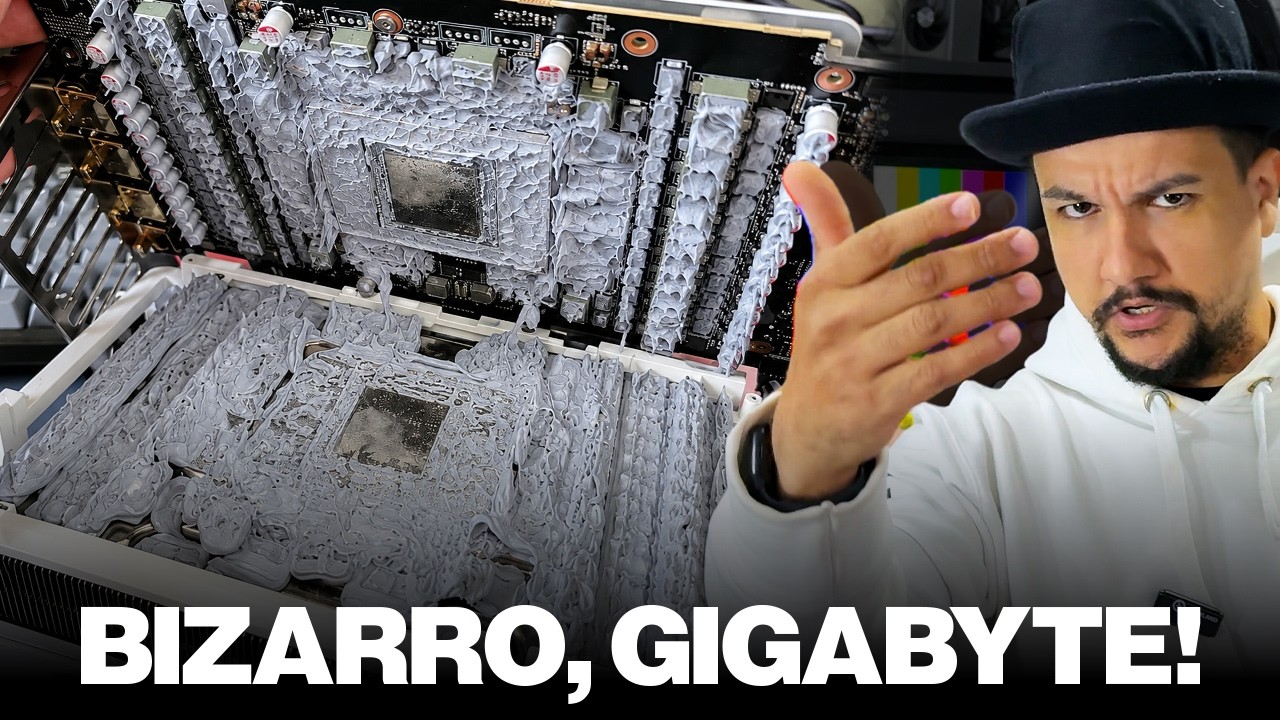
Poor TIM, 107°C Throttling and the Cost of Ignoring Hotspots
The RTX 5070 Ti case lays bare how a small manufacturing lapse becomes a major performance problem when hotspot data is concealed. With MODS, Gomes and his team saw the card hit 107°C at the hotspot and immediately throttle, dropping clock speeds to protect itself. Opening the cooler revealed poor thermal contact between heatsink and components. The thermal interface material application was wrong: paste had pooled around the edges of the GPU core while the center was almost dry. That is textbook thermal negligence. Replacing the TIM with new paste brought hotspot temperatures down to 100°C, inside the mandated safe operating range, and stopped thermal throttling under load. What should have been a simple consumer‑level fix turned into a specialist repair job because the GPU’s hotspot temperature was hidden and its condition misreported. Had the card been left to run at 107°C continuously, the silicon would have worn down much faster, and the owner would have had no clue why. This is the cautionary tale: without honest hotspot monitoring, GPU thermal monitoring collapses into guesswork, and performance dies quietly at the hands of preventable heat.
Proactive Thermal Management: Security for Performance and Lifespan
Taken together, smarter PSUs and accessible hotspot sensors are not nice‑to‑have extras; they are basic security tools for high‑end graphics cards. On the connector side, systems like T‑Guard provide real‑time monitoring, automatic GPU power limiting, and a controlled path to shutdown, offering three layers of protection against power cable failures. On the silicon side, active hotspot monitoring exposes problems such as poor PCB materials or bad TIM before they turn into permanent damage or chronic throttling. The lesson is direct: hiding telemetry is dangerous, while proactive thermal management prevents silent failures and extends graphics card lifespan under demanding workloads. The future of GPU throttling solutions and graphics card overheating prevention will be defined by whether vendors accept that temperature is a security signal, not cosmetic data. Enthusiasts should expect—and insist on—hardware and power supplies that treat thermal monitoring as a first‑class safety feature, not as a marketing slide. Until then, every unseen degree of heat is a risk quietly accumulating inside your most valuable component.