
The Pixel Watch permissions bug that turns a health device into a dumb watch
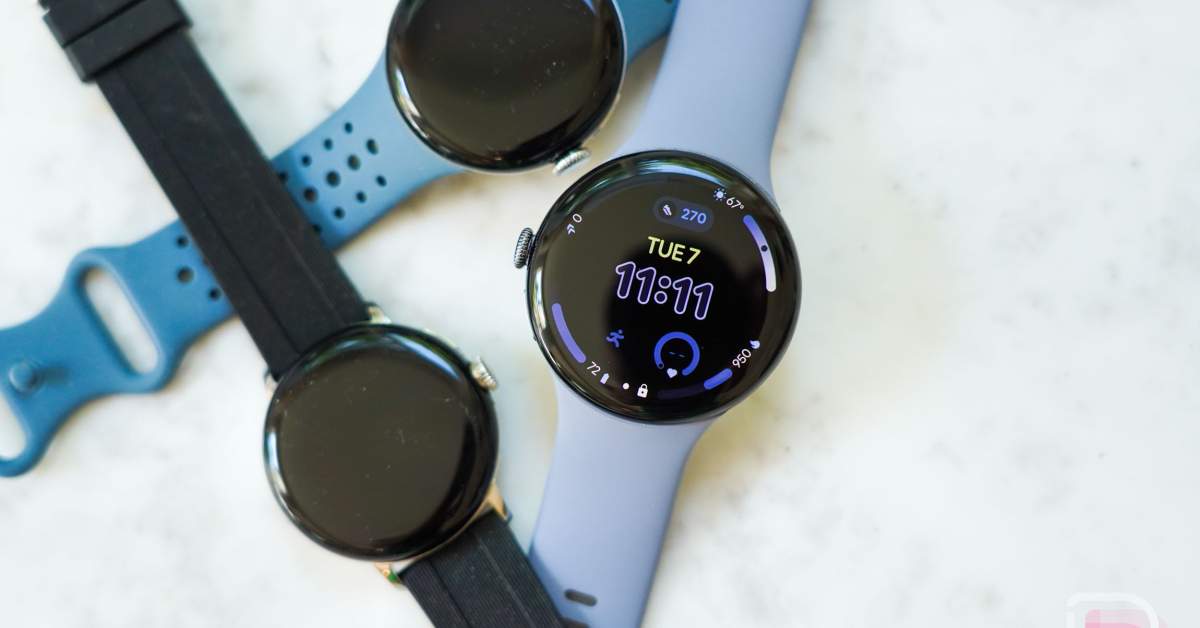
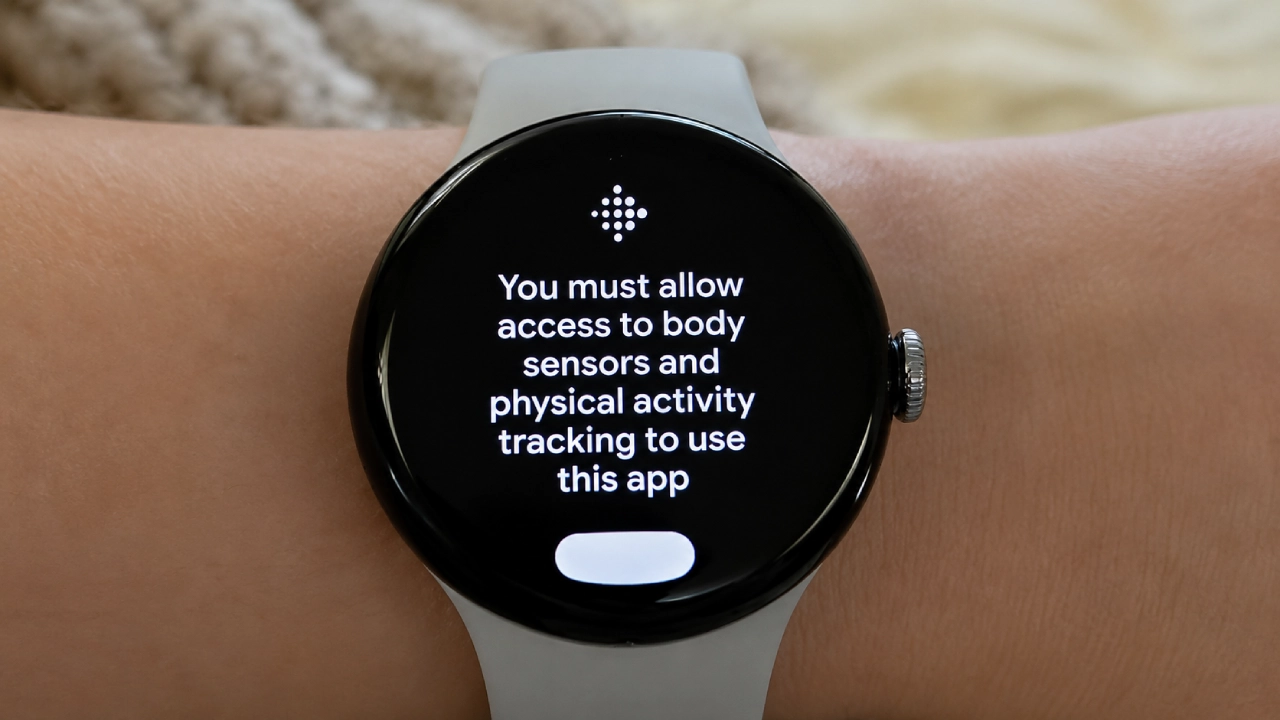
The Pixel Watch permissions bug is a software error in the Google Health and Fitbit stack that keeps demanding sensor access even after all permissions are granted, blocking or disrupting smartwatch health tracking and leaving users unable to rely on core metrics like heart rate, sleep, and activity trends over time. This is not a minor glitch; it strikes at the point of owning a health‑focused smartwatch. Pixel Watch users are seeing a persistent “permissions required” or Fitbit sensor permission screen that insists on access to sensors, even though every toggle is already enabled in Google Health and system settings. In many cases, the watch then fails to access sensor data for health reporting, meaning no reliable metrics at all. When your fitness wearable cannot read sensors, you are left with an expensive notification screen instead of a health tool.
Why factory resets and standard troubleshooting are failing
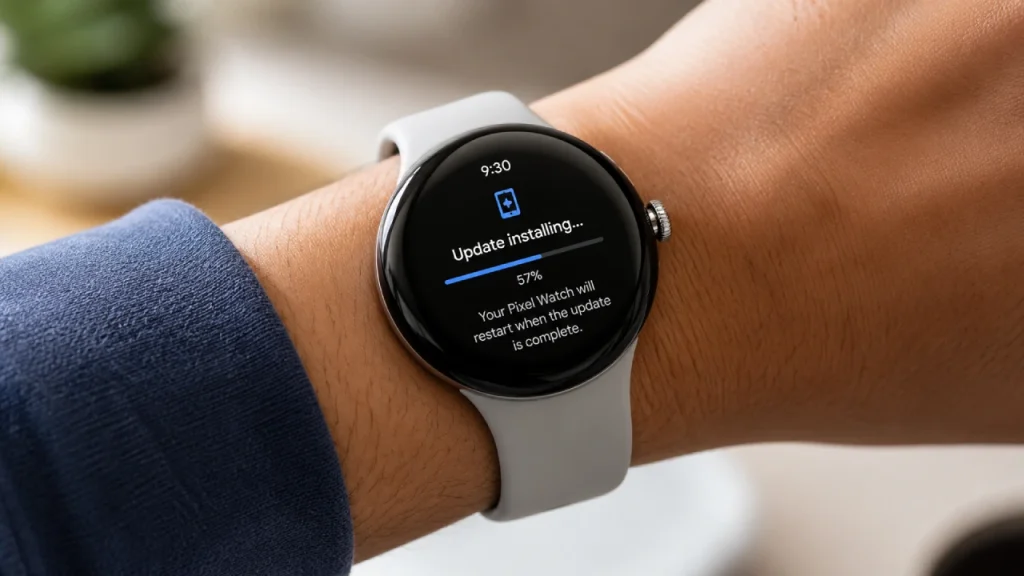
The most worrying part of this Google Health sensor error is that normal troubleshooting does not work. Users have tried changing every app permission they can find and granting full access everywhere, but the nag screen still appears and blocks sensor access. Some owners then move to the classic “nuclear option”: a full factory reset of the Pixel Watch and phone. Several reports say that even a complete wipe does not clear the Fitbit sensor permission bug, which keeps looping back to the same request screen. When an error survives a full reset like this, it strongly suggests the problem lives in Google’s software or servers, not in a corrupted local setting. In other words, no amount of toggling, reinstalling, or resetting on your side can guarantee a Pixel Watch fix today.
Google’s slow response and a pattern of fragile health features
Google has acknowledged that Pixel Watch users are experiencing a glitch where their wearables cannot access sensor data for health reporting and says engineers are working on a fix. However, there is no timeline and no official workaround, leaving users with an open‑ended wait while smartwatch health tracking remains broken or unreliable. One reader poll found that a little under half of respondents ran into similar sensor permission errors, hinting that the bug is widespread. This is not an isolated incident, either. Earlier this year, Pixel Watch owners were hit by a series of health bugs: workout step totals dropping to zero while calories shot to absurd values, inflated distance and calorie counts, permissions for SpO₂ and skin temperature silently reset, and an ECG app that refused to open across three watch generations. Four health bugs in roughly four months show how fragile this stack has become.
What is probably going wrong under the hood
While Google has not given a technical post‑mortem, the symptoms point to a deeper platform problem rather than a one‑off glitch. The same permissions screen with a Fitbit logo appears on different Pixel Watch models, and the reports are not limited to any single hardware generation. That strongly suggests a bug in shared software components or on the server side, not a faulty batch of devices. The fact that the issue surfaced in recent weeks has led users to suspect a recent Google Health update is behind the behavior. That theory lines up with a broader context: Google is in the middle of folding Fitbit into its own Google Health platform, with multiple bugs emerging as parts of that stack shift. When the permissions layer between sensors and apps breaks, “you’re left holding a fitness‑flavored watch face,” as one report put it.
Practical workarounds and what Pixel Watch owners should demand next
For now, there is no official Pixel Watch fix for this permissions bug, and that is the core problem. Some users report that health data continues to sync despite the message, implying the pop‑up itself can be a cosmetic bug, while others say syncing stops entirely and their charts go empty. A few people have restored function by reverting from the Google Health upgrade back to the older Fitbit app experience, but this is awkward, not documented by Google, and not suitable for everyone. If your smartwatch health tracking is broken, the only rational short‑term steps are to double‑check permissions, try a single reset if you have time, and then stop wasting effort on loops you cannot fix locally. More importantly, Pixel Watch owners should demand clear communication: a public status page, a detailed explanation of what went wrong, and an opt‑out path when migrations like this go off the rails.