
HotSpot Monitoring: The Missing Piece in RTX 50 Temperature Data
RTX 50 temperature monitoring has been misleading, because standard GPU temperature tools could not access the much hotter hotspot sensor, masking real throttling risks and hiding cooling flaws behind deceptively low average readings. That gap is beginning to close. When the RTX 50 series launched, reviewers found that hotspot readings were misreported or unavailable in common utilities such as HWiNFO or MSI Afterburner, and users later realized Nvidia had removed public access to hotspot telemetry even though the hardware sensor remained on the GPU. Until now, only internal diagnostics and repair environments could see those values, while Windows users were left with sanitized numbers that suggested their cards were fine under load. HWMonitor RTX 50 series hotspot support changes the conversation: it puts the harsh thermal truth directly on screen, where it belongs.
HWMonitor RTX 50 Series Support: A Quiet but Important Breakthrough
The significant news is that CPUID’s HWMonitor 1.65 adds GPU hotspot sensor support for RTX 50 series cards, making it the first standard Windows application to show this data in a familiar monitoring interface. Version 1.65 introduces two hotspot sensor rows in the graphics card section, positioned directly beneath the usual GPU and memory temperature averages, so owners can compare traditional readings with the true thermal peak in one glance. According to one report, "HWMonitor 1.65 has been released and adds support for Nvidia GeForce RTX 50 series GPU HotSpot temperature monitoring." The method used to reach those sensors is undocumented, and it is speculated that HWMonitor has uncovered a non-public path to record the concealed temperature. Whatever technical trick is used, the impact is straightforward: enthusiasts gain access to RTX 50 temperature monitoring that reflects what the silicon is really enduring, not the curated values Nvidia exposes via its public API.
The RTX 5070 Ti Case: When 67°C Means 107°C in Reality
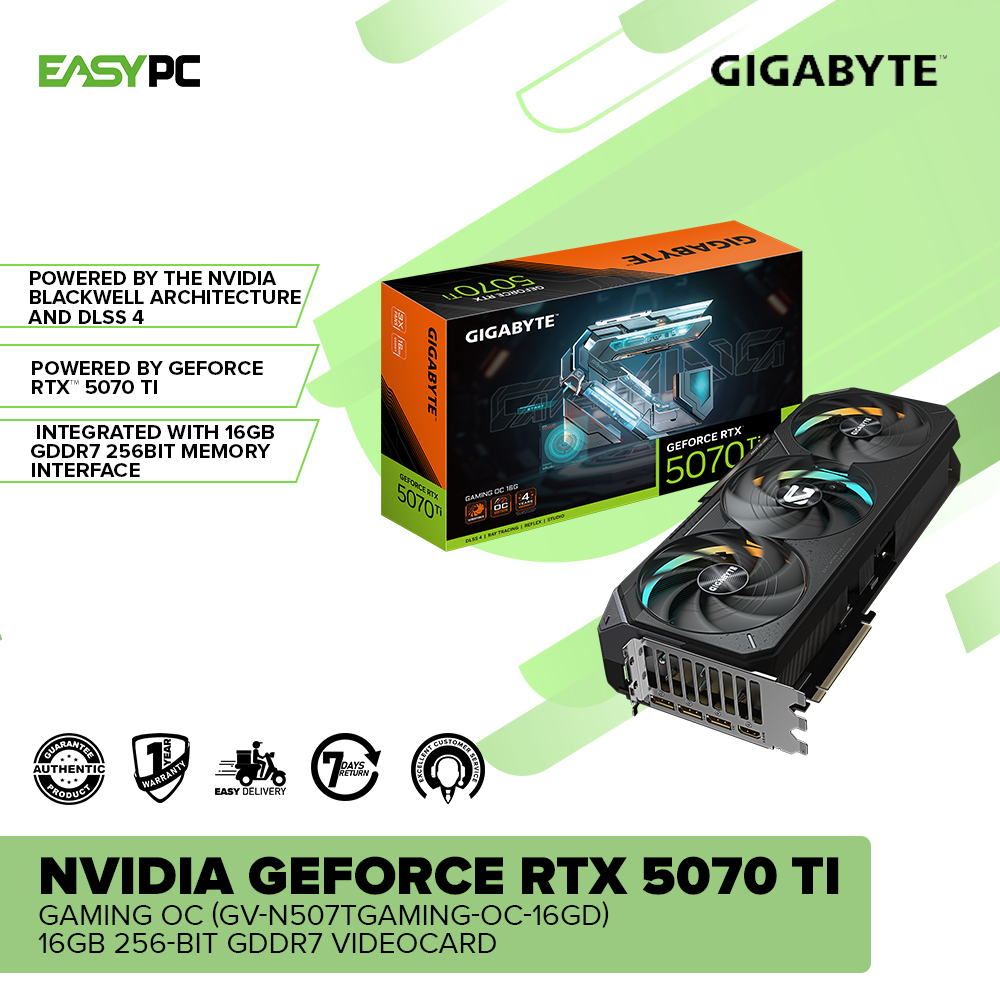
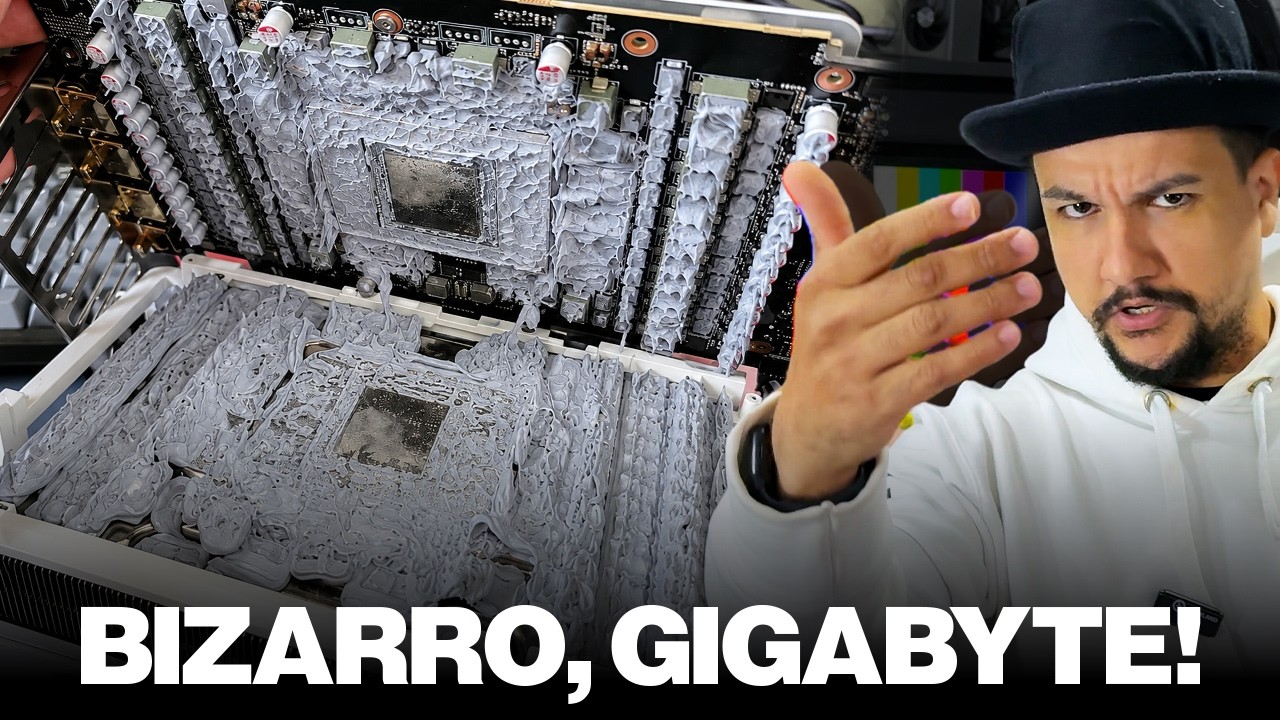
The best argument for hotspot visibility is a failure story. A Gigabyte RTX 5070 Ti was sent to a repair specialist for overheating complaints, yet Windows diagnostics showed reassuring averages of just 67 to 68°C under load. Using Nvidia’s internal Modular Diagnostics Software (MODS) instead, the card’s hidden hotspot sensor reported a brutal 107°C spike almost immediately, triggering thermal throttling as clocks dropped to stay below Nvidia’s mandated 107°C limit for RTX 50-series GPUs. Once the cooler was removed, the cause was obvious: poor thermal interface material (TIM) contact between cooler and GPU surface. After replacing the old compound with SnowDog Husky paste, the hotspot fell to around 100°C, a 7°C reduction that materially changed throttling behavior. One summary puts it plainly: "What would've been a simple fix on the consumer's end was turned into a repair job solely because Nvidia hid the GPU's hotspot temperature, literally misreporting the card's internal condition." HWMonitor’s new RTX 50 temperature monitoring could prevent exactly this scenario.
Why HotSpot Sensors Matter for Thermal Throttling Detection
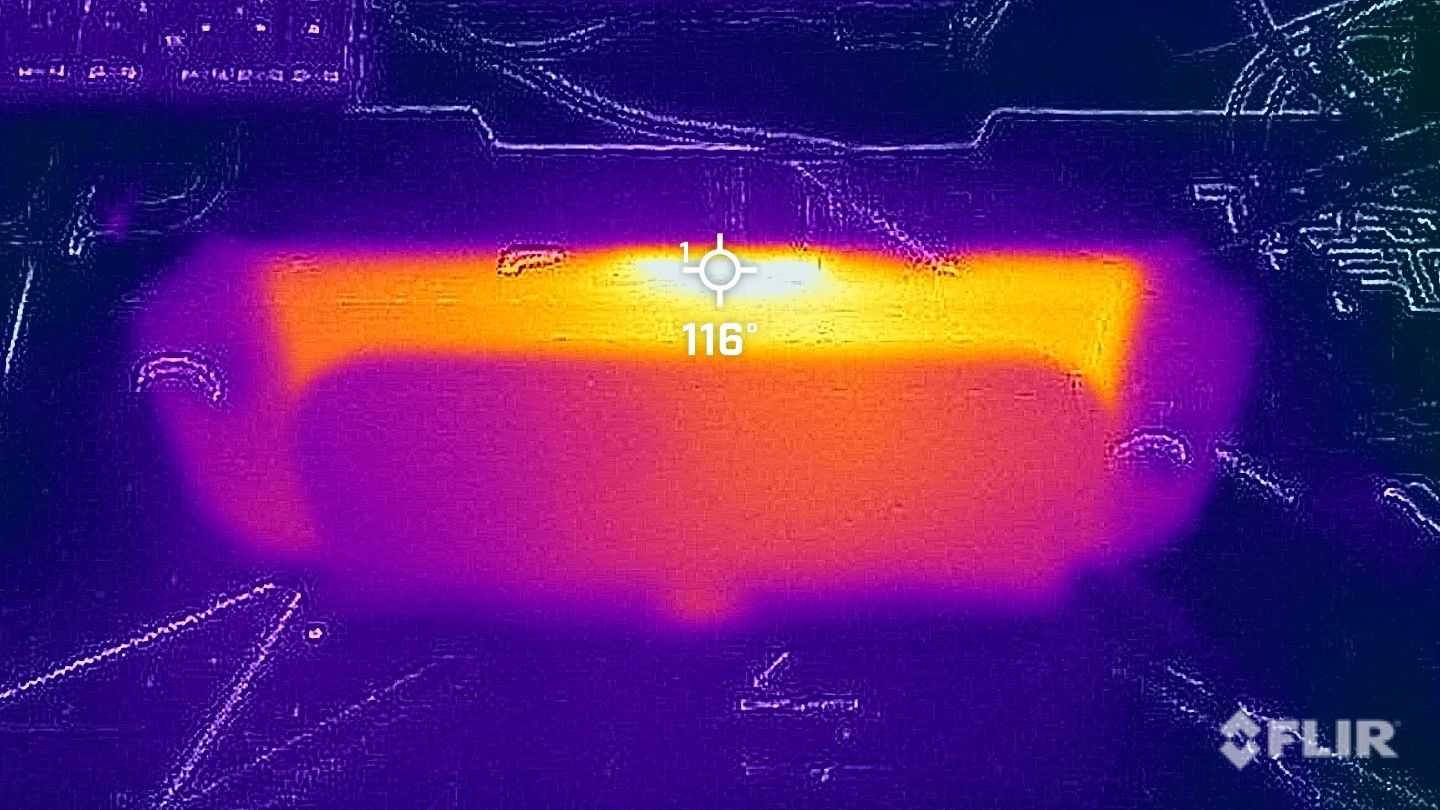
Thermal throttling detection depends on seeing the worst point on the die, not a smoothed average that comforts the user while the GPU quietly protects itself. In the RTX 5070 Ti case, the hotspot sensor is the one that crossed the 107°C safeguard limit Nvidia uses to trigger clock reductions, even as average GPU readings hovered in the high 60s. Ignoring hotspot data means ignoring the exact threshold that governs performance cutbacks and long-term reliability. New hotspot rows in HWMonitor’s interface make unusual behavior far more obvious: a card might report 62–63°C on average while its hotspot briefly jumps into the mid‑80s before settling around 75–80°C. That pattern suggests localized thermal stress, dried-out paste, or imperfect cooler contact, all of which can be fixed by enthusiasts with some effort. With proper GPU hotspot sensor support, users can correlate sudden frame rate drops, louder fan profiles, and rising hotspot temperatures into a clear diagnosis instead of guesswork.
What This Unlock Means for Enthusiasts and What Comes Next
The broader impact of HWMonitor RTX 50 series hotspot support is simple: power users no longer need proprietary tools or Linux-based diagnostics to see the temperature that actually governs throttling. Access to accurate hotspot data lets them tune cooling solutions more intelligently, from fan curves and case airflow to TIM choice and waterblock mounting, and it helps prevent hidden performance degradation in long, demanding workloads. This visibility also lowers the bar for basic self‑diagnosis; instead of shipping a card away, owners can spot hotspot spikes and decide whether repasting or reseating the cooler is worth trying. And RTX 50 temperature monitoring is not stopping with one application. HotSpot temperature support is confirmed for CapFrameX v1.9.0, which will add sensing plus a new low‑overhead on‑screen display. More GPU temperature tools are expected to follow, and some observers suggest Nvidia may eventually document the now‑discovered path to the sensor, since the secret is effectively out. For anyone who cares about their hardware, this is the right direction: more data, less opacity.