

The Real Story Behind the Windows 11 Update Conflict
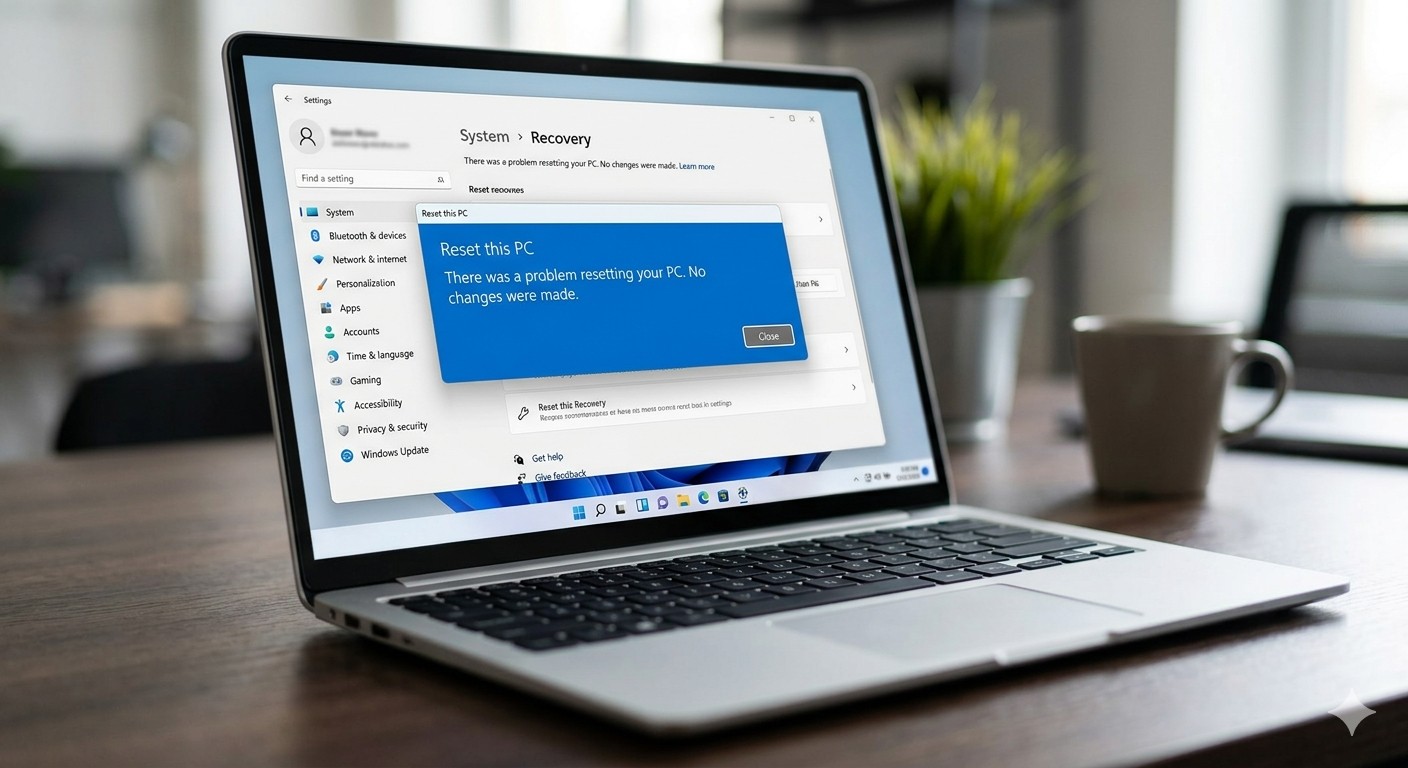
The recent Windows 11 update conflict refers to Microsoft’s KB5101650 cumulative update being temporarily blocked on certain Intel-based Dell PCs because of incompatibility with Intel’s Innovation Platform Framework drivers, which led to reduced performance, altered power consumption, and unstable system behavior after earlier patches were installed. Instead of another quiet Patch Tuesday, Microsoft ended up pulling the handbrake on part of its rollout. Earlier this week, the company pushed KB5101650 and related updates for Windows 11, alongside other patches for Windows 10. Almost immediately, it had to admit that previous changes—specifically June’s KB5095093—were already causing problems on Intel-based Dell devices. That admission set the stage for a rare move: a targeted rollback and safeguard hold on new updates for a slice of the Windows 11 user base.
How Intel Driver Compatibility Broke Dell System Performance
At the heart of this mess is Intel driver compatibility, and it shows how tightly Windows now depends on vendor tuning. The bug stemmed from an incompatibility between Intel’s Framework Processor Participant driver—part of the chipset package that includes Dynamic Tuning Technology and Context Sensing Technology—and Dell PCs. Microsoft warned that affected devices could see “changes in performance, power consumption, or system behavior” after installing recent Windows updates. That polite phrasing covers a lot of pain: reduced system performance, unpredictable power use, and hardware optimization issues were all on the table. When an OS update interferes with how a laptop manages heat, battery, and presence detection, you are no longer talking about minor glitches—you are undermining day‑to‑day reliability. Blocking KB5101650 on systems with Intel Innovation Platform Framework drivers was less a cautionary measure than a necessary stopgap to prevent further degradation on those Dell machines.
KB5101650 Rollback and the Emergency Fix: KB5121767
Microsoft’s response was decisive but reactive: freeze the rollout, then ship an emergency patch. Because of the driver conflict, the KB5101650 July Patch Tuesday update was blocked from installing on impacted Dell PCs. To enforce that, Microsoft applied a compatibility safeguard hold so Windows Update would refuse to offer KB5101650 to those devices until a fix was ready. The fix arrived as an out‑of‑band release, KB5121767, aimed squarely at systems with Intel Innovation Platform Framework drivers that saw performance and behavior changes after recent updates. Devices that had been temporarily prevented from receiving KB5101650 can now install KB5121767, which bundles all earlier security and non‑security improvements plus the additional driver compatibility fix. After applying it, affected Windows 11 installations move to build 26100.8894 on 24H2 PCs and 26200.8894 on 25H2 ones, up from the original KB5101650 builds 26100.8875 and 26200.8875.
What This Means for Windows 11 Users and PC Builders
For ordinary users on Dell systems, the practical impact is straightforward: some updates are being held back to avoid reduced system performance, changes in power consumption, and unexpected behavior. If Windows Update is not offering KB5101650 on your Dell machine, that is a safeguard, not a bug. You should avoid pulling the update manually from the catalog, because doing so can bypass the hold and reintroduce the very problems Microsoft is trying to contain. Once KB5121767 is applied, those devices regain access to the July security update plus the compatibility fix in a single package. The episode underlines a harsh reality for PC builders and IT admins: chipset‑level features like Intel’s Dynamic Tuning and Context Sensing are no longer optional extras. When they clash with OS patches, the result is full‑system instability, and the only sane path is careful staging, driver awareness, and patience while Microsoft works through its next “few days” of remediation.
The Case for Slower, Smarter Windows Rollouts
This rollback saga is more than a one‑off glitch—it is a warning about how complex Windows 11 has become when tuned silicon meets aggressive update cadences. Microsoft did the right thing in pausing KB5101650 on a limited set of Dell devices using Intel IPF drivers, rather than pushing ahead and hoping for the best. It followed up with an out‑of‑band patch precisely targeted at those systems. But the fact that June’s KB5095093 was already causing issues on the same hardware suggests the testing pipeline is still too optimistic about real‑world driver stacks. When an update can trigger reduced performance, power anomalies, and odd system behavior on shipping laptops, staged rollouts and deeper driver validation stop being “nice practices” and become essential safeguards. The lesson is blunt: Windows updates are no longer background noise. For performance‑sensitive and OEM‑tuned systems, every patch is a potential fault line—and it should be treated that way.





