
Verdict: A Great Living Room Gaming Box, Questionable Value
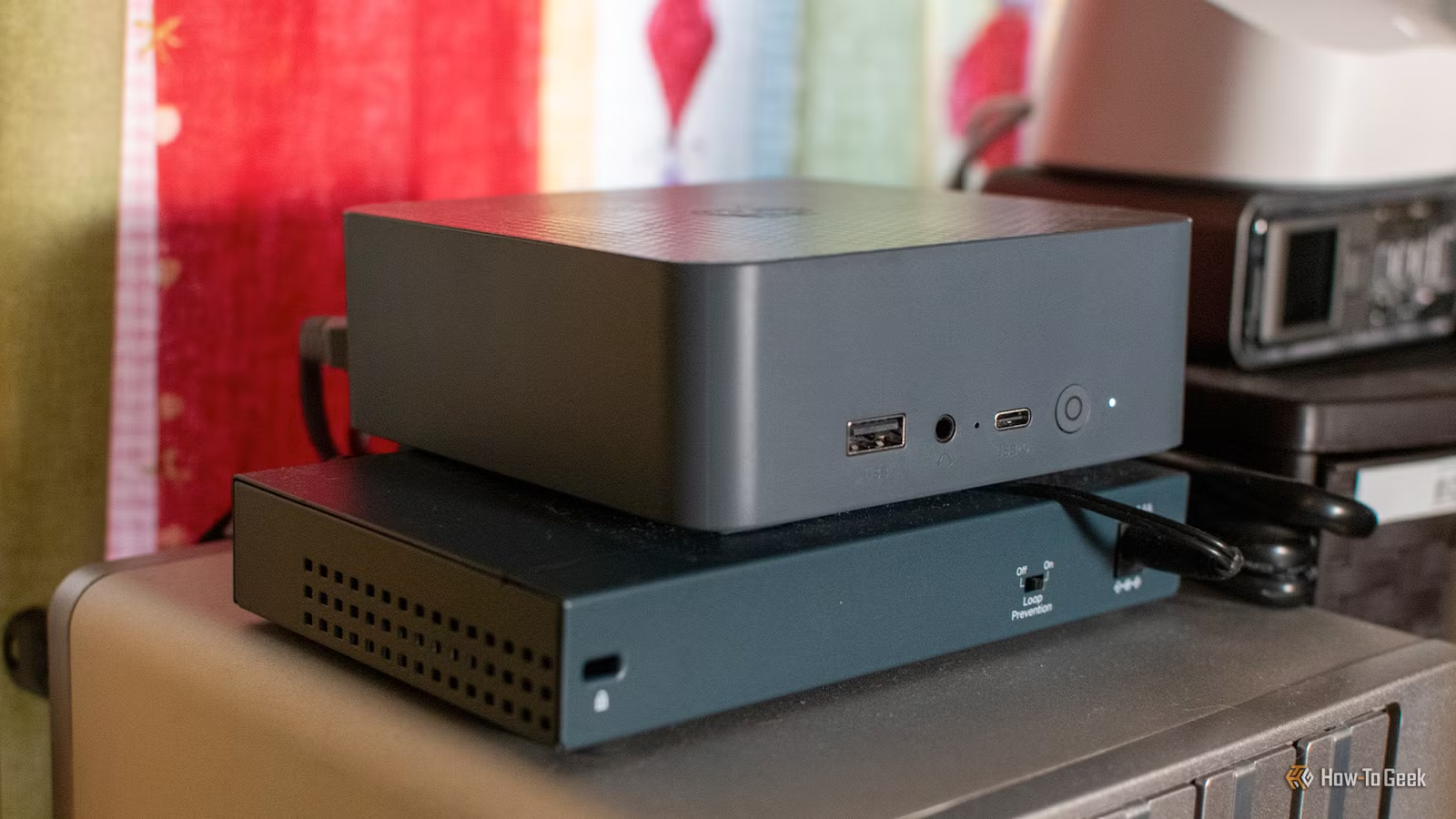
Steam Machine gaming performance refers to how Valve’s compact SteamOS-based PC handles demanding modern games in real-world use, particularly frame rates, thermals, and noise levels compared with gaming laptops and custom-built compact systems. In short, this Steam Machine is an excellent living room gaming console for people who value silence, a small footprint, and tight SteamOS integration over raw price-to-performance. It delivers smooth frame rates in demanding titles and fits neatly in an entertainment center, behaving much more like a console than a traditional PC. But once you look at the hardware and pricing, the value proposition becomes far less convincing for anyone comfortable with a gaming laptop or a DIY compact gaming PC.
| Spec | Steam Machine | DIY SteamOS Mini-ITX Build |
|---|---|---|
| CPU | Semi-custom AMD Zen 4 | AMD Ryzen 7600X |
| GPU | Semi-custom AMD RDNA3, 8 GB GDDR6 VRAM | AMD RX 6600 XT, 8 GB |
| RAM | 16 GB DDR5 | 32 GB DDR5-5600 |
| Storage | 512 GB or 2 TB option | 2 TB NVMe SSD |
| OS | Steam OS, gaming-optimized | Steam OS, gaming-optimized |
| Approx. Cost | USD 1,049–1,349 (approx. ₱58,700–₱75,500) | About £1,500 (approx. ₱108,000) |

Real-World Gaming: Frame Rates, Thermals, and Noise
In day-to-day use, the Steam Machine delivers the kind of compact gaming PC frame rates most people expect from a mid-range desktop rather than a console. Equipped with powerful hardware, it runs demanding games such as Resident Evil 4, Dead Island 2, and Dead by Daylight smoothly at high settings, maintaining stable frame rates even during graphically intense scenes. FSR4 (FidelityFX Super Resolution 4) helps push sharper visuals without tanking performance, which is ideal if you are feeding a 4K TV from the couch. Thermal behaviour is a highlight: under load it stays quiet enough to disappear into the background of a living room gaming console setup, avoiding the fan roar that plagues many gaming laptops. For someone focused on how games feel and sound in a shared space, the performance-to-noise balance is excellent.
SteamOS Experience vs Gaming Laptops
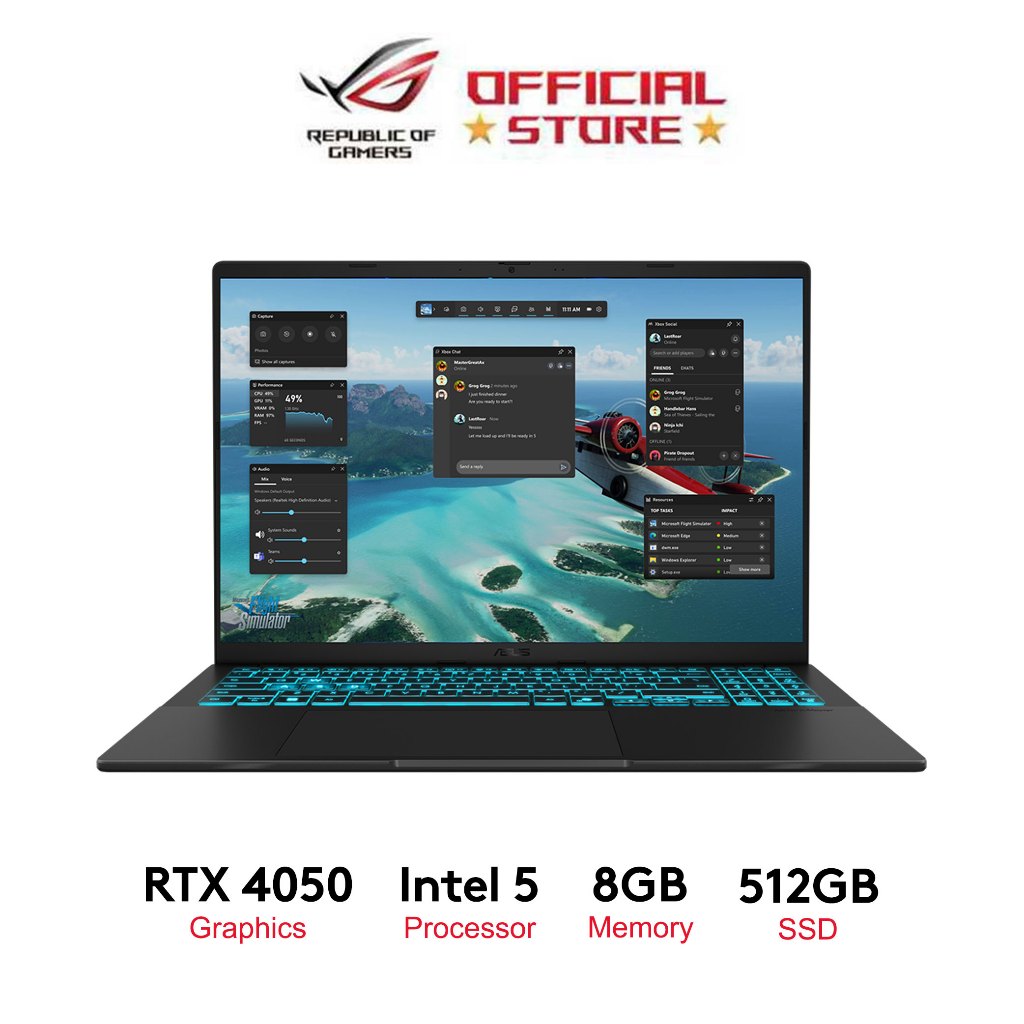
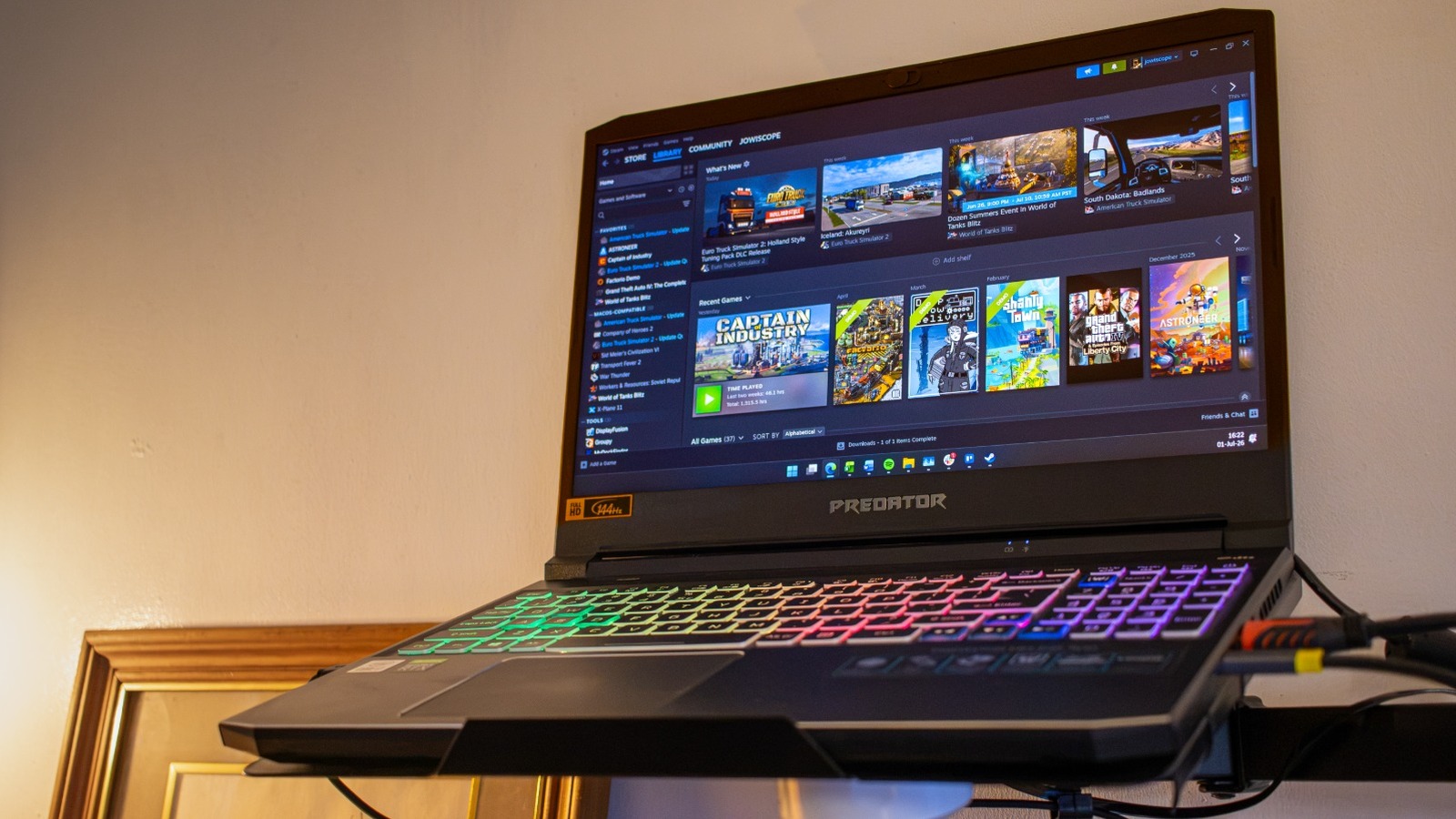
Where the Steam Machine pulls ahead of typical Windows gaming laptops is in day-to-day usability on the TV. SteamOS is a streamlined, gaming-focused operating system with a user-friendly interface, 4K gaming support, and HTPC features that make the box feel like a console when you boot it up. Running on SteamOS, the device delivers faster responsiveness and shorter load times compared with some high-end PCs, thanks to its tight focus on games and the Steam ecosystem. You also get free online play and frequent game discounts, which add long-term value if you buy a lot of titles. However, from a raw hardware perspective, a modern gaming laptop with an Intel Core 7 240H and RTX 5060-class GPU can offer more current silicon at a similar price point. According to one reviewer, “If you're willing to spend that amount of money on a new gaming device, you're better off purchasing something like this Asus V16 gaming laptop”.
Pros
- SteamOS is fast, gaming-focused, and easy to use on a TV.
- Free online play and frequent Steam game discounts add long-term value.
- Quiet, compact design that suits shared living spaces.
Cons
- Higher price than traditional consoles, with limited accessories and market-driven costs.
- Hardware is based on Zen 4 and RDNA3 architectures released in 2022, so it is not cutting-edge.
- Biggest drawback is cost for what you get, especially versus modern gaming laptops.
Custom SteamOS Builds: More Power, More Flexibility
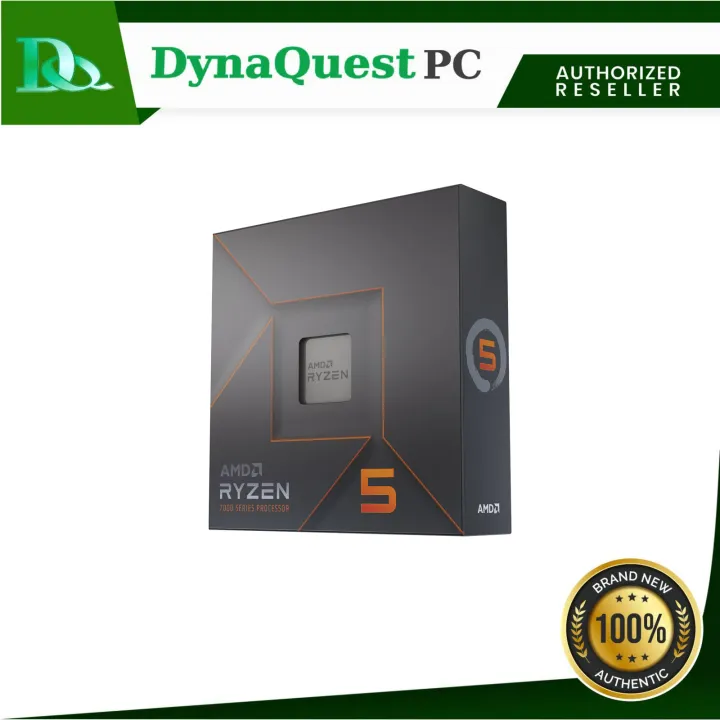
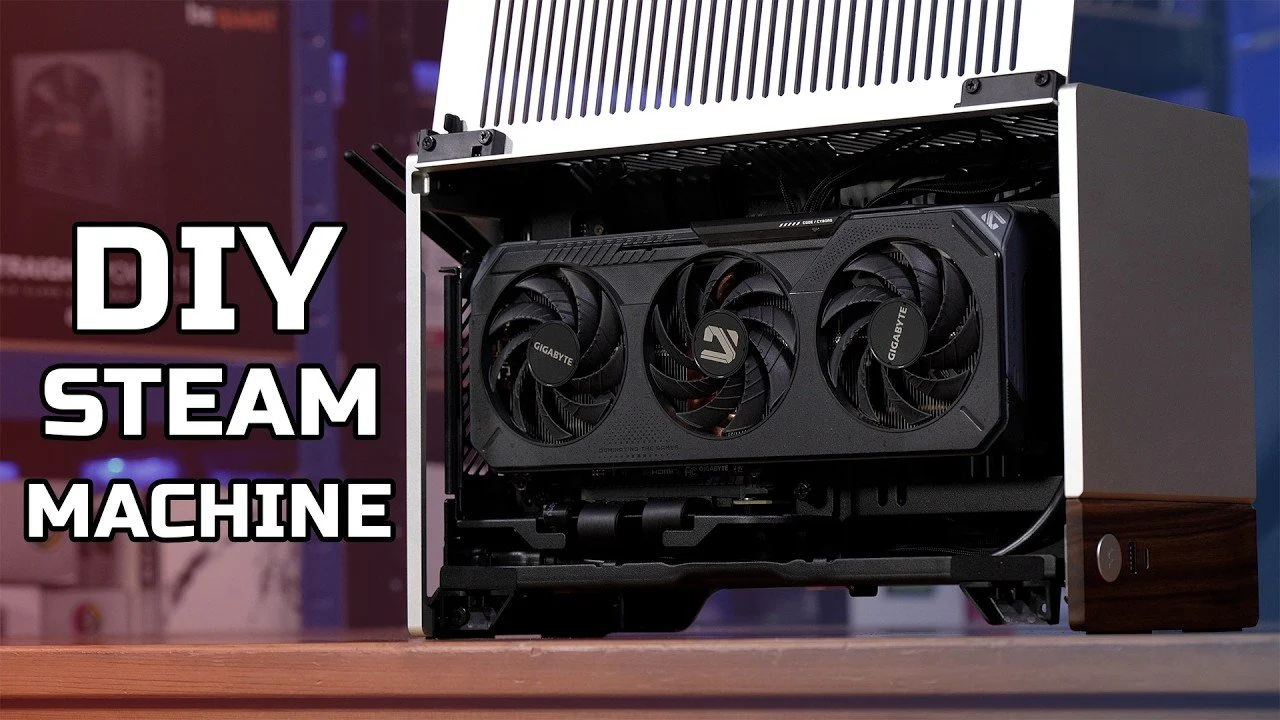
If you like the idea of a living room gaming console but want more control over performance, a compact DIY SteamOS build is a strong alternative. One example pairs an AMD Ryzen 7600X CPU with an AMD RX 6600 XT GPU, 32 GB of DDR5 RAM, and a 2 TB NVMe SSD inside a Fractal Terra mini-ITX case. This combination delivers 4K gaming capabilities while doubling as an HTPC, proving that modern hardware can meet both performance and space-saving needs. The total build cost is approximately £1,500 (approx. ₱108,000), and you can cut that down by choosing a lower-tier GPU or a simpler case without sacrificing too much performance. Cable routing and cooling need more attention in this kind of compact case, but you gain upgrade flexibility and the satisfaction of tailoring a Steam Machine to your exact needs.
Buy if / Skip if
- Buy the Steam Machine if you want a compact, silent living room gaming console that blends neatly into an entertainment center and runs demanding games at high frame rates.
- Skip the Steam Machine if your priority is best-in-class price-to-performance and you are comfortable gaming on a laptop or desktop display instead of a TV.
- Buy the Steam Machine if you value SteamOS’s streamlined interface, faster responsiveness, shorter load times, free online play, and frequent game discounts as part of a cohesive ecosystem.
- Skip the Steam Machine if you care most about owning the newest hardware, since its Zen 4 CPU and RDNA3 GPU architectures are already several years old.
- Buy the Steam Machine if you want console-like convenience with PC flexibility, quiet operation, and a small footprint for shared living spaces.
- Skip the Steam Machine if you prefer building a custom SteamOS rig with parts like a Ryzen 7600X and RX 6600 XT, gaining more power, upgrade options, and potentially better value at different price points.