
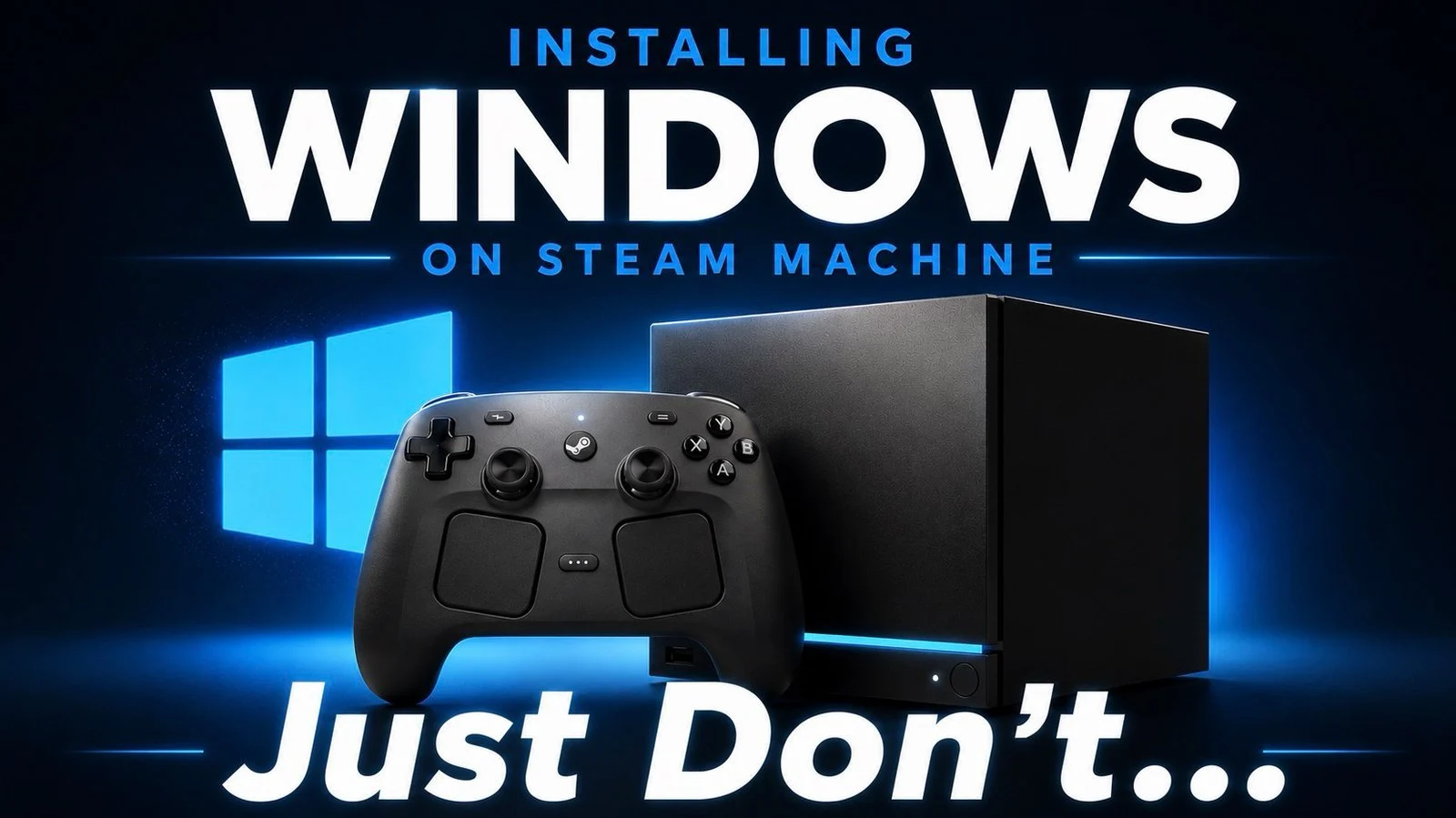

Steam Machine as a Living Room Gaming Console: What This Comparison Is Really About
This comparison looks at how Valve’s Steam Machine performs as a living room gaming console when running SteamOS versus Windows, focusing on official Windows drivers, benchmarked gaming performance, installation trade-offs, and ecosystem lock-in so enthusiasts can decide which operating system best matches their games and usage style. Bottom line: SteamOS is the safer, maintenance‑free choice for pure couch gaming, while Windows is better for power users who want broader software, modding tools, and non‑Steam games. Official Windows drivers now deliver performance that broadly matches SteamOS, so the real decision is whether you care more about turnkey console‑like simplicity or PC‑style flexibility and tinkering.
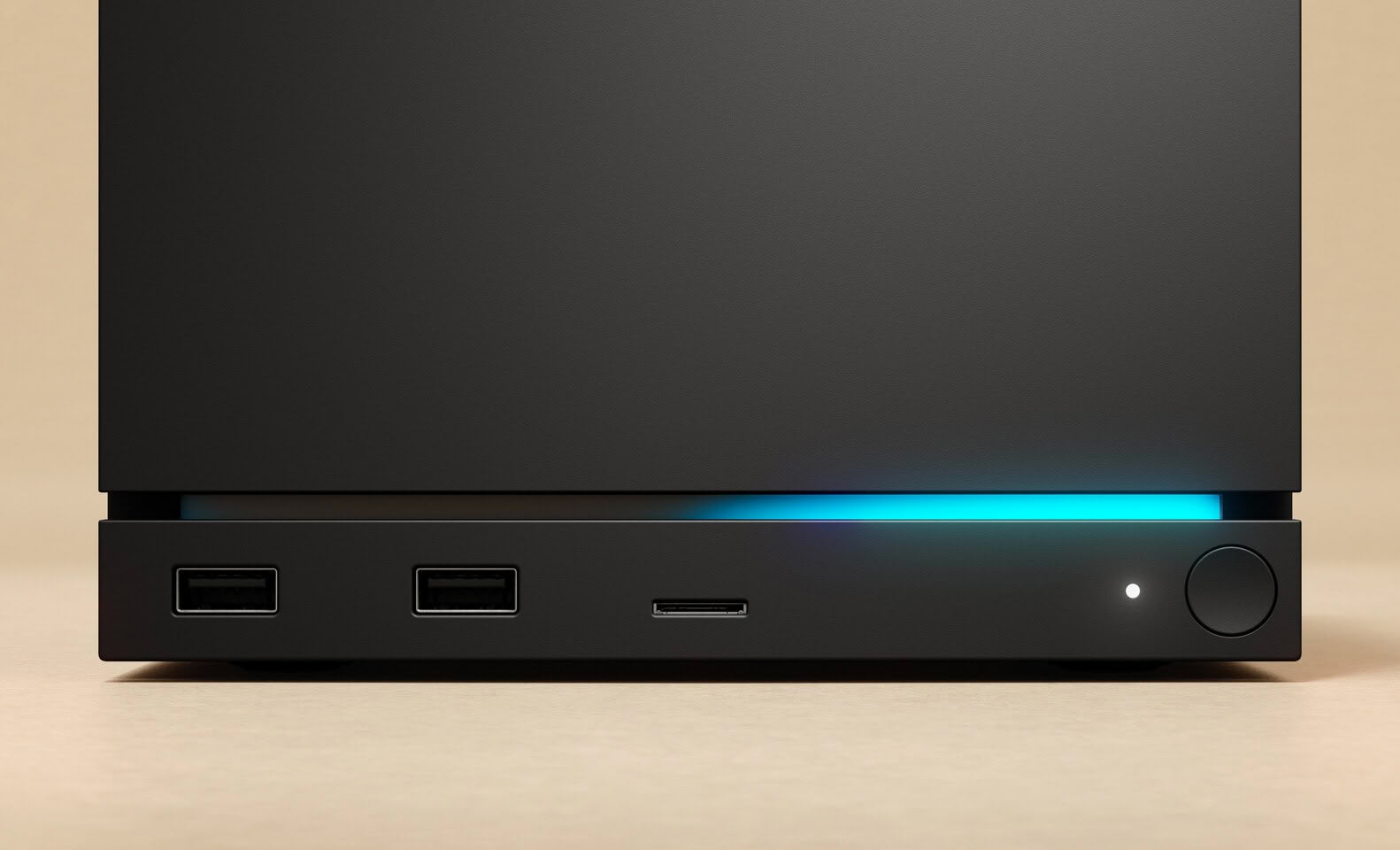
Drivers and Installation: Flexibility vs. Commitment
The headline change is Valve’s release of official Windows drivers for the Steam Machine, turning the box into a more familiar PC‑style system with broad software support. Installing Windows is technically easy: independent testers report that Windows 11 installation was “fairly painless” and that the console’s components were detected without issue. However, the process is a full OS replacement—your drive is wiped, SteamOS is removed, and going back requires reinstalling SteamOS from scratch. Earlier attempts relied on generic AMD graphics drivers, which could underperform compared with the tuned SteamOS stack. Valve’s dedicated Windows drivers resolve that immediate performance gap, but they do not come with the same level of official long‑term support as SteamOS, and the Steam Machine itself already suffers from aging hardware, high pricing, and limited ongoing attention from Valve.
| Spec | SteamOS on Steam Machine | Windows on Steam Machine |
|---|---|---|
| Default OS and support | Pre‑installed, officially supported by Valve with community‑maintained drivers | User‑installed, no official Valve support; relies on Valve’s OEM Windows drivers |
| Installation effort | Ready out of the box as a living room gaming console | Full drive wipe and OS replacement; installation reported as smooth by testers |
| Graphics driver type | Optimized Linux drivers maintained by Valve/AMD community | Official OEM Windows drivers, avoiding older generic AMD drivers that hurt performance |
| Performance focus | Tuned for Steam library and Proton compatibility | Comparable overall performance with some synthetic and resolution‑specific wins |
| Future updates | Community‑maintained and kept up to date for SteamOS | Driver updates depend on OEM and may lag newer AMD Windows releases |
SteamOS vs Windows Performance: Benchmarks and Real-World Gaming
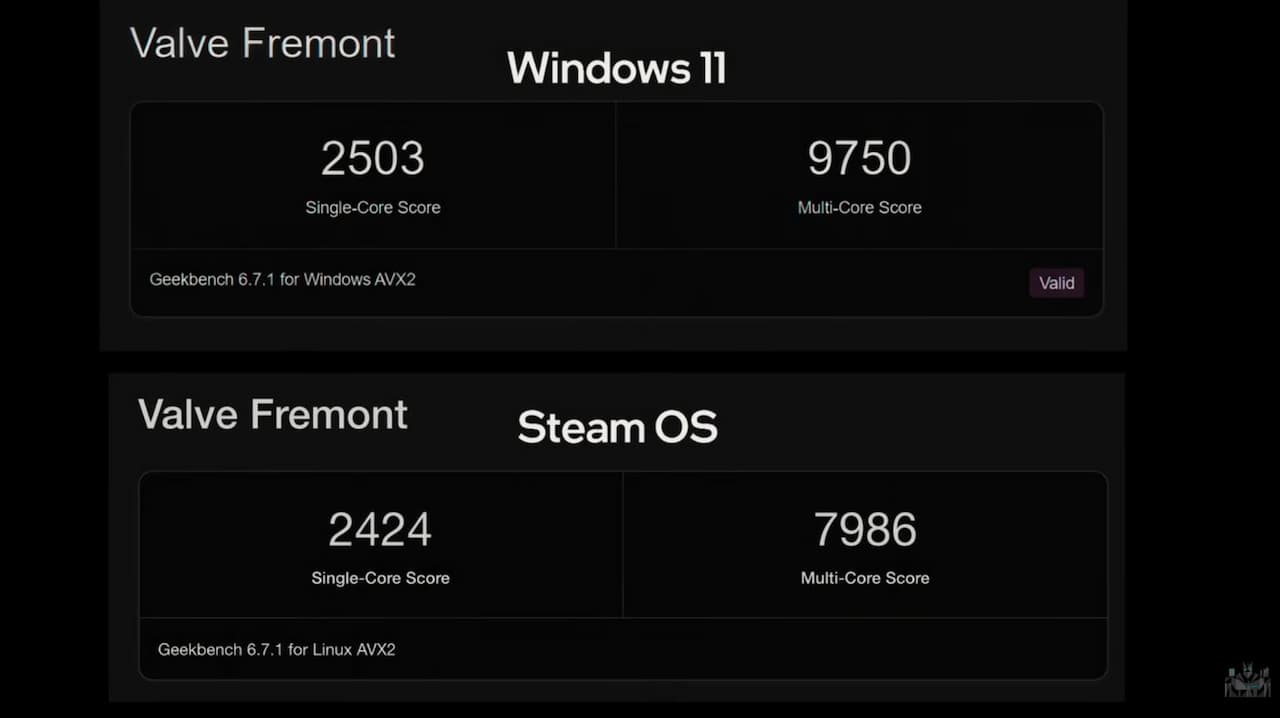
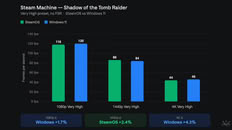
Once Windows is installed with Valve’s drivers, raw performance is not the dramatic downgrade early adopters feared. Synthetic benchmarks show Windows leading in multi‑core workloads: one test reports Geekbench 6 scores of 2,503 single‑core and 9,750 multi‑core on Windows versus 2,424 single‑core and 7,986 multi‑core on SteamOS, a roughly 22% multi‑thread advantage for Windows. In games, the two operating systems “mostly trade blows”, with Windows tending to be slightly faster at 1080p and 4K while SteamOS sometimes edges ahead at 1440p. For example, Windows gains about 1.7% at 1080p and 4.3% at 4K in Shadow of the Tomb Raider, while SteamOS is roughly 2.4% faster at 1440p. Horizon Zero Dawn Remastered shows up to a 7.1% Windows lead at UHD, but modest swings both ways at lower resolutions. Overall, independent testers agree that real‑world gaming performance differences are small rather than game‑changing.
Ecosystem, Compatibility, and Long-Term Support: Who Each OS Suits
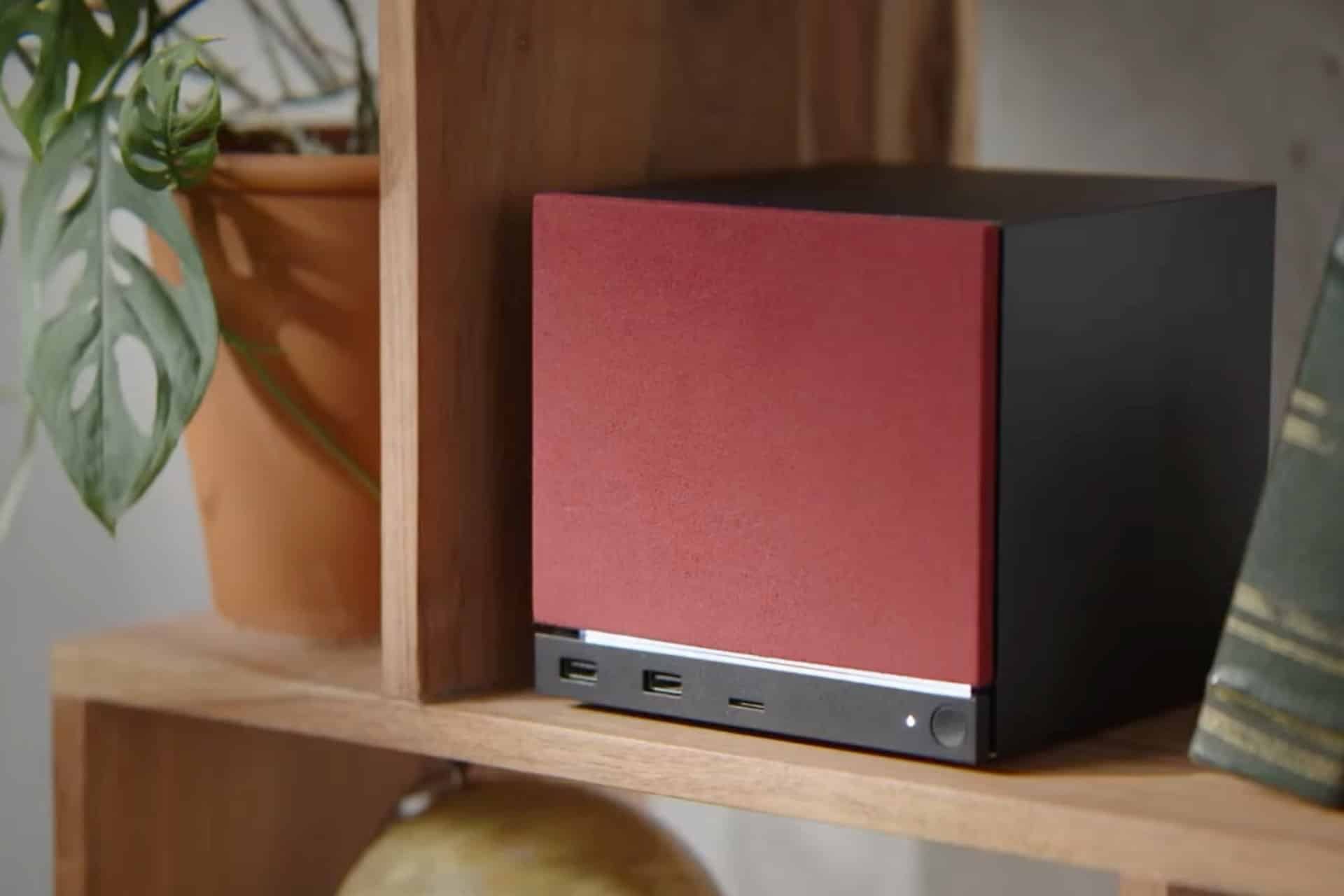
With performance close to a draw, the real deciding factor becomes ecosystem and how much lock‑in you accept. SteamOS is built for “sit down and play” living room gaming: it integrates tightly with the Steam client, uses community‑maintained drivers that stay up to date, and is the environment Valve optimizes for this hardware. That makes SteamOS the better option if your library is mostly Steam titles and you value predictable behavior over maximum flexibility. Windows, on the other hand, turns the Steam Machine into a general‑purpose PC connected to your TV. You gain access to non‑Steam launchers, productivity apps, mods, and niche tools that simply do not exist on SteamOS. However, you trade away Valve’s official support, accept that the device’s hardware is aging in PC terms, and rely on OEM Windows drivers that may not advance as quickly as mainstream AMD releases. For some enthusiasts, that trade is worth it; for plug‑and‑play console‑style users, it is not.
Buy if / Skip if
- Buy the Steam Machine with SteamOS if you want a living room gaming console that works out of the box and stay within the Steam ecosystem.
- Skip the Steam Machine with SteamOS if you need native Windows apps, non‑Steam launchers, and advanced modding tools on the same box.
- Buy the Steam Machine running Windows if you are comfortable wiping SteamOS, doing a clean install, and managing drivers for a PC‑like experience.
- Skip the Steam Machine running Windows if you care more about long‑term driver freshness and official support than about small benchmark wins.
- Buy the Steam Machine with SteamOS if you prefer stability and seamless gaming performance over maximum software flexibility.
- Skip the Steam Machine entirely if aging hardware and limited official support make you wary of investing in this platform.





