
The Main Problem: Hardware Sprints, Software Limp Walks
The workstation hardware software gap is the growing mismatch between powerful professional GPUs and the immature drivers, AI frameworks, and application integrations that prevent those cards from delivering their promised productivity gains in real-world workflows. When professional buyers focus on flops and VRAM but ignore professional GPU software support, they risk paying for silicon that spends its life underused. Intel’s Arc Pro B70 is the latest, stark example: an AI-focused deskside card described as “the most capable and promising” Intel has shipped, yet also “the most frustrating” because the stack cannot keep up. The result is a hidden cost for early adopters of new GPU architectures, especially teams racing to build AI workstations that are expected to run hard 24/7 without drama.
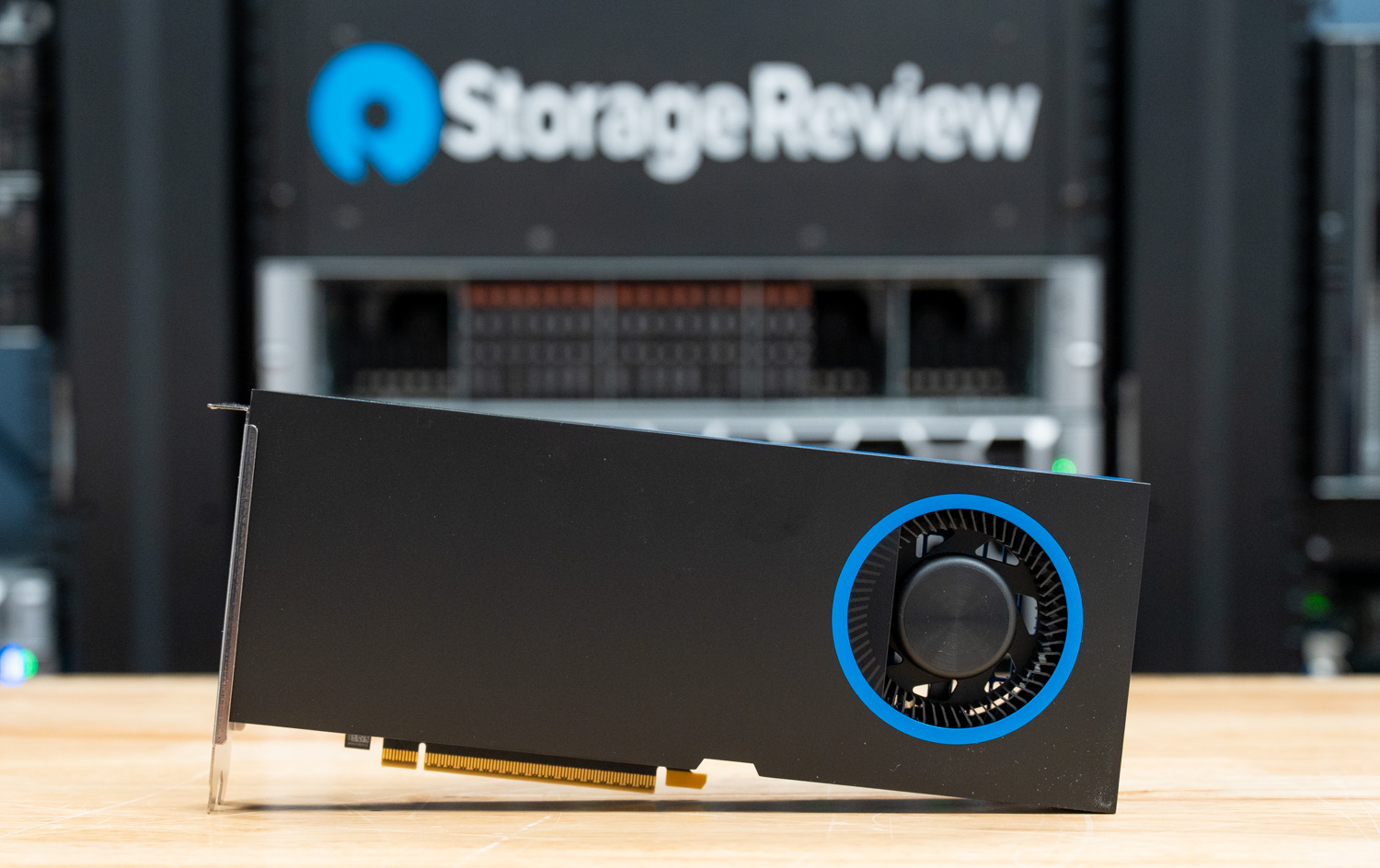
Arc Pro B70: Competitive Specs, Constrained by Its Own Stack
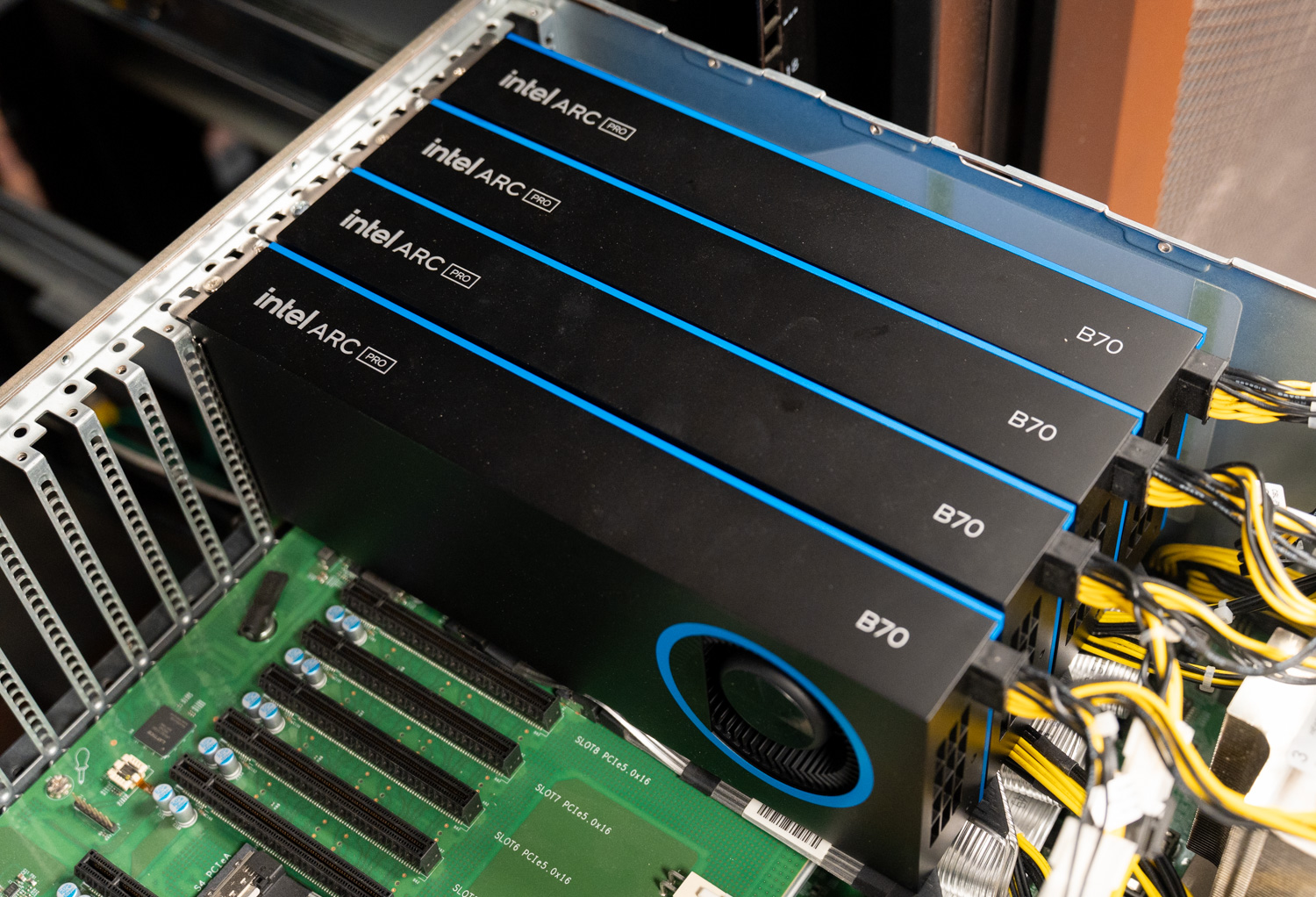
On paper, Intel Arc Pro B70 should be a bargain for AI workstation buyers. The card launched at USD 949 (approx. ₱53,100) for 32GB of GDDR6, though a memory crunch has pushed street prices above USD 1,100 (approx. ₱61,600). Even then, it undercuts a competing 24GB card that has climbed past USD 2,000 (approx. ₱112,000) while offering a third less VRAM. Four B70s fit into a single system for 128GB of pooled VRAM, enough to host 120‑billion‑parameter mixture‑of‑experts models at a concurrency that once demanded far larger spend. The silicon itself is no slouch: 32 Xe2 cores, 256 XMX engines, and 367 INT8 TOPS over a 256‑bit bus at 608GB/s. The hardware is impressive; the pricing is even more so. But the same problem that held back the earlier Arc Pro B60 remains: “the software isn’t there yet.”
Intel’s own story centers on local LLM inference comparisons against a rival 24GB card, boasting much higher token throughput and better time‑to‑first‑token under load. Those figures prove what the B70 could do in a best‑case scenario. In production, though, buyers run headfirst into the limitations of Intel’s Battlemage‑enabled vLLM fork, LLM Scaler. It feels like a beta: model coverage is narrow, several quantization paths that should work do not, and the stack caps what the hardware can achieve. The same pattern appeared on Intel’s Gaudi 3 accelerator, where soft FP8 results were traced not to flawed silicon but to immature code paths in Intel’s software. This is the core of the workstation hardware software gap: organizations pay for GPU capacity they cannot immediately turn into throughput because drivers and frameworks are still catching up.
What Mature Ecosystems Look Like: The HP Z4 G6i Contrast
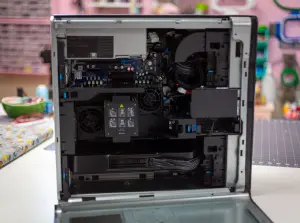
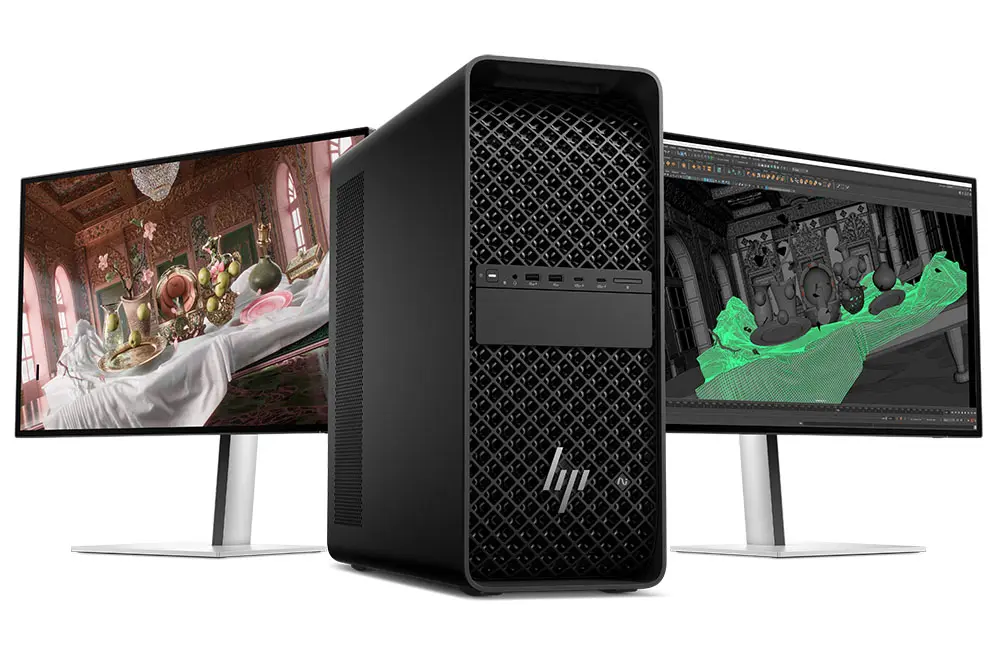
To see how much software maturity matters, compare the Arc Pro experience with a fully baked AI workstation such as the HP Z4 G6i. This system enters the same AI workstation race with a behemoth configuration: Intel Xeon 678X processor, 128GB of DDR5‑6400 ECC RAM, an Nvidia RTX Pro 6000 Blackwell Workstation Edition GPU, and fast NVMe storage, retailing at just over USD 40,000 (approx. ₱2,240,000). At that price, buyers expect uptime measured in years and virtually no surprises in production. They also expect the software side to be sorted. Here, ISV certification becomes the quiet hero: HP works with independent software vendors so that specific hardware‑and‑driver combinations are guaranteed to work with defined versions of flagship creative and post‑production tools.
That certification is not glamorous, but it is the difference between a workstation you trust and one you babysit. For example, the HP Z4 G6i with Windows 11 and an RTX Pro 6000 Blackwell card is certified to run DaVinci Resolve Studio 20 and Adobe Premiere Pro 2026 as smoothly as editors expect. In practice, this means fewer hours lost to driver bugs, fewer emergency rollbacks, and less time waiting for patches before adopting new GPU features. As one review concludes, for enterprises that buy high‑end HP Z workstations, the Z4 G6i is “an incredible machine” whose power and speed will not disappoint. That confidence is not just about cores and bandwidth; it comes from a mature ecosystem of drivers, documentation, and proven workflows that stand behind the hardware.
The Hidden Cost for Early Adopters of Emerging GPU Architectures
The Arc Pro B70 exposes a real tax on teams that buy bleeding‑edge GPUs before the software stack is ready. The card offers up to 2x tokens per dollar in Intel’s own benchmarks when using launch list prices, yet in day‑to‑day use, that advantage erodes if frameworks cannot access all its features reliably. Beta‑quality tools mean more engineer time spent debugging quantization paths, workarounds for missing features, and chasing driver updates instead of shipping models. This is not a theoretical risk. Reviewers already label Intel’s LLM Scaler as “still a beta release at best” with limited model coverage, which directly constrains how Arc Pro B70 can be used in production. Intel “needs the same level of commitment around Arc Pro” that its competitors show with their ecosystems, or B70 will remain a card enthusiasts want to like but teams struggle to adopt.
The hidden cost shows up in postponed deployments and conservative rollout plans. Teams forced to wait for driver fixes or missing documentation cannot exploit four B70s’ pooled 128GB of VRAM to host large mixture‑of‑experts models at the concurrency the hardware could support. Instead, they fall back to the better‑documented, forum‑tested ecosystems where most real‑world problems already have answers. According to one reviewer, the competitive advantage of a leading ecosystem is not just proprietary runtimes but “the boring stuff that matters when deploying a model: docs, examples, working containers, forum answers, and enough community history that most problems have been solved.” Without that, early adopters pay in time, reliability, and opportunity cost, even when the GPU itself looks like an excellent value on paper.
What Workstation Buyers Should Do Now
AI workstation adoption is driving demand for professional GPUs at all price tiers, from USD 1,100 (approx. ₱61,600) cards to USD 40,000 (approx. ₱2,240,000) behemoths. But the lesson from Arc Pro B70 is clear: treat software maturity and driver stability as first‑class buying criteria, not afterthoughts. Before choosing emerging architectures, teams should ask hard questions about professional GPU software support: Is the key framework branch still considered beta? How wide is model coverage? Are quantization paths reliable? Is there enough documentation, example code, and community history to avoid constant firefighting?
The right GPU for a modern AI workstation is not simply the one with the most VRAM or highest TOPS; it is the card whose ecosystem lets you turn that capacity into dependable throughput today. Systems like HP’s Z4 G6i show how much confidence mature ISV certifications can give buyers, especially in post‑production and creative pipelines that cannot tolerate downtime. In contrast, the Arc Pro B70 illustrates how an impressive deskside AI card can be held back by its own stack. Until software ecosystems catch up with hardware development cycles, cautious buyers should prioritize proven platforms for critical workloads and reserve bleeding‑edge GPUs for experiments where the cost of instability is acceptable.