


Why Bother Running Local Language Models on an Old PC?
Running AI models locally on an old PC means installing and using large language models directly on your own machine so you can generate text, summaries, and automations without sending personal data to remote servers, accepting slower responses and tighter hardware limits in exchange for privacy and control.
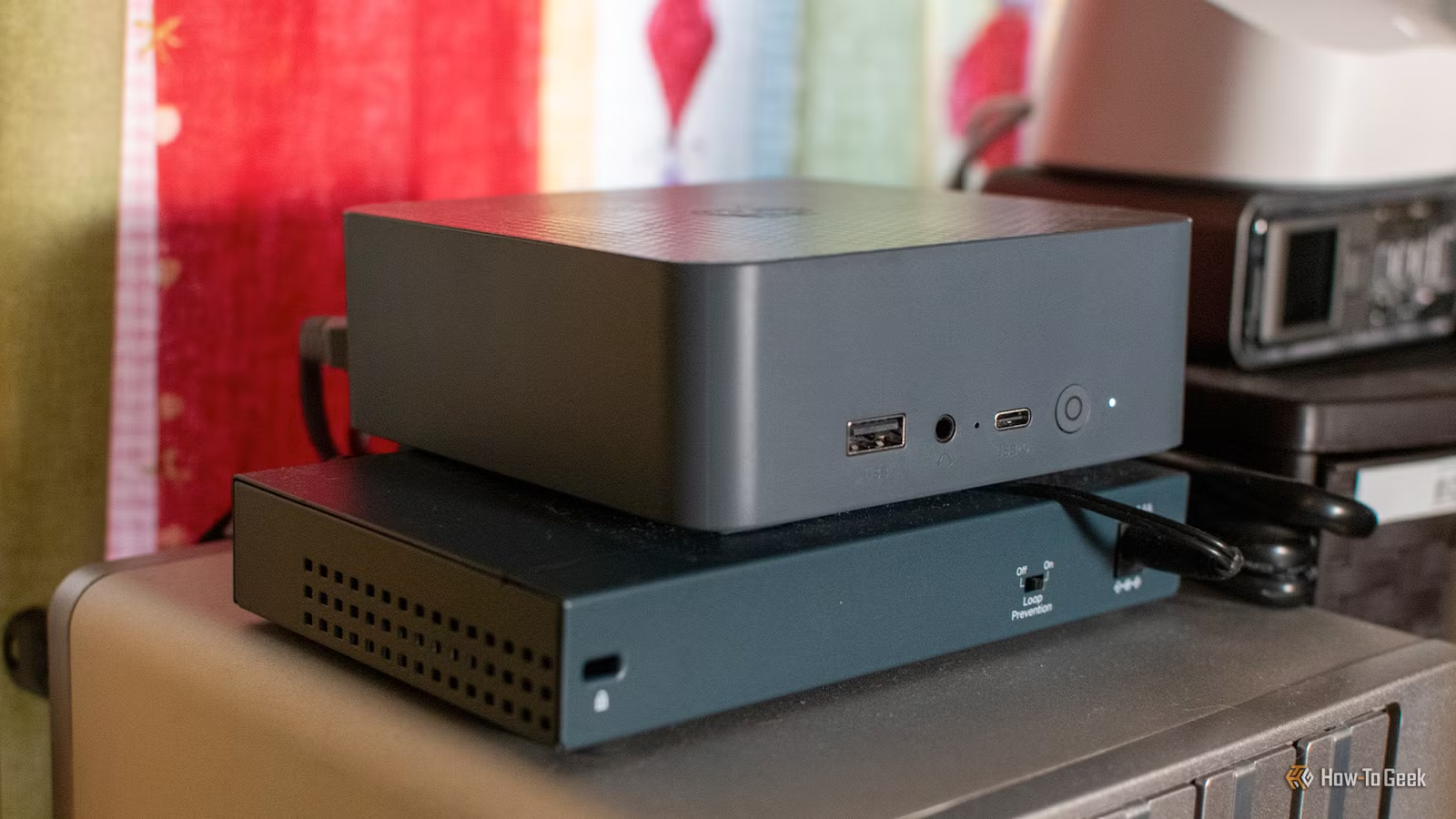
If you want to run AI models locally for privacy or long-term cost control, limited hardware does not automatically disqualify you. You will not match the speed or flexibility of big cloud systems, but you can still get practical value from a local language model for daily routines. On a mini PC with a modest Intel processor and 16 GB of RAM, even fairly small LLMs can feel slow, and simple tasks may take several minutes or more to complete. The key is adjusting expectations: use the machine as a quiet overnight assistant or a background worker instead of expecting instant conversation. Slow generation does not always matter when the responses are ready at the moment you need them.
Understanding the Trade-Offs: Speed, Accuracy, and Resources
Before you try to run AI on an old PC, it helps to accept the trade-offs. The small local LLMs that fit on consumer hardware are never going to match the capabilities of leading cloud systems, and even fairly simple tasks take a long time to complete. Frontier-level models pushed onto limited hardware through clever tricks are powerful but slow to an extreme. In one proof-of-concept, a 744‑billion‑parameter, 1.5‑TB model runs on a modest CPU with 25 GB of RAM and a 1 GB/s virtual NVMe drive using a technique that loads model slices into memory on demand. According to that report, this setup reaches about 0.05 to 0.1 tokens per second, which is far too slow for live chat but still useful for experiments or long-form jobs.
Think of three sliders you cannot max out at the same time on limited hardware: speed, accuracy, and resource use. Smaller quantized models consume less memory and run faster, but give weaker answers. Larger models can offer frontier-level quality yet demand tricks like loading and unloading expert components per token, which adds a steep performance penalty. For everyday automation on slow machines, aim for smaller, efficient models and design workflows where latency does not matter, such as nightly reports or batched document cleanup. For local experiments with frontier-scale models, treat them like batch jobs that might take hours to finish instead of interactive assistants.

Step-by-Step: Setting Up a Local LLM on Limited Hardware
Here is a practical sequence you can follow to run AI on an old PC and keep the experience sane. Think of this as setting up a quiet background helper, not a lightning-fast chatbot.
- Decide what you want the local language model to do: daily briefings, RSS summaries, document cleanup, or experimentation with large models.
- Measure your PC’s limits: RAM size, storage space, and whether you have a reasonably fast SSD, since limited memory forces you to rely on disk.
- Choose a small quantized LLM that fits within your RAM and storage budget so generation is slow but still usable on consumer hardware.
- Install a local LLM runner and connect it to your data sources, such as calendars or RSS feeds, so the model can turn structured data into natural language outputs.
- Design prompts and workflows that can run unattended at night or early morning, so slow generation finishes before you need the results.
- Test with short jobs first, then increase task size as you learn how many minutes or hours your specific hardware needs to complete each run.
- Optionally, experiment with advanced setups that stream slices of a much larger frontier-level model from fast storage when you are comfortable accepting severe speed penalties.
The subtle trap here is trying to do everything interactively. On a mini PC with 16 GB of RAM and integrated graphics, even modest tasks can crawl. A better pattern is to offload regular jobs into the early hours. One practical example is generating a morning briefing about lunches, activities, calendar events, trash reminders, and weather from home automation data; slow generation is not a problem when it starts at 5 AM and finishes well before anyone walks into the kitchen. The same idea works for creating daily RSS newsletters that you read later on a simple e‑reader. In both cases, the model runs locally and keeps your personal information off remote servers while accepting that the machine spends several minutes working behind the scenes.

Real-World Uses: Getting Value from Slow Local Models
Once the basic pipeline is running, you can start treating your old PC as a quiet AI assistant. A local LLM can take structured data from various home automation sources, then turn it into natural language briefings that feel far more human than templated messages. This makes family-friendly morning announcements and household reminders possible without pushing sensitive calendars or routines into someone else’s cloud. The same small model can pull the top stories from multiple RSS feeds, pick a handful, and write summaries plus an overall TL;DR for you to read as a newsletter on a Kindle-like device. Slow generation is acceptable when these prompts run overnight so the digest is always ready the next day.
You can also use local language models to strip personal information from documents before sending them to a stronger cloud system. Names, locations, and account numbers can be removed in several passes, followed by manual checks, which makes you more comfortable uploading the redacted data to remote services for deeper analysis. This keeps raw sensitive data under your control while still benefiting from powerful external tools. Meanwhile, experimentation with frontier-level models using techniques that load and unload expert slices per token is more about curiosity and research than daily productivity, because speed remains far below real-time conversation rates. These patterns show how an LLM on limited hardware can earn its keep if you design tasks around its strengths: privacy, scheduled work, and controlled scope.

Is Running AI on an Old PC Worth It?
Running AI on an old PC is worth it if you care about privacy, control, and squeezing extra utility from hardware you already own. There are clear benefits to keeping your prompts and documents off remote servers while still enjoying useful automation. The cost is patience: models that fit limited memory will be slower and less capable, and frontier-level models squeezed onto consumer setups bring steep performance penalties that make them unsuitable for live conversation. The trick is to aim local language models at work where slow generation does not matter, such as overnight briefings, RSS newsletters, or document sanitizing jobs that you plan ahead. Treat your machine as a scheduled assistant instead of a real-time chatbot, and you will find the experience surprisingly viable even as hardware ages.





