

What It Really Means to Run LLMs on Limited Hardware
Running large language models on limited hardware means loading AI models onto a modest CPU and under 25GB of RAM, accepting slower responses and careful scheduling so you can still get high‑quality text generation, summaries, and automation without paying for datacenter GPUs or sending personal data to external AI providers.
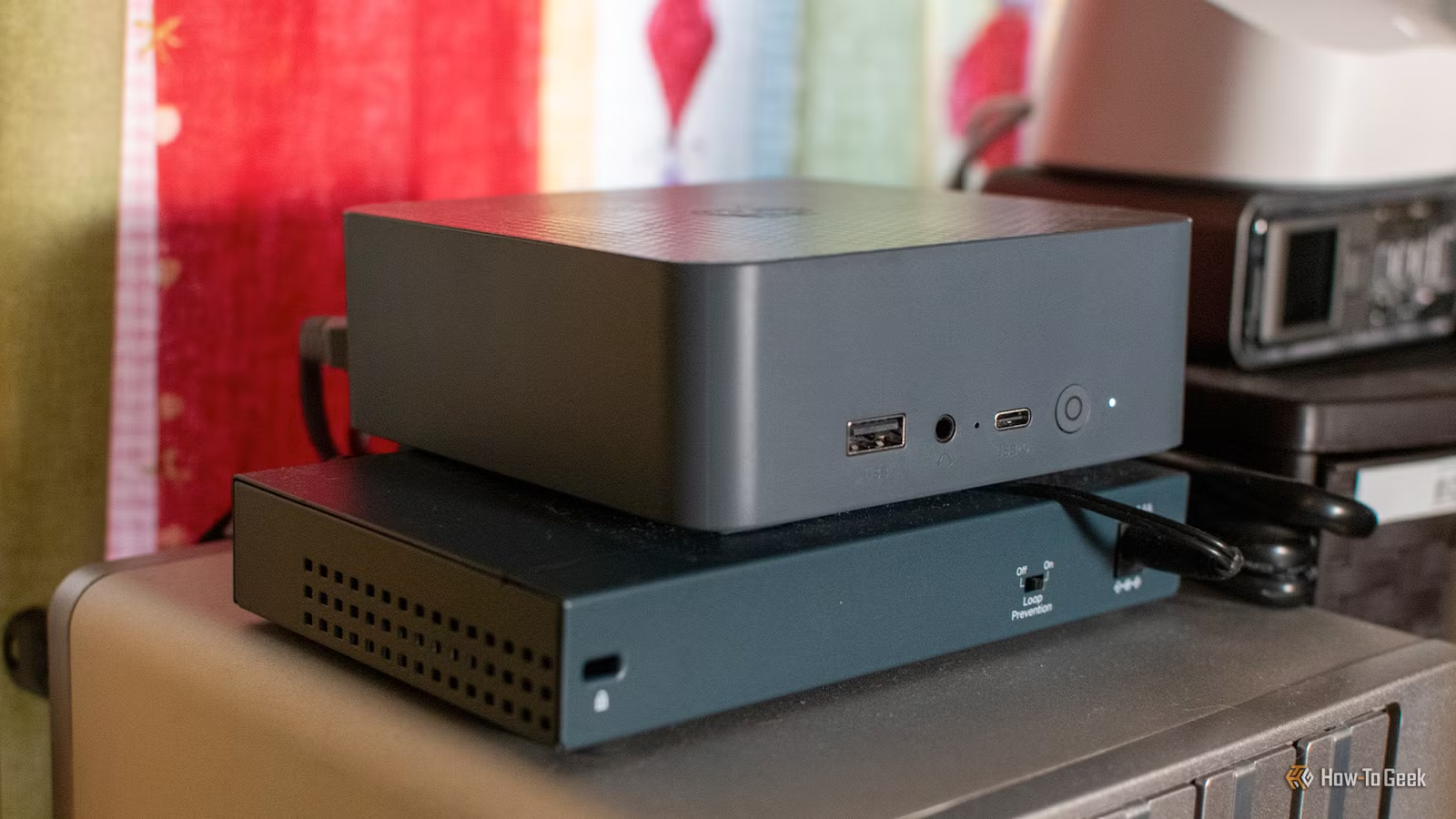
If you want to run an LLM on local hardware for privacy or cost reasons, you do not need a monster rig. One mini desktop powered by an Intel N150 processor with 16GB of DDR4 RAM and a 500GB SSD has been used as a daily driver for local language tasks. Another proof‑of‑concept setup runs a 744‑billion‑parameter, 1.5‑TB model on a modest CPU, 25GB of RAM, and a 1GB/s virtual NVMe drive. The catch is speed: on slow PCs, even small local language models can take minutes to generate useful output, and frontier‑level models can be so slow that one answer takes hours. This guide walks through how to work with those limits instead of fighting them.
Know Your Hardware and Pick the Right Kind of Model
Before you try to run LLMs on local hardware, you need to be clear on what your PC can handle and what sort of model you want. Frontier‑level systems are built for racks of GPUs, but enthusiasts with limited RAM can still run capable AI models by trading speed for capability. On the lighter end, a small 4‑billion‑parameter model like Qwen3‑4B running through an easy installer provides natural language briefings from home automation data on a mini PC with 16GB of RAM. On the extreme end, a frontier‑level Mixture‑of‑Experts model such as GLM‑5.2 can be squeezed into 25GB of RAM when quantized and loaded in slices. Both setups work; the difference is whether you are happy with overnight jobs or need snappy conversation.
Here is the basic, friend‑level sequence you can follow to run local language models on a slow PC and keep your sanity:
- Check your CPU, RAM, and storage bandwidth, then set a realistic ceiling: under 16–25GB of usable RAM means you are in the "small model or sliced frontier" world.
- Choose a small local language model first (around 3–4B parameters) and install it through a beginner‑friendly runtime; use this for day‑to‑day tasks like briefings or newsletters.
- Only if you have at least 25GB of RAM and fast NVMe, experiment with a Mixture‑of‑Experts frontier‑level model that loads expert slices into RAM per token and uses quantization to shrink size.
- Plan your workloads: use slow local language models at times when you do not need instant answers, and reserve cloud models for urgent or highly complex work once you have stripped sensitive data.
The gotcha is thinking your underpowered system will behave like a chatty cloud bot. According to one experiment with GLM‑5.2, "Colibrì's speed on Vincenzo's setup is only about 0.05 to 0.1 tokens per second on average" and is unusable for practical conversation. Aim for batch jobs and automation, not back‑and‑forth chat.

Leaning on Small Models for Everyday Automation
On a slow PC, small local language models are where most of the real‑world value lives. They will not match the capabilities of big hosted systems for complex reasoning, but they are good enough to turn structured data into natural language. One practical example is a morning briefing built from calendar entries, school lunches, after‑school activities, trash reminders, and weather. Key information is pulled from a home automation system and fed into a Qwen3‑4B model, which then generates a conversational announcement on a mini PC. Even on limited hardware, this can create spoken briefings that tell the family what is happening that day, right down to what is in the kids' lunch boxes and whether the trash needs to go out.
The trade‑off is speed: generating the briefing and running text‑to‑speech can take around 10 minutes on this kind of setup. The clever workaround is to move from "interactive" to "scheduled" thinking. The announcement is generated at 5 AM every day, long before anyone walks into the kitchen, so even a slow local language model always feels instant when the motion sensor triggers the speaker. The same trick works for things like daily RSS newsletters, where top stories from several feeds are summarized overnight so they are ready for you on a reader each morning.

Frontier-Level Models on 25GB RAM: What Colibrì Shows
If you are curious about running frontier‑level AI models on limited RAM, the Colibrì proof‑of‑concept shows what is possible in principle. It runs the 744‑billion‑parameter GLM‑5.2 Mixture‑of‑Experts model, which weighs in at around 1.5TB, on a modest CPU with only 25GB of RAM and a 1GB/s virtual NVMe drive. The trick is to avoid loading the whole model at once. Instead, Colibrì repeatedly loads and unloads the expert sub‑models that are needed for each token into RAM, relying on the MoE design where different experts answer different topics per token. The GLM‑5.2 weights are also quantized down, using lossy encoding to shrink the storage footprint before they even hit the drive.
This approach gives you frontier‑level capability at the cost of extreme latency. Quality can be excellent, and early tests produced impressive answers, but on the reference setup, generation speed was only 0.05–0.1 tokens per second. In practice, that means a single question can take hours to answer. As storage bandwidth, RAM, and CPU cores improve, each bottleneck moves, but you always end up constrained somewhere. For now, sliced frontier models are more suitable for long, non‑interactive jobs, such as deep research runs or batch document processing, than for chatty companions. They are proof that AI models with limited RAM can still reach far beyond the small models if you are patient and design around the slow output.

Workarounds for Resource Limits and When Cloud Still Helps
On constrained hardware, your goal is to match the job to the realistic performance you can expect. Some tasks work fine with slow local language models: daily briefings, RSS‑based newsletters, or simple natural language transformations you can queue up while you sleep. For recommendations, you do not always need a full chat model either. One setup uses a small embedding model, converting book descriptions into numerical vectors instead of running a big conversational model, which is much lighter for a slow PC. These are examples of specific techniques that make local language models on a slow PC feel useful instead of frustrating.
There are still times when cloud models make sense, and that is where local inference becomes a privacy tool rather than a full replacement. One person tried using a local LLM to analyze financial data for savings but found the results were weak on small hardware. The better workflow was to strip sensitive data locally—names, locations, account numbers—using the local model, then manually confirm the redaction before sending the sanitized version to a more powerful cloud system. That way, you keep control of your personal information while still benefiting from higher‑end reasoning. The takeaway: it is worth running LLMs on local hardware for privacy and daily automation, as long as you respect the speed limits and design around them.





