
The Top Pick Gaming PC And Why It Wins
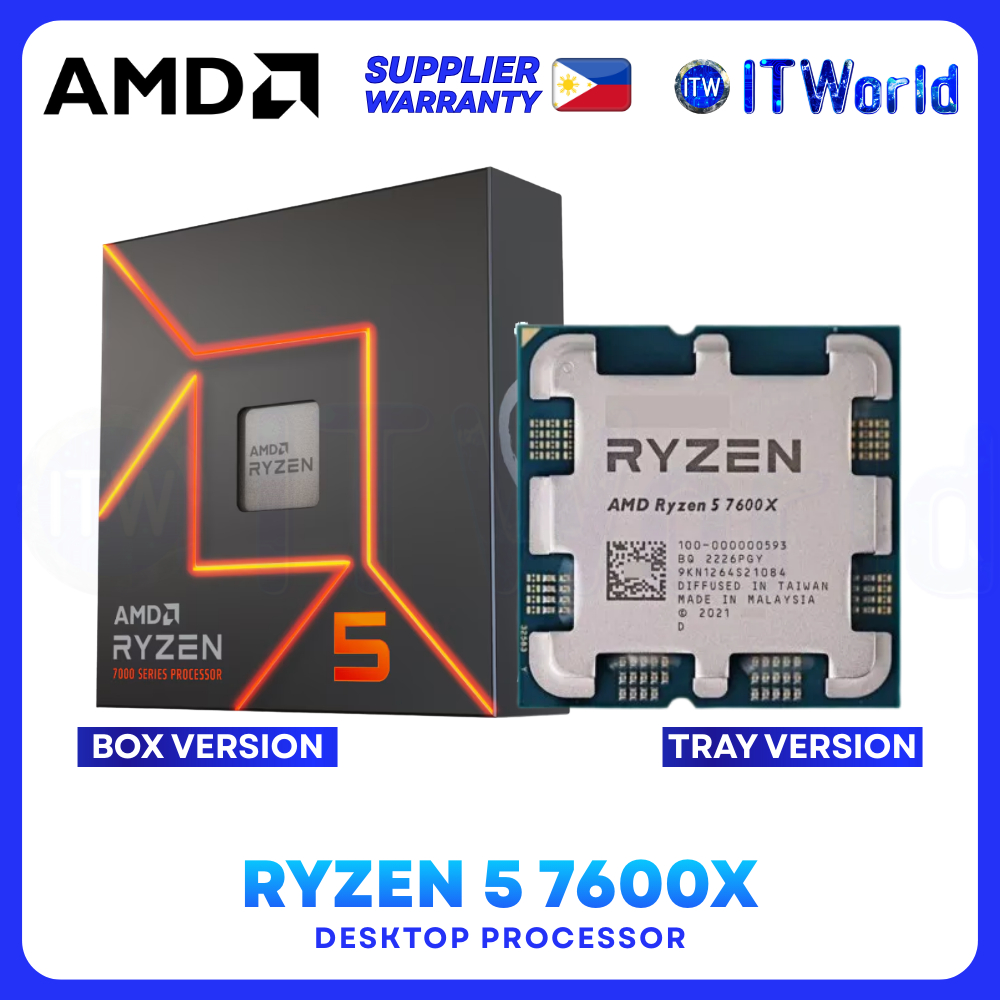
A gaming PC build guide is a step‑by‑step walkthrough that shows you how to choose components, assemble them in the right order, and configure software so you end up with a fast, stable machine tailored to your performance and budget needs. For most people today, the best value build centers on an AMD Ryzen 5 7600X CPU paired with an entry‑level RTX 50‑series GPU, DDR5‑6000 memory, and a 1TB NVMe SSD, delivering strong 1080p and solid 1440p gaming without wasting money on negligible gains. According to one pricing roundup, “AMD Ryzen 5 7600X USD 168.00 (approx. ₱9,400) is one of the cheapest sensible entries into AM5, with six capable Zen 4 cores and a clear future upgrade path.” That combination of price, performance, and upgrade room makes this our clear top recommendation for a new gaming build.
| Component | Recommended model | Price (USD / approx. PHP) |
|---|---|---|
| CPU | AMD Ryzen 5 7600X (6-core, AM5) | USD 176.99 (approx. ₱9,900) / deal from USD 168.00 (approx. ₱9,400) |
| GPU | Nvidia GeForce RTX 5060 8GB, 12V‑2×6 connector | USD 329.99 (approx. ₱18,400) |
| Motherboard | ASRock B650M Pro RS (AM5), DDR5, PCIe 5.0 | USD 99.99 (approx. ₱5,600) |
| RAM | DDR5‑6000 32GB kit (2×16GB) | Varies by retailer due to memory shortage |
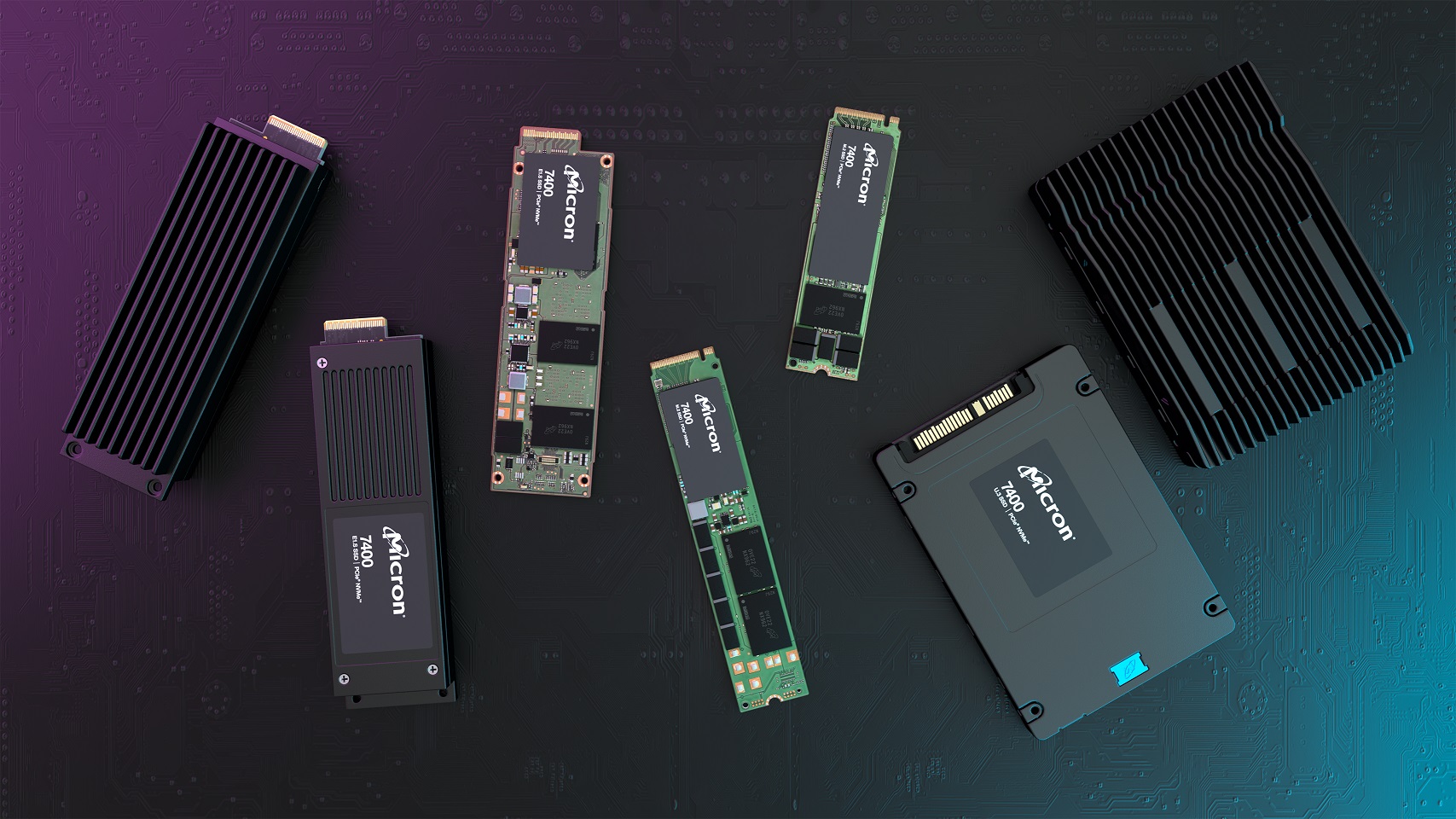
| Storage | Patriot P400 Lite 1TB NVMe Gen4 SSD | USD 134.99 (approx. ₱7,500) |
| PSU | Corsair CX750M 750W, 80 Plus Gold, semi‑modular | USD 59.99 (approx. ₱3,300) |
| Case | Zalman T6 Mini, high‑airflow micro‑ATX | USD 28.99 (approx. ₱1,600) |
CPU And GPU Pricing: Where The Real Deals Are
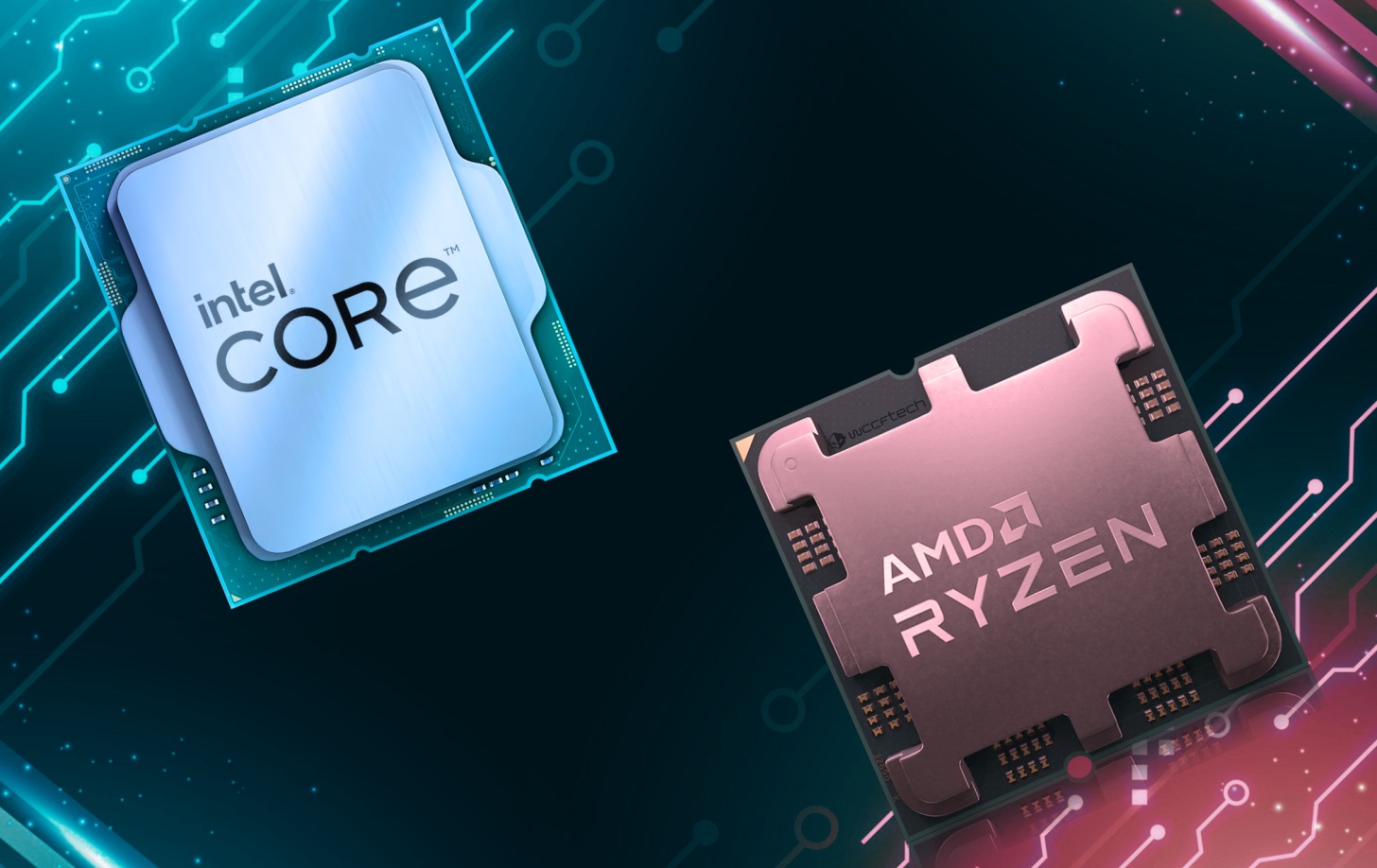
Picking the right CPU and GPU is the heart of any gaming PC build guide, and current PC component deals show clear sweet spots for performance per dollar. On the CPU side, AMD’s AM5 platform stands out: the Ryzen 5 7600X offers six Zen 4 cores with a strong upgrade path at USD 168.00 (approx. ₱9,400), while a newer Ryzen 5 9600X with Zen 5 lands at USD 179.67 (approx. ₱10,000), only slightly more for better efficiency. If you need heavy multitasking or content creation, Intel’s Core Ultra 5 250KF Plus brings eighteen total cores at USD 199.99 (approx. ₱11,100), and the Core Ultra 7 270K Plus scales to twenty‑four cores at USD 311.50 (approx. ₱17,400). On the graphics side, deals cluster from budget up to high‑end; one highlighted offer is a Radeon RX 9070 XT 16GB card at USD 689.99 (approx. ₱38,400), aimed at high‑refresh‑rate 1440p and 4K gaming. Match your GPU tier to your monitor resolution and your total budget so you do not overspend for unused performance.

Memory, Storage, And Overall Gaming PC Pricing
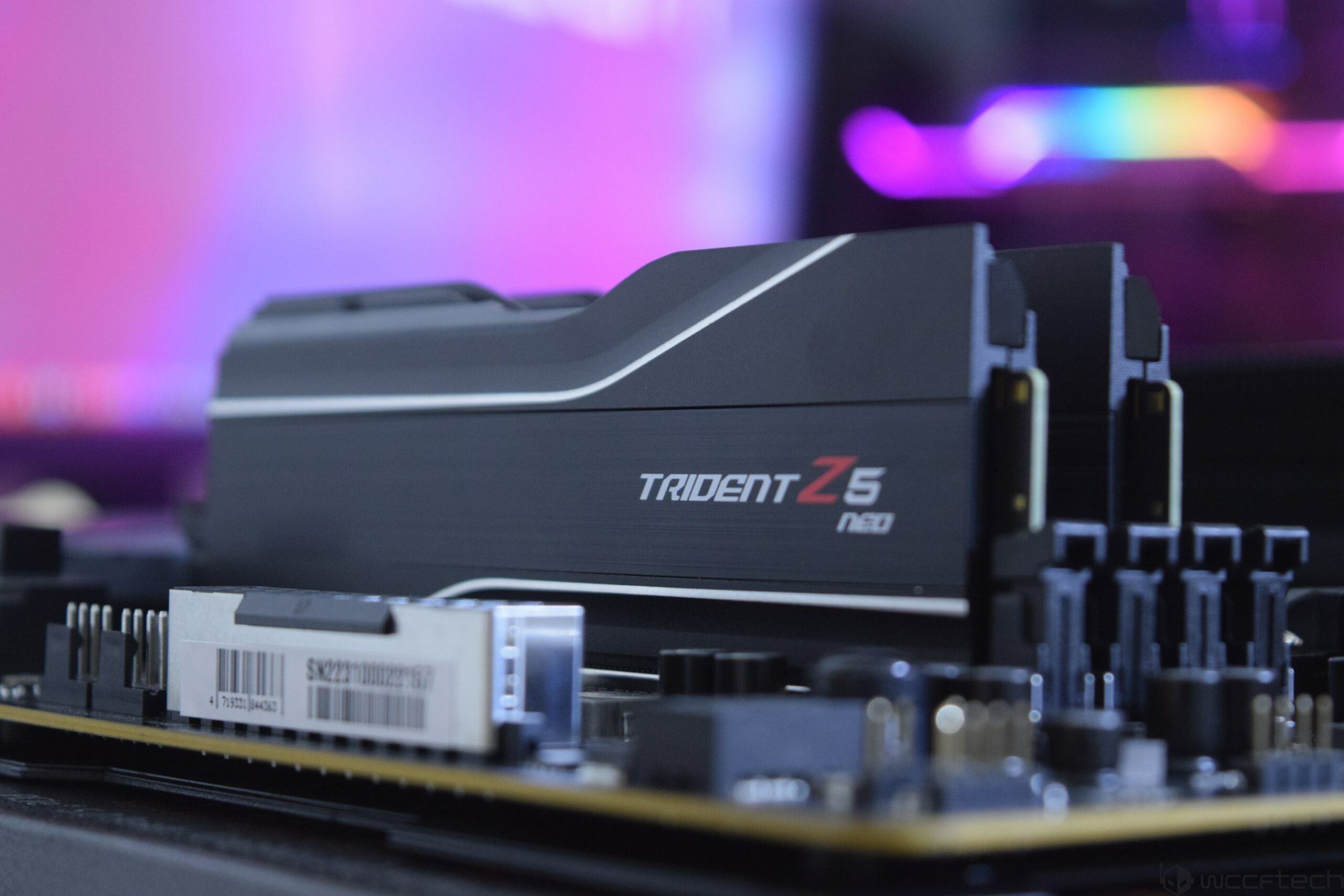
In current PC component deals July 2026, memory and storage prices are shaped by an ongoing shortage of DRAM and NAND, which raises costs for DDR5 kits and SSDs and even affects graphics cards that use these chips. Despite that, DDR5‑6000 has emerged as the mainstream performance sweet spot: a 32GB kit (2×16GB) on a compatible board gives fast frame times and smooth multitasking without pushing unstable ultra‑high speeds. Populate motherboard slots A2 and B2 to enable dual‑channel operation for best results. For storage, a 1TB NVMe drive such as the Patriot P400 Lite (Gen4) at USD 134.99 (approx. ₱7,500) is an ideal starting point for your system drive and several large games. Overall gaming PC pricing has climbed; one deal overview considers around USD 1,000 (approx. ₱55,600) the realistic starting point for a decent new gaming PC, with higher tiers at USD 1,500, USD 2,000, and USD 2,500 (approx. ₱83,400, ₱111,100, and ₱138,900) unlocking progressively stronger GPUs, CPUs, and more memory and storage.
12‑Step Assembly Walkthrough: From Case Prep To Tuning
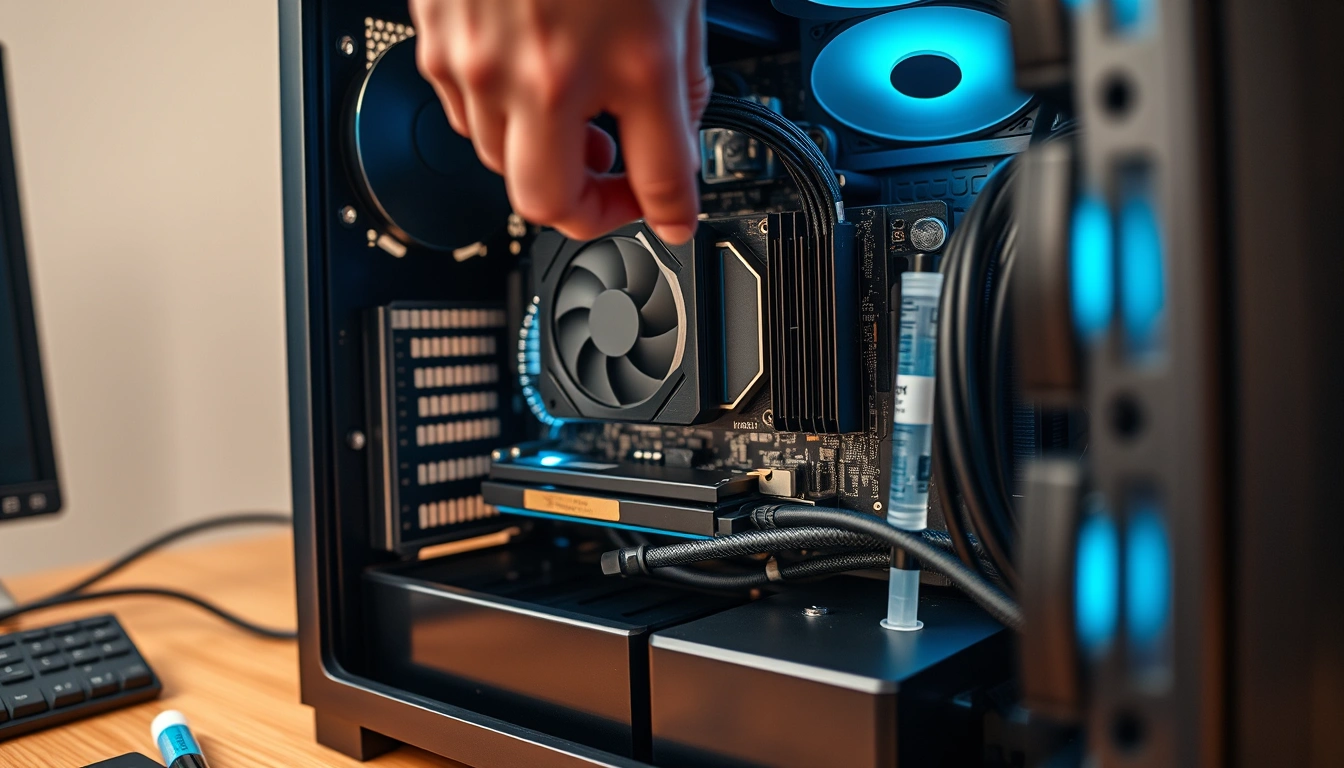
Once you have your budget gaming PC parts on the table, follow a proven twelve‑step process so the build goes smoothly from first screw to final benchmark. Start with tools and workspace preparation: a Phillips #2 screwdriver, a small tray or magnetic mat, an anti‑static wrist strap or habit of touching the chassis, zip ties for cable management, and thermal paste if your cooler lacks a pre‑applied pad. Then work through the physical steps in order: Step 1, prep the case and install the power supply; Step 2, install the CPU in its AM5 or LGA1851 socket; Step 3, install RAM; Step 4, mount the CPU cooler; Step 5, install the motherboard; Step 6, fit NVMe SSD storage; Step 7, mount the GPU and connect the new 12V‑2×6 power lead; Step 8, handle cable management and front‑panel headers. Finish with Step 9, first boot and BIOS; Step 10, install Windows 11 25H2 and drivers; Step 11, stress‑test and benchmark; and Step 12, apply software and performance tuning, using tools like CPU‑Z, HWiNFO64, and MemTest86 to verify stability.

Buy if / Skip if
- Buy the AMD Ryzen 5 7600X build if you want a gaming PC with excellent performance per dollar and a clear AM5 upgrade path.
- Skip the AMD Ryzen 5 7600X build if you need maximum core counts for heavy productivity and prefer a 24‑core Intel Core Ultra 7 270K Plus instead.
- Buy the RTX 5060‑based build if you aim for high‑quality 1080p and entry‑level 1440p gaming while keeping total system cost near the USD 1,000 (approx. ₱55,600) tier.
- Skip the RTX 5060‑based build if you are targeting high‑refresh‑rate 4K gaming, where a high‑end GPU like a Radeon RX 9070 XT 16GB at USD 689.99 (approx. ₱38,400) is more appropriate.
- Buy the DDR5‑6000 32GB and 1TB NVMe setup if you want responsive game loads and smooth multitasking without overpaying for marginal gains beyond the current sweet spot.
- Skip the DDR5‑6000 32GB and 1TB NVMe setup if you already own faster memory and larger SSDs and are rebuilding around existing parts rather than buying new.