

Proton Experimental: The Real Front Line of Steam Deck Compatibility
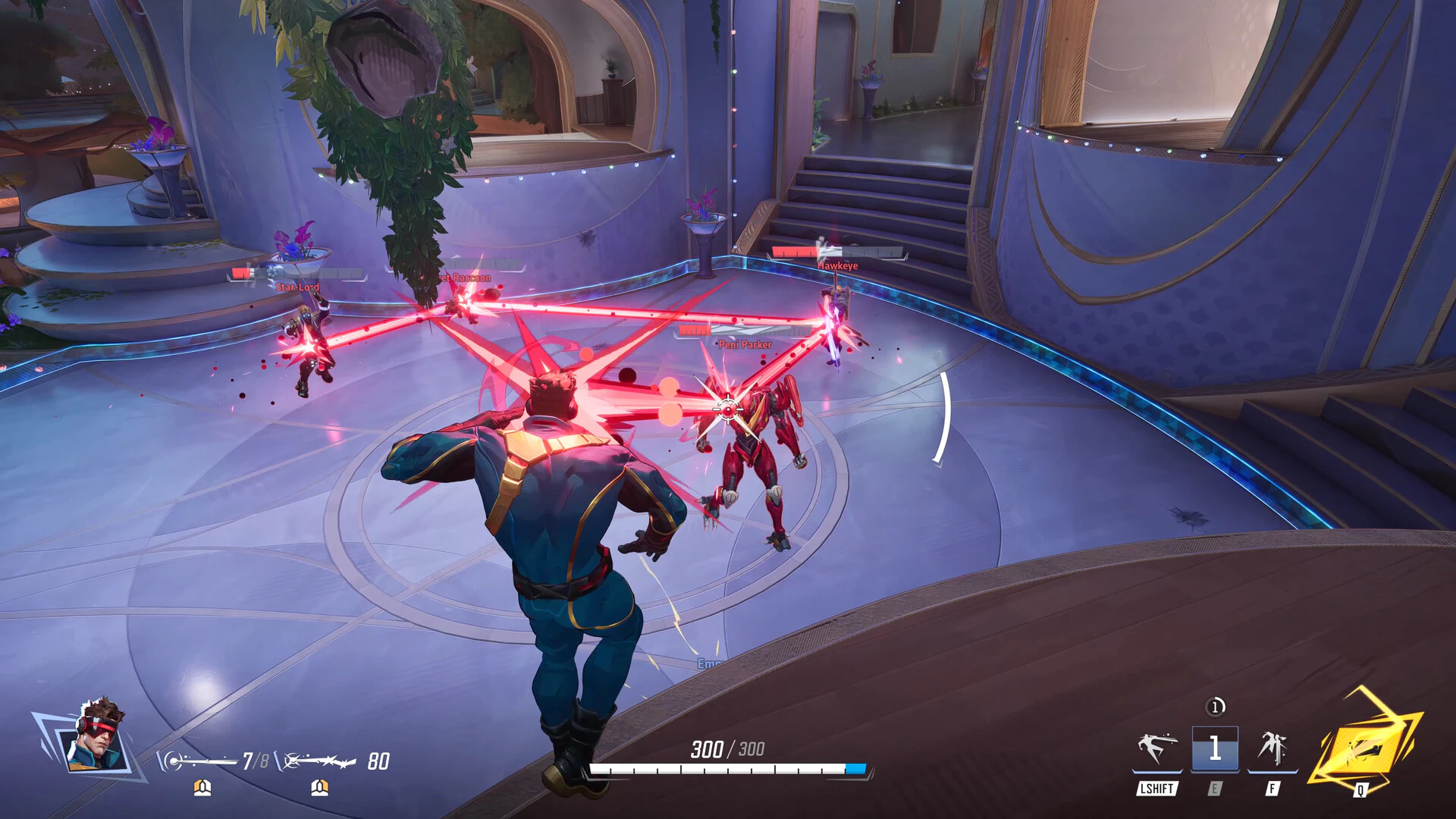
Proton Experimental is Valve’s frequently updated compatibility layer that lets SteamOS and the Steam Deck run Windows games through Linux emulation, acting as a live testing ground where new fixes for performance, rendering, and crashes land before they are folded into the main Proton release stream for all users. This latest update matters because it directly decides which modern Windows titles are playable on portable gaming hardware without installing Windows or dual-booting, making Proton Experimental the most important invisible software for anyone who treats the Steam Deck like a handheld PC. Valve’s new Proton Experimental build, dated July 15, brings crucial fixes for running Windows games on SteamOS and Linux devices, including the Steam Deck and Steam Machine. The headline change is simple but impactful: Diablo IV and Marvel Rivals are back to being playable after recent game patches had broken them.
From Broken to Playable: Diablo IV, Marvel Rivals, and RPGMaker
The latest Proton Experimental drop is a reminder that Steam Deck Proton compatibility is a moving target—and right now, the target has moved in players’ favor. When a recent Diablo IV update left the game unplayable on Proton, Valve responded with a fix that restores access for SteamOS users. Marvel Rivals suffered a similar fate, crashing after its own update, and is now stabilized in Proton Experimental. That alone makes this release a big deal for anyone relying on Windows games Linux emulation to keep up with live-service titles. Beyond the headliners, the update cleans up issues in smaller but beloved games: sprites now render correctly in Zombie Estate 2, Heroes of the Three Kingdoms 7 is noted as newly playable, and RPGMaker Engine games no longer freeze after being minimized inside gamescope. These are not glamorous fixes, but they collectively widen the library of games that feel "native" on Linux-based portable systems.
SteamOS 3.8.15 and 3.8.23 Beta: Fixing What 3.8 Broke
Proton improvements alone cannot rescue portable gaming performance if the operating system is dragging its feet. Many Steam Deck owners noticed that the SteamOS 3.8 release brought poorer performance compared with the previous stable version, especially when composition was required—for example, with FSR enabled. According to the official SteamOS changelog, version 3.8.15 on the stable channel fixes that degradation and addresses HDR issues in Assassin’s Creed Black Flag Resynced. The takeaway is clear: for now, the stable channel is the safest choice if you care about frame rates and image scaling. Meanwhile, SteamOS 3.8.23 Beta rolls out to the Beta and Preview channels with experimental changes, including a fix for delayed start time in some Proton games when no capture device is present. Ironically, the beta still carries a known performance problem in the same composition scenarios that 3.8.15 resolves, pushing performance-conscious users away from testing new features.
What This Means for Portable Windows Gaming on Linux
Taken together, the Proton Experimental update and the SteamOS 3.8.15/3.8.23 releases show how tightly portable gaming performance depends on constant maintenance of Windows games Linux emulation. Fixing Diablo IV and Marvel Rivals, unblocking Heroes of the Three Kingdoms 7, and repairing RPGMaker Engine behavior are cumulative gains that expand the playable Windows game library on Linux-based handhelds. On the OS side, solving composition-related slowdowns and Proton start delays keeps those games feeling responsive on the Steam Deck. There is still a hard wall around titles blocked by anti-cheat, which Valve cannot bypass, and that remains the biggest constraint on Steam Deck Proton compatibility. But where publishers allow it, Valve’s pace of fixes makes the Steam Deck less of a Linux experiment and more of a credible all-in-one portable platform for PC gaming.
How Players Should Respond: Update Strategy and Expectations
For everyday players, these updates demand a bit of strategy. If you want the widest Steam Deck Proton compatibility—especially for fast-moving online titles like Diablo IV and Marvel Rivals—you should install Proton Experimental from your Steam Library and select it per game. If you care about stable portable gaming performance, stay on SteamOS 3.8.15’s stable channel until the known composition issues are fully resolved in beta. In practice, that means treating Proton versions as part of your game settings, not a background detail. At the same time, expectations need to stay realistic: anti-cheat protections will keep some games locked out, and that decision sits with publishers, not Valve. Even with those limits, the direction is encouraging. Each Proton and SteamOS update makes Windows games on Linux handhelds feel less compromised and more like first-class citizens.