
Hotspot Monitoring Returns — And It Should Never Have Been Removed
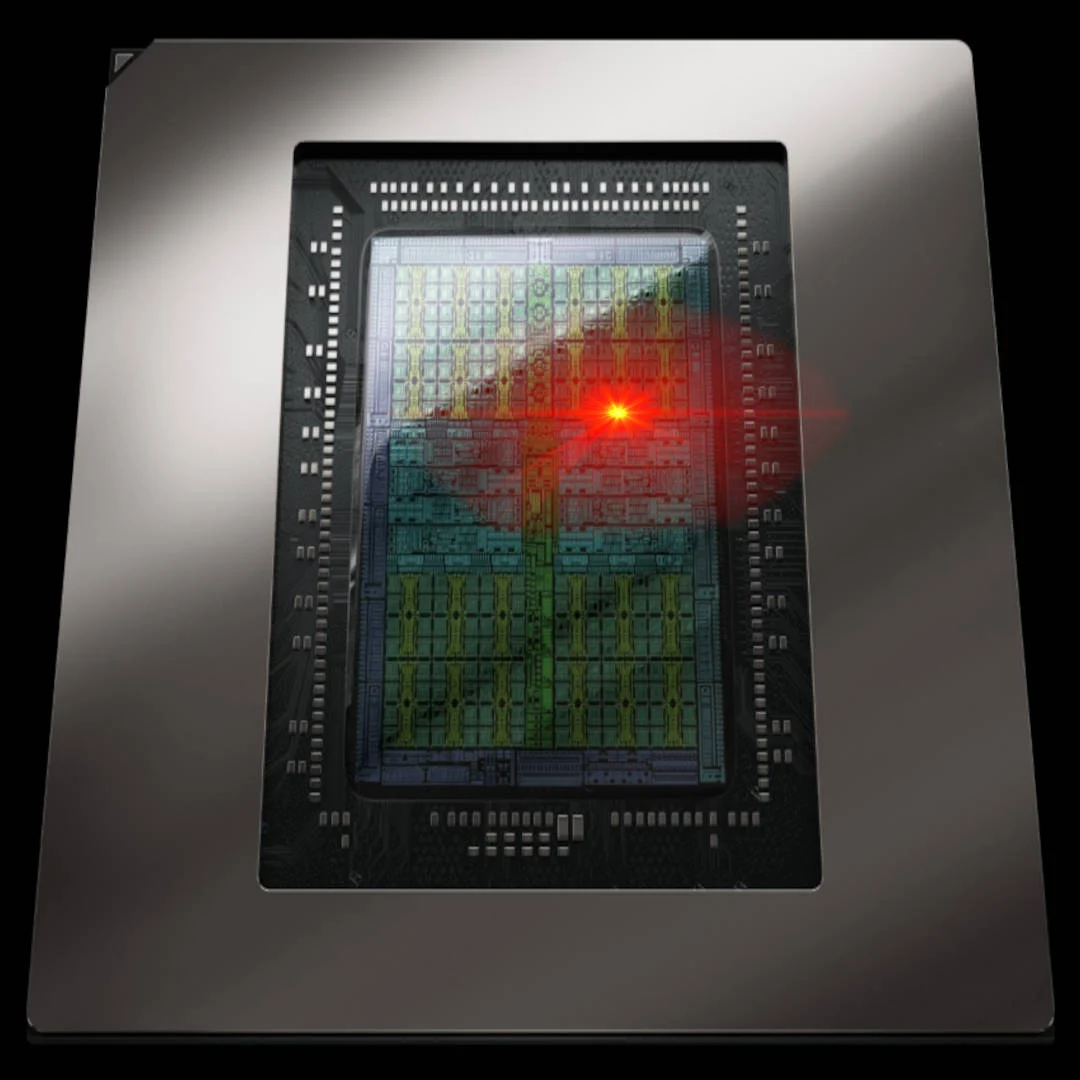
RTX 50 hotspot temperature monitoring refers to reading the single hottest point on the Blackwell GPU die, a sensor NVIDIA locked away in drivers on launch but which HWMonitor has now restored for ordinary Windows users, making accurate thermal diagnostics possible again without internal tools or hidden interfaces. This reversal matters more than a niche feature toggle. When the RTX 50 series first arrived, reviewers saw hotspot values misreported or missing in common utilities like HWiNFO and MSI Afterburner, before it became clear that NVIDIA had removed hotspot access while leaving the hardware sensor intact. In practice, that meant buyers were blind to the real thermal ceiling of their cards and had to rely on a sanitized “GPU temperature” that could look safe while the chip was on the edge of throttling or long‑term damage. Locking the sensor was a step backward for transparency; HWMonitor clawing it back is a win for anyone who cares about what their silicon is truly doing under load.
How HWMonitor Bypassed NVIDIA’s Driver Lock
NVIDIA’s decision was not to remove the GPU temperature sensor from Blackwell silicon but to hide its hotspot output behind driver restrictions, leaving access mainly to the internal MODS diagnostic tool used by technicians. MODS can read the sensor under a stripped‑down Linux environment, but is unavailable to regular users and blocked by Windows’ monitoring API behavior. The result: RTX 50 hotspot temperature data was effectively locked to NVIDIA insiders and a few repair shops, while consumer tools were forced to drop the metric. HWMonitor GPU monitoring changed that dynamic. In version 1.65, its developers found a way around the driver restriction and restored hotspot reporting on RTX 50 cards, becoming the first mainstream Windows utility to surface the hidden readings again. We still do not know the exact technical trick, but given MODS’ capabilities, it is hard not to conclude that HWMonitor is mimicking how the internal tool talks to the sensor. That is an encouraging precedent: if one tool can do it, others can follow, and proprietary locks lose their sting.
What Real Hotspot Data Reveals About RTX 50 Thermals
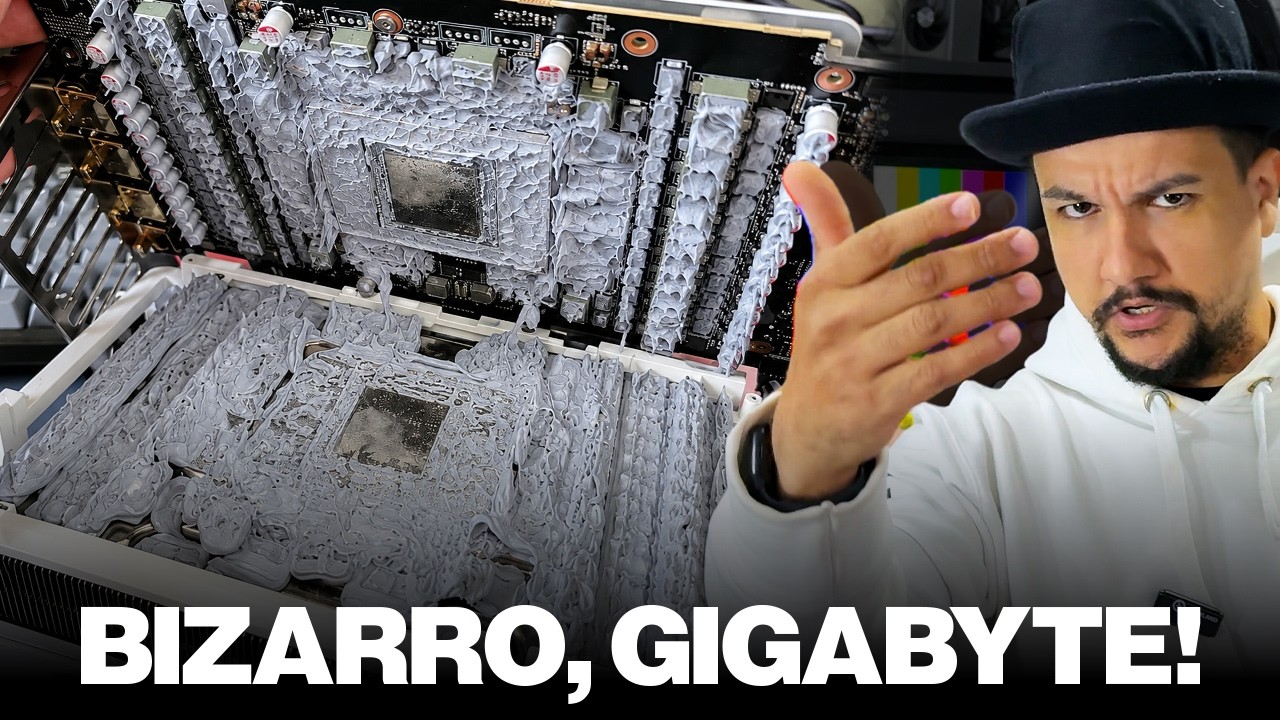
The return of hotspot readings matters because the sanitized average GPU temperature often hides the real thermal story. In one Blackwell case, monitoring tools inside Windows showed a “normal” 67–68°C core temperature, but MODS revealed the hotspot surging to 107°C almost instantly under load. NVIDIA mandates 107°C as the upper limit for RTX 50‑series GPUs, and the card promptly throttled, dropping clock speeds to protect itself from damage. That is thermal throttling in action, and without hotspot visibility the owner saw a cool‑running card that was mysteriously slow. According to reporting, the underlying issue was poor TIM application: paste had pooled around the perimeter of the core while the center was mostly dry, starving the hottest region of proper contact. Once the thermal interface material was reapplied, hotspot dropped to about 100°C and throttling disappeared. On healthier cards, HWMonitor now shows far more reasonable values: RTX 5090 Founders Edition users report hotspot temperatures around 86–88°C under full load, while one custom‑cooled RTX 5090 running at 900W displayed a 17°C gap between normal and hotspot measurements. Those figures prove the RTX 50 hotspot temperature behavior is not inherently broken; the real danger is hiding bad data when something is wrong.
Why Enthusiasts Need Hotspot Sensors, Not Pretty Averages
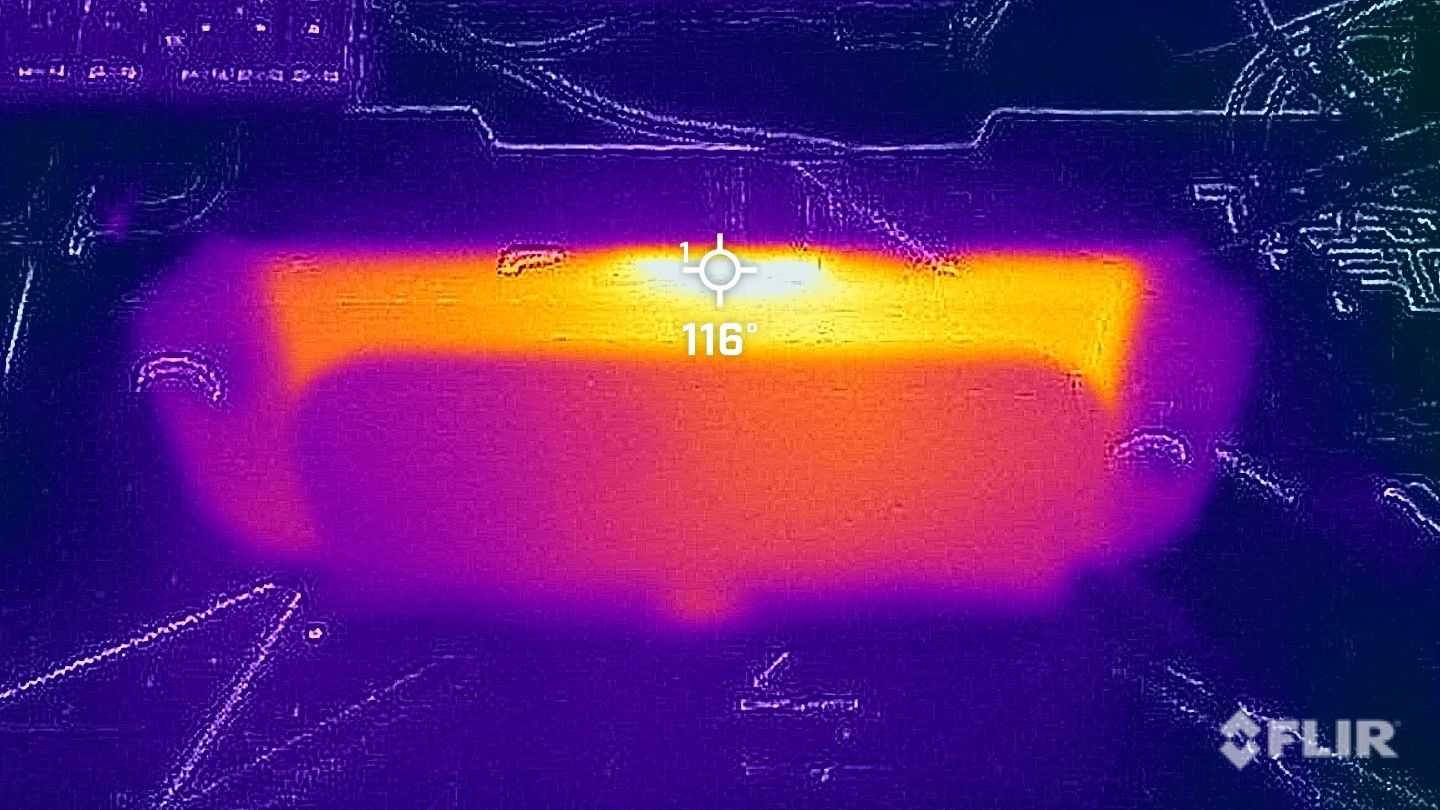
NVIDIA thermal throttling logic is designed around limits like that 107°C hotspot cap; the GPU protects itself by cutting frequency and power when the hottest point crosses a threshold. Without hotspot access, owners are left guessing whether a performance dip is power, driver, or silicon temperature. Enthusiasts care about the difference because the hotspot delta—the gap between the reported average and the hottest point—directly exposes cooling issues. A delta of 15–20°C under heavy load can be normal, especially for high‑power designs, but when the hotspot approaches 100°C or more, it is time to inspect the cooling system. Large deltas can signal uneven cooler pressure, poor PCB design that concentrates heat in one area, or TIM problems like pump‑out from one edge of the die. Earlier testing pointed to a broader “hotspot issue” on RTX 50 cards tied to less robust PCB materials and optimistic design guidelines, where the substrate heated more than the core under stress. Hiding sensors in that context looks less like a harmless simplification and more like removing the only gauge that shows when engineering choices are catching up with the hardware. For people who buy top‑tier GPUs, that trade‑off is unacceptable.
How to Use HWMonitor Today—and What Comes Next
Practically, the story ends on an encouraging note: Windows users with RTX 50 cards can now read hotspot values directly through HWMonitor GPU monitoring, with no need for MODS or obscure Linux setups. That turns what once required a specialist repair shop into a DIY diagnostic. If your hotspot climbs near 100°C under sustained load, you should check fan curves, case airflow, cooler seating, and thermal paste condition. The tool does not fix anything on its own, but it restores the visibility enthusiasts need to act. Alternative overlays remain behind; MSI Afterburner and similar utilities still lack proper hotspot support for RTX 50, leaving HWMonitor as the primary solution for now. The momentum is building, though. Other monitoring apps are already following suit, with CapFrameX confirming that its 1.9.0 release will bring back hotspot data as well. The broader lesson is clear: vendors may try to lock sensors away, but the PC community will treat that as a challenge, not a final word. HWMonitor’s update is more than a feature bump—it is a reminder that enthusiast tools are a check on opaque design choices. The hotspot is back where it belongs: in the hands of the people who paid for the hardware.