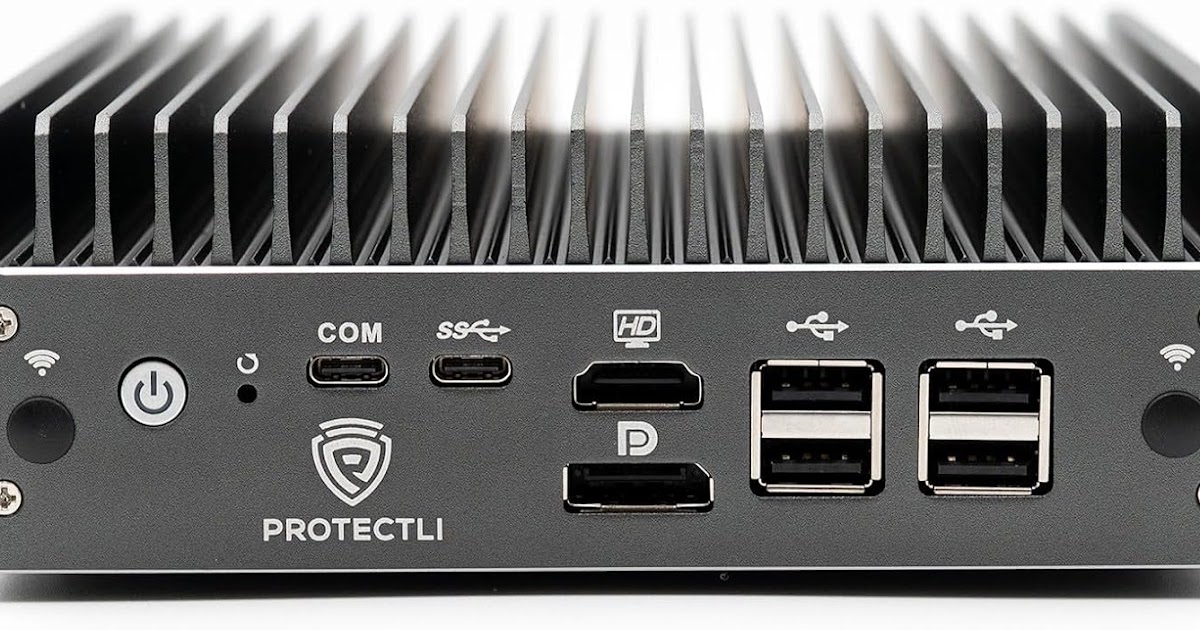

What Running AI Locally on a Mini PC Really Means
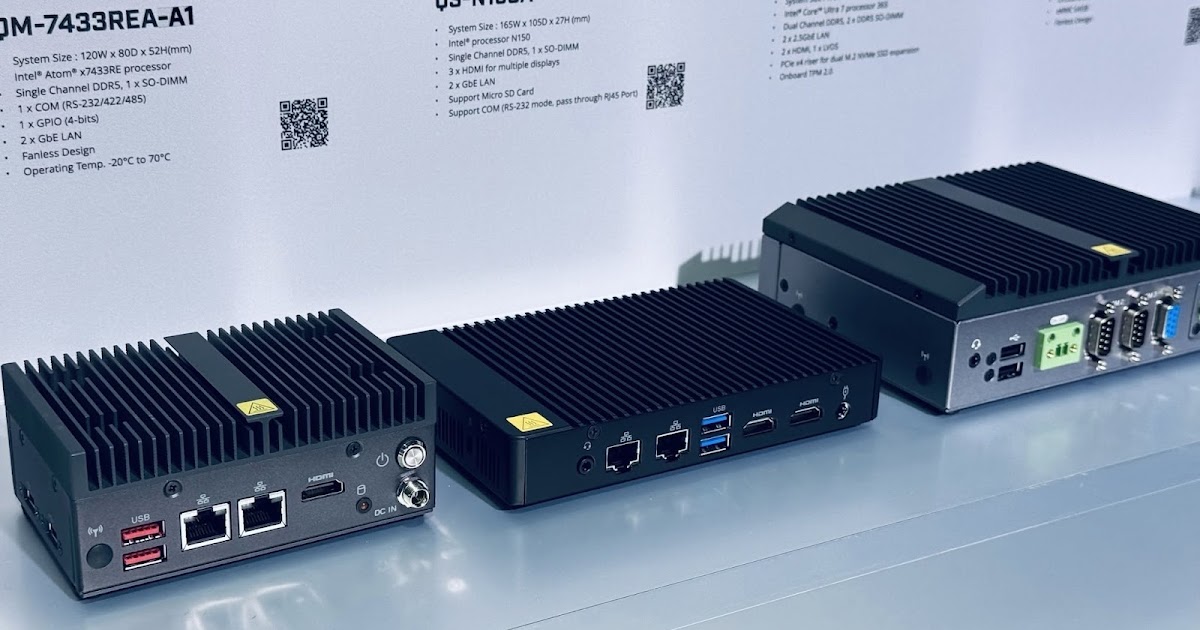
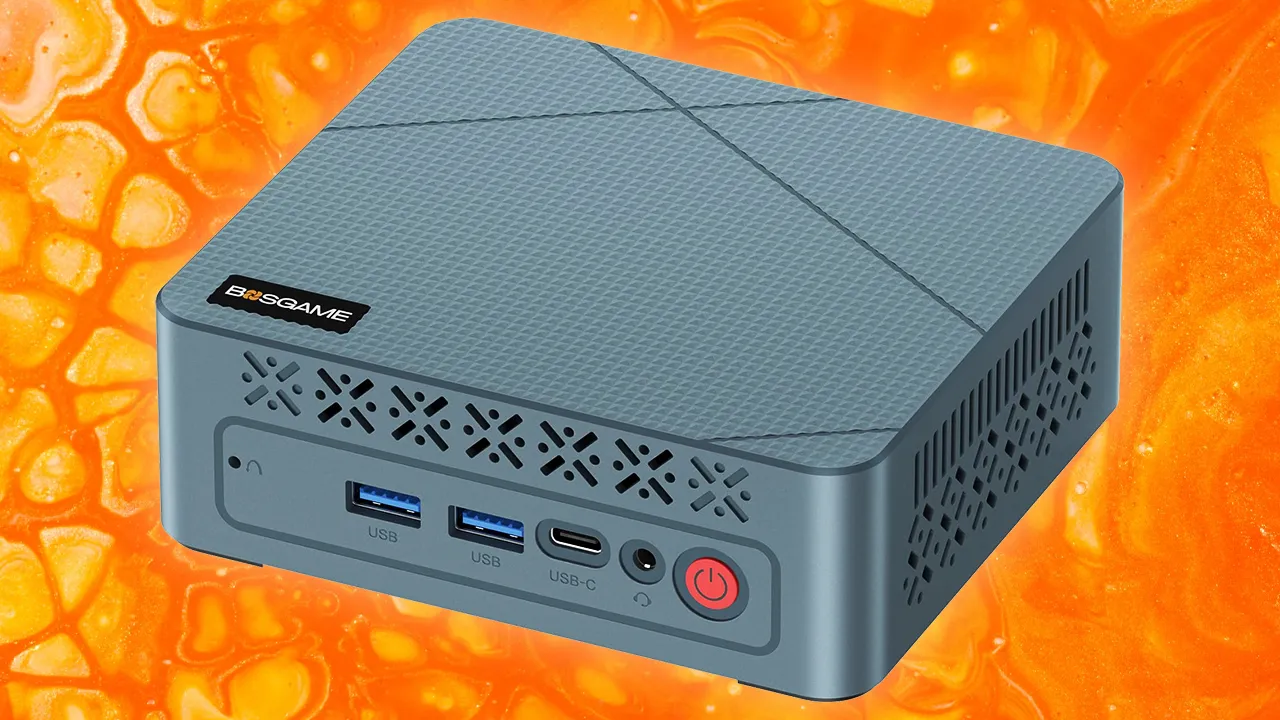
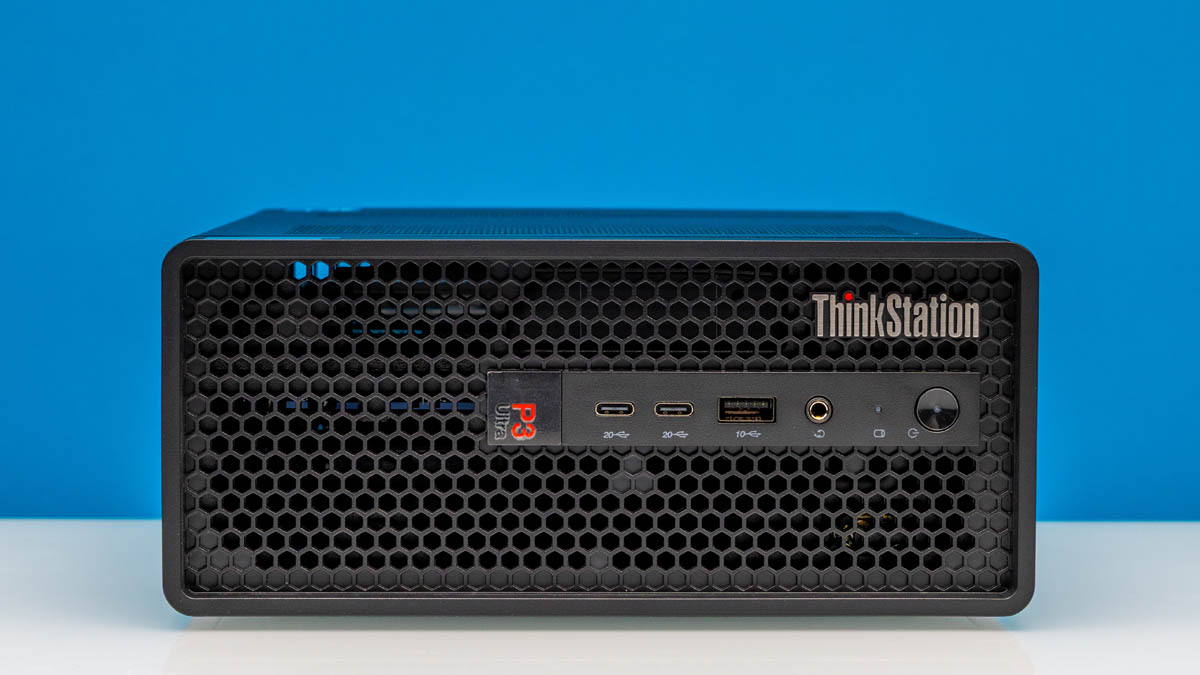
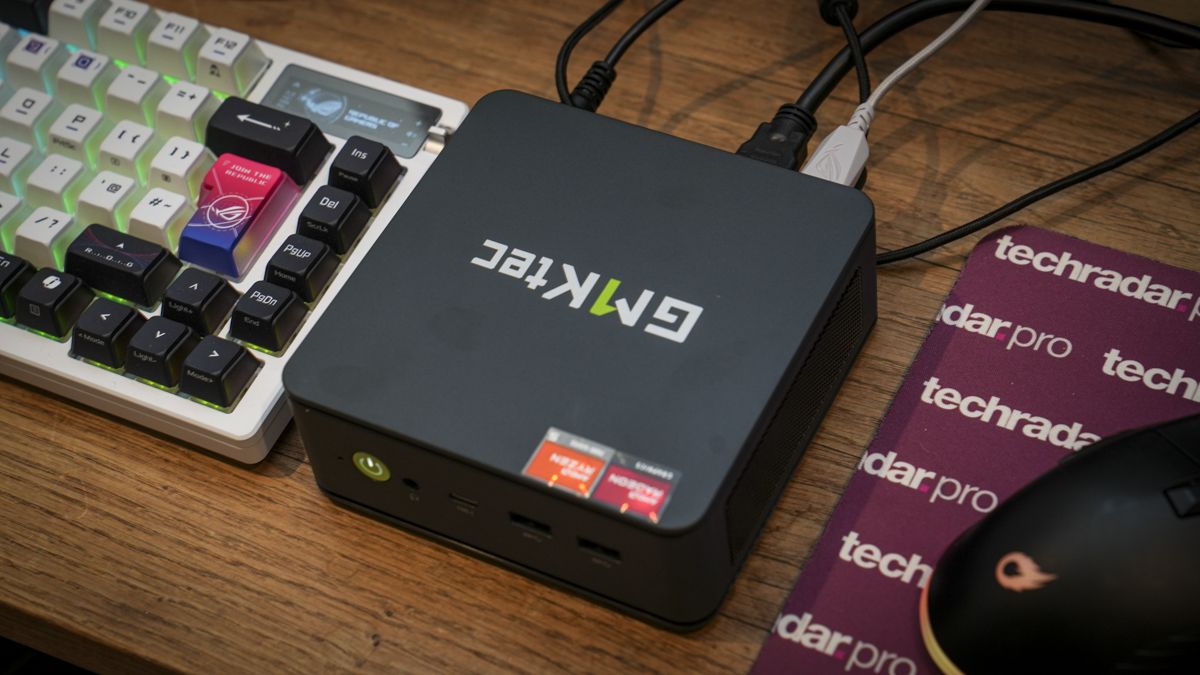
Running AI models locally on a compact PC means installing and executing large language models directly on your own hardware, using your machine’s CPU, GPU, RAM, and storage instead of remote cloud servers, so you keep control of your data while still getting practical automation and text-generation capabilities on limited hardware. If that sounds appealing, this guide is for you. You might have a mini PC with 16–25GB RAM, integrated graphics, or an older GPU, and you want a local language model that can handle everyday tasks without grinding the system to a halt. The catch: every gain in capability tends to cost speed, and every trick to improve speed tends to limit what the model can do. We’ll walk through how to balance those trade-offs so your LLM on a mini PC feels useful rather than painfully slow.
Picking the Right Model for AI on Limited Hardware
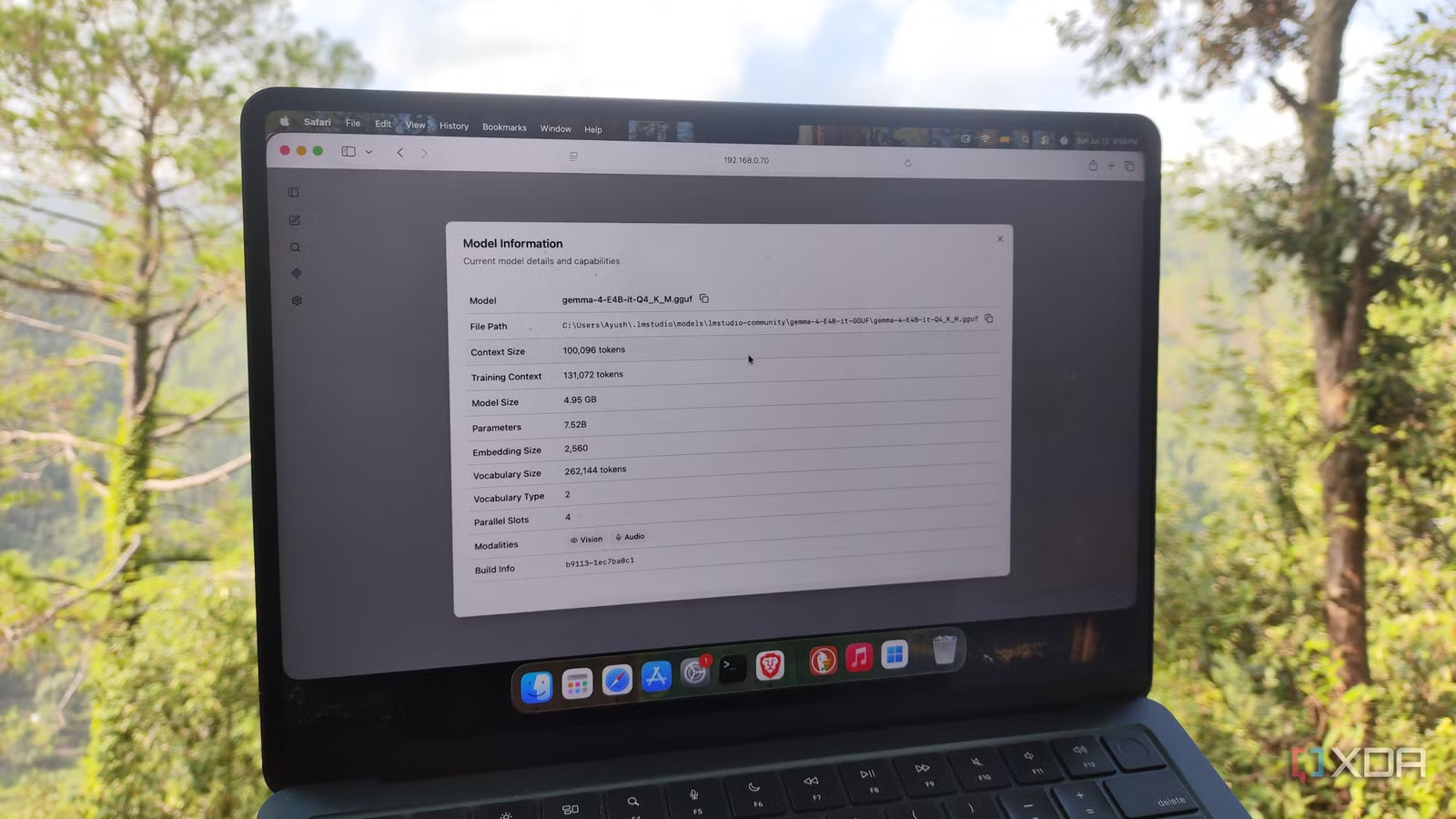
The hardest decision is which model to run. Bulky models give very accurate results, but they demand strong hardware to work well when you run AI models locally. On resource‑constrained systems, compact models designed for efficiency are your friend. Gemma 4 E4B is one example: it delivers reasoning closer to conventional 8B models but uses Per‑Layer Embeddings to cut effective parameters to about 4.5B, so it performs exceedingly well on weak systems. That design makes it small enough to fit on something as limited as a single‑board computer that struggles with 6B models, yet still useful for typical LLM workloads. The gotcha is that smaller models can hallucinate or fail on complex tasks if you push them too far, so you want to match the model size to the kind of work you actually need, not to marketing hype.
Good reasons to choose compact local language models
- They run on mini PCs and SBCs that cannot load 6B or larger models reliably.
- They reduce memory use so you can run more tools or agents alongside the LLM on limited hardware.
- They help keep data on your own machine, avoiding the need to share everything with third-party AI services.
Trade-offs you have to accept
- They rarely match the capability of frontier cloud models like ChatGPT, Gemini, or Claude.
- Even simple tasks can take a long time on slow CPUs or integrated graphics when models are too large.
- Frontier-level models squeezed into low RAM, like GLM-5.2 via Colibrì, can be unusably slow for real-time conversations.
Step-by-Step: Getting a Local LLM Running on Your Mini PC
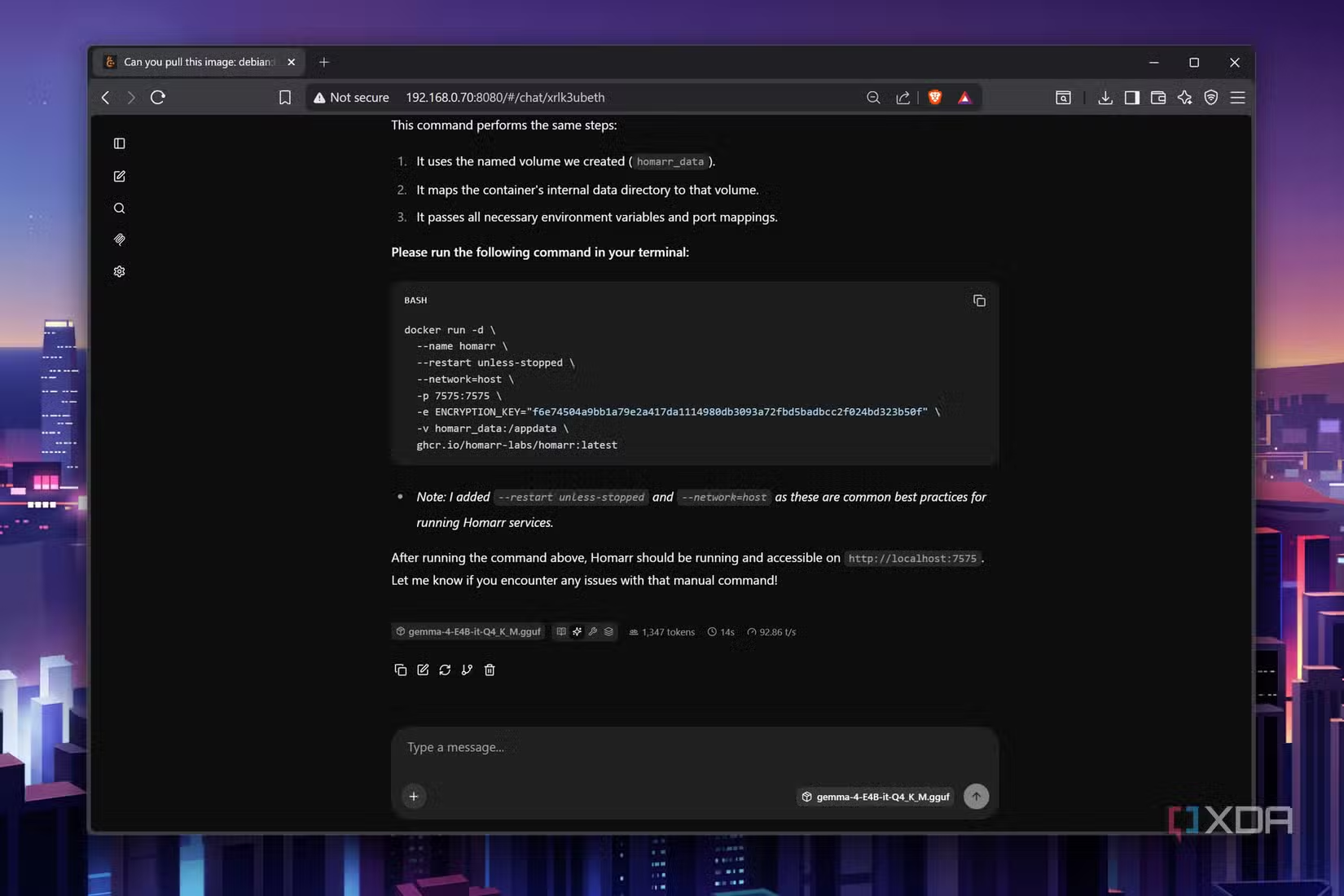
Here’s a straight path you can follow, the way you might walk a friend through setting up an LLM on a mini PC. The idea is to keep the sequence clean: pick a model that fits your RAM, use the right runtime, and accept that you may need to trade some speed for capability, or vice versa. The main warning: don’t expect frontier performance at cloud speeds on AI on limited hardware. Some approaches can squeeze huge models into 25GB RAM, but at 0.05–0.1 tokens per second, a single answer might take hours. You’re aiming for something comfortably usable for scheduled tasks and short prompts, not live multi‑hour coding sessions.
- Decide what you want the LLM to do: briefings, summaries, simple coding help, or home automations. Keep the scope narrow so a compact model can stay accurate enough.
- Measure your hardware limits: check RAM (for example, 8–25GB), CPU type, and whether you have integrated graphics only or a mid‑range GPU. Weak SBCs and mini PCs struggle with 6B models, so plan around that.
- Choose a compact local language model that fits those limits, such as a 3–5B parameter model designed to run efficiently on resource‑constrained hardware like Gemma 4 E4B.
- Install a local LLM runtime like an open‑source framework that runs large language models locally on your computer, or a tool that can host models behind a simple API or automation platform.
- Configure the model with quantization or slicing if supported: techniques that simplify weights or load parts of the model into RAM, like the Colibrì approach for GLM‑5.2 running on 25GB of memory.
- Test short prompts and measure speed in tokens per second. If responses feel too slow, step down to a smaller model; if they are fast but low‑quality, try a slightly larger one or fine‑tune your prompts.
- Integrate the model into your daily tools: have it power scheduled briefings, RSS summaries, or voice announcements, where even slow generation is fine as long as the output is ready when you need it.
The big gotcha in this setup is chasing frontier‑level models because they sound exciting. Colibrì can run a 744‑billion‑parameter GLM‑5.2 model on a modest CPU with about 25GB RAM by loading the model in slices and using quantization. According to that project’s description, the model reaches only 0.05–0.1 tokens per second, which is unusable for practical conversation. You’ll get better day‑to‑day results by picking smaller, well‑tuned models that answer your typical questions in seconds or minutes instead of hours.

What Local AI Feels Like on Slow or Compact Systems
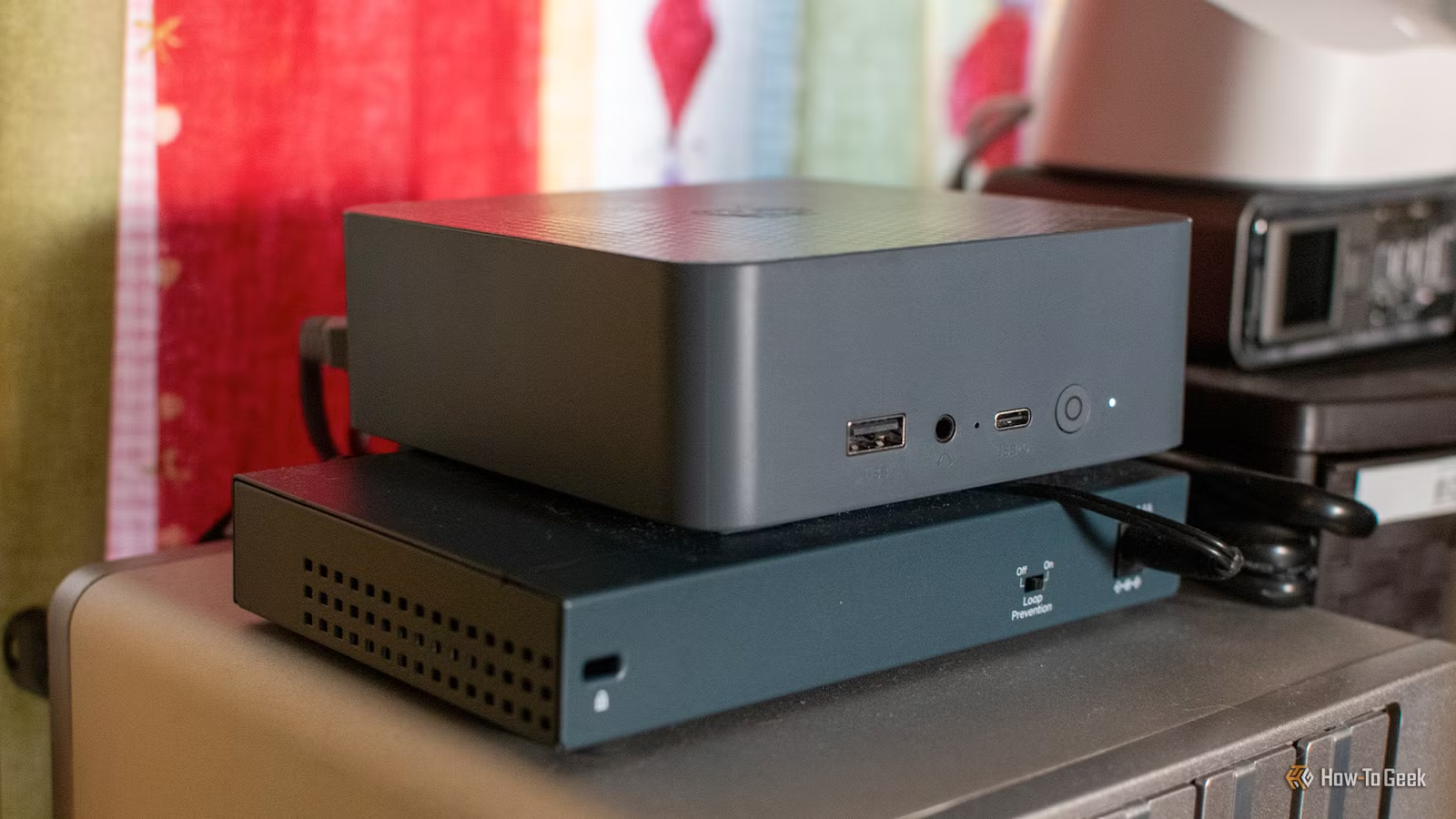
Running a local language model on slow hardware feels different from using a fast cloud chatbot, but it can still be part of a smooth workflow. The trick is to treat the LLM as a background worker instead of a live chat partner. One example is a morning briefing system: data from calendars, school lunches, tasks, and weather feeds is pulled into a home automation platform, then passed to a 4B‑scale model running on a mini PC to generate natural language. Generating the text plus text‑to‑speech can take up to 10 minutes on a Celeron‑based mini PC with integrated Intel graphics and 16GB RAM, but because it runs around 5 AM, the audio is ready when the family enters the kitchen. The same pattern works for RSS digests, newsletters, or reminders that you can read later on a Kindle or hear through a smart speaker.
There is a cost, though: the small local LLMs that run on this kind of hardware are never going to match the capabilities of large cloud systems, and even simple tasks can take a long time to complete. Yet the payoff is privacy and control. You don’t have to share all your personal data with an AI company when you can run AI models locally. That makes slow generation tolerable when you schedule it for off‑hours and keep your prompts focused. Think of the mini PC as a quiet assistant that writes summaries and announcements while you sleep, not as a full‑speed brainstorming partner.

Is Running Local LLMs on a Mini PC Worth It?
If you go in with the right expectations, yes, it’s worth it. You will not get the same raw capability as frontier cloud models, and attempts to squeeze frontier‑level systems like GLM‑5.2 into 25GB RAM lead to speeds that are far below what most people consider usable. But compact designs such as Gemma 4 E4B show that smart architectures can pack surprisingly high reasoning into small models that run well even on weak systems. For a mini PC owner, that adds up to real productivity gains: automated morning briefings, RSS newsletters, and helpful spoken reminders powered by an LLM on a mini PC, all while keeping data local. The takeaway is simple: treat local AI as a careful balance between speed and capability, use it where latency does not matter, and it becomes a reliable companion instead of a frustration.