
Windows 11 vs SteamOS: What This Comparison Really Means
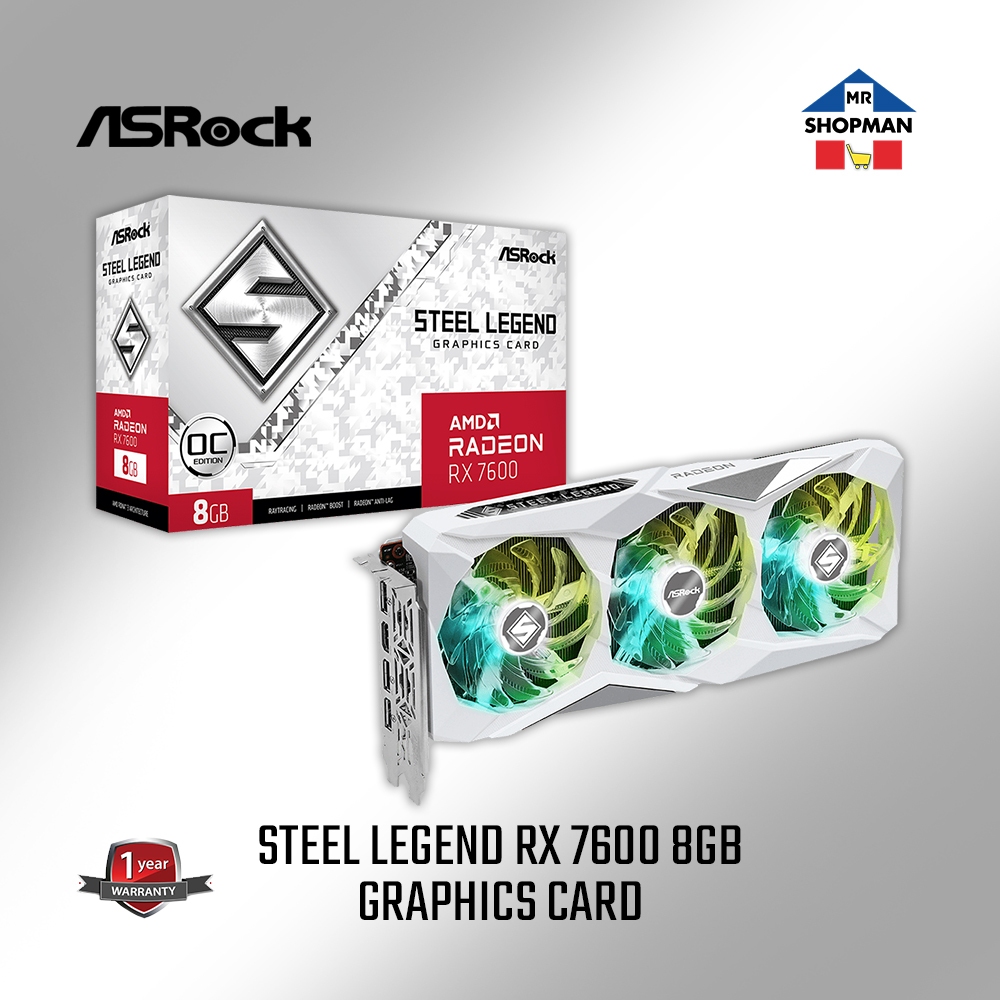
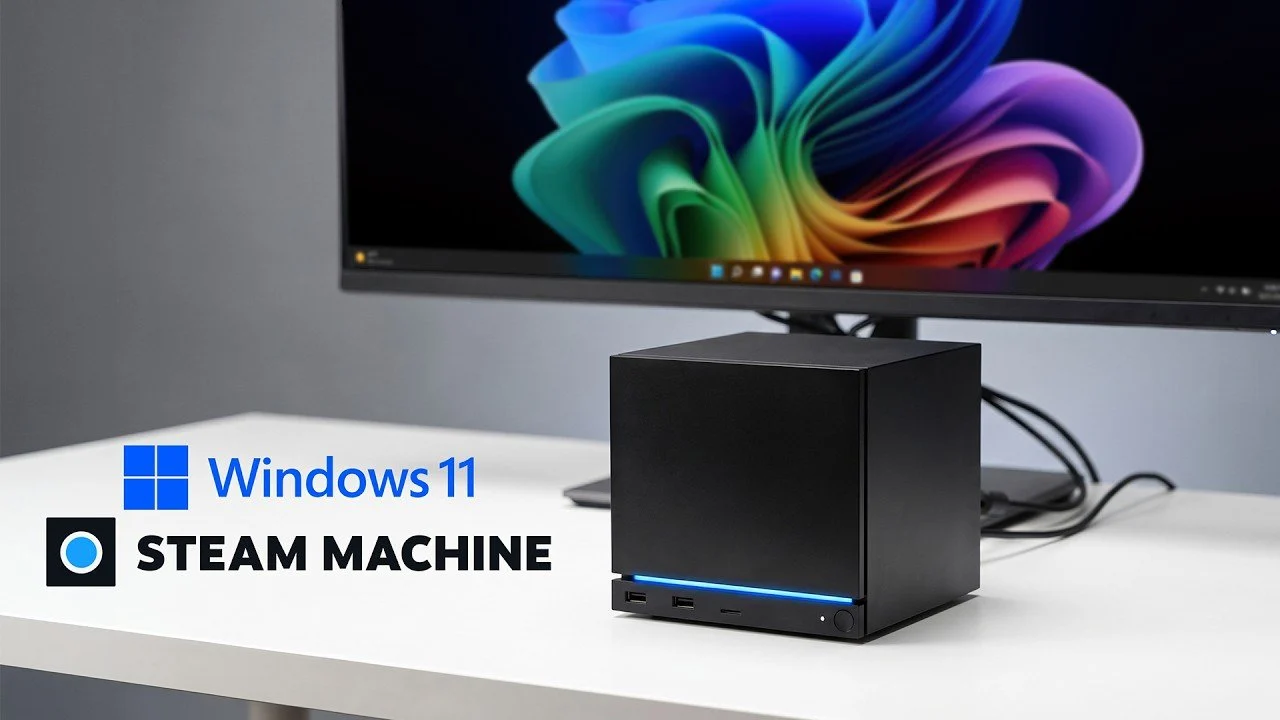
Windows 11 vs SteamOS gaming performance compares two operating systems running on the same Steam Machine hardware to reveal how driver optimization, CPU and GPU utilization, and software compatibility influence frame rates, responsiveness and content creation workloads, with a particular focus on demanding 4K gaming benchmarks and modern AAA titles. For most people, the bottom line is straightforward: Windows 11 is the better choice if you care about maximum flexibility and top-end 4K performance, while SteamOS is the safer pick if you mainly play games at 1080p or 1440p and want a simple, console-like experience. The differences are measurable, but with a Radeon RX 7600 mobile GPU, they are often smaller than many enthusiasts expect in day‑to‑day play.
| Spec / Test | Windows 11 | SteamOS |
|---|---|---|
| Geekbench 6 single-core | 3.3% higher | Baseline |
| Geekbench 6 multi-core | 22.1% higher | Baseline |
| Cyberpunk 2077 at 4K | Significantly smoother, higher FPS | Lower FPS than Windows at 4K |
| Cyberpunk 2077 at 1440p | Slightly behind SteamOS | More consistent frame rates |
| Horizon Zero Dawn at 4K | Around 7% lead vs SteamOS | Slightly lower FPS at 4K |
| 1080p / 1440p overall | Minimal differences in practice | Minimal differences, often similar or better |
4K Gaming Benchmarks: Where Windows 11 Pulls Ahead
On the Steam Machine’s custom 6‑core, 12‑thread AMD CPU and Radeon RX 7600 mobile GPU, Windows 11 consistently scores better in graphically heavy 4K tests. In Cyberpunk 2077, Windows 11 delivers noticeably higher frame rates at 4K compared with SteamOS, showing stronger GPU utilization in this resolution band. Horizon Zero Dawn Remastered tells a similar story, where Windows 11 holds roughly a 7% lead at 4K over SteamOS. These gains matter to enthusiasts pushing a high‑refresh 4K monitor, or those who want every bit of overhead for ray tracing and future patches. A quotable takeaway is: “Overall, it definitely looks like Windows 11 is just better at GPU utilization, as all three benchmarks seem to favour Microsoft’s desktop OS at 4K.” Meanwhile, both systems remain quite close at 1080p, highlighting how resolution drives the gap.
SteamOS Strengths: Efficiency and Consistent Mid-Resolution Gaming
SteamOS is built as a gaming‑centric OS, and that shows in mid‑resolution play. At 1080p and 1440p, the Steam Machine delivers “minimal differences in performance” between Windows 11 and SteamOS across most modern titles, with many games running smoothly on both. In Cyberpunk 2077 and other AAA titles, SteamOS often edges ahead at 1440p thanks to its streamlined gaming stack and consistent frame pacing. It shines if you treat the Steam Machine like a living‑room console and do not need broader app support. SteamOS also avoids the extra maintenance that comes with a dual‑boot setup, which requires more effort and storage to manage. If your priority is a clean interface, automatic updates tied to your game library and dependable performance at 1440p or below, SteamOS is the more relaxed, gaming‑first choice despite Windows 11’s synthetic benchmark wins.
Beyond Games: Content Creation, Drivers and Real-World Use
The Steam Machine’s hardware can do far more than gaming, and here Windows 11 builds a convincing case. In Geekbench 6, Windows 11 shows around a 3.3% boost in single‑core and a 22.1% improvement in multi‑core performance over SteamOS, which helps with multitasking, video editing and 3D workloads. Cinebench R24 confirms the CPU itself is strong in single‑threaded tasks, even beating an AMD Ryzen 5 5600X there, while trailing slightly in multi‑core tests. Windows 11 also benefits from broader driver support and application compatibility, which can translate into smoother 4K gameplay in titles like Cyberpunk 2077 thanks to better GPU drivers. However, Windows drivers on the Steam Machine are “not in their most optimal state,” so both OSes share the caveat that future updates could shift performance again. A dual‑boot setup adds flexibility but demands more attention and storage from the user.
Buy if / Skip if
- Buy the Windows 11 setup if you want the best 4K gaming benchmarks and care about every extra frame in GPU‑bound titles.
- Skip the Windows 11 setup if you dislike managing drivers, dual‑boot options or regular OS maintenance on a console‑style device.
- Buy the SteamOS setup if you mostly play at 1080p or 1440p and want a streamlined, gaming‑centric experience with consistent performance.
- Skip the SteamOS setup if you rely on non‑Steam games, productivity suites or creative tools that run best on Windows 11.
- Buy the Windows 11 setup if you plan to use the Steam Machine for content creation and heavy multi‑threaded workloads alongside gaming.
- Skip the SteamOS setup if you need broad driver and software compatibility more than a console‑like interface.