
AI-powered editing without the pro-editor tax
Movavi Video Editor 2026 is a non-linear video editor that combines drag-and-drop timelines with AI-powered tools so non-professional creators can trim, refine, and enhance their videos on everyday computers instead of relying on expensive studio suites. That is the real story here: professional workflows no longer belong only to people who can afford high-end software and hardware. Movavi’s approach is opinionated in the best way. It assumes you want to get from raw clips to a polished YouTube upload or social post fast, without learning an industry-grade interface or wrestling with plug-ins. By pairing accessible design with features like AI tracking, sound correction, and automated text, it turns what used to be specialist post-production tasks into a normal part of an indie creator’s toolkit.
Background removal and AI tools that used to need a studio
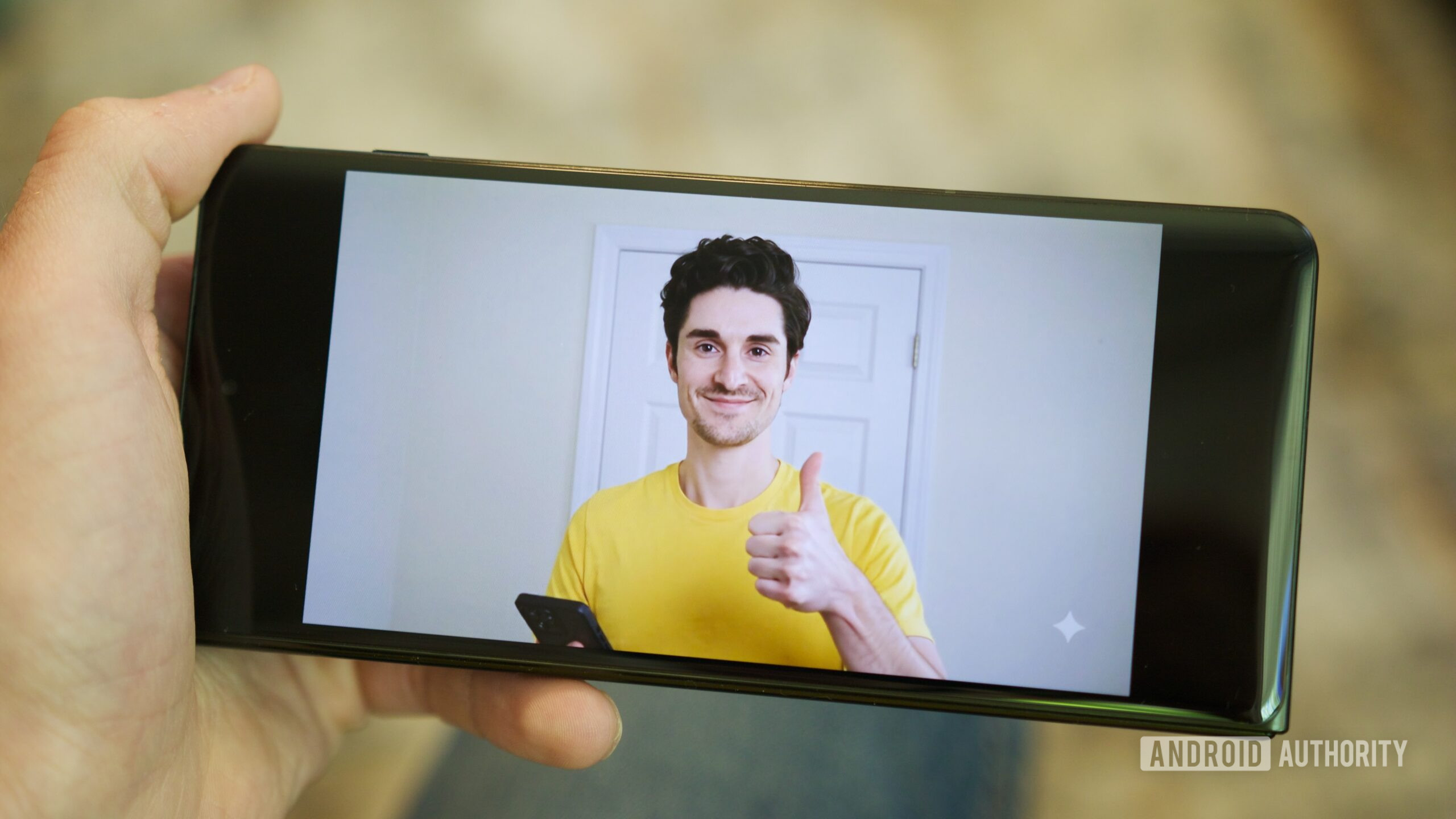
The most striking shift is how Movavi folds AI video editing into a consumer-friendly package. Within the Tools panel, you get options that used to demand either plug-ins or a specialist: AI can quickly and effectively select and remove a busy background so that you can replace it. That makes the background removal tool a creative weapon, not a luxury. You can drop your subject into a different scene, add graphics behind them, or build social content that looks staged on a set instead of in a bedroom. Movavi also uses AI to track titles and graphics so they follow subjects as they move, and its Sound autocorrect tool uses AI to make poor-quality location audio sound like it was recorded in a studio. These are the kind of features that make cheaper software feel unfairly capable.
Auto-subtitling turns an old chore into a default step
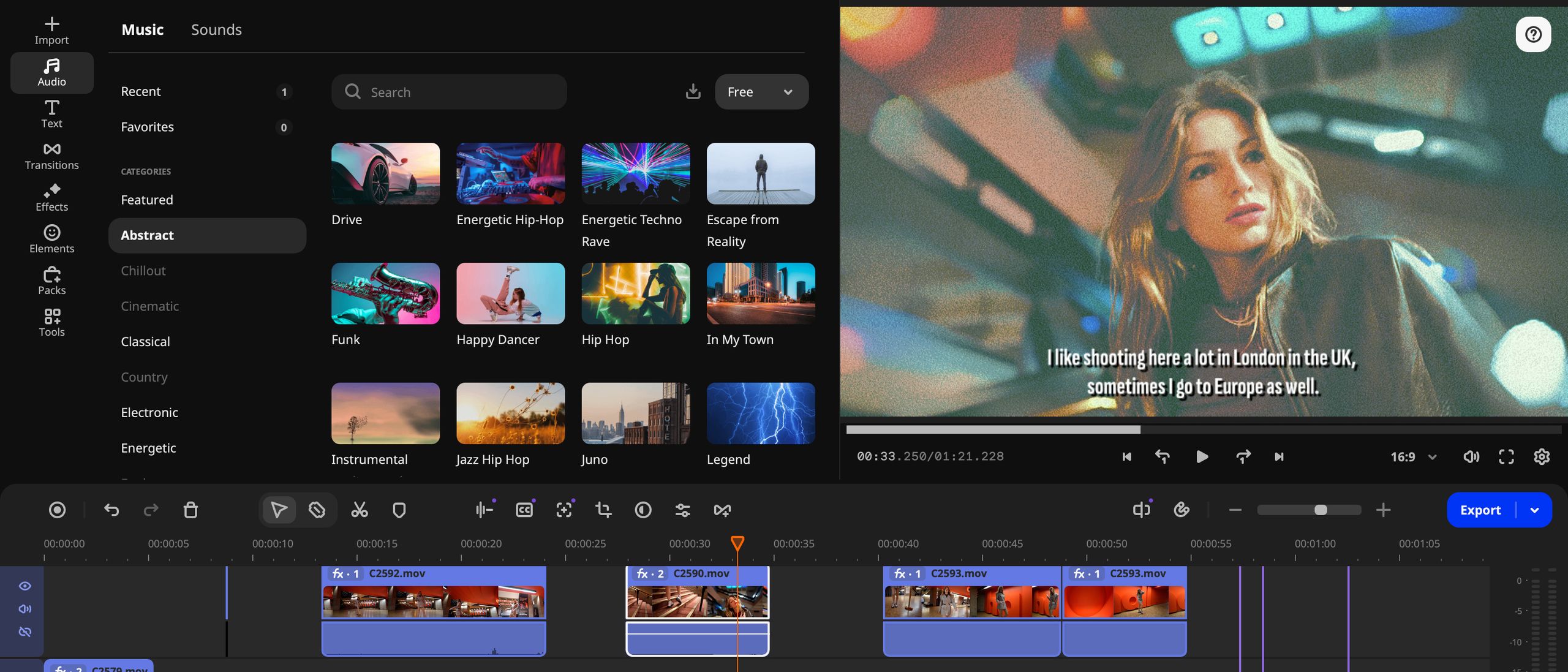
Movavi’s auto-subtitling software is arguably its most democratizing feature. Another even more impressive AI-powered Movavi tool is the Auto subtitles feature. In testing, it only took a few seconds for Movavi’s AI-powered Auto subtitles tool to generate accurate subtitles from an interview and place them above the appropriate footage in the timeline. A few years back, it would take many hours to listen to footage and manually type up speech into text. Now, that work shrinks to minutes, which means creators can treat subtitles as standard rather than optional. That is a big deal for accessibility and multi-language content. When even a modest-budget editor can export captioned videos, the gap between indie channels and big production houses starts to close. According to one review, Final Cut Pro can also transcribe speech to captions, but it was not as accurate as Movavi Video Editor.
A familiar non-linear timeline that respects pro habits
Movavi Video Editor 2026 is still, at its core, a non-linear video editor[NLE] that enables you to quickly trim and reorder clips to tell a more succinct and entertaining story for YouTube or social media. If you have used any non-linear video editing apps before, you can jump right in because Movavi has not reinvented the wheel on interface design. Along the bottom is the obligatory timeline, where you drag and drop clips from the bin, trim durations, and rearrange running order. That respect for established workflows matters: it lets hobbyists grow into professional habits instead of boxing them into a toy layout. There is a catch, though. With Movavi, you need to click on the duration bar above the timeline to manually reposition the playhead, which can slow down editors used to clicking anywhere in the timeline. The workflow is credible, but not flawless.
Pricing that puts enterprise-style tools within reach
Movavi’s pricing is where the democratization story becomes concrete—and a bit messy. On paper, it is accessible: you can subscribe to Movavi Video Editor 2026 on a monthly basis at USD 23.95 (approx. ₱1,343) per month, or choose a much cheaper option at USD 69.95 (approx. ₱3,921) per year for the Movavi Video Editor Plus plan. There is also a one-off payment of USD 99.95 (approx. ₱5,601) for a lifetime license. The obvious downside is that this lifetime version will not receive updated tools or effects, and the mix of plans can feel confusing even to experienced buyers. Still, compared with a major subscription competitor at USD 22.99 (approx. ₱1,289) per month, Movavi’s annual deal looks like the smart pick for independent creators and small teams who want enterprise-level features on a predictable, relatively low budget.
Who Movavi Video Editor is really for
Movavi Video Editor 2026 is aimed squarely at people who want to tell better stories with their footage without becoming full-time editors. It suits YouTube channels and social feeds that need quick turnaround and a cleaner look than phone apps can provide. If you have ever been scared off by complex pro interfaces, Movavi’s familiar non-linear layout and drag-and-drop workflow lower that barrier while still teaching habits that translate to bigger systems later. The AI video editing features—background removal, auto-subtitling, AI audio correction, and motion-tracked titles—push it beyond the usual ‘beginner’ category. The trade-off is living with a slightly quirky timeline playhead and a pricing grid that takes a moment to decode. But if your priority is getting high-end capabilities onto a modest machine, Movavi makes a strong case that professional editing is no longer a gated club.