
From Timelines to Text: What Gemini Omni Changes
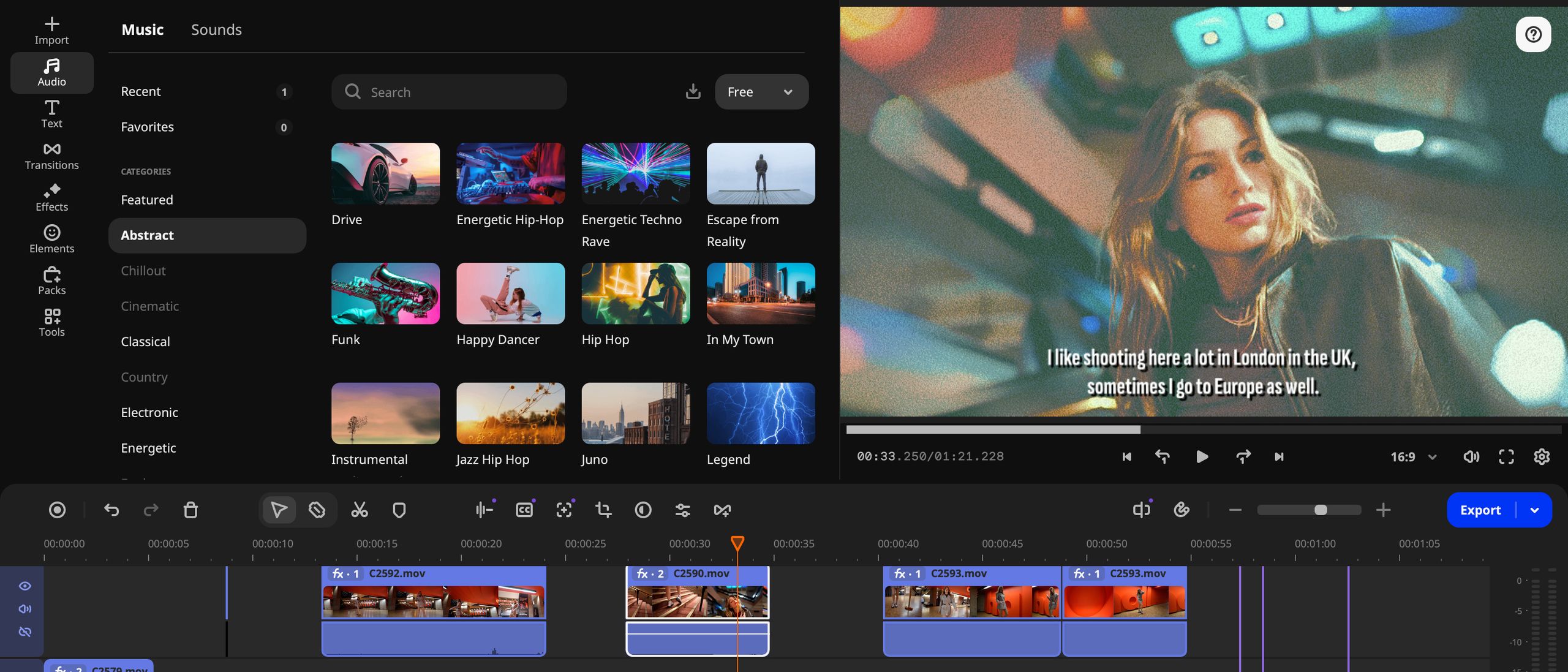
Gemini Omni video editing is an AI-driven approach that lets creators control complex production tasks through natural language text prompt editing, replacing manual timeline work with conversational commands that automate background changes, lighting fixes, cleanup, and other post‑production steps in AI video tools. This is not a cosmetic upgrade to Google Vids; it is a structural change in how video editing happens. Google has integrated its multimodal Gemini Omni model into Vids so users can create or edit videos directly from plain language prompts instead of wrestling with tracks, keyframes, and nested menus. You can skip the traditional timeline entirely and tell the AI to change a background, improve lighting, or add visual effects, and it applies those choices to your footage. The message is blunt: editing videos used to take hours; now Google’s pitch is, "Editing videos used to take hours. Now? Just ask."
Text-Prompt Editing: Professional Results Without Technical Skills
The most significant leap is that Gemini Omni turns natural language into direct control over core editing tasks. With AI video editing built into Google Vids, users describe the edits they want instead of performing them manually, eliminating the need for advanced skills or tedious adjustments. Using text prompts, you can replace or remove video backgrounds, adjust lighting and exposure, clean up messy or distracting footage, and enhance overall video quality. In practice, this means typing instructions like “brighten the subject, blur the cluttered background, and remove the noisy section at the end,” and letting the AI handle the heavy lifting. Google is rewriting the playbook with updates that do the AI work for you, turning Vids into an end‑to‑end AI video tool for scripts, storyboards, voiceovers, visual assets, and now post‑production. Google says the goal is to help users focus on storytelling rather than technical editing, and the workflow finally reflects that.
Personal AI Avatars: Presence Without Production Friction
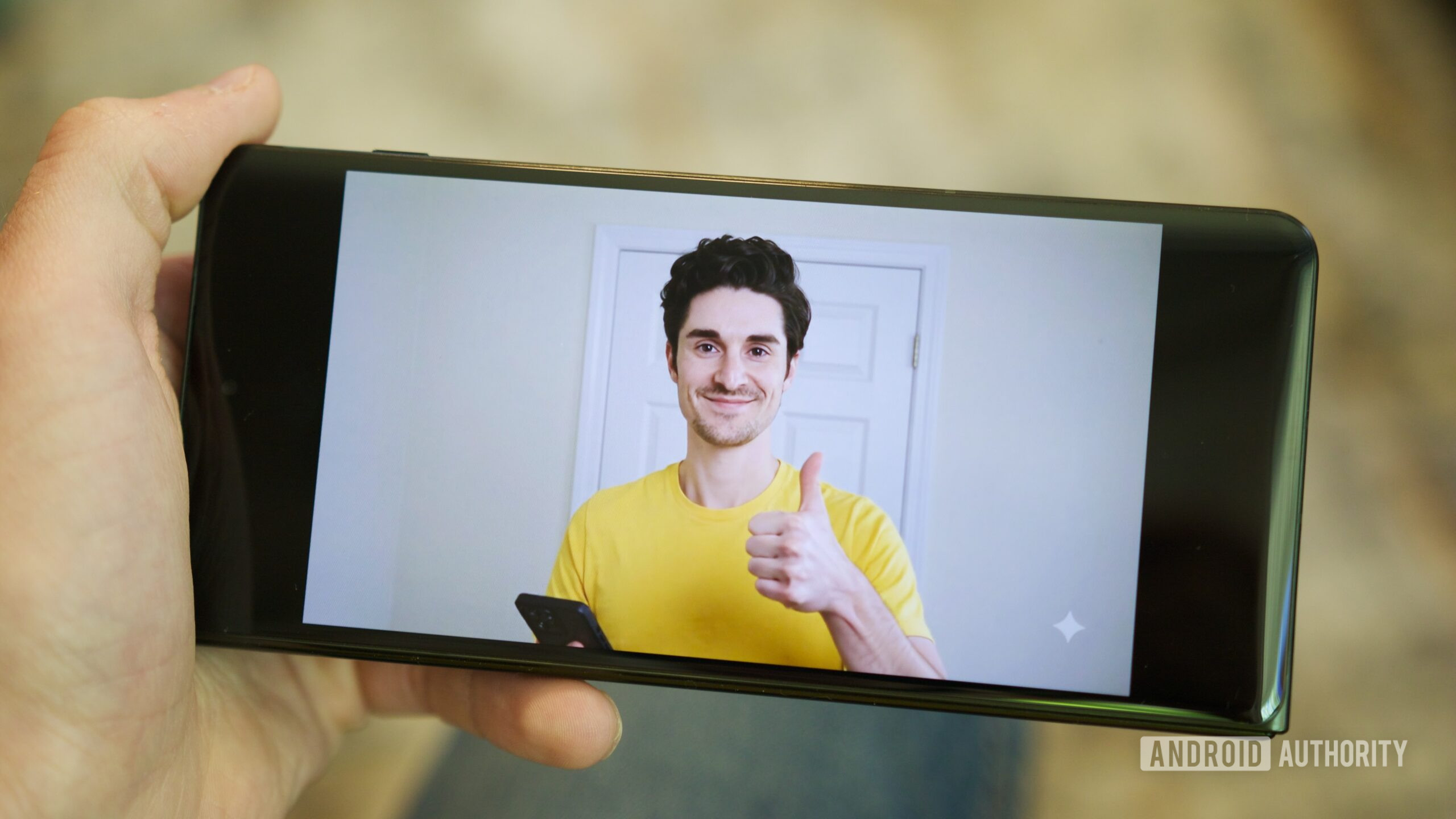
Gemini Omni’s impact goes beyond background removal and lighting corrections; it extends to presence itself. Google Vids now adds personal AI avatars, letting you appear in videos without stepping in front of a camera. Upload a single selfie and a short voice recording, and Vids creates a digital version of you that can deliver any script you type, turning static documents into spoken, personalized video updates. These avatars can be steered with bracketed commands like “[excitedly]” in the script, changing emotion, pacing, or even triggering sound effects as the AI reads your lines. The feature is restricted to your own account and likeness, with age and safety limits plus invisible SynthID watermarking on AI‑generated clips to help verify their source. For educators, managers, and solo creators, this collapses the gap between having something to say and having the time, gear, and confidence to record it professionally.
Conversational Interfaces Move Into Professional Editing
The deeper story is that Gemini Omni pulls video editing into the era of conversational interfaces. With Vids, you can create or edit videos from natural language prompts, whether starting from scratch with text and images or refining an existing clip. Instead of navigating layers of tools, you describe the desired result and the AI applies the necessary changes. This marks a shift from software that expects users to adapt to its logic, toward tools that adapt to human language and intent. By allowing users to edit videos with simple text prompts, Google is removing one of the biggest barriers to content creation: the technical grind of post‑production. It is no accident that these controls sit alongside script generation, storyboarding, and AI voiceovers; Vids is being positioned as a conversational command center for the entire production chain, not a single smart plug‑in.
Who Benefits: Casual Creators and Production Teams Alike
The practical impact is wide. The feature is designed to dramatically reduce the time required to produce high‑quality videos, making Vids far more accessible for educators, businesses, content creators, and everyday users. Gemini Omni enables faster video production, improved visual quality, easier collaboration, more professional‑looking presentations, and increased productivity for teams. In workplace contexts, this matters: training materials, marketing content, and internal updates often die in the backlog because editing them is slow and specialized. Now non‑experts can produce AI‑assisted results that look polished enough for distribution, without waiting on a dedicated editor. At the same time, professional production teams gain an AI assistant that automates repetitive tasks like background cleanup or exposure fixes, freeing editors to focus on creative decisions. The result is an AI video editing workflow where text prompt editing and AI video tools democratize professional‑level output instead of keeping it locked behind technical expertise.