


Why Local Language Models on Slow PCs Are Worth Your Time
Running local language models setup on budget PCs means executing large language models directly on your own hardware, with AI models limited RAM, so you avoid cloud dependency, keep private data on your machine, and still handle useful everyday tasks like summaries, briefings, and document cleanup for budget AI workloads.
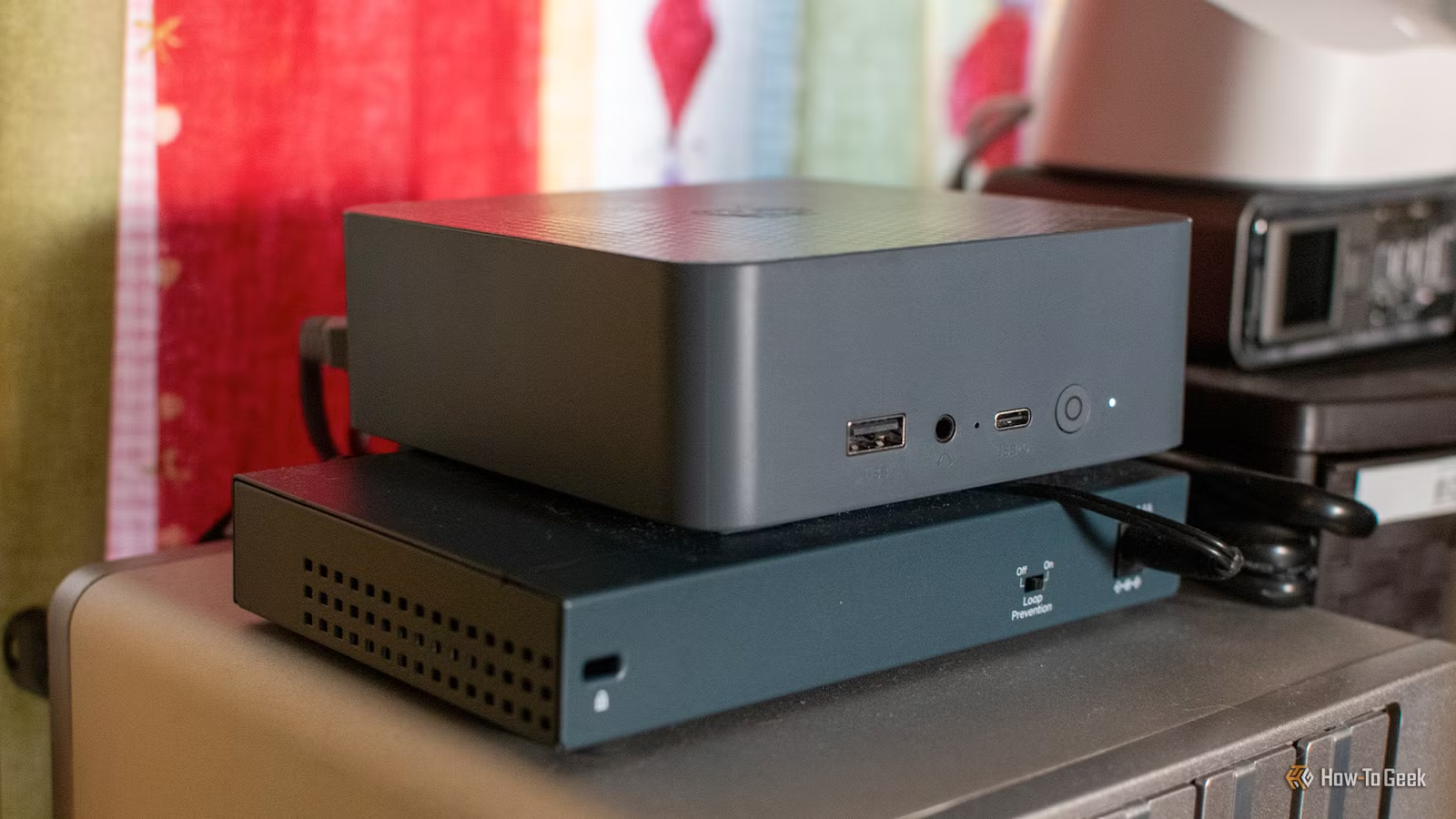
If you are the sort of PC enthusiast who enjoys squeezing performance out of modest specs, running an LLM on local hardware is surprisingly rewarding. You keep your prompts, documents, and logs off third‑party servers, so “you don't have to share all your personal data with an AI company”. On a tiny desktop powered by a low‑end Intel CPU, 16GB of DDR4 RAM, and a 500GB SSD, it is already possible to run small models for home automations and daily summaries. The trade‑off is speed: local models on slow hardware will not match the responsiveness or breadth of cloud giants. But for many tasks you do not need instant replies; you can queue prompts overnight so responses are ready when you wake up.
What Frontier-Level Models on Limited RAM Look Like in Practice
Frontier‑level AI models on limited RAM sound impossible, but newer techniques show you can run a 744‑billion‑parameter, 1.5‑TB mixture‑of‑experts model on a modest CPU, about 25GB of RAM, and a virtual NVMe drive by loading parts of the model in slices and relying on quantization and expert selection per token to keep memory usage within budget.
A proof‑of‑concept tool called Colibrì shows how far you can push local language models setup with clever engineering. It runs the 744‑billion‑parameter GLM‑5.2 model, which offers frontier‑level capability comparable to leading commercial systems, on a machine with a modest CPU, a mere 25GB of RAM, and a 1GB/s virtual NVMe drive. The trick is to exploit the Mixture‑of‑Experts design: the model holds hundreds of expert sub‑models, and only a subset is loaded into RAM for each token. Colibrì repeatedly loads and unloads these experts per token so an inexpensive PC can work with a huge model, at a steep performance cost. Additionally, GLM‑5.2 is quantized down to take up less space. This is not snappy chat performance, but it proves budget AI workloads are possible even with frontier‑scale architectures.

Step-by-Step: Setting Up a Useful Local LLM Workflow on Slow Hardware
Instead of chasing benchmark scores, you will get more value by designing workflows that accept slower generation speeds. The key is to match tasks to your hardware and schedule them so lag never bothers you. As one enthusiast put it, “even fairly simple tasks take a long time to complete… by running the prompts when I'm asleep, the responses are always ready for when I need them”. Slow does not mean useless; it means you plan ahead.
- Decide what you want your local LLM to do: examples include a morning briefing using calendar, school, and weather data, an RSS‑based news digest for your e‑reader, or stripping names and account numbers from financial documents before you upload summaries to a cloud AI.
- Choose an inference framework that runs LLMs on local hardware with limited RAM, such as a lightweight server that can host a 3–4B parameter model; pair it with a practical model like Qwen3‑4B, which can turn structured data from your home automation system into natural language briefings for a kitchen smart speaker.
- Set up data sources and automation: connect home automation tools, RSS feeds, or file watchers so they collect structured information (events, headlines, document fields) and send compact prompts into your local language models setup instead of large, messy text blobs.
- Apply optimization techniques: pick quantized model builds to reduce memory footprint, and when possible, pruning or sliced loading approaches that keep only the needed parts of the model in RAM per request; expect much lower throughput than cloud models but far smaller resource demands.
- Schedule slow tasks during off‑hours: generate the morning briefing at 5 AM so it is ready when the motion sensor triggers in your kitchen, compile your RSS newsletter before breakfast, or run several passes of document de‑identification overnight before you manually verify and upload to a cloud assistant for deeper analysis.
The main gotcha is latency. Colibrì’s current speed is around 0.05 to 0.1 tokens per second on a modest setup, which is unusable for interactive chat. And even smaller local models feel slow on mini PCs or thin laptops. To make the experience pleasant, treat your local LLM like a batch processor: prepare prompts, let them run in the background, and consume the results later. You will gain privacy and control while keeping your expectations realistic.

Techniques That Make Budget AI Workloads Viable
Running AI models with limited RAM is about stacking several techniques instead of hunting for one magic fix. Quantization, pruning, sliced loading, and efficient frameworks each contribute to shrinking memory usage, even if they cost you speed or a bit of model quality. On constrained systems, this trade‑off is what makes local language models setup workable.
Quantization is the starting point: compressing weights with lossy encoding so a multi‑hundred‑billion‑parameter model fits in tens of gigabytes instead of terabytes. In Colibrì, GLM‑5.2 is quantized so its 1.5‑TB footprint becomes manageable. On top of that, expert‑based sliced loading keeps only the active parts of the model in RAM per token, shuttling data in and out of memory or storage each step. On small consumer boxes, you can combine these ideas with lighter models in frameworks that run on CPUs or integrated graphics and tolerate slow generation. One example is using a 4B‑parameter model through a local runner to transform home automation data into natural speech or build a daily RSS newsletter. Most of these tools are open source or early proofs‑of‑concept, with repositories collecting benchmarks and fixes from enthusiasts, which is ideal if you enjoy DIY tinkering.

Is Local LLM on Modest Hardware Worth It?
The payoff depends on what you expect from AI. If you want instant, wide‑ranging conversation, slow local models will disappoint you: even small ones crawl on mini PCs or ultralight laptops, and frontier‑level experiments like Colibrì are far from real‑time, with replies taking hours on modest setups. But if your goal is privacy‑respecting automation, background summaries, and safer pre‑processing of sensitive documents, a local language models setup on low‑power hardware is already productive.
You gain complete control over where your data lives and how your PC is used, with AI models limited RAM running inside your own home lab instead of remote racks. You can integrate them into morning briefings, personal newsletters, and document cleanup without sharing raw information with external providers. Open‑source projects and proof‑of‑concept tools show that even constrained systems can take on budget AI workloads, and these projects keep improving as more hobbyists contribute benchmarks and code. The takeaway: it is worth setting up local LLMs if you accept slower speed, plan your workflows around batch processing, and care more about privacy and customization than instant answers.