

Stop Waiting for Prices to Fall: Redefine What an Upgrade Is
Affordable gaming PC upgrades are improvements to your overall experience that focus on peripherals, ergonomics, and external accessories instead of internal components, delivering smoother play, better comfort, and more immersion without relying on costly new GPUs, CPUs, or high-capacity RAM kits.
If your hardware budget feels wrecked, you’re not alone: memory and storage prices have exploded, and analysts see a new pricing floor instead of a temporary spike. Building a gaming rig on a budget is still possible, but it now demands harsh compromises: less RAM, smaller SSDs, and weaker GPUs with lowered settings. In that climate, clinging to the old idea that an upgrade only means a new graphics card is self‑sabotage. You can get more noticeable gains in day‑to‑day gaming by treating accessories, desk layout, and smarter usage of what you already own as the real battleground for budget PC optimization. Strategic upgrades outside the case give you comfort, clarity, and responsiveness right now, instead of an endless wait for component prices to behave.
Peripherals Beat Silicon: High-Impact Gear Under Budget
When RAM and storage blow up your budget, gaming peripherals under budget become the smartest place to spend. A high-refresh display, better input devices, and solid audio transform how every frame feels, regardless of the silicon driving it. You’re upgrading the way you see, touch, and hear your games instead of chasing a few more benchmark points.
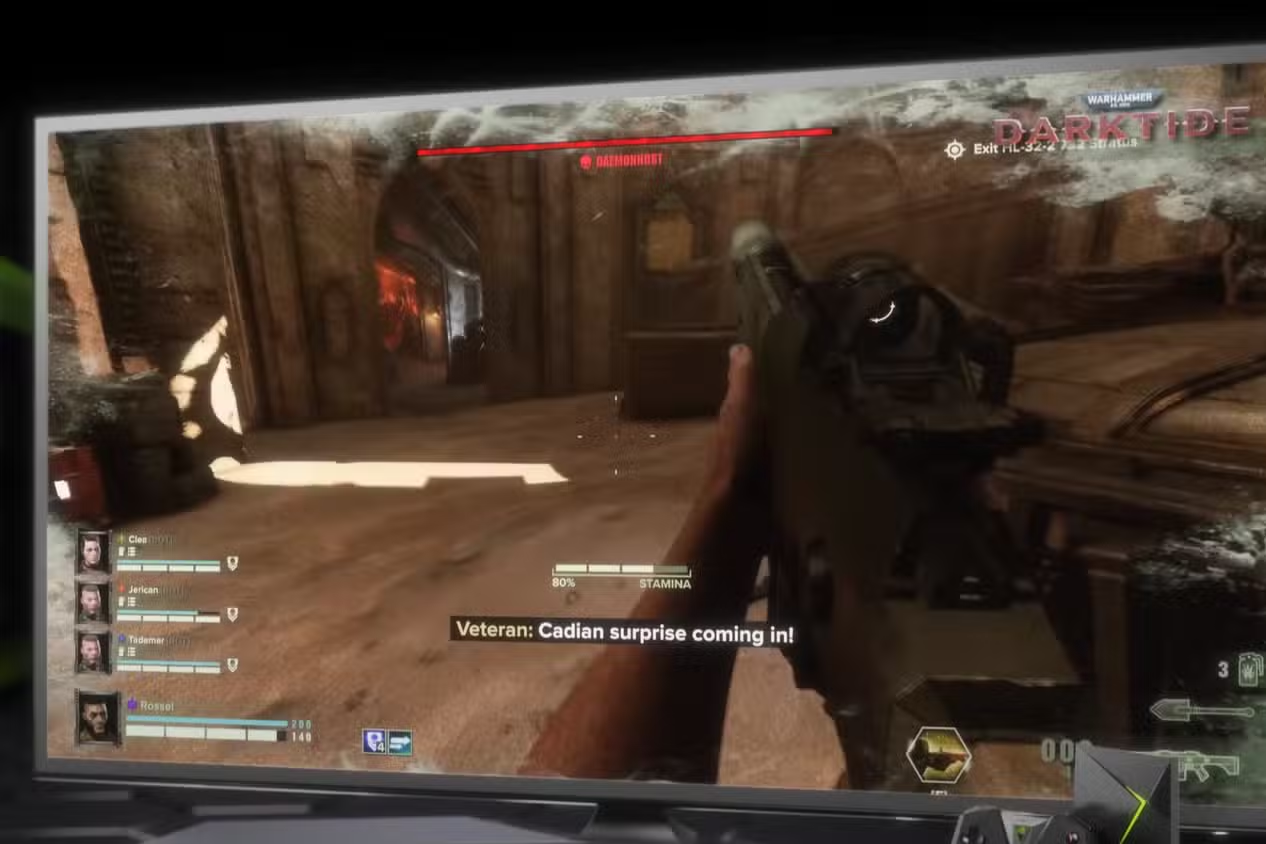
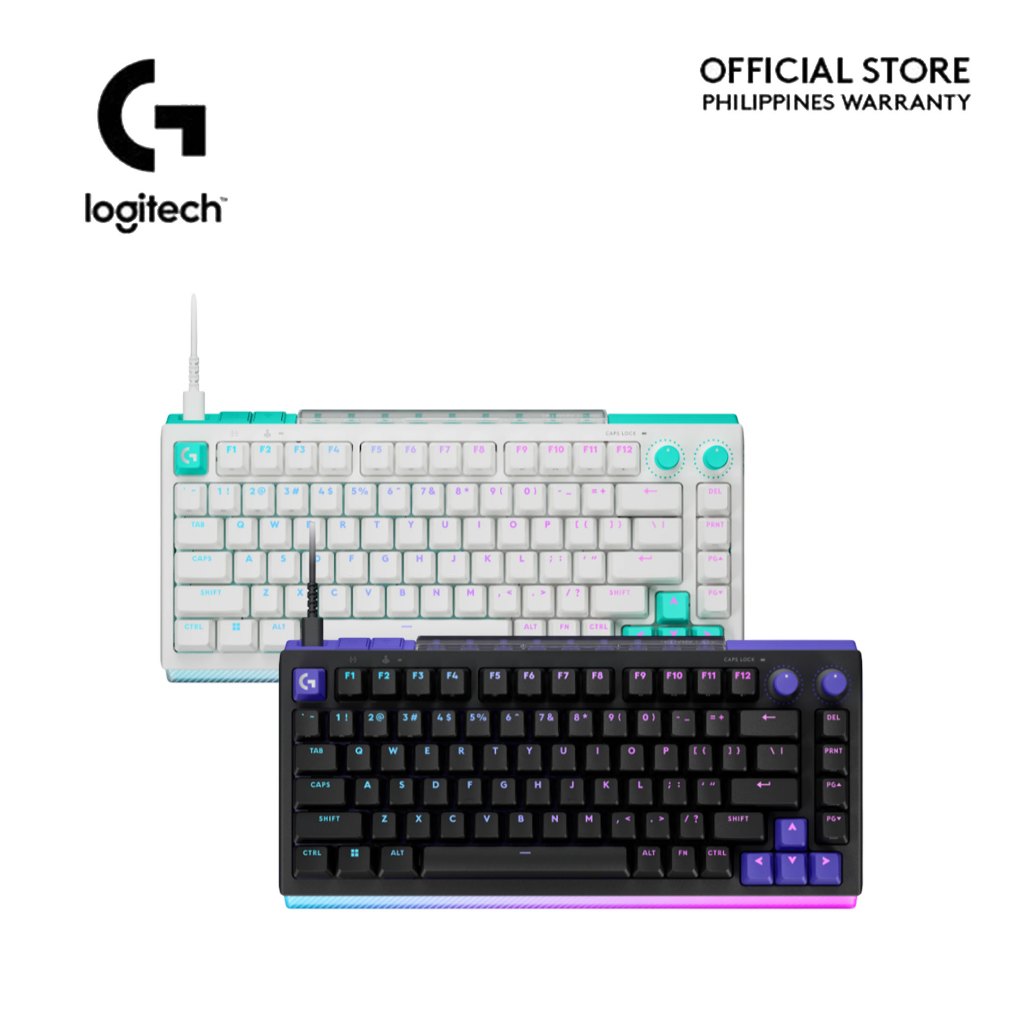
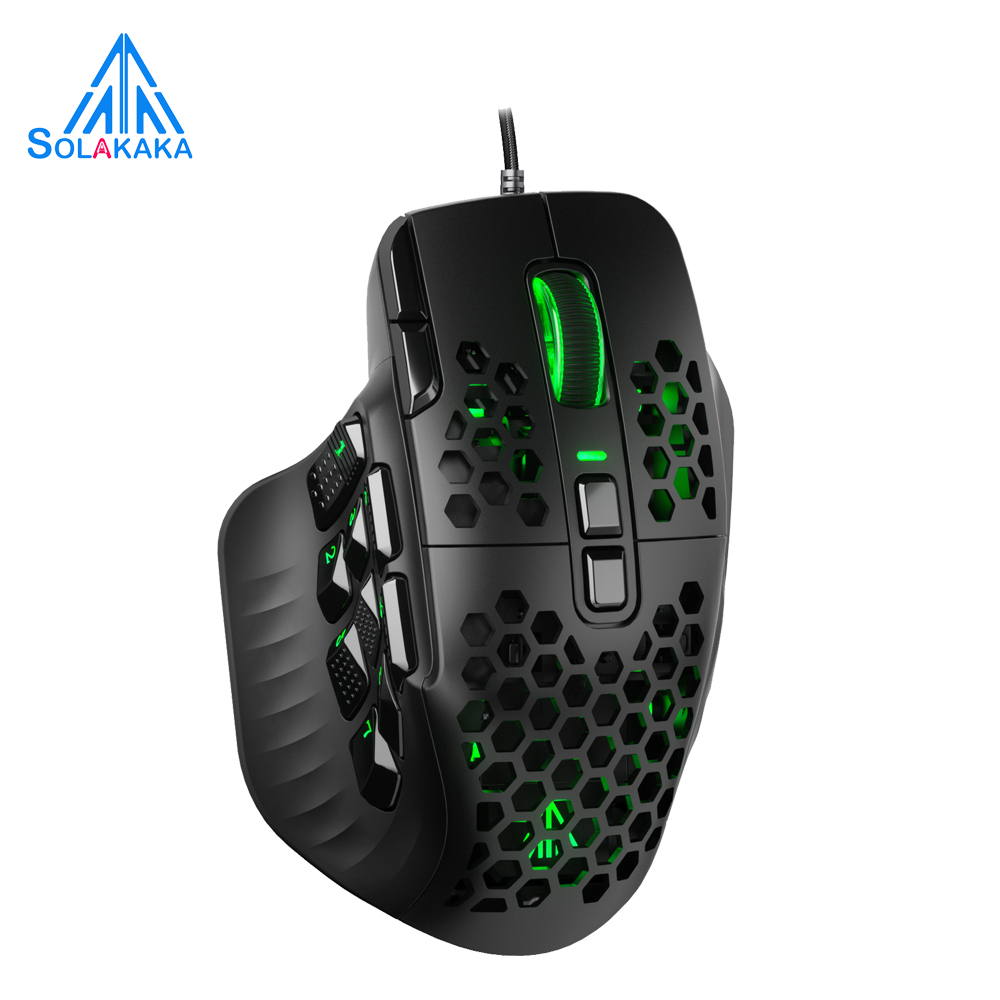
Monitor prices are one of the few bright spots: a 27‑inch 1440p OLED with a 240Hz refresh rate is now available at USD 350 (approx. ₱19,600), breaking the price floor for a name‑brand panel while keeping serious speed. Pair it with a gaming keyboard like the Logitech G512 X, which offers adjustable actuation and hot‑swappable switches for customization at a far lower cost than a new GPU. Add a Solakaka SM809 wireless mouse at USD 46 (approx. ₱2,600), bringing programmable buttons and long battery life for less than most AAA releases. Throw in a headset such as the HyperX Cloud Alpha Wireless, built for flexible wireless use and huge battery endurance at USD 120 (approx. ₱6,700). These choices deliver a dramatically better PC setup without expensive parts and for a fraction of flagship component prices.
Ergonomics and Cable Management: The Silent Performance Upgrade
We treat frames per second like the only metric that matters, but comfort and focus quietly decide how well you play. Desk ergonomics and basic cable management are affordable gaming PC upgrades because they cut strain, clear visual noise, and keep every control within reach. That means longer, steadier sessions and fewer sloppy mistakes made under physical discomfort.
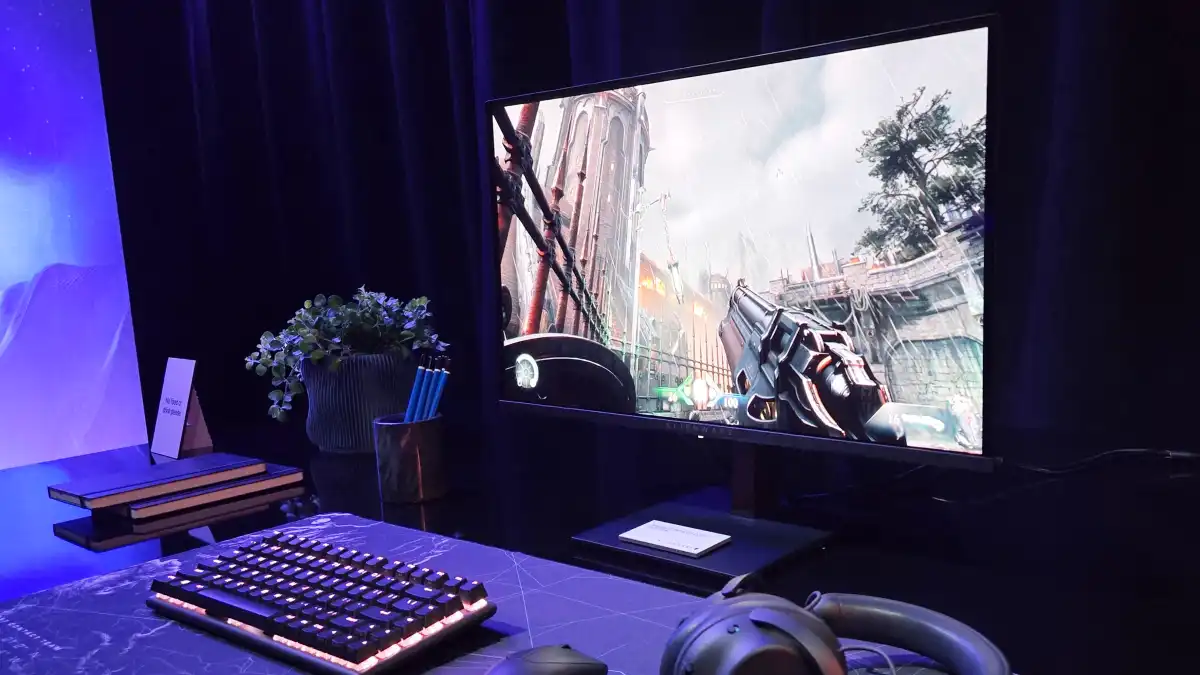
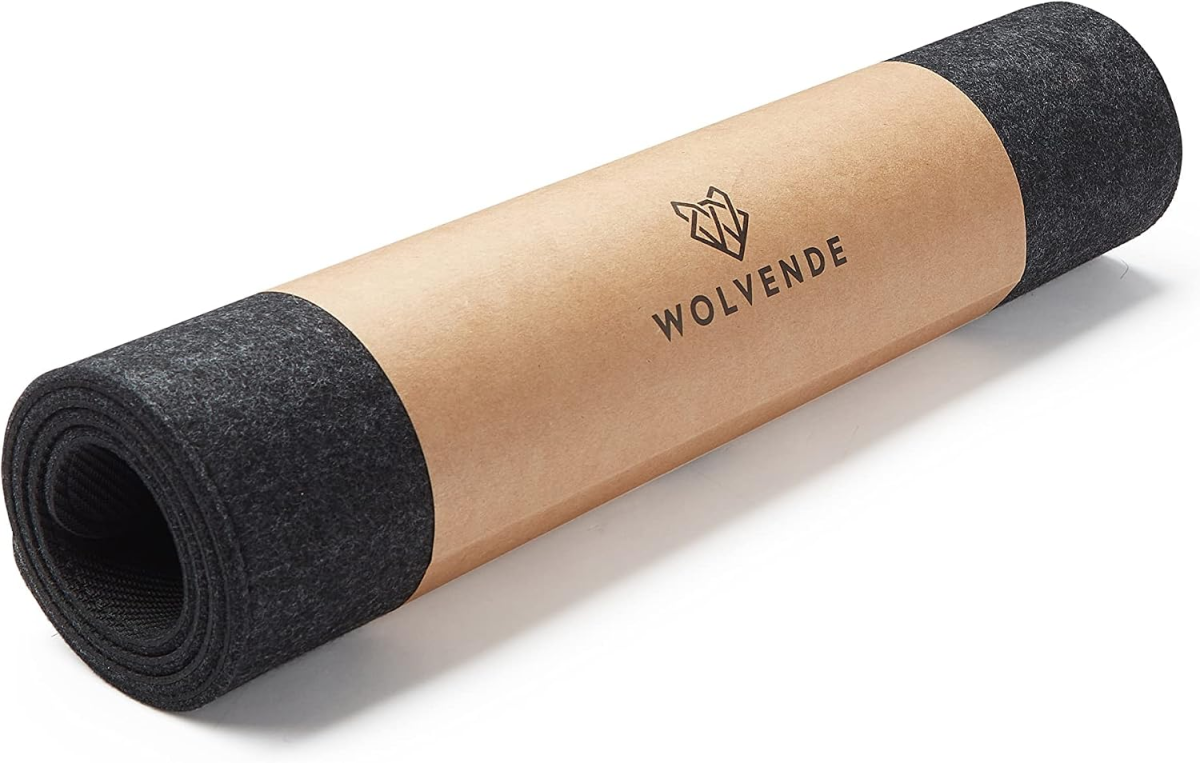
Small, thoughtful accessories can overhaul your workspace. A full‑width felt desk mat that feels good under your hands and doubles as a surface for both mouse and drinks turns a cluttered desktop into a unified play area you enjoy using. Under‑desk power strips with multiple outlets plus USB‑A and USB‑C ports, mountable with tape or screws, give you easy charging access without eating valuable surface space. These are classic budget PC optimization moves: cheap, simple, and highly visible in daily use. No, they won’t raise your average FPS, but they will raise your effective performance by making long sessions less tiring and your controls more consistent.
Smart Accessories vs. Endless Waiting: Where ROI Lives Now
Right now, treating component shopping as a waiting game is wishful thinking. Analysts forecast that relief from the memory shortage is years away, and that prices will keep climbing as manufacturers struggle to keep product lineups intact. In other words, the "I’ll upgrade when prices normalize" plan has turned into "I’ll upgrade someday" with no timeline. That is not a strategy; it’s an excuse to stay stuck.
Strategic accessory purchases deliver measurable ROI because they pay off immediately and repeatedly. According to industry analysis, building on a budget means painful trade‑offs, while alternatives like cloud gaming subscriptions can grant access to high‑end GPUs for about the cost of two coffees a week. Even if you stay local, inexpensive external gadgets were put forward as alternatives to pricey internal upgrades for gamers whose hardware budgets are blown. Every time you sit down, that better monitor, headset, mouse, or ergonomic desk layout works for you. Over months or years, those gains—clarity, comfort, quicker inputs—matter far more than the theoretical savings you might get if RAM and SSD prices finally calm down.