
Gaming Laptops for Productivity: What This Comparison Is Really About
Gaming laptops for productivity are portable PCs built with discrete graphics and fast processors that can handle modern games while also serving as reliable machines for content creation, multitasking, and everyday office work, making them true dual-purpose gaming laptops that bridge entertainment and professional use in a single device. In this comparison, the MSI Cyborg 15 and the Alienware 15 with RTX 5050 target people who need a gaming and work laptop that can move between high-refresh shooters, large project files, and long study or office sessions without feeling like a compromise. My bottom line: the Cyborg 15 is the safer pick if you care as much about productivity workloads as frame rates, while the Alienware 15 only makes sense if you prioritize newer GPU tech over storage space and acoustics.
| Spec | MSI Cyborg 15 | Alienware 15 (RTX 5050 sample) |
|---|---|---|
| CPU | Intel Core 7 240H | AMD Ryzen 7 260 |
| GPU | Nvidia GeForce RTX 5060 | Nvidia GeForce RTX 5050 (8 GB) |
| RAM | 16GB DDR5 | 16GB DDR5-5600 |
| Display | 15.6" FHD 1920 x 1080, 144Hz | 15.3" WUXGA 1920 x 1200, 165Hz, non-touch |
| Storage | 512GB or 1TB SSD, depending on configuration | 512GB M.2 NVMe PCIe 4.0 SSD |
| Weight | 4.37 lbs (1.98 kg) | 4.89 lbs (2.22 kg) |
| Starting price (USD) | USD 1,199 (approx. ₱67,000) for a similar 512GB configuration | USD 1,399.99 (approx. ₱78,000) with RTX 4050; USD 1,459.99 (approx. ₱81,000) with RTX 5050 |
MSI Cyborg 15: A Midrange Gaming Laptop Built for Workloads
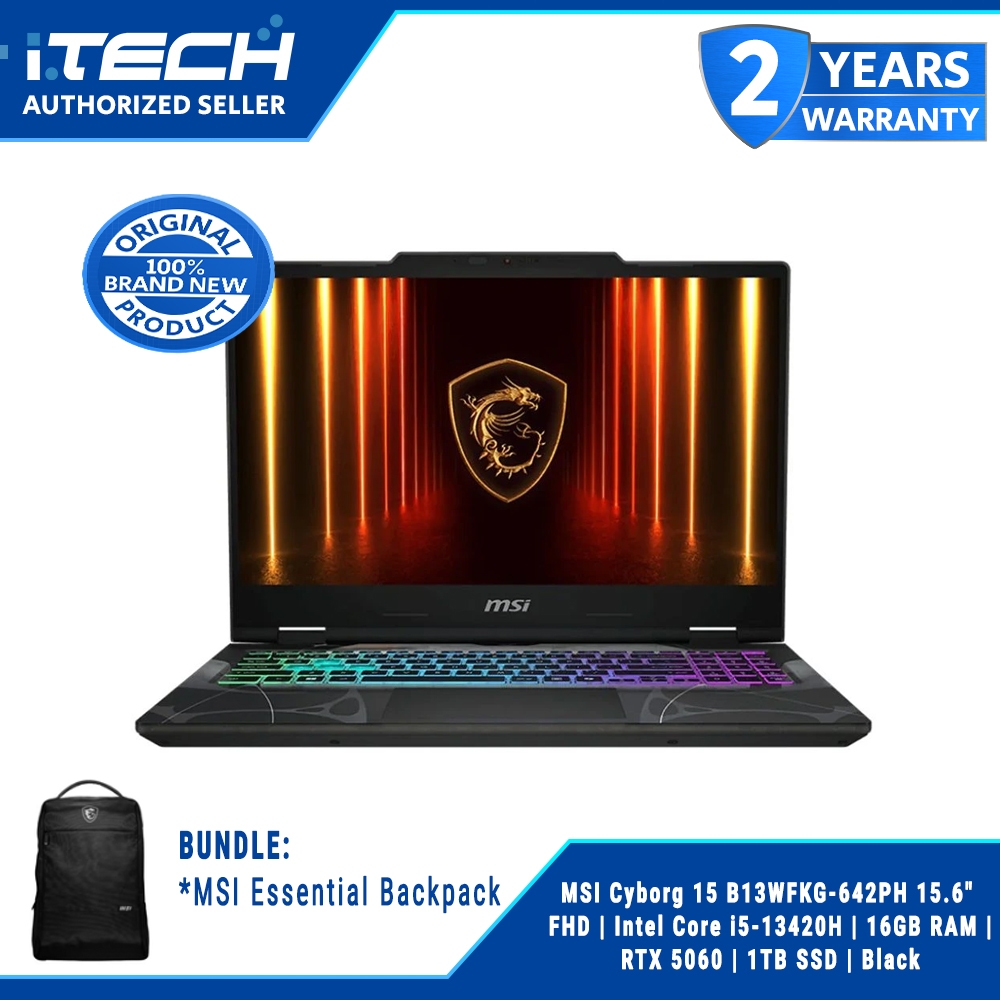
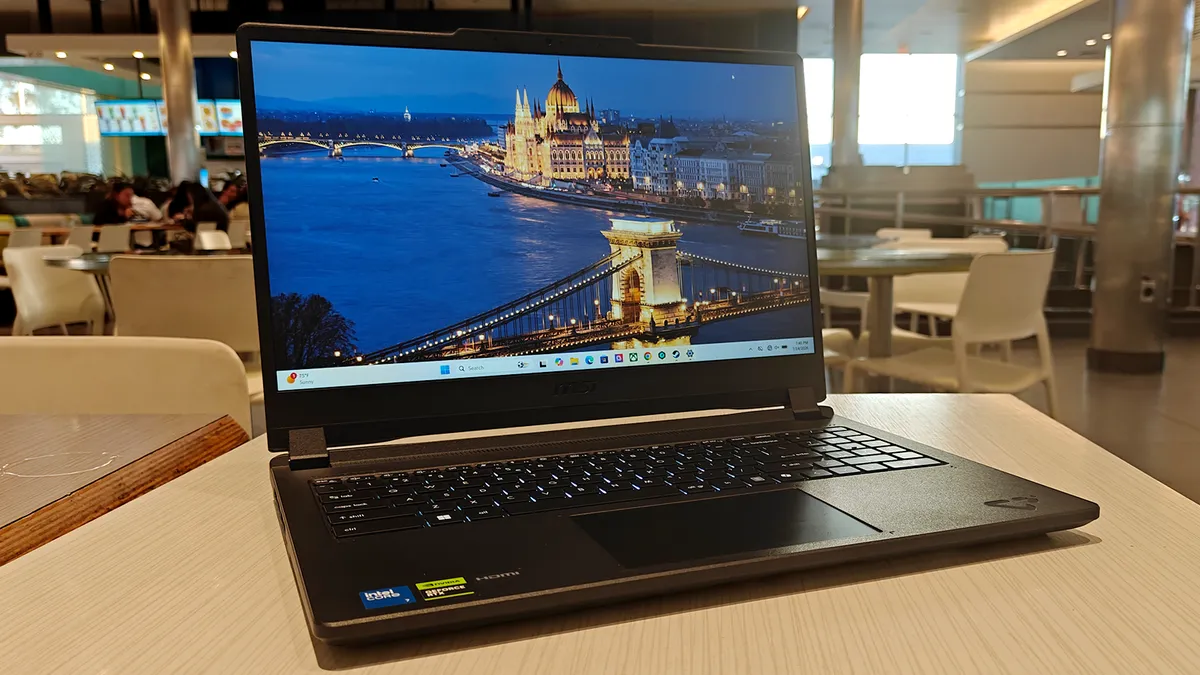
The MSI Cyborg 15 is a textbook example of gaming laptop productivity done right: it is a midrange machine that “pulls double duty” as both a solid gaming PC and a low-cost workstation capable of hardware‑intensive projects and seamless multitasking. With an Intel Core 7 240H processor, RTX 5060 graphics, and 16GB of RAM, it has enough horsepower to run modern titles at high settings and still feel quick when you pivot into video editing, coding, or dozens of browser tabs. The 15.6‑inch 1920 x 1080 display with a 144Hz refresh rate keeps gameplay fluid, which matters if you play competitive shooters. It is also lighter than many rivals at 4.37 pounds, so carrying it to class or the office is realistic. As a generic gaming and work laptop, it “performs perfectly,” making it one of the best gaming laptops 2026 for people who value balanced performance over chasing the highest benchmark numbers.
Where the Cyborg 15 Compromises: Display and Heat
For all its strengths as a dual-purpose gaming laptop, the Cyborg 15 does come with clear trade‑offs. The reviewer notes that “the display leaves much to be desired,” with limited color accuracy that makes it less ideal for professional photo work or color‑critical design. If your job involves grading footage or print design, this becomes a meaningful limitation: you may need an external monitor to trust what you are seeing. Heat is the other big caveat. MSI’s Cooler Boost system is designed to draw in more air to keep temperatures low, but in practice the fans get loud and the chassis grows uncomfortably warm under load. During games like Civilization VI, the keyboard area became hot enough to cause discomfort. On the upside, battery life lands a bit above typical gaming laptops at around six hours after efficiency tweaks, and the built‑in 2W speakers, enhanced by DTS Audio Processing, deliver “crystal clear audio with punchy bass” and enough volume for immersive listening.
Alienware 15 with RTX 5050: Entry-Level GPU, Entry-Level Compromises
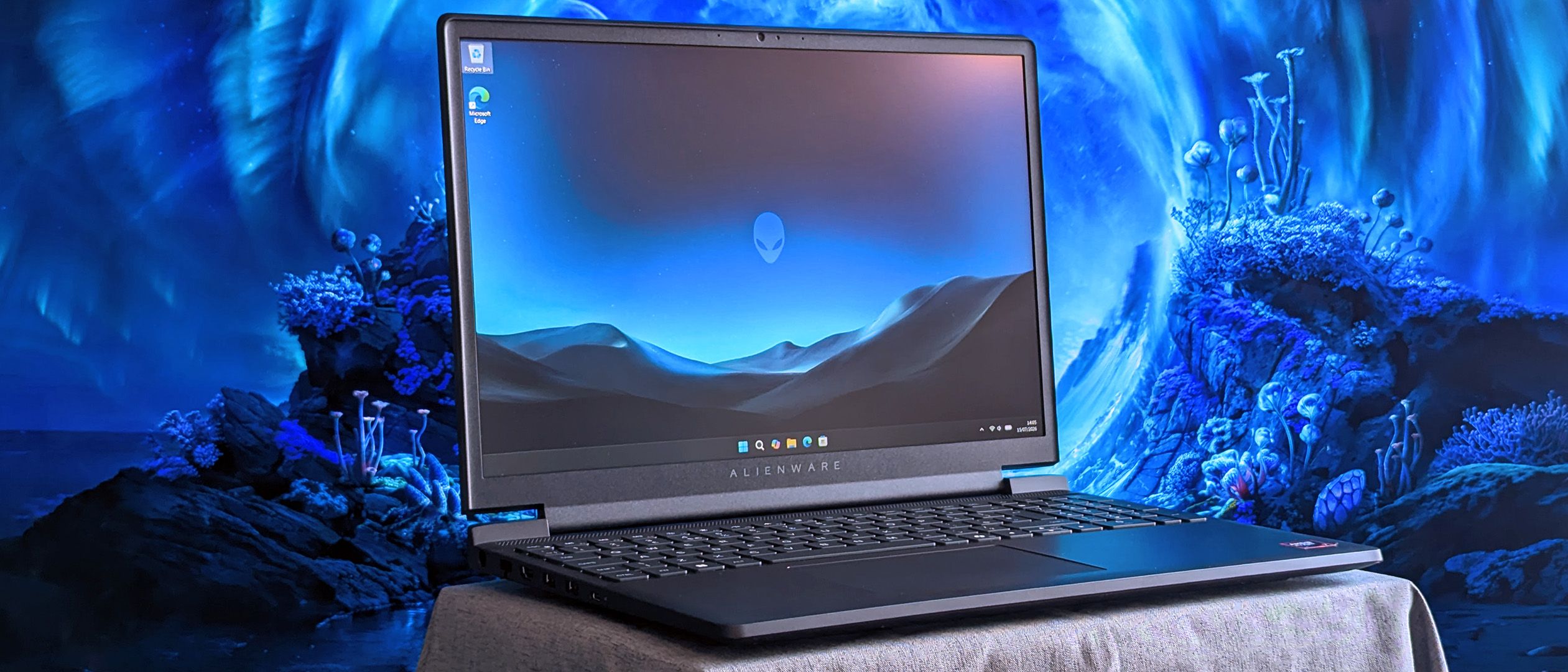
The Alienware 15 configured with an AMD Ryzen 7 260, RTX 5050, 16GB of DDR5‑5600 RAM, and a 15.3‑inch 1920 x 1200 165Hz display looks competitive on paper for a gaming and work laptop. In games such as Counter‑Strike 2, 165 frames per second are attainable with the RTX 5050, showing that this low‑end 50‑series chip can beat older GPUs like an RTX 3060 in modern titles when paired with DLSS upscaling. However, once you step into productivity workflows, the cracks show. Geekbench 6 burst benchmarks place the Ryzen 7 260 below expectations, even falling behind a previous handheld gaming PC from 2024. The limited 512GB SSD is a problem too: after first boot, only about 332GB is free, and the reviewer ran out of space after installing four games. This makes the machine feel cramped for content creation, local datasets, or a Steam library plus work files. At USD 1,459.99 (approx. ₱81,000) for the RTX 5050 configuration, you are paying meaningful money for an entry‑level GPU attached to unremarkable CPU performance and constrained storage.
Thermals, Noise, and Real-World Usability: Which Feels Better to Use?
Thermal and acoustic design decide whether a gaming laptop productivity experience is pleasant or tiring. On the Alienware 15, cooling is effective enough to keep the hardware in check, but the fans can reach about 58 dBA, which the reviewer described as “difficult to ignore” and likely to annoy people around you. Combine that with a 4.89‑pound chassis and an old‑school 180W barrel‑jack charger, and the system feels focused on desk‑bound gaming rather than flexible work use. The Cyborg 15 runs warm too, and its fans grow quite loud, yet the overall package feels better tuned to multi‑use life: lighter weight, longer battery life around six hours, and audio that can stand in when you forget your headset. Storage, cooling, and RAM configurations clearly impact usability beyond gaming benchmarks: the Cyborg’s balanced hardware works both as a midrange gaming machine and a low‑cost workstation, while the Alienware’s limited SSD and noisier thermals make its premium price harder to justify unless you care specifically about getting a 50‑series RTX GPU over older options.
Buy if / Skip if
- Buy the MSI Cyborg 15 if you want a dual-purpose gaming laptop that comfortably handles modern games and everyday productivity workloads without obvious bottlenecks.
- Skip the MSI Cyborg 15 if color-accurate creative work or very quiet thermals matter more to you than price and gaming performance.
- Buy the Alienware 15 if you are choosing between older GPUs like the RTX 3060 and want an entry-level 50-series card plus a fast 165Hz screen for competitive games.
- Skip the Alienware 15 if you need plenty of storage space, quieter fans, and stronger CPU performance for demanding productivity or content creation.
- Buy the MSI Cyborg 15 if you value lighter weight, better battery life, and speakers that can double as decent audio for both games and work calls.
- Skip the Alienware 15 if your idea of a gaming and work laptop includes installing many large games alongside work files, since its 512GB SSD fills up quickly.