


What “frontier AI on old PC” really means
Running frontier-level AI models on budget hardware means using compression, clever scheduling, and small local models so older or low-RAM machines can perform useful language tasks without cloud services, even if responses arrive slowly and raw capabilities lag behind top commercial systems. If you care about privacy, subscription cost, or hacking on your home lab, this is worth exploring. The catch: you must accept trade-offs between speed, model quality, and memory limits. Enthusiasts already run local LLMs on mini PCs or thin laptops, where even fairly small models feel slow compared to big hosted models. Yet with planning—like generating prompts overnight—these systems still deliver morning briefings, newsletters, and document cleanup that are ready exactly when you need them.
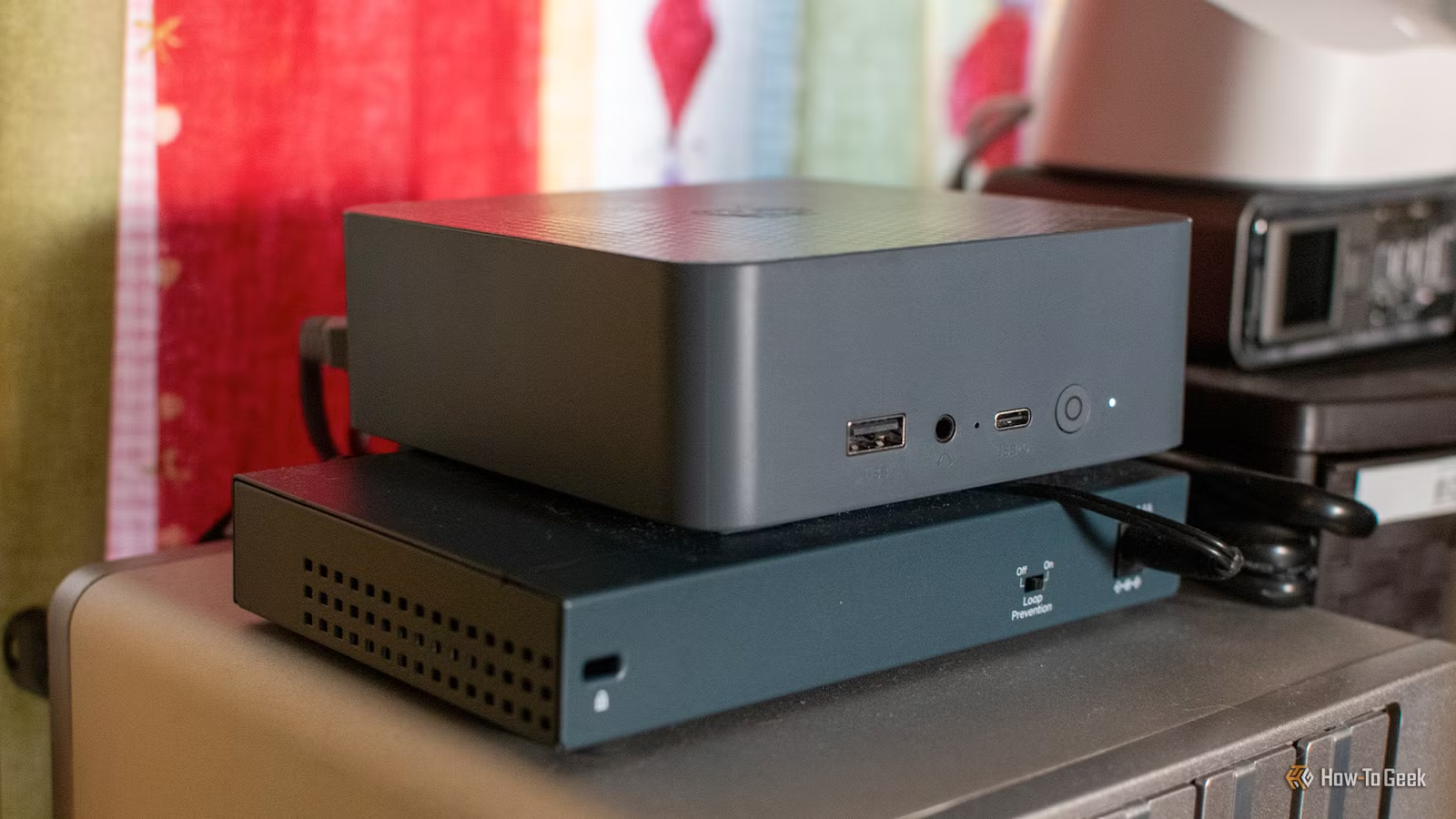
How huge frontier models squeeze into limited RAM
The wild end of running LLM on budget hardware is frontier AI on an old PC: pushing models built for datacenter GPUs into consumer machines with local AI models and limited RAM. One proof-of-concept runs a 744‑billion‑parameter, 1.5‑TB GLM‑5.2 Mixture‑of‑Experts model on a modest CPU, 25GB of RAM, and a 1GB/s virtual NVMe drive. It works by loading the model in slices into RAM and taking advantage of MoE architecture to load and unload only the expert sub-models needed per token, rather than keeping the whole network in memory. Additionally, the model is quantized down so it occupies less space. The downside is speed: this setup reaches about 0.05–0.1 tokens per second, which is unusable for live chat but shows that frontier capability and constrained hardware can meet if you are willing to trade time for access.
Why this approach is exciting
- Frontier-level answers from consumer hardware using slicing and quantization.
- Demonstrates that high-end models need not stay locked in datacenters.
Where it hurts in practice
- Very slow generation, with single questions taking hours.
- Storage I/O, RAM, and CPU quickly become chained bottlenecks.

Step-by-step: Make a slow local model useful instead of frustrating
The more realistic day-to-day win is using modest local models that run decently on mini PCs and older laptops. These small models will not match top-tier cloud systems, and even simple jobs can take several minutes. But if you treat your machine like a quiet overnight worker instead of a snappy assistant, they become reliable tools.
- Pick a small LLM that fits your RAM and CPU budget, such as a 4B‑parameter model instead of a huge frontier one, and install it via a local runner like Ollama or similar.
- Design tasks that do not need immediate answers, such as daily briefings or newsletters, and define clear input data sources from your existing apps or automations.
- Schedule your prompts to run while you sleep—for example, generating a morning briefing or news digest around 5 AM—so slow generation never blocks you.
- Limit prompt size and complexity so the model can finish within your overnight window, trimming unnecessary details and focusing on the output format you care about.
- Integrate the model’s text into your workflow: send summaries to a Kindle, feed announcements to a smart speaker, or save cleaned documents for later cloud analysis.
Slow generation does not always matter; by running prompts when you are asleep, the responses are always ready when you need them. That is the key mindset shift for anyone trying to run LLM on budget hardware: you optimize for timeliness-at-use, not time-to-generate.

Trade-offs: performance, RAM, and the tasks worth doing locally
As you push frontier AI on old PC setups or tune small local models, you are constantly juggling speed, memory, and answer quality. In sliced MoE architectures the first bottleneck is NVMe bandwidth; improve that and RAM limits hit next, then CPU cores, and so on. With smaller local AI models and limited RAM, you accept weaker reasoning and slower outputs but gain privacy and control. Some tasks simply are not worth doing on constrained hardware: for example, analyzing detailed financial data with tiny models produced poor results. However, the same setup works well for stripping names, locations, and account numbers from documents before uploading them to a powerful cloud model for deeper analysis. In other words, keep resource-heavy, high-stakes reasoning in the cloud, but use local systems to tailor data, generate routine summaries, and produce personalized daily content that does not need instant responses.

Takeaway: when is running local LLMs on slow hardware worth it?
Running local AI models on limited hardware pays off when you value privacy, control, and experimentation more than raw speed. Quantization and model slicing prove that even 1.5‑TB frontier systems can, in principle, run on 25GB RAM and fast storage, though at painful speeds. In everyday use, modest models on mini PCs handle scheduled briefings, newsletters, and data scrubbing if you accept that they are overnight workers rather than instant assistants. According to one home user, “The small local LLMs that run on my hardware are never going to match the capabilities of ChatGPT, Gemini, or Claude,” but careful scheduling makes their responses feel timely enough. Go into this expecting trade-offs between performance and resource consumption, and local AI becomes a practical tool instead of a frustrating science experiment.





