
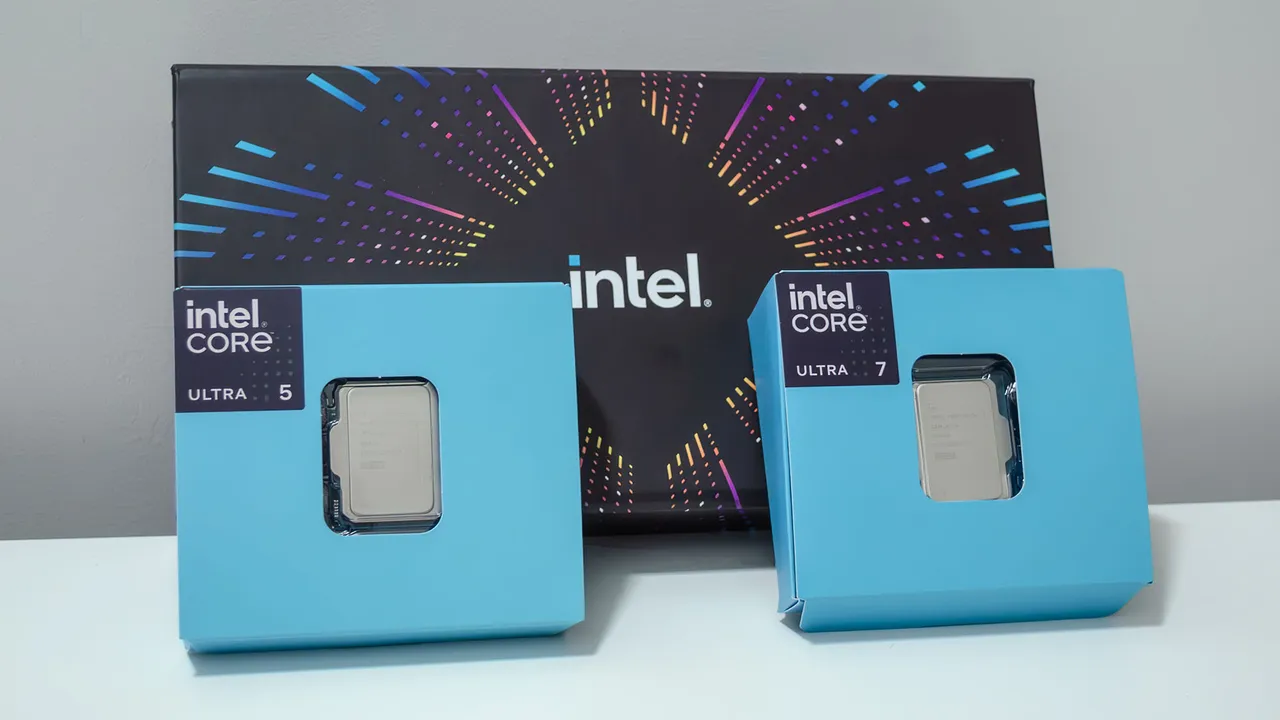

Start Here: The Best Laptop CPU Choice for Most People
An Intel vs AMD laptop processor comparison is a way to match the CPU’s strengths in battery life, gaming, content creation, and multitasking with the specific workloads and budget of the buyer, instead of assuming one brand is always faster or better value for every use case.
For most buyers who mainly do office work, study, light creative tasks, and everyday multitasking, a modern mid-range Intel Core Ultra 5 laptop is the safest and smartest choice. It delivers fast performance, wide model selection, and strong support in mainstream thin-and-light designs, while avoiding the cost and heat of flagship gaming chips. AMD laptops compete well, especially on battery efficiency and integrated graphics value, but Intel still offers the broadest range and simple recommendations for non-specialist users. The HP 15 with Core Ultra 5 125H, 16GB DDR5 RAM, and 1TB SSD is the standout pick for most people because it balances speed, memory, and storage for productivity better than typical budget models. If you know you are a creator or gamer first, you should read the later sections before deciding.
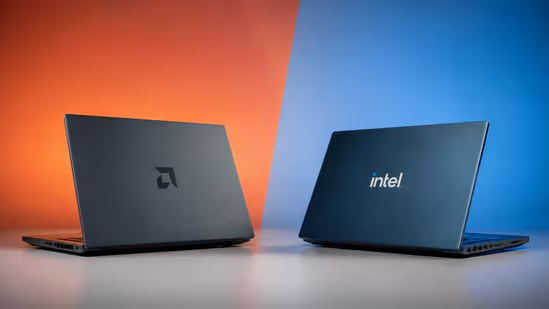
Intel vs AMD in Real Life: Productivity, Battery, Gaming, Creation
The right laptop CPU starts with how you use the machine every day, not with brand loyalty. Intel laptops are strong and reliable for everyday office work and study, while AMD laptops are also very good for these tasks. For battery-focused thin-and-light systems, Intel is often strong, but many efficient AMD models can be excellent when tuned for low power. In gaming laptops, Intel pairs well with dedicated GPUs, whereas AMD often gives better value with its integrated graphics, which helps in budget gaming systems that lack a discrete card. For content creation, Intel stays solid for editing and productivity, but AMD offers impressive multitasking and graphics value, especially in mid-range chips. A key lesson is that comparing laptop CPU specs alone is not enough; performance, comfort, display quality, and sound must be checked in real-world use instead of only benchmark charts.
Top Pick for Most Users: HP 15 with Intel Core Ultra 5 125H
The HP 15 fd1354TU with Intel Core Ultra 5 125H, 16GB DDR5 RAM, and 1TB SSD is the best laptop processor configuration for the majority of buyers. This 15.6‑inch FHD IPS anti-glare notebook focuses on office work, study, and everyday multitasking, supported by Intel Arc graphics for light creative workloads. You should choose this product because it pairs a modern Core Ultra chip, 16GB RAM, and 1TB SSD with a privacy shutter and useful all‑round productivity features. It looks best suited to students, office work, and general multitasking, where its speed and large storage matter more than ultra-high-end gaming performance. Reasons to buy include fast performance for office work and multitasking, plus a good display and generous storage. Reasons to avoid are clear as well: buyer feedback often mentions limited battery life and mixed thermal behaviour under load. If you can accept average unplugged endurance, this remains the most balanced choice.
When to Step Up: AI Laptops and Heavy Content Creation
If you work in content creation or plan to use AI features heavily, it makes sense to look beyond basic productivity CPUs. The Dell 15 D15260 is a 15.6‑inch AI powered laptop with Intel Core Ultra 5 225H, 16GB DDR5 RAM, and 512GB SSD storage. It adds Intel Arc graphics, a dedicated Copilot key, and a backlit keyboard, and is designed for productivity users who want modern Windows AI features in a practical chassis. Reasons to buy are its AI‑ready Core Ultra platform and usability touches like the Copilot key and backlit keyboard, while reasons to avoid include relatively tight 512GB storage and a customer review base that is still too small for a firm long‑term verdict. On the creative side of things, desktop‑class Core Ultra 5 250K Plus and Core Ultra 7 270K Plus processors are phenomenal for creative work at lower cost, with the 270K Plus delivering 117% better multi-core performance than the Ryzen 7 9700X in Cinebench R23.
| Spec | HP 15 (Core Ultra 5 125H) | Dell 15 (Core Ultra 5 225H) |
|---|---|---|
| CPU | Intel Core Ultra 5 125H | Intel Core Ultra 5 225H |
| RAM | 16GB DDR5 | 16GB DDR5 |
| SSD | 1TB | 512GB |
| Display | 15.6-inch FHD IPS anti-glare | 15.6-inch FHD anti-glare IPS |
| Graphics | Intel Arc Graphics | Intel Arc Graphics |
| Key extras | FHD camera with shutter | Dedicated Copilot key, backlit keyboard |
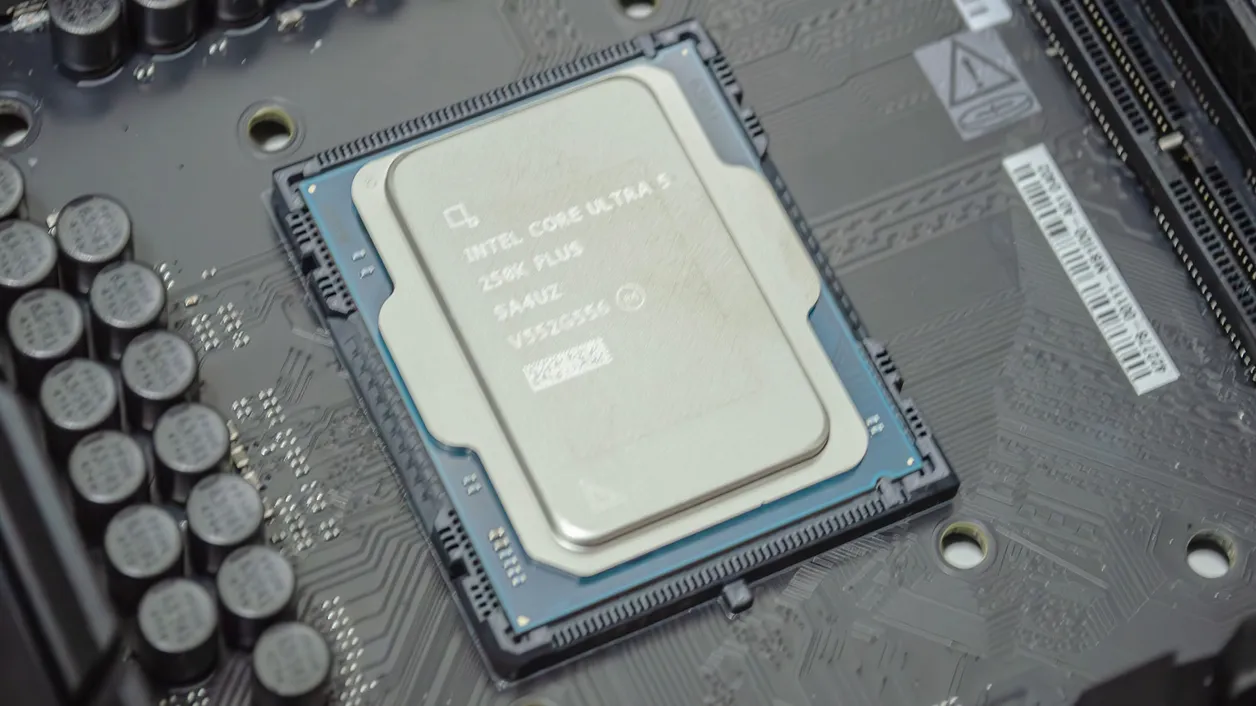
Gaming vs Creation: Why Mid-Range CPUs Beat Flagships for Value
Content creators and gamers need different laptop CPU performance, and mid-range chips often serve them better than flagships. Creative workloads like video editing and Photoshop scale well with more cores, so high-core-count processors such as the Intel Core Ultra 7 270K Plus, with 24 total cores (8 performance and 16 efficient) and 5.5GHz boost, are attractive for productivity or workstation use if you will keep the system for years. According to one review, “the Core Ultra 5 250K Plus and Core Ultra 7 270K Plus are phenomenal for creative work on the cheap”. In gaming, though, the Core Ultra 200S Plus chips cannot match strong AMD gaming CPUs or even some non‑Plus Intel parts, so they are hard to recommend as pure gaming processors. Overall, mid-range and budget options from both Intel and AMD often provide better value than flagship processors, especially when you balance battery life, heat, and total laptop cost.
When making any laptop CPU comparison, focus on three to five key criteria before buying: define your main workload first; check battery life expectations; look at gaming or content creation performance as needed; and remember that real-world experience across performance, comfort, display, and sound matter more than synthetic benchmark wins. For non‑gamers, the strong multi-core value of Arrow Lake Core Ultra 200S Plus chips is compelling, while for dedicated gamers, AMD’s current laptop processors and well‑known mobile gaming CPUs remain the better choice.
Buy if / Skip if
- Buy the HP 15 with Core Ultra 5 125H if you want a fast, well-balanced Intel vs AMD laptop for office work, study, and everyday multitasking with ample 1TB storage.
- Skip the HP 15 with Core Ultra 5 125H if strong battery life and cool, quiet running are your top priorities, as buyer feedback notes complaints about endurance and thermals.
- Buy the Dell 15 with Core Ultra 5 225H if you want an AI-ready productivity machine with a Copilot key, backlit keyboard, and modern laptop CPU for content creation and office work.
- Skip the Dell 15 with Core Ultra 5 225H if you need large local storage or prefer a laptop with widely proven long-term reliability from many customer reviews.
- Buy the Intel Core Ultra 7 270K Plus as your main gaming laptop processor only if you also care about heavy multitasking or creative workloads, where its 24-core design shines.
- Skip the Intel Core Ultra 7 270K Plus if your priority is pure gaming performance per dollar, since better gaming processors exist in AMD’s lineup and among non‑Plus Intel chips.





