
The One Part Worth Paying For First
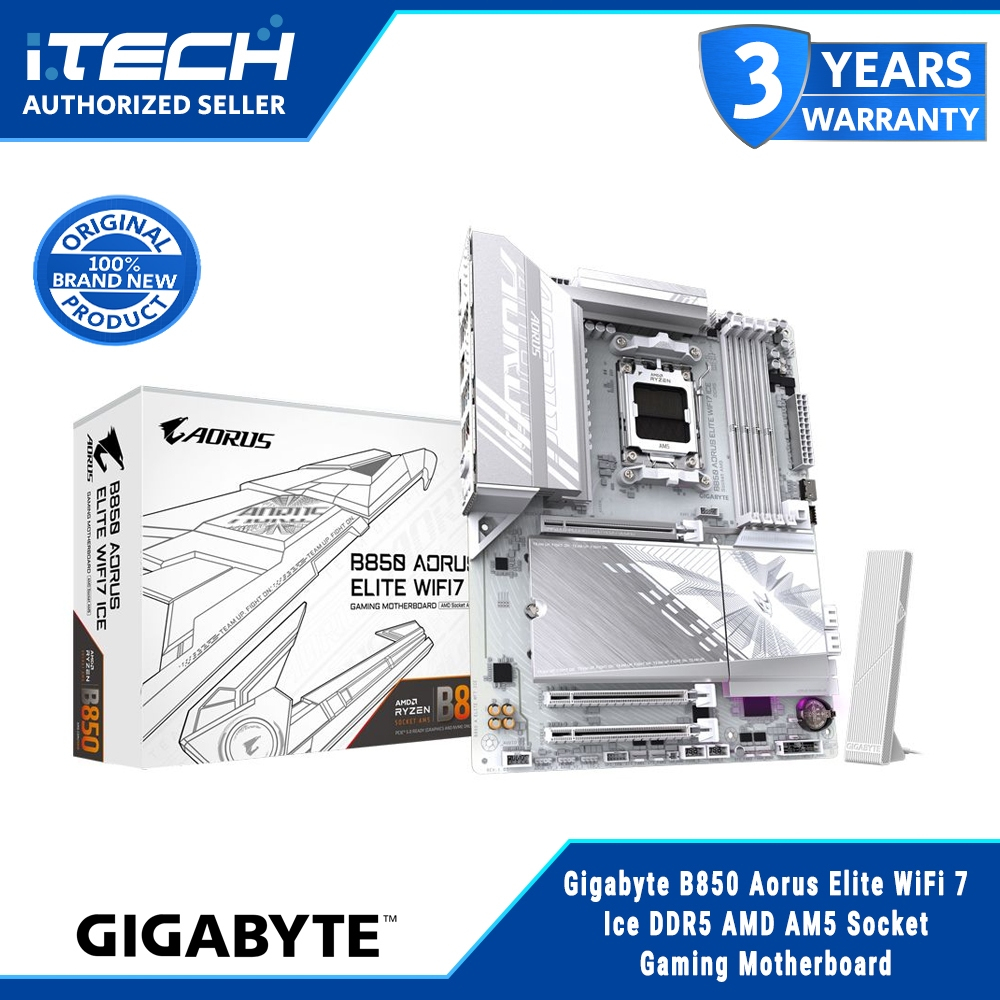
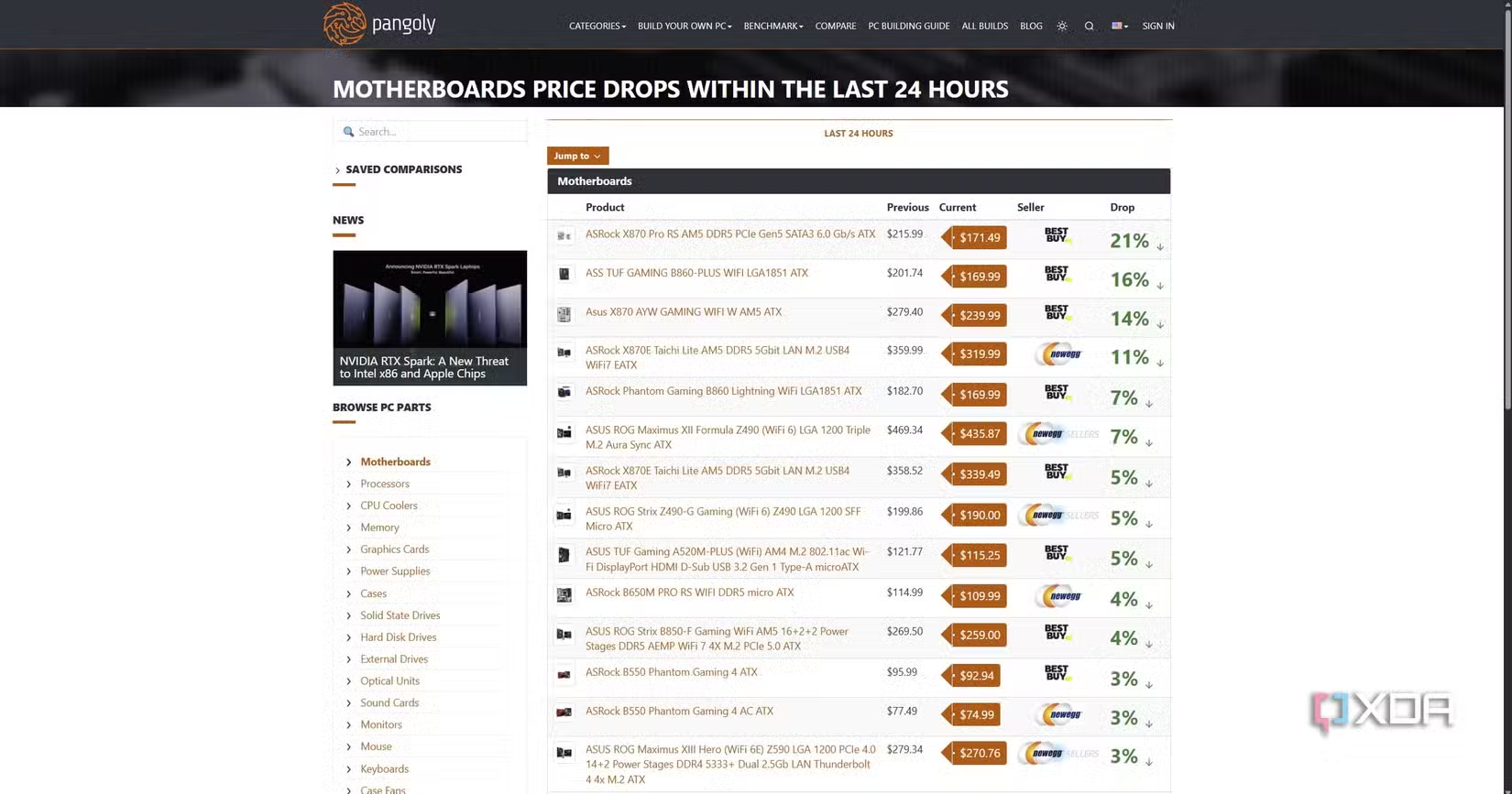
Smart PC upgrades mean shifting your budget from flashy, low-impact parts toward components that directly improve frame rates, responsiveness, and stability, using motherboard value comparison and slot behavior knowledge to avoid paying extra where it brings no meaningful performance gains for gaming or work workloads. My top pick—and where most people should start—is a solid mid-range AM5 motherboard like the GIGABYTE B850 AORUS Elite: ATX form factor, AM5 socket, four DDR5 memory slots, and PCIe 5.0 support for your primary GPU and SSD. It wins because it anchors a modern platform without burning cash on fringe features, leaving more of your budget free for CPU, GPU, and cooling. Right now, this strategy is helped by the way PC component pricing is skewed. Flagship AM5 and LGA1851 motherboards are being discounted heavily, with premium designs marked down by as much as 50%, while DDR5 and GPUs stay expensive enough to push many builders to delay entire projects. Instead of blowing out your budget on a halo board, lock in a capable mid-range platform, then upgrade the parts that move performance: processor, graphics card, memory, and cooling.
Motherboard Value: Mid-Range Beats Flagship for Most Builders
For gaming and typical creator workloads, a mid-range board like the B850 AORUS Elite is the right call because it supports modern CPUs, DDR5, and PCIe 5.0 without paying a premium for features that do nothing for your frame rate. Spending hundreds more on an X870E-class flagship is a classic case of budget PC optimization gone wrong: a 9800X3D will perform the same on a B850 or even older B650 boards that cost less than half as much. You still get PCIe 5.0 support, so it is not like you are missing out by paying half the price; it is a solid mid-range choice if you care more about performance than the premium extras high-end X870E boards offer. On the value side, high-end X870 boards with three or four M.2 slots have seen cuts of around USD 100–120 (approx. ₱5,600–₱6,700), and B650 boards have dropped from USD 179 (approx. ₱10,000) list prices to as low as USD 109 (approx. ₱6,100). That makes mid-range the sweet spot: mature platforms, strong support, and far better use of money than paying for “overkill” VRMs and unused connectivity.
| Spec | GIGABYTE B850 AORUS Elite | Typical X870E Flagship Board |
|---|---|---|
| Form factor | ATX | ATX or larger (E-ATX) |
| CPU socket | AM5 | AM5 |
| Memory slots / type | 4× DDR5 | 4× or 8× DDR5 |
| Primary PCIe GPU slot | PCIe 5.0 x16 from CPU | PCIe 5.0 x16 from CPU |
| M.2 support | PCIe 5.0 for main SSD, extra slots via chipset | Multiple PCIe 5.0 M.2, often sharing lanes with GPU |
| Ideal user | Performance-focused gamer or creator who wants value | Enthusiast who needs niche features like USB4, Wi-Fi 7, multi-5.0 SSDs |
| Main downside | Fewer ultra-high-end ports and extras | Higher cost with minimal real-world performance gain |
Slots, Lanes, and Why Your Fastest M.2 Can Stay Empty
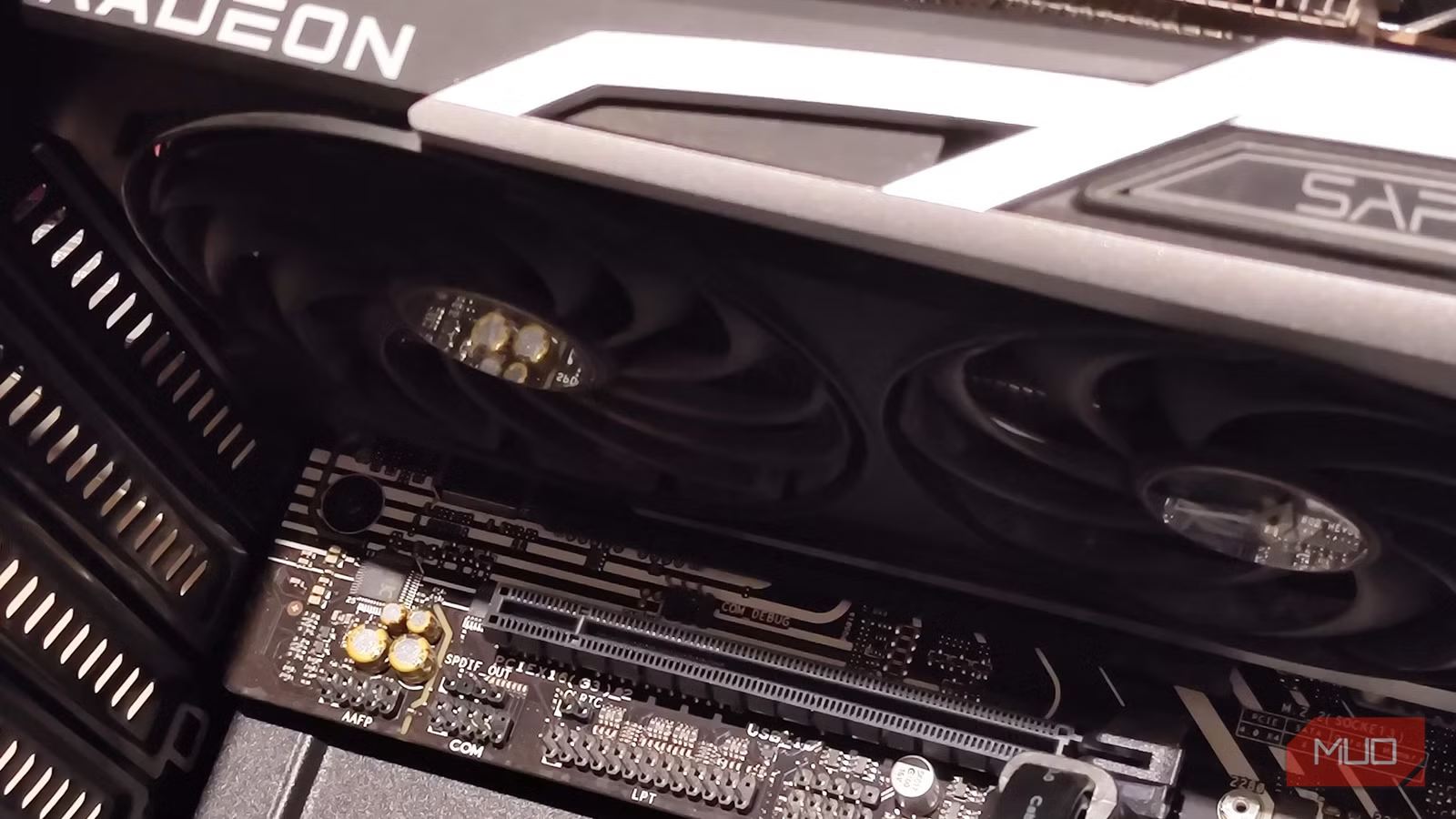
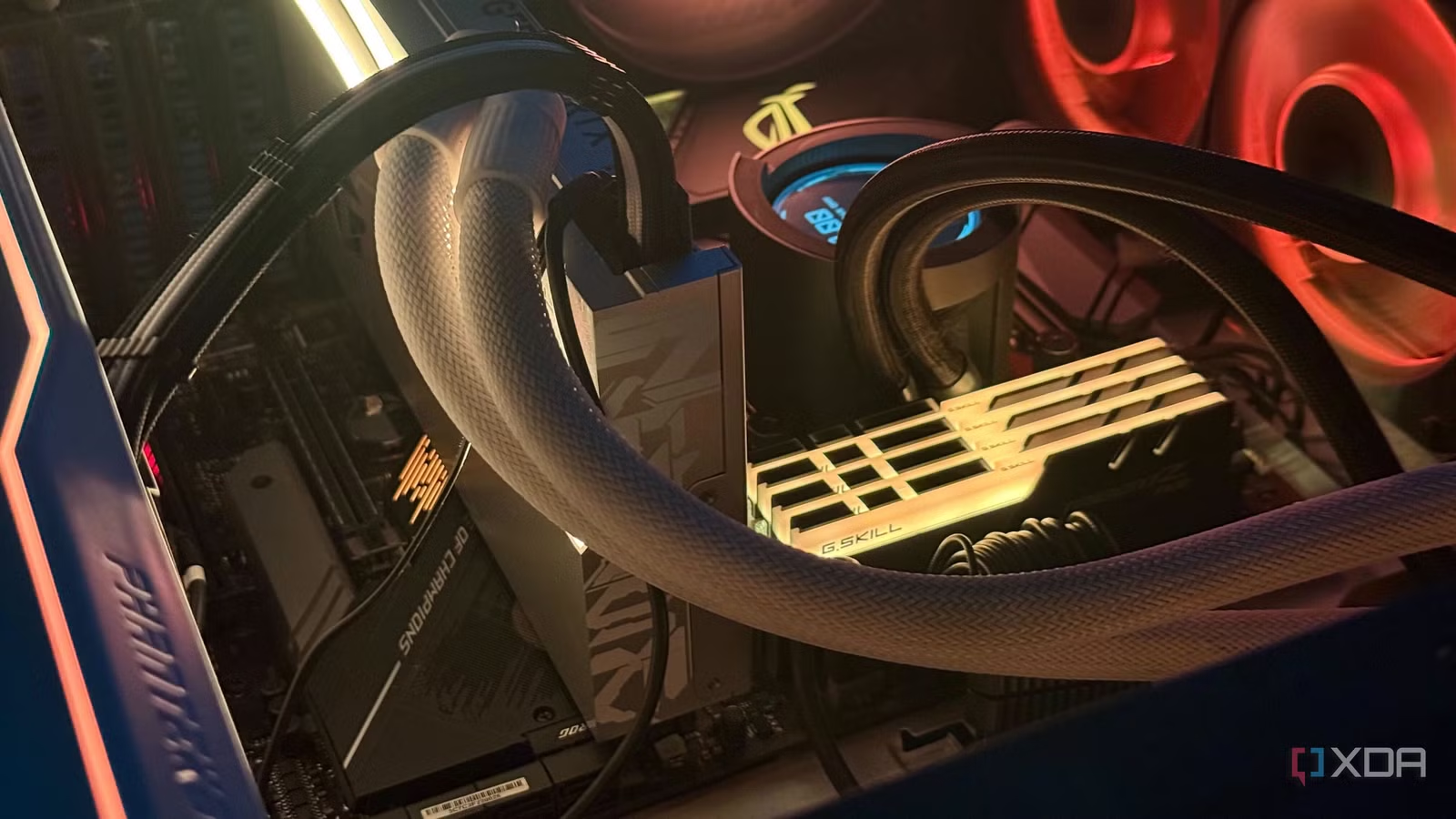
A big reason flagship boards waste money is that many of their “high-end” slots either share bandwidth or provide speed you do not need. Modern desktop CPUs typically expose up to 24 PCIe lanes: 20 lanes of PCIe 5.0 connected directly to the CPU, and four PCIe 4.0 lanes used to link the chipset. PCIe 5.0 can deliver nearly 4GB/s per lane, or up to 63GB/s over a x16 GPU slot. That bandwidth gets split, and the split is not always in your favor. Populate the wrong M.2 slot and you can cut GPU bandwidth in half. Installing an SSD in the second M.2 slot on a flagship X870E board can drop the primary PCIe GPU slot from x16 to x8. Upon populating certain shared M.2 slots, your GPU’s lanes may be reduced, since both slots draw from the same CPU-connected lanes. The practical fix: use the manual and skip that shared M.2 slot if you run a PCIe 5.0 GPU and care about maximum bandwidth, or accept the minor performance hit if your card is not native PCIe 5.0. In many builds, leaving the fastest slot empty costs nothing in real-world performance.
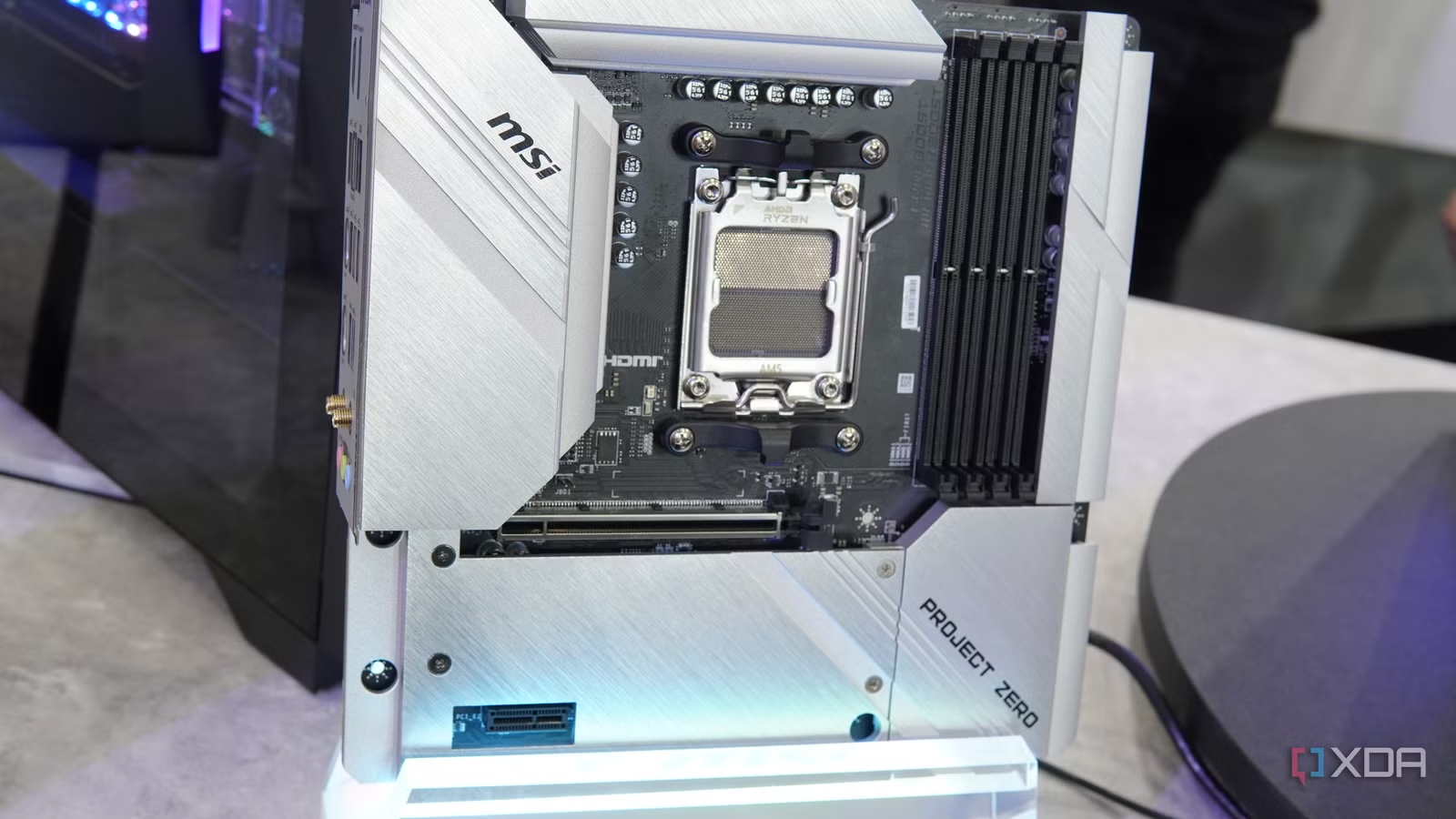
Where to Spend Big: CPU, GPU, Cooling and Incremental Builds
The upgrades that deliver obvious gains are the ones you should prioritize. Moving from an RTX 3090 to a 4090, pairing that with a 360Hz OLED instead of 240Hz, and stepping from a 5800X3D to a 9800X3D all yield tangible improvements in frame rates and how smooth games feel. According to reporting on recent component trends, “building incrementally… gives you numerous opportunities to scour for better deals over a period of time,” especially when RAM, SSDs, and GPUs carry a shortage premium. That is why you should spend on parts that decide how well your games run—CPU, GPU, and RAM—and on cooling that keeps them stable under load. For a 9800X3D, the kind of power delivery high-end X870E boards offer is overkill when a decent B850 board handles it with ease. Anchoring your system with a good-value motherboard while prices are below launch levels, then adding memory and graphics when you spot dips, helps offset inflated PC component pricing and lowers the average cost of your build.
Buy if / Skip if
- Buy the GIGABYTE B850 AORUS Elite if you want strong gaming and creator performance on AM5 without paying for niche flagship features that do not affect frame rates.
- Skip the GIGABYTE B850 AORUS Elite if you genuinely need flagship extras like Wi-Fi 7, 5GbE LAN, USB4, or multiple PCIe 5.0 SSDs for specialized workflows.
- Buy the GIGABYTE B850 AORUS Elite if you plan to invest most of your budget into CPU, GPU, RAM, and cooling, using the board as a reliable PCIe 5.0-ready platform.
- Skip the GIGABYTE B850 AORUS Elite if you do not care about budget PC optimization and are willing to pay significantly more for overbuilt VRMs and cosmetic extras.
- Buy the GIGABYTE B850 AORUS Elite if you are comfortable leaving shared high-end M.2 slots unused or checking the manual to avoid bandwidth splits that reduce GPU lanes.
- Skip the GIGABYTE B850 AORUS Elite if you expect to fill every possible M.2 and PCIe slot and prefer a board designed around maximum connectivity, even at a price premium.