
What OpenPuck Is and Why You’d Want One
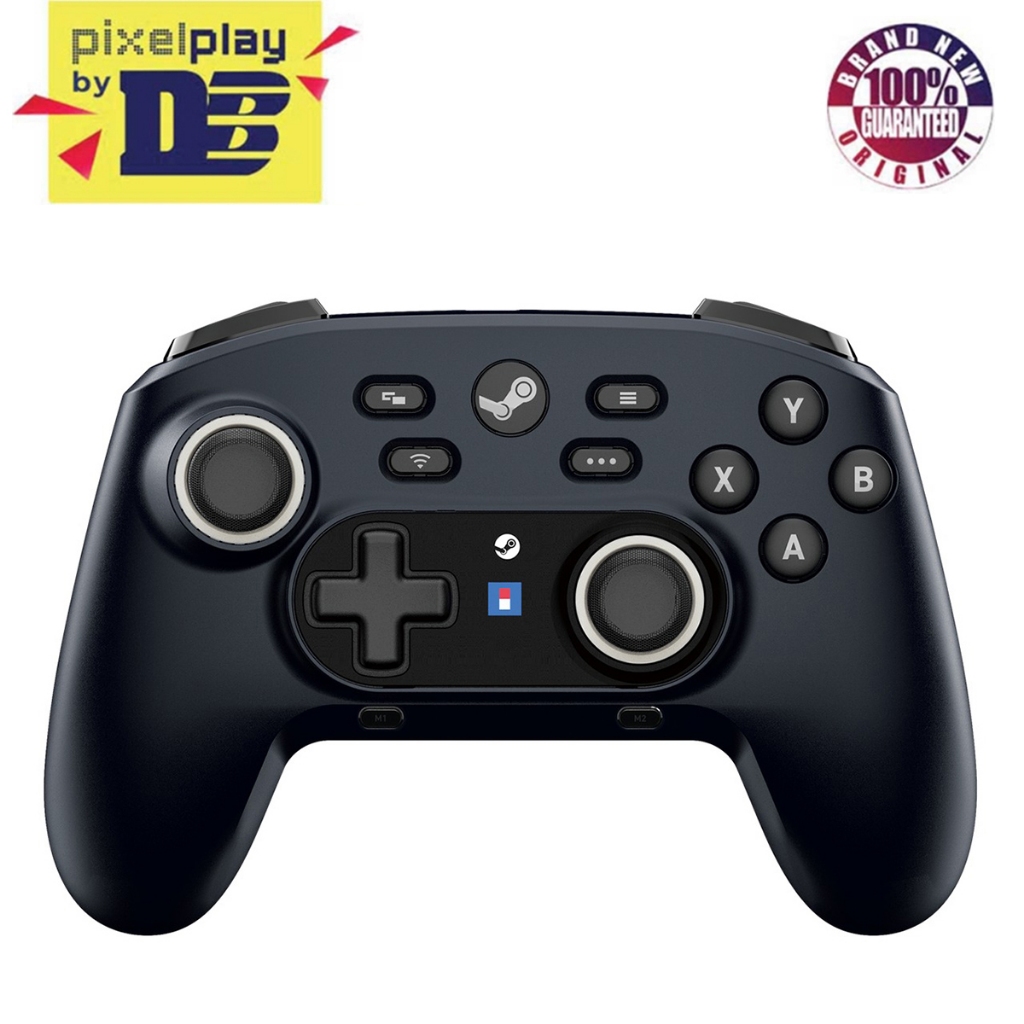
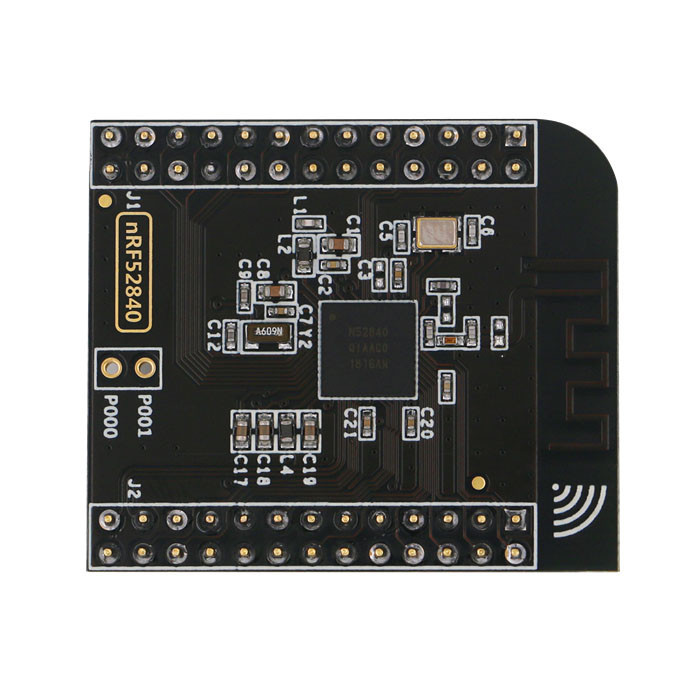
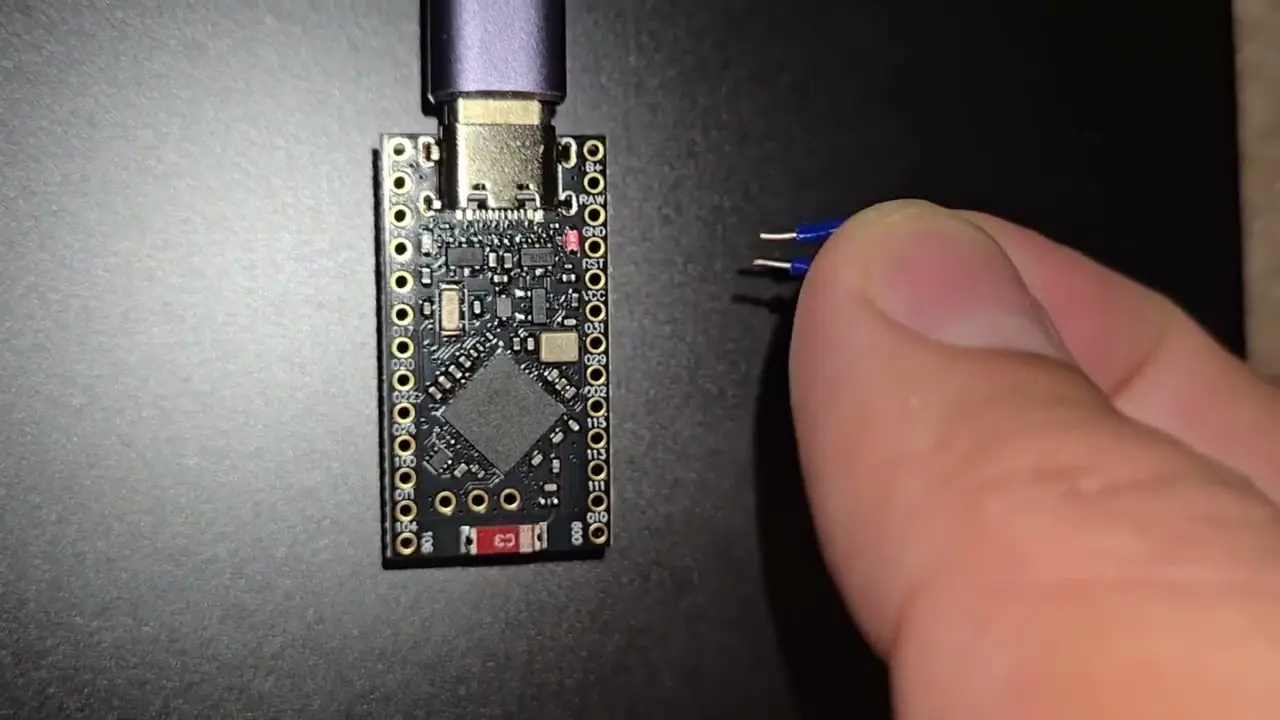
OpenPuck is an open-source firmware project that runs on an NRF52840 Bluetooth microcontroller and mimics Valve’s Steam Controller puck wireless protocol, enabling a DIY wireless receiver build that uses the controller’s proprietary 2.4GHz connection and can be detected as a Switch Pro Controller on compatible devices. If you love your Steam Controller but feel boxed in by one platform, OpenPuck turns a low-cost board into a cross platform gamepad bridge so you can carry that same layout and gyro feel to other hardware without relying on official adapters. The big appeal is freedom: you get a fully functional open source game controller puck that follows your own rules and can live anywhere a USB receiver fits.
Think of OpenPuck as a tiny translator. On one side, it speaks the Steam Controller’s 2.4GHz wireless language; on the other, it presents itself as a familiar controller profile to the host device. That means you can treat your Steam Controller more like a regular cross platform gamepad, while keeping its unique touchpads and triggers. The trade-off is that you are responsible for the hardware and flashing process, so this is best suited for people comfortable with tinkering and fine with a bit of trial and error.
What This DIY Receiver Does (and Doesn’t) Replace
The stock Steam Controller puck is tied tightly to Valve’s ecosystem, both in hardware and through Steam Input. OpenPuck cuts that cord by emulating the puck’s wireless protocol on an NRF52840 Bluetooth microcontroller, taking advantage of the proprietary 2.4GHz connection that keeps latency low. Because the firmware is open source and hosted for the community, you get complete project files that can be inspected, modified, and turned into derivative builds that fit your own use case or hardware preference.
The biggest practical win is that OpenPuck lets you use the Steam Controller fully without Steam Input, so you no longer need Steam running—or even installed—for gamepad compatibility on your device. That is a huge quality-of-life upgrade if you spend time on handhelds, living-room consoles, or devices where Steam software would be overkill. The catch: this DIY puck does not include Valve’s built-in charging contacts, so your controller will need to be powered and charged separately, and you are accepting the usual tinkerer responsibilities of troubleshooting and keeping your firmware up to date.
Step-by-Step: Turning Your NRF52840 Board Into an OpenPuck
You are not buying a finished dongle here—you are doing a Steam Controller DIY build on top of someone’s shared work. The firmware comes from a GitHub user who wrote the OpenPuck code largely with the help of AI language models, and released it so others could replicate or extend it. With that in mind, walk through the process slowly and expect to double-check documentation as you go.
- Get a supported NRF52840 Bluetooth microcontroller board and confirm it exposes a way to flash firmware (typically via USB or SWD) compatible with the OpenPuck project.
- Download the OpenPuck firmware and project files from the GitHub repository maintained by the original developer, making sure you have the latest stable release.
- Install the recommended flashing tools from the project documentation so your computer can talk to the NRF52840 board and upload firmware safely.
- Connect the NRF52840 board to your computer, select the correct target in your flashing tool, and flash the OpenPuck firmware, following any configuration notes in the repository.
- Pair your Steam Controller with the flashed NRF52840 receiver by putting the controller into wireless mode so it can use its proprietary 2.4GHz link with the new puck.
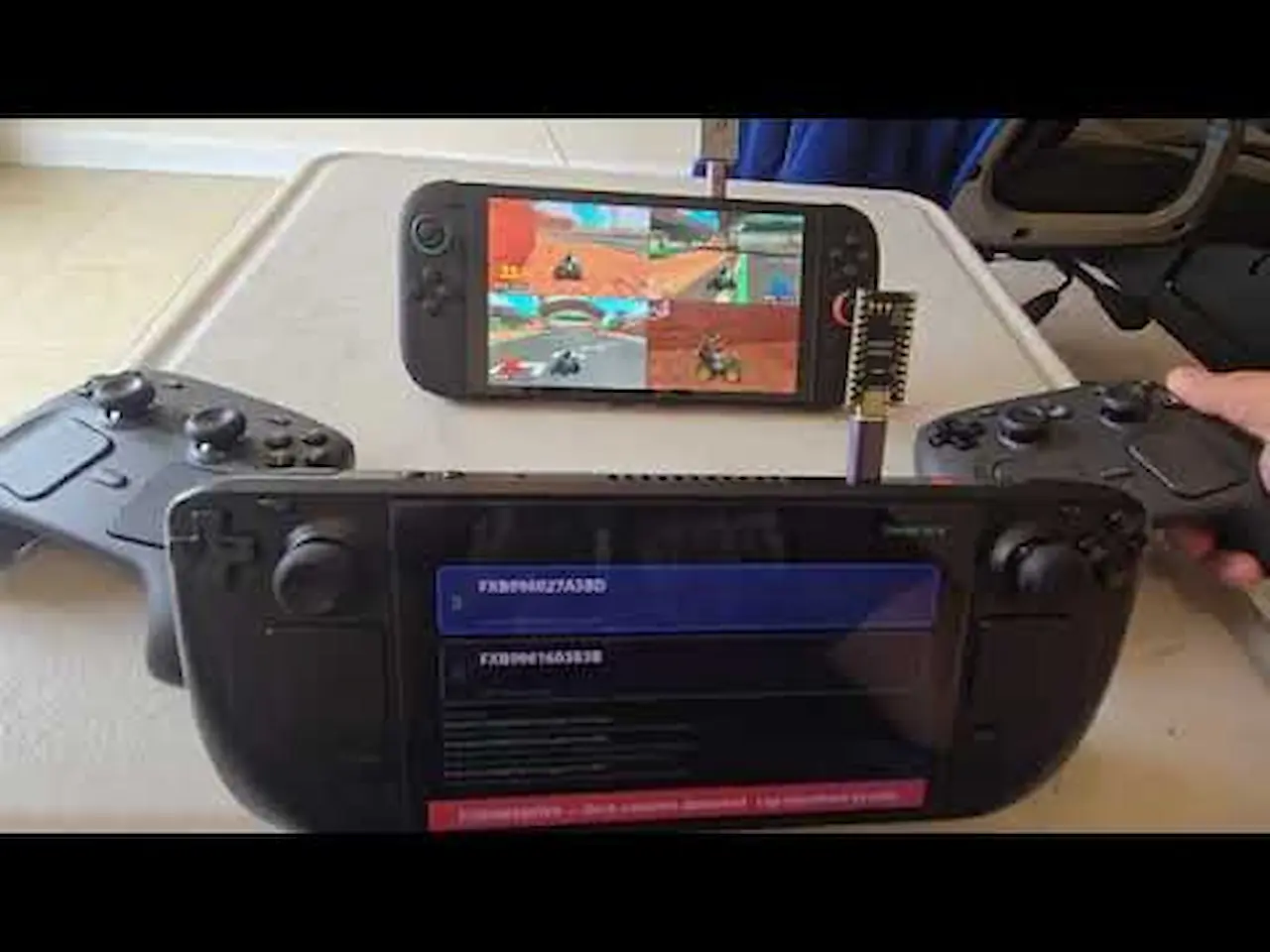
- Plug the receiver into a device that supports gamepads, such as hardware that can treat OpenPuck as a Switch Pro Controller profile, and verify buttons, pads, and gyro behave as expected.
The real gotcha in this wireless receiver build is that you are working from community firmware, not an official hardware kit. If you flash the wrong file or choose an unsupported NRF52840 board, you may spend time recovering the device or chasing odd input bugs. Treat the GitHub issues and documentation as part of the build itself; testing on one device before depending on it everywhere will save headaches. According to the project’s description, OpenPuck can be connected to devices like a Switch and be detected as a Switch Pro Controller, which is a strong sign that the mapping logic aims for broad platform awareness.
Customizing and Living With Your OpenPuck Receiver
Once your NRF52840 is talking to the Steam Controller, the fun part is customization. Because the firmware is open source, you can tweak behavior, add mappings, or create derivative builds that better fit your setup or additional devices. That might mean adjusting how the puck reports itself to the host so it matches a profile your hardware likes, or experimenting with different layouts for specific games. In effect, you are curating your own cross platform gamepad experience, instead of being locked to Valve’s defaults or needing Steam Input on every machine.
Daily use is straightforward: plug the receiver in, power on the Steam Controller, and use it much like any other open source game controller puck. You will still have to charge the controller separately, since the NRF52840 board does not offer the metal contacts and charging behavior of Valve’s official puck. Over time, watch the firmware repository for updates or fixes—those are your equivalent of driver updates. If something breaks after a host update, you are relying on the community and your own willingness to rebuild or reflash, but you also gain the ability to adapt faster than any closed accessory ever could.
Is Building an OpenPuck Worth It?
If you are happy only using a Steam Controller on a single PC with Steam running, OpenPuck may feel like overkill. But if you want one controller that can follow you to devices where official pucks are scarce and Steam Input is absent, this project is compelling. It turns a modest NRF52840 board into a DIY wireless receiver that speaks the Steam Controller’s 2.4GHz language and presents itself as a familiar console-style profile.
The main things to watch for are hardware compatibility, the lack of built-in charging, and the reality that this code base is community-driven and built with the help of AI tools. You gain flexibility and a genuine open source game controller bridge, at the cost of a bit of tinkering and careful flashing. For many Steam Controller fans, that trade is worth it: a single, customizable puck that lets their favorite pad keep working wherever they play.