
Why the Mac mini Is Our Top Pick
A mini PC is a compact desktop computer that delivers laptop-like or full desktop-class performance in a chassis small enough to sit in your palm, making it ideal for space-constrained workspaces and clutter-free setups. Mini PCs now pack more performance into frames only a few inches tall, in some cases surpassing older full-size towers while fitting easily on a crowded desk or behind a monitor. This mini PC buying guide will help you find the best mini PC 2026 for your workload, whether you need a small form factor PC for productivity, creation, or gaming.
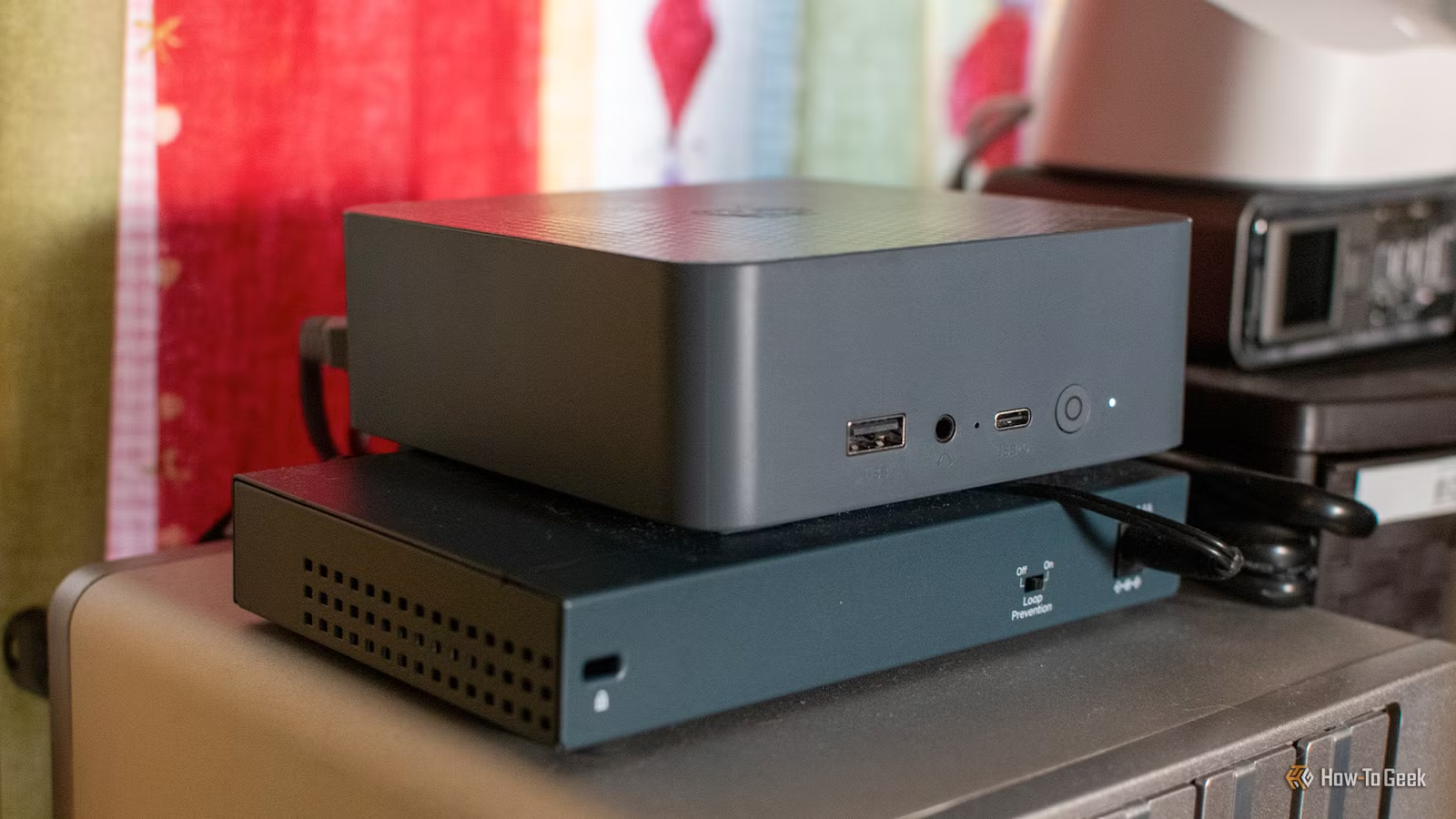
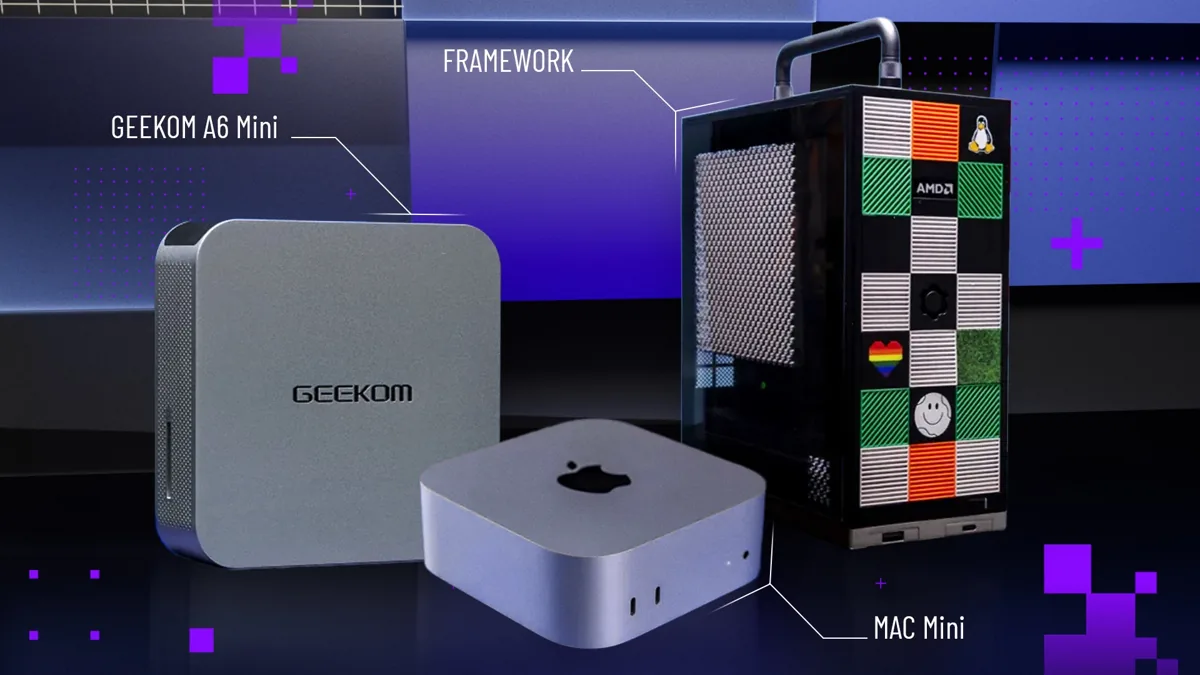
For most people, the best compact desktop computer to buy is the latest Mac mini with the M4 or M4 Pro chip. It combines excellent high-end performance for work and play in a small chassis, offers a new space-saving design, and provides more memory in its base model at the same low entry price. In its tested configuration, this small form factor PC pairs an Apple M4 Pro 14‑core processor with 48GB of RAM, a 1TB SSD boot drive, and integrated Apple M4 Pro 20‑core graphics, all running macOS Sequoia. That makes it a fast, quiet anchor for home offices, creative suites, or mixed-use desks. If you already own an iPhone, iPad, or MacBook Air, it slots into your ecosystem seamlessly and feels like an affordable performance upgrade rather than a separate machine.
The Mac mini is the right default choice if you value a clean setup, quiet operation, and top-tier productivity performance more than tinkering. It is an excellent general-use and productivity desktop for Apple fans, delivering high power in a sleek, small package. Home-office shoppers get a compact, energy-efficient system that still feels snappy with office suites, browser-heavy workflows, and light creative work. MacBook Air owners can treat it as their at-home turbo button: the desktop carries the heavy loads while the laptop stays light for travel, with cloud features making the two systems feel like one. The major trade-offs are that internal memory and storage are not upgradable after purchase, base storage capacity can feel scant, and fans can get noisy under sustained load—so you should order enough RAM and SSD upfront.
Best Mini PC for Windows Users: Geekom A9 Max
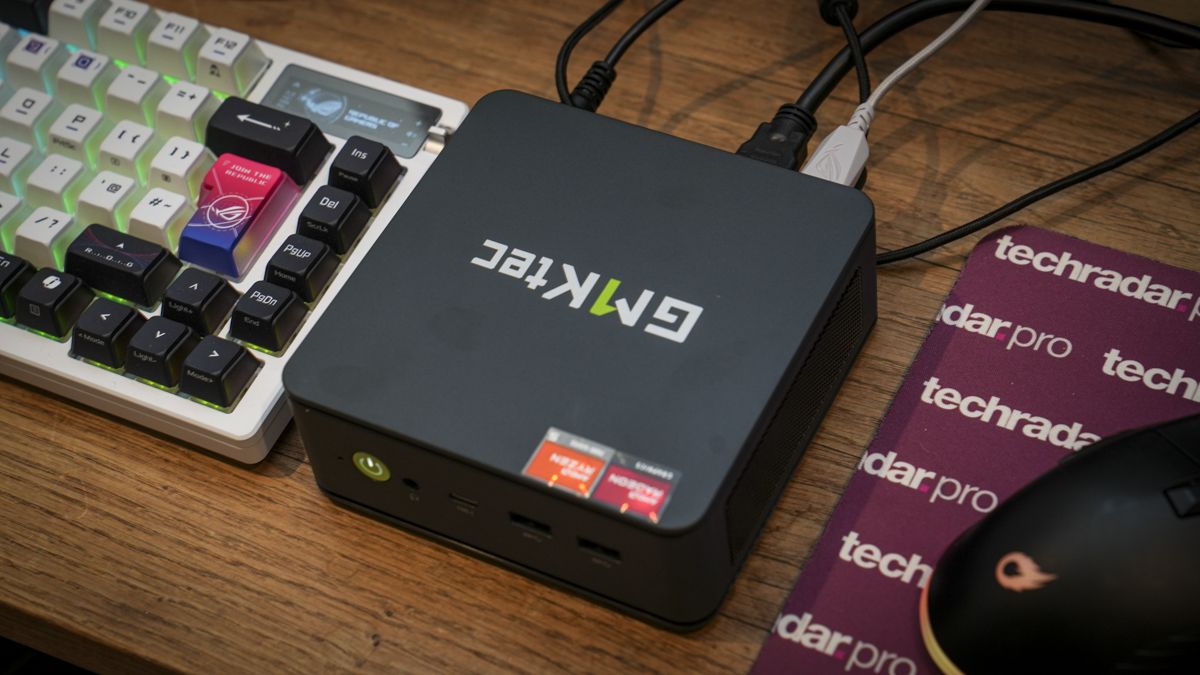
If you want the best mini PC 2026 experience on Windows, the Geekom A9 Max is the compact desktop computer to beat. It is an attractive, well-built mini PC with a small, unobtrusive chassis design that intentionally echoes the clean look of the Mac mini, but runs Windows software. According to the mini desktop testing team, “Geekom took great care in its hardware design to deliver a product as premium-feeling as the Mac mini, and it shows throughout the A9 Max chassis and feature set.” Under the hood, this small form factor PC uses an AMD Ryzen AI 9 HX 370 processor, 32GB of RAM in the tested configuration, a 2TB SSD boot drive, and AMD Radeon 890M graphics, all on Windows 11.
The Geekom A9 Max is ideal for Windows users who are a bit Mac-jealous about hardware but committed to Microsoft’s ecosystem. Its solid productivity performance from the Ryzen AI chip and generous connectivity—including four front USB ports and dual Ethernet—make it a strong fit for high-end PC users who need top-end performance from a tiny system. This is a smart choice for creative pros, power users, and light gamers who want a powerful yet compact desktop that can sit under a monitor or in a media console while handling demanding workloads. Memory and storage are upgradable, so you can start with the tested 32GB/2TB setup and later expand as your projects grow, though the single available configuration can feel expensive if you do not need all that CPU power and port selection.
As with any high-performance mini PC, thermal design matters. The A9 Max’s cooling system keeps the AMD Ryzen AI 9 HX 370 in check, but the cooling fan can get noisy under load, which is the primary downside alongside its higher price tier. Still, for buyers who want a best mini PC 2026 candidate that rivals full-size desktops in productivity but occupies only a few inches of desk space, the Geekom A9 Max sets the standard.
Best Mini PC for Offices and IT: Core Ultra Small Form Factor
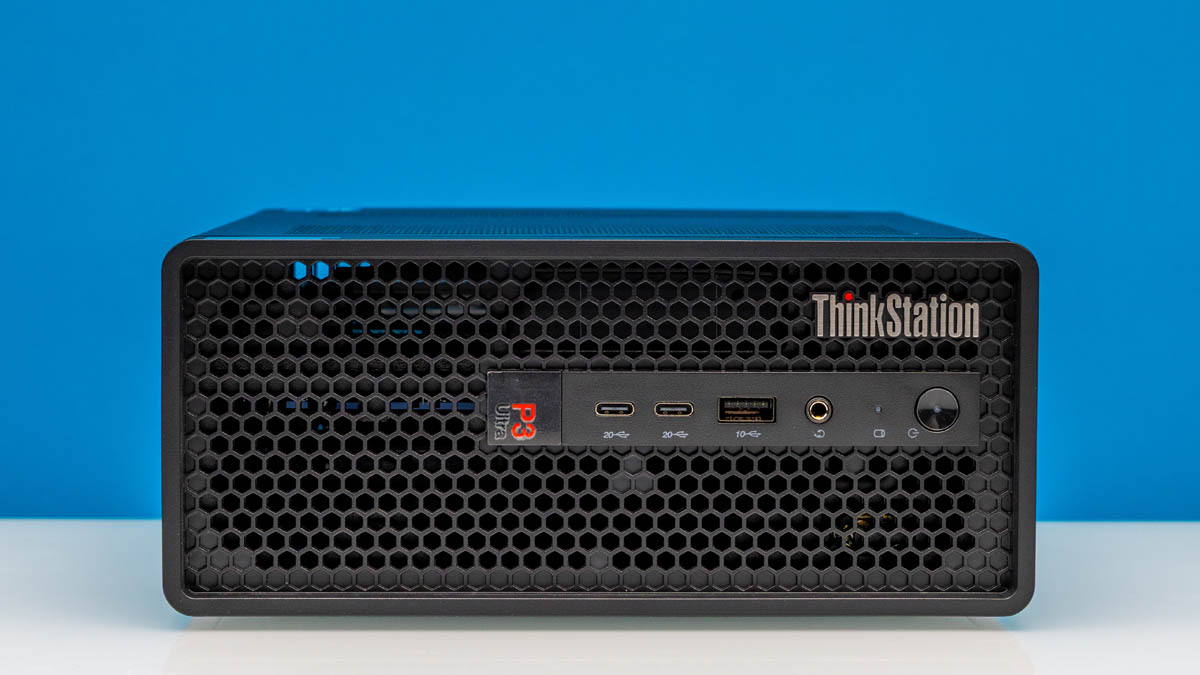
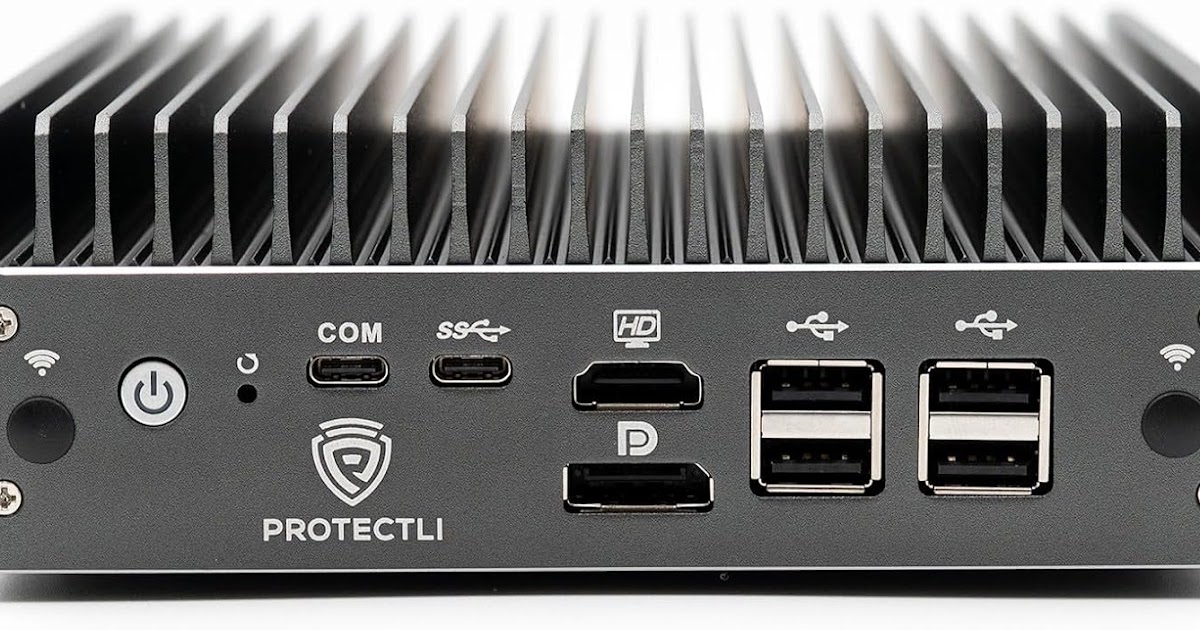
For small offices, call centers, and retail environments, the standout compact desktop computer is a mini PC built around Intel’s Core Ultra 9 285H processor. In the tested configuration, this small form factor PC pairs that 2.9GHz Core Ultra 9 285H with 32GB of RAM, a 1TB SSD boot drive, and Intel Arc 140T graphics, running Windows 11. Despite its size, it delivers potent productivity performance, making it ideal for standard business workloads, multi-monitor setups, and video calls while still keeping the chassis small enough to mount behind a display or under a counter.
This mini PC is tailored for SMB IT buyers who need a reliable, easy-to-deploy small form factor PC fleet. The H‑series Core Ultra chip, combined with ample memory and storage, makes it an easy default for equipping staff with capable machines that handle everyday productivity tasks smoothly. Windows fans with Mac envy will like that it offers a Mac mini‑like hardware experience but keeps Windows 11 and full access to the Windows software catalog. USB ports and other connections are plentiful, which is important because, in mini desktops, USB is often your gateway to everything from external drives to webcams.
This model favors practical design choices: memory and storage are easy to access and upgrade, simplifying field service and extending lifespan, and it comes with a three-year warranty. Thunderbolt 4 and Wi‑Fi 7 support ensure modern connectivity for fast peripherals and networks. The main drawbacks are that the fan gets loud under heavy workloads and there is no 3.5mm audio jack, so you may rely on USB or Bluetooth audio. Even so, for IT buyers seeking a best mini PC 2026 option that balances performance, serviceability, and compact size, this Core Ultra-based system is the safest choice.
How to Choose the Right Mini PC
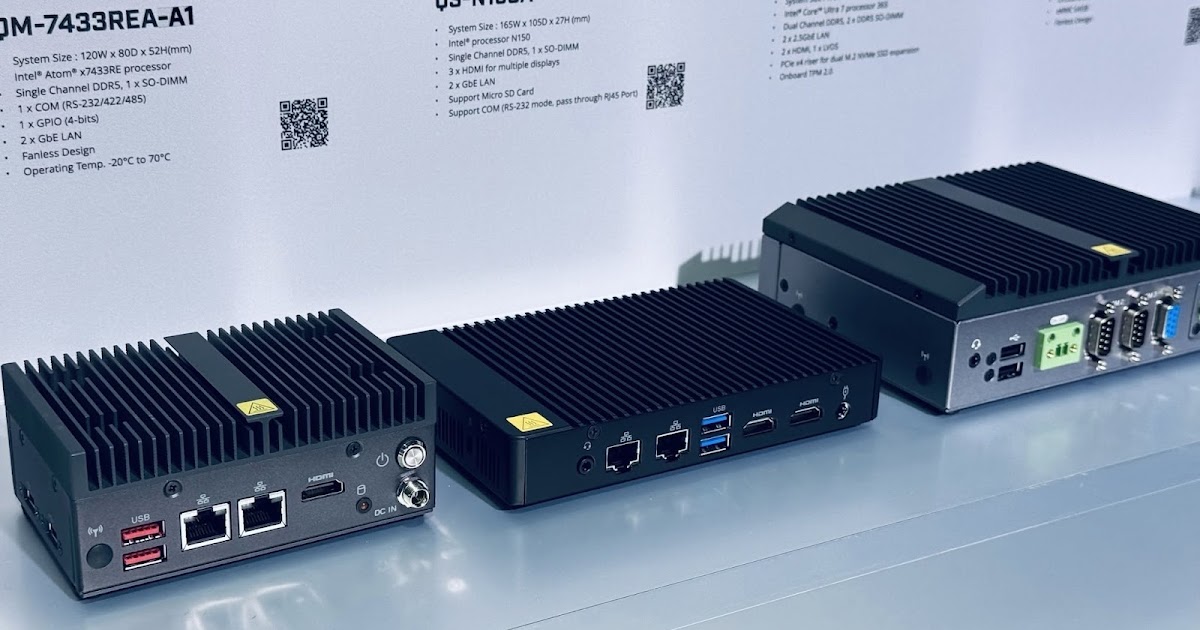
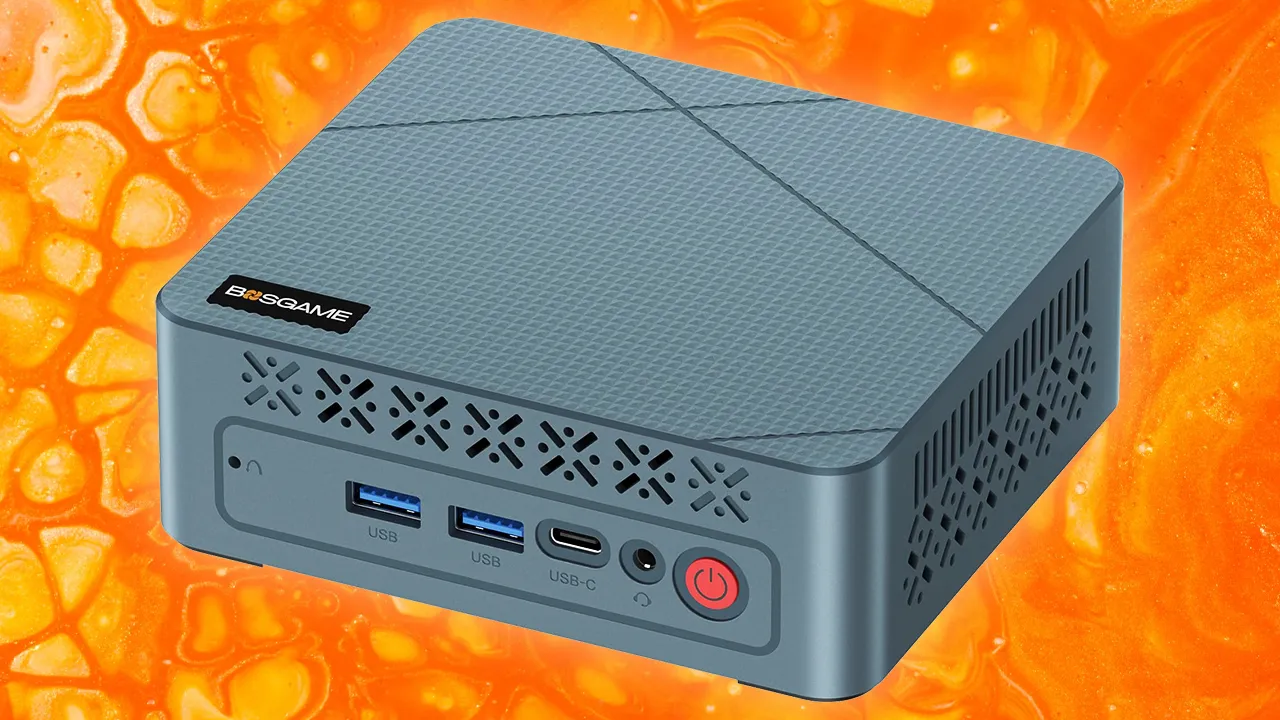
Most mini desktops today are squares or rectangles only a few inches tall, small enough to fit in your palm and tuck behind a monitor or into a kiosk, yet powerful enough to rival past full-size towers. Space savings and reduced heat output make these compact systems ideal for office, creative, and gaming workspaces where desk real estate and noise are at a premium. Many models in this mini PC buying guide fall under the small form factor PC category, with chassis sizes under 5 inches on a side while still offering desktop-class performance.
When comparing candidates for the best mini PC 2026, focus on four key factors. First, processor choice: mainstream mini PCs commonly use AMD Ryzen and Intel Core or Intel Core Ultra chips, with higher-end parts like Ryzen AI 9 HX 370 and Core Ultra 9 285H delivering strong productivity performance. Second, RAM capacity: expect 8GB to 32GB of memory in most systems, with many models choosing 32GB to boost performance for multitasking and heavier workloads. Third, storage options: common configurations range from 256GB to 1TB SSDs, often M.2 NVMe drives, and some models allow dual M.2 SSDs for more capacity and speed. Fourth, thermal design and noise: compact chassis can get loud if cooling fans ramp under load, as noted for the Mac mini, Geekom A9 Max, and Core Ultra-based mini PCs.
Customization matters if you work with 4K video or other demanding tasks. Many mini desktops match laptop-class ranges, but models that support up to 64GB RAM and dual M.2 NVMe SSDs turn these small boxes into serious workstations capable of smooth 4K editing and large project handling. Connectivity is another key decision point: USB ports provide links to storage, input devices, and audio, so check how many are available on the front and back. Some systems add Thunderbolt 4 and Wi‑Fi 7, which are especially useful for fast external drives and modern networks. Finally, weigh price-to-performance: entry-level options start below USD 1,000 and focus on simple everyday use, while business and workstation-grade mini PCs with professional features scale higher and can exceed USD 1,000.
Buy if / Skip if
- Buy the Mac mini if you want a compact desktop for general productivity and creative work within the Apple ecosystem, especially as a powerful home-office hub.
- Skip the Mac mini if you need post-purchase upgrades to RAM or internal storage, or if you are sensitive to fan noise under load.
- Buy the Geekom A9 Max if you are a Windows user who wants Mac mini-like hardware quality, high-end Ryzen AI performance, and generous front USB and dual Ethernet connectivity.
- Skip the Geekom A9 Max if your workloads are light and you do not need its single high-end configuration or can’t tolerate a cooling fan that gets noisy under load.
- Buy the Core Ultra 9 285H-based mini PC if you are an SMB IT buyer or Windows fan seeking a small form factor PC with potent productivity performance, easy upgrades, and a three-year warranty.
- Skip the Core Ultra 9 285H-based mini PC if you require a built-in 3.5mm audio jack or need an ultra-quiet system where occasional loud fan noise would be a problem.