
The One Upgrade Most Gamers Should Start With
Budget PC upgrades are focused changes to peripherals, connectivity, and desk setup that deliver noticeable gains in comfort, responsiveness, and immersion without replacing expensive internal components like CPUs, GPUs, or large-capacity storage drives, making them ideal affordable gaming improvements when hardware prices are high.
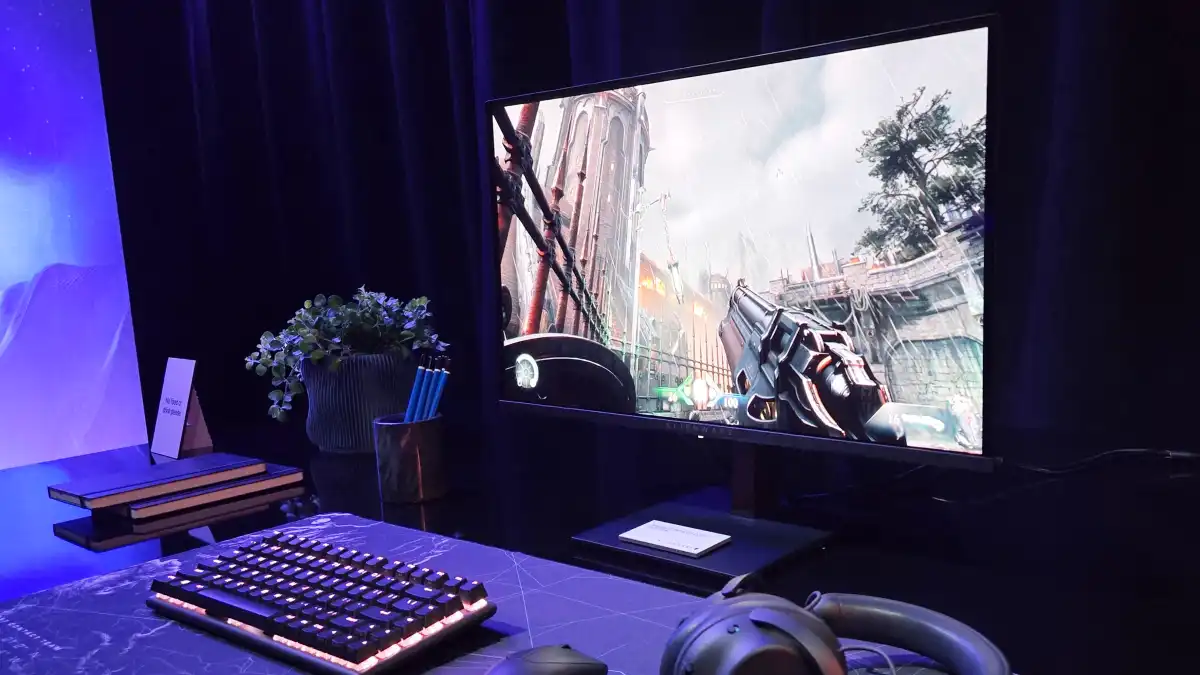
If you only make one upgrade, start with your display. A fast, high-contrast screen changes every game you play, no matter what hardware sits inside your case. The standout pick here is a 27‑inch, 1440p OLED monitor with a 240Hz refresh rate at USD 350 (approx. ₱19,600), which is described as “the lowest for any name-brand OLED” while still keeping top-tier speed. For most people, that balance of price, resolution, and refresh rate is the single biggest visual upgrade you can buy right now.
This kind of monitor does have a trade-off: you lose extras like USB‑C video, so it is not a perfect all‑round productivity screen. But if your priority is smooth, responsive gaming and rich contrast, it beats pouring the same money into a marginal GPU bump. Think of it as the new baseline for a serious yet budget‑aware gaming setup.
Bluetooth PC Upgrade and Auracast: Hidden Wireless Power-Up
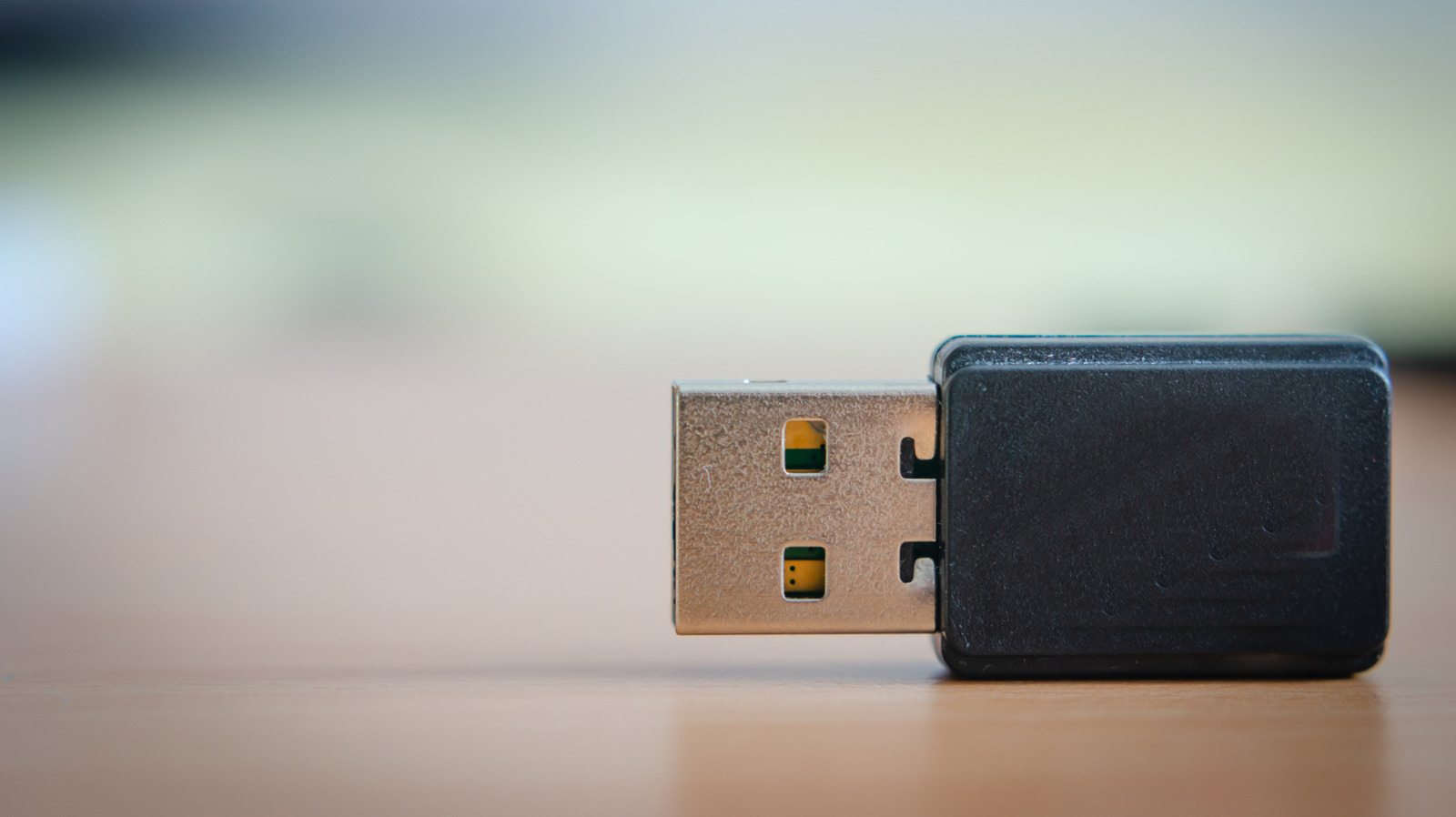
A Bluetooth PC upgrade is an inexpensive way to modernize your system’s wireless capabilities, unlocking new audio features and preparing your desktop for the next wave of peripherals. Moving to newer Bluetooth LE hardware that supports Auracast lets your PC broadcast audio to multiple devices at once without traditional pairing, so any number of compatible headphones or earbuds in range can listen to the same audio stream.
Auracast requires at least Bluetooth 5.2 and Bluetooth LE, but the payoff is big: you can share game audio or streams with friends, or keep multiple wireless headsets connected to the same machine with minimal hassle. One notable detail is that Auracast support is rolling out to Windows 11, which means a Bluetooth upgrade could soon let your PC join the party. That makes this a smart, future‑proof move instead of another throwaway dongle.
There is a mindset shift, though. Because Auracast works as a broadcast, you may want to enable features like password‑protected sessions to avoid uninvited listeners. Still, as affordable gaming improvements go, bringing your wireless stack up to date gives you flexibility for mice, keyboards, controllers, and multi‑device audio without touching your core components.
Keyboard, Mouse and Headset: External Gear That Punches Above Its Price
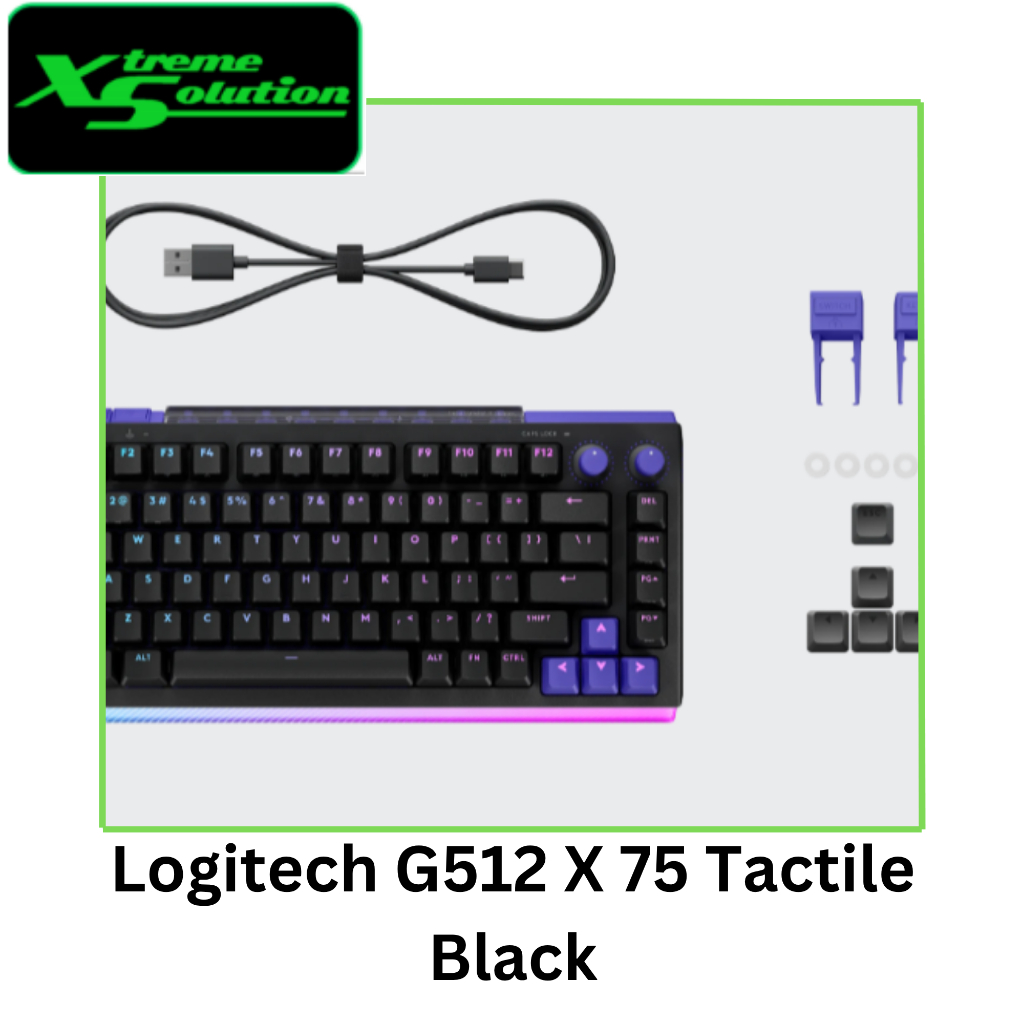
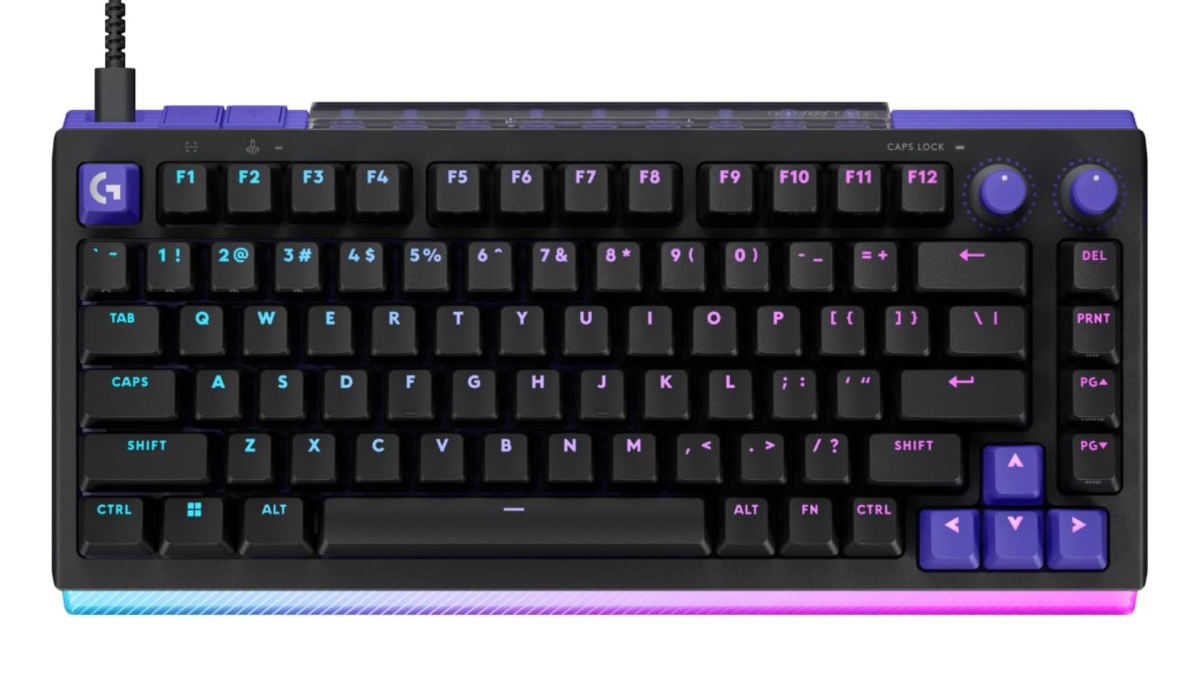
When internal upgrades are out of reach, external gear offers powerful alternatives to a pricey internal upgrade. A standout keyboard option is a model that lets you adjust actuation, change the pressure needed to activate keys, and even trigger multiple actions with a single button press, while also being hot‑swappable with both TMR magnetic switches and standard Cherry MX‑style switches. This flexibility comes in 75% and almost‑full‑size layouts, though some users might be wary if they do not like adjustable actuation in general.
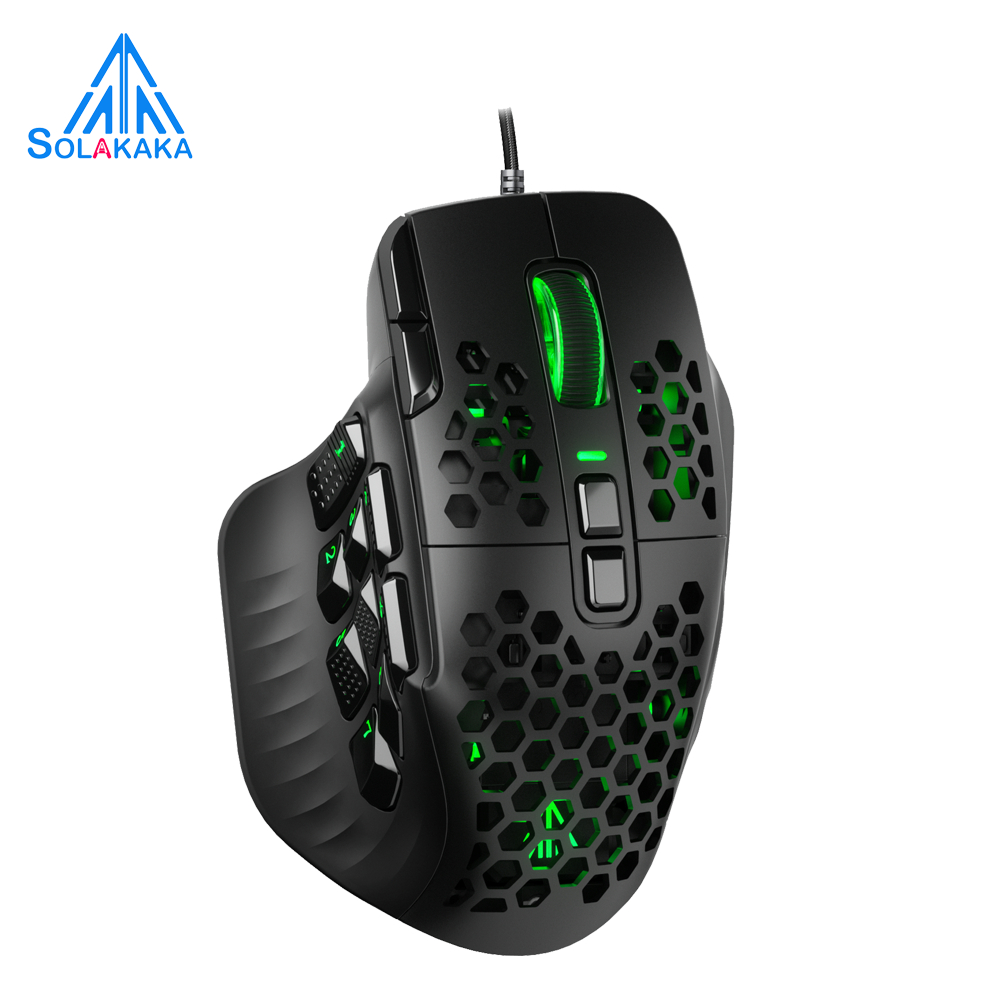
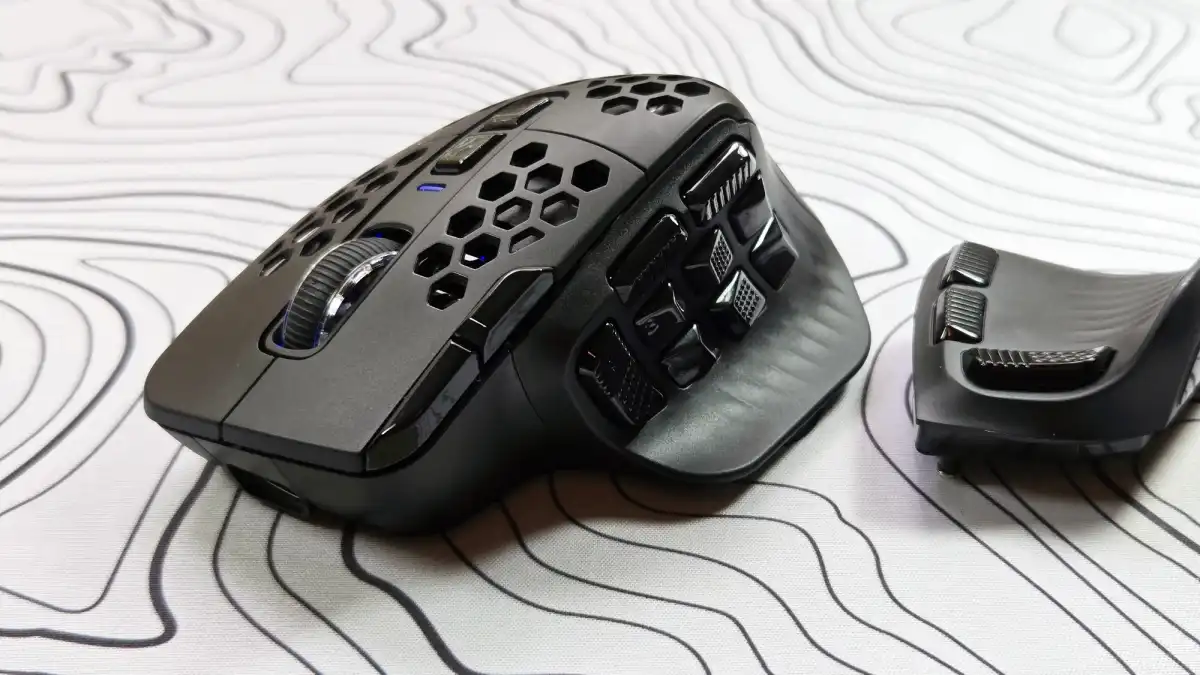
On the mouse side, there is an odd‑looking budget option at USD 46 (approx. ₱2,600) that uses triple‑swap side panels inspired by high‑end multi‑button designs. It offers easy programming, long battery life, and supports both a standard USB‑A wireless dongle and Bluetooth, making it a less pricey way to enhance your PC gaming compared to premium brands. The obvious downside is the perforated shell, which demands regular cleaning because “those holes aren’t optional.”
For audio, a wireless headset option at USD 120 (approx. ₱6,700) combines a wireless USB connection with a claimed 300 hours of battery life and large 50mm drivers. According to the source, “The HyperX Cloud Alpha nails both, with wireless USB and nigh-mythical 300 hours of battery life — most of a calendar year in my case — plus big, booming 50mm drivers.” The trade-off is that this is aimed more at flexibility and endurance than audiophile‑grade tuning, so audio purists may prefer higher‑end wired gear.
Gaming Desk Enhancements: Mat, Power, and Atmosphere
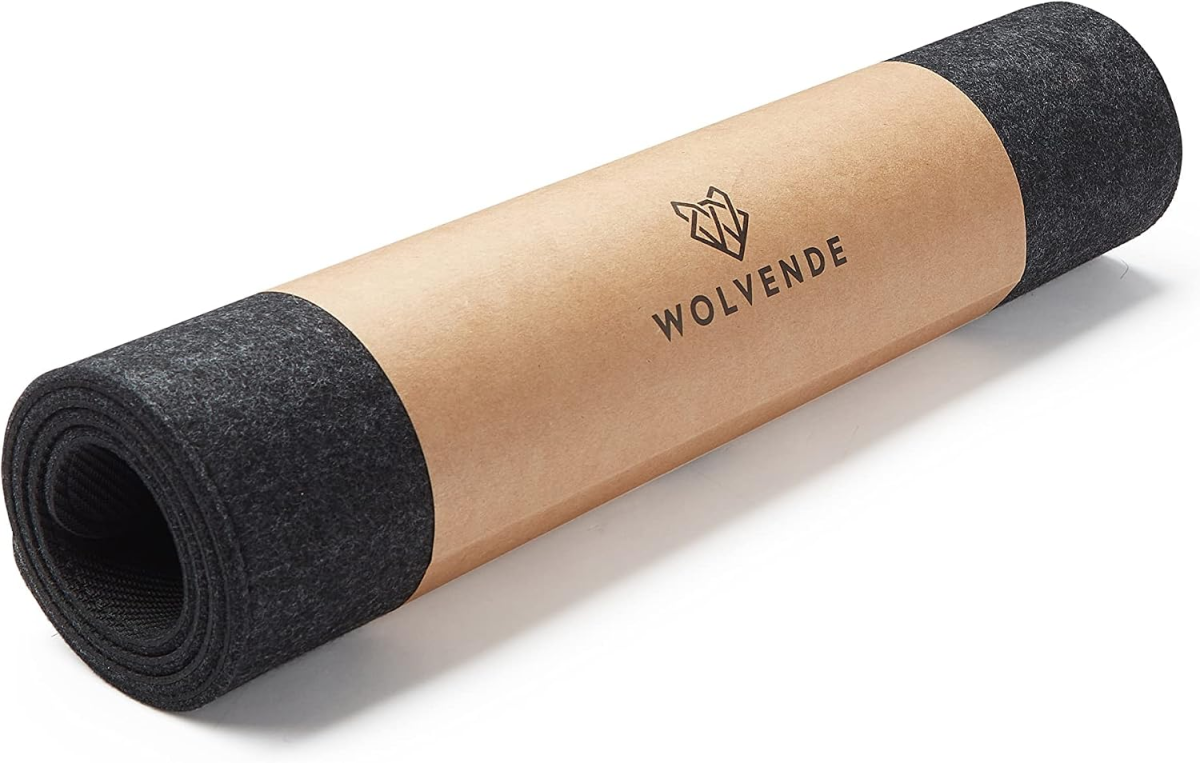
Affordable desk accessories are some of the most impactful budget PC upgrades because they improve every session, regardless of frame rate. A felt desk mat at USD 42 (approx. ₱2,300) is highlighted as a more luxurious alternative to cheap gaming pads: it spans the workspace, feels pleasant under the wrists, doubles as a coaster, and still works fine for mouse tracking. This kind of gaming desk enhancement brings comfort and unified aesthetics in one move.
Power management matters too. An under‑desk power strip around USD 26–27 (approx. ₱1,500) with four outlets, two USB‑A ports, and a USB‑C charging port can mount beneath a standard desk using 3M tape or screws. That means you can keep chargers, monitors, and accessories powered without crawling behind furniture, and you gain convenience without taking up extra surface space.
For visual flair, a reactive RGB monitor light kit at USD 70 (approx. ₱3,900) mirrors on‑screen content with LEDs behind your monitor, using a small camera to watch the picture and sync colors. It is “pure bling,” but it pumps up immersion and helps your setup stand out. Combined with cable management or a future monitor arm, these affordable gaming improvements can transform a cluttered desk into a clean, immersive battlestation without touching your CPU or GPU.
Bookshelf Speakers: Everyday Audio for Games and Beyond
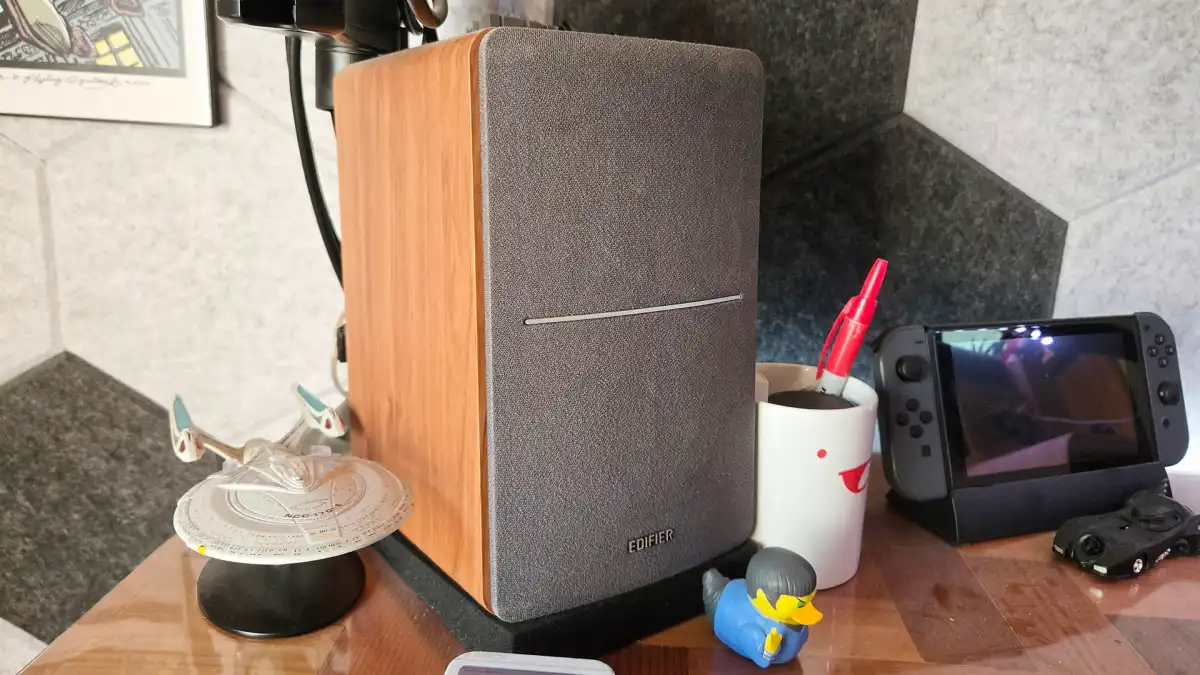
A solid pair of speakers is a classic example of maximizing existing hardware potential: you feel the benefit in every game, video, and song. One recommended set of bookshelf speakers at USD 130 (approx. ₱7,300) has been in use for almost a decade, described as powerful enough to fill an office while remaining simple to operate. This pair supports up to two inputs, so you can connect both your PC and another source like a console without constant swapping.
If you need Bluetooth, a variant with wireless support is suggested as an upgrade path, which aligns nicely with a broader Bluetooth PC upgrade strategy. The main limitation is that you will not get advanced features like room correction or digital inputs; these are straightforward, analog‑friendly speakers that prioritize ease of use over audiophile niceties.
Still, in a world where RAM and storage prices have exploded thanks to AI demand, redirecting that budget toward quality speakers is a sensible move. They give you consistent improvement in clarity and presence for everything you do at your desk, without needing any change to your Socket AM4 or other internal platform.
Buy if / Skip if
- Buy the Alienware 27-inch OLED monitor if you want the biggest visual upgrade per dollar from a 27-inch, 1440p, 240Hz OLED display at USD 350 (approx. ₱19,600).
- Skip the Alienware 27-inch OLED monitor if you need features like USB-C video more than high refresh rate gaming.
- Buy the Logitech G512 X keyboard if you want adjustable actuation, hot-swappable TMR and Cherry MX-style switches, and a customizable layout.
- Skip the Logitech G512 X keyboard if you dislike adjustable actuation or prefer a simpler, fixed-feel mechanical board.
- Buy the Solakaka SM809 mouse if you want a less pricey USD 46 (approx. ₱2,600) wireless gaming mouse with triple-swap side panels and long battery life.
- Skip the Solakaka SM809 mouse if you hate cleaning perforated shells or prefer a solid-bodied design.
- Buy the HyperX Cloud Alpha Wireless headset if you value wireless USB freedom and up to 300 hours of battery life at USD 120 (approx. ₱6,700).
- Skip the HyperX Cloud Alpha Wireless headset if you prioritize audiophile-grade sound over battery life and convenience.
- Buy the Edifier R1280T speakers if you want affordable USD 130 (approx. ₱7,300) bookshelf speakers that can handle two inputs and fill a typical office.
- Skip the Edifier R1280T speakers if you require advanced digital features like room correction or built-in Bluetooth on the base model.
- Buy the felt desk mat if you want a full-desk surface that feels good, doubles as a coaster, and works as a gaming mousepad.
- Skip the felt desk mat if you prefer a small, hard-surface mousepad focused purely on speed.
- Buy the under desk power strip if you want four outlets plus USB-A and USB-C charging mounted cleanly under your desk.
- Skip the under desk power strip if you already have a fully featured surge protector within easy reach.
- Buy the Govee-style reactive monitor light kit if you care about immersive, synchronized RGB lighting that mirrors your screen.
- Skip the Govee-style reactive monitor light kit if you dislike visible cameras or see reactive RGB as unnecessary bling.
- Buy the Bluetooth PC upgrade if you want Auracast broadcasting, multi-device audio streaming, and future-proof wireless support as Windows 11 gains features.
- Skip the Bluetooth PC upgrade if you only use wired peripherals and have no interest in wireless audio or multi-device streaming.