
TUF A14 vs A18: What This Comparison Is Really About
This comparison between the ASUS TUF A14 Refresh and the ASUS TUF Gaming A18 looks at gaming laptop performance in modern AAA games and everyday competitive play, focusing on how screen size, resolution, and RTX 5060 gaming capabilities change the experience for players who care about both portability and long sessions of demanding titles. The key takeaway is straightforward: the A14 proves that a compact ASUS TUF gaming laptop can push heavy AAA gaming benchmarks, but its high native resolution forces smart settings choices, while the larger A18 leans on its screen and storage speed to appeal to players who sit down, plug in, and grind. Neither is a perfect all-rounder, and understanding where they struggle is more valuable than chasing raw numbers.

A14 Refresh: Compact Powerhouse With Demanding AAA Titles
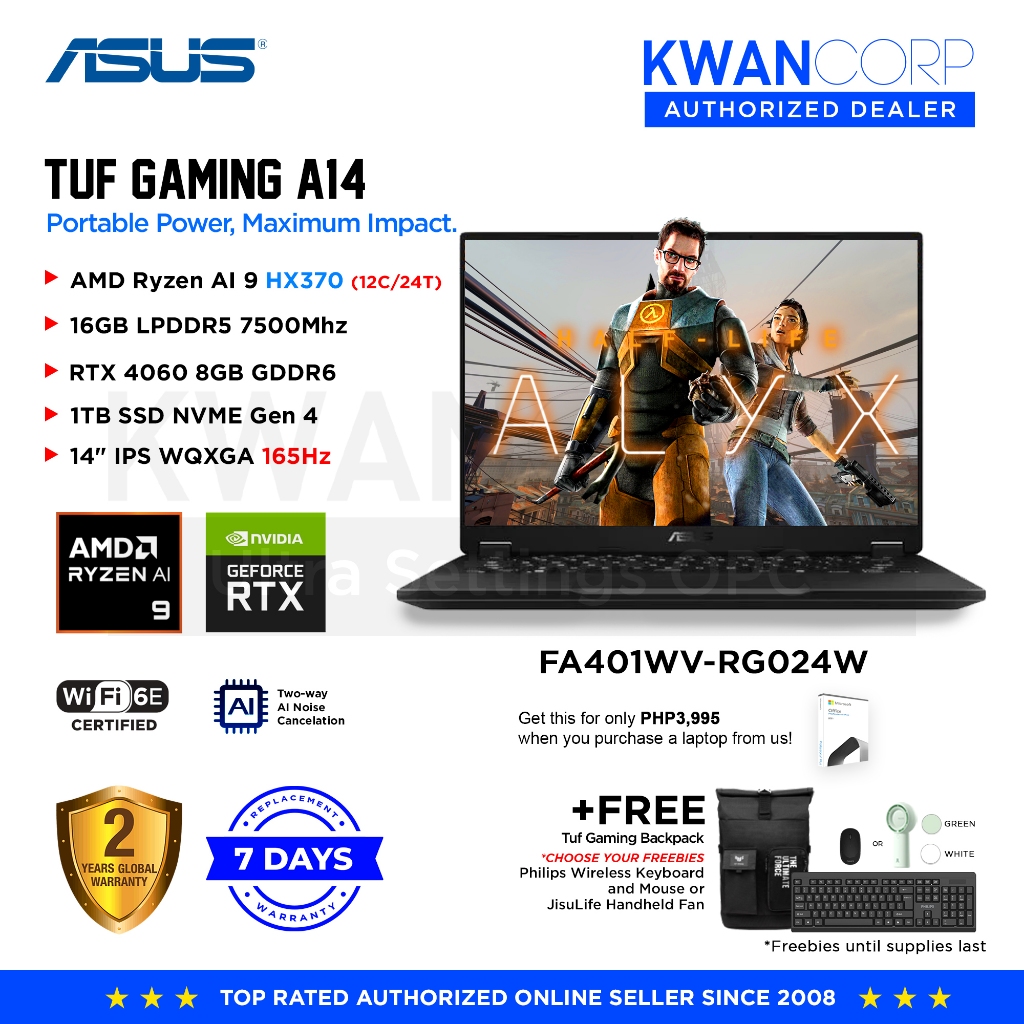
The ASUS TUF A14 Refresh is positioned as a compact work machine you can bring to gaming nights, but its AAA gaming benchmarks show a more nuanced story. Equipped with an RTX 5060 mobile GPU, its raw performance is limited at native 2.5K resolution, especially in the most demanding titles. Crimson Desert at the highest settings hovers around 18–20 FPS, which is unplayable for most people, yet DLSS Frame Generation lifts it to roughly 67–72 FPS and makes the game feel fluid. 007 First Light sits around 41–45 FPS with ray tracing at high, and Cyberpunk 2077 can surprisingly average about 62 FPS with ray tracing off and textures set to high. The blunt truth is that this ASUS TUF gaming laptop can run almost all AAA games, but you have to treat DLSS as mandatory: “since the native resolution is 2.5K, raw performance is quite low. Hence, you'd have to rely on DLSS frame generation.”
A18: Bigger Screen, Faster Storage, Different Priorities
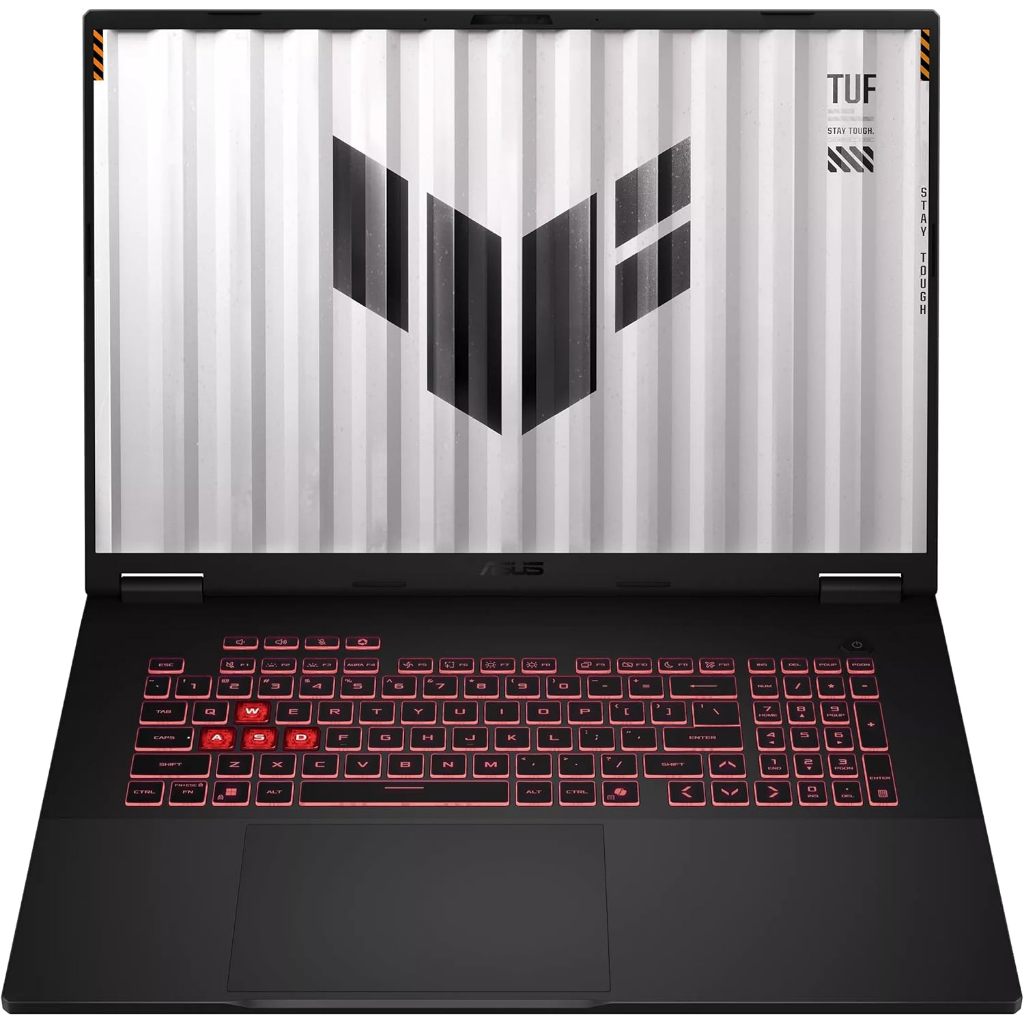
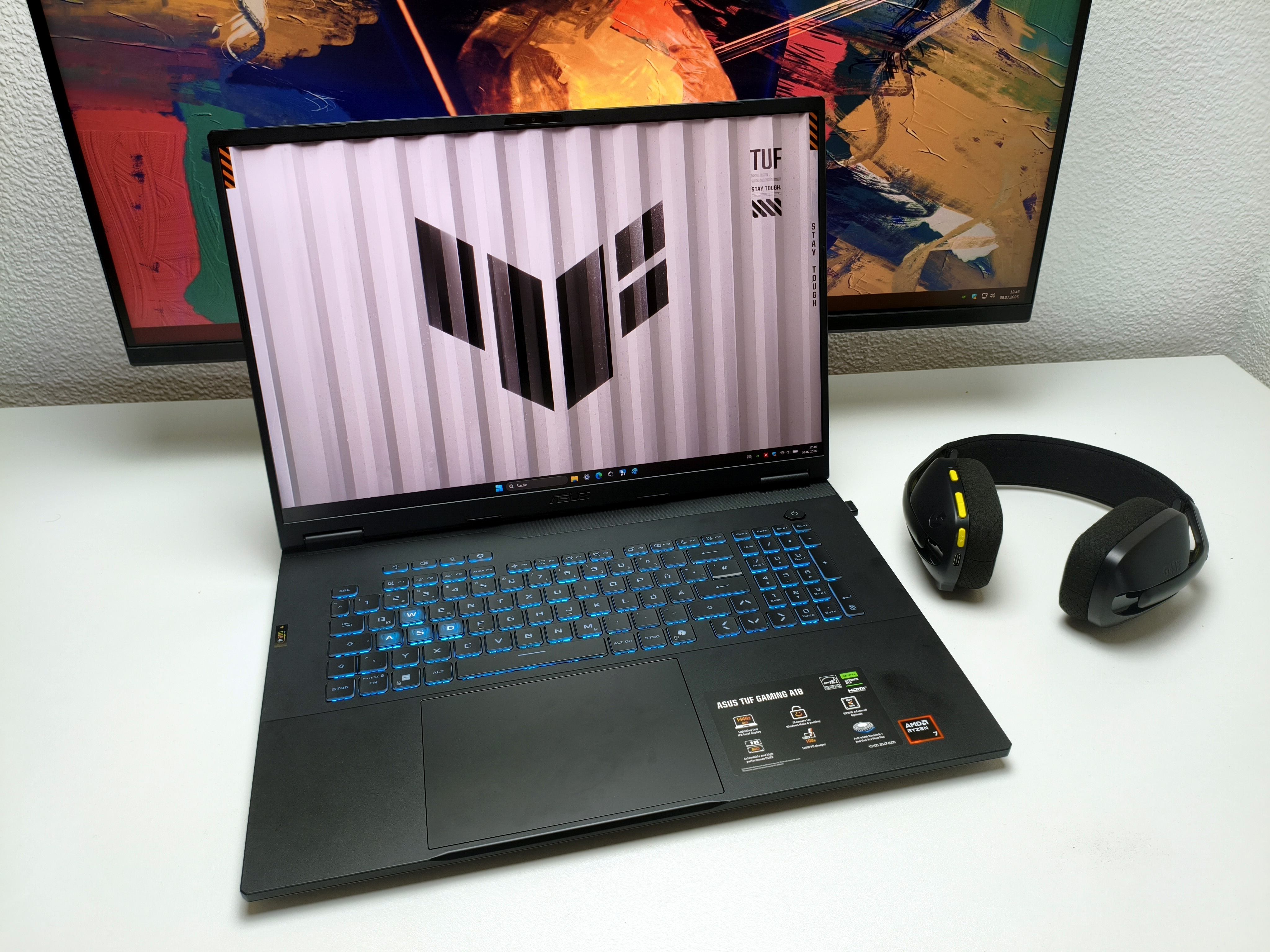
Where the A14 fights for frames, the ASUS TUF Gaming A18 leans into stability and room to breathe. The A18’s appeal is not spelled out in flashy FPS charts in the sources, but its storage tests reveal a machine built for heavy workloads and large game libraries. Sequential read speeds can reach around 3856 MB/s on one configuration, while high‑queue read and write tests push over 6600 MB/s and about 5800 MB/s respectively. For players, that means faster level loads, smoother asset streaming, and less time staring at progress bars when installing or patching big AAA titles. In practice, this fits gamers who park the laptop on a desk and care about large-screen immersion paired with responsive storage. You trade some portability for a setup that better suits long sessions, multitasking, and large modern games that constantly pull data from disk.
Shared Caveats: Resolution, Settings, and Realistic Expectations
Both laptops underline the same uncomfortable truth: mid-range RTX 5060 gaming has limits at high resolutions. On the ASUS TUF A14, the 2.5K native panel means raw frame rates can fall below what most players would accept, forcing reliance on DLSS frame generation to keep AAA titles smooth. That is a shared weakness of this class of ASUS TUF gaming laptop rather than a flaw of a single model. The A18, while not explicitly benchmarked in the same games in the sources, shares the same GPU family, so buyers should expect similar trade-offs: to hit high frame rates, you will often lower resolution or trim ray tracing. The good news is that modern tools like DLSS and conservative ray settings can bridge the gap, but people who expect limitless performance at native resolution will be disappointed. These machines balance portability, cost, and capability, not maximum brute force.
Which TUF Is Right for You?
Choosing between the ASUS TUF A14 and A18 comes down to where and how you play, not which spec sheet looks nicer. If you want a compact ASUS TUF gaming laptop that can move between work and demanding AAA games like Crimson Desert, Cyberpunk 2077, and 007 First Light, the A14 proves that mix is possible, as long as you accept that DLSS and smart settings are part of everyday play. If your reality is marathon sessions at a desk, multiple heavy games installed, and a preference for larger-screen immersion, the A18’s strong storage performance and desktop‑leaning footprint make more sense. In both cases, the right mindset matters: treat these machines as balanced gaming laptops, not desktop replacements. Respect their thermal and resolution limits, use modern upscaling, and you’ll get the smooth, modern experience they are designed to deliver.