
What Counts as a Compact Professional Desktop Today?
A compact workstation desktop is a small form factor system that delivers professional-grade CPU, GPU, and expansion capabilities in a chassis under roughly 5 liters, bridging the gap between ultra‑tiny consumer mini PCs and full‑size towers for business, creative, and technical users. If your daily work depends on certified GPUs, multiple PCIe cards, and predictable thermal behavior, purpose‑built mini workstations make more sense than sleek but sealed consumer boxes. On the other hand, if you mainly need fast general‑purpose computing in a quiet, unobtrusive machine, high‑end mini PC professional designs can be ideal. In short, the choice comes down to whether you value expandability and long‑term configurability over the polished simplicity of appliances like premium Mac‑style desktops.
Lenovo ThinkStation P3 Ultra SFF Gen 2: A True Small Form Factor Workstation
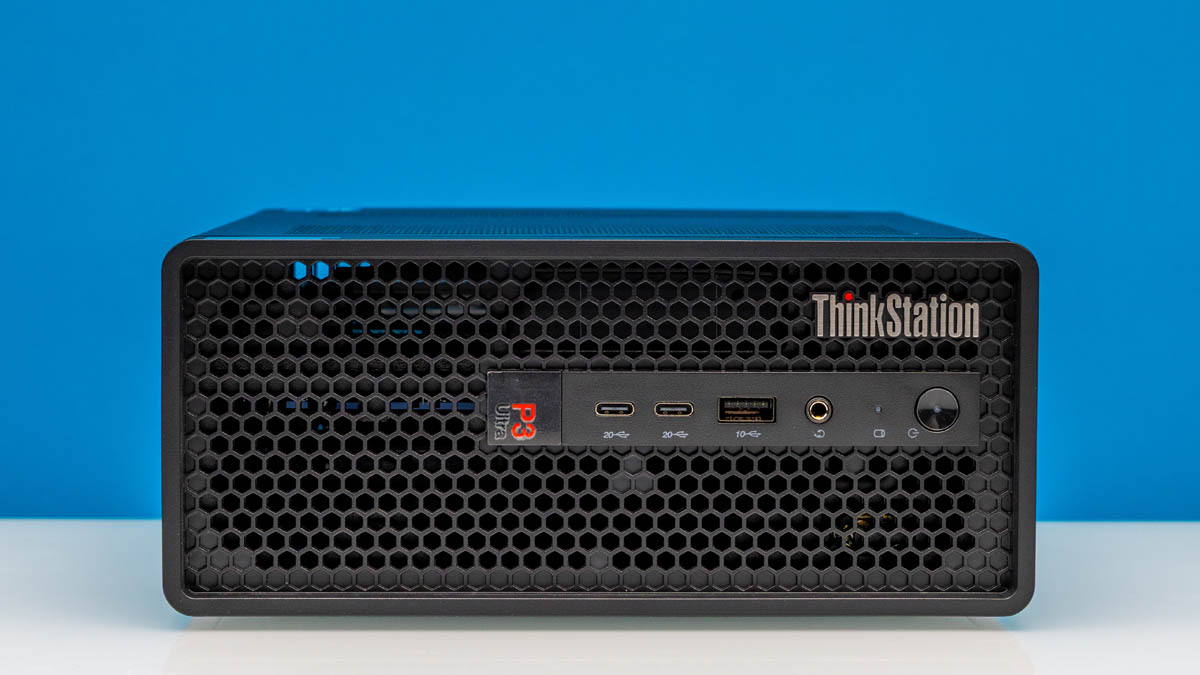
The Lenovo ThinkStation P3 Ultra SFF Gen 2 is a compact workstation desktop that leans hard into expansion and professional reliability. Built around a 3.9L chassis, it is large enough to house multiple low‑profile PCIe cards, including a dual‑slot card, while staying squarely in mini‑PC territory. That design gives it clear advantages over tiny, consumer‑focused mini PCs: you can add or swap a dedicated NVIDIA RTX 4000 Ada SFF GPU, extra I/O, or specialty cards instead of replacing the whole box when your workload changes. According to the review, "the larger SFF form factor buys the PC vendor enough space to squeeze in multiple PCIe cards – including a dual‑slot card". If you run CAD, DCC, or AI workloads that grow more demanding over time, this small form factor workstation offers desktop performance compact enough for crowded offices yet flexible enough for evolving projects.
| Spec | Lenovo ThinkStation P3 Ultra SFF Gen 2 | Example Premium Consumer Mini Desktop |
|---|---|---|
| Desktop class / form factor | Mini-PC workstation, 3.9L small form factor | Small Form Factor consumer mini desktop |
| Processor (example as tested) | Intel Core Ultra 9 285, 8P + 16E cores | Apple M4 Pro 14‑core or Ryzen AI‑based CPU |
| Memory (as tested) | 64GB DDR5-6400 (2×32GB, upgradable) | Up to 48GB RAM, often not user‑upgradable |
| Primary storage | 1TB PCIe Gen5 x4 SSD, M.2 2280 | 1TB SSD in premium configs |
| PCIe expansion | 1× low-profile PCIe x16 (Gen4 x16), 1× low-profile PCIe x8 (Gen4 x4) | No internal PCIe slots; external ports only |
| GPU option | Dedicated NVIDIA RTX 4000 Ada SFF, 20GB GDDR6 | Integrated graphics on Apple or AMD chips |
| Dimensions & weight | 202 × 87 × 223 mm, 1.8 kg | Mac‑mini‑size, similar tiny footprint (exact numbers vary) |
| Front ports | 2× USB‑C 20Gbps, 1× USB‑A 10Gbps, 3.5mm audio | Up to four front USB ports on some Windows minis |
| Rear connectivity | 4× USB‑A 10Gbps, 3× DisplayPort 1.4, 1× 1GbE RJ45, Wi‑Fi 7 + BT 5.4 | USB, display outputs, and Ethernet; Wi‑Fi included |
| Power supply | 330W external PSU | Lower‑wattage internal or external PSU |
Consumer Mini PCs: Polished Power for General and Creative Use
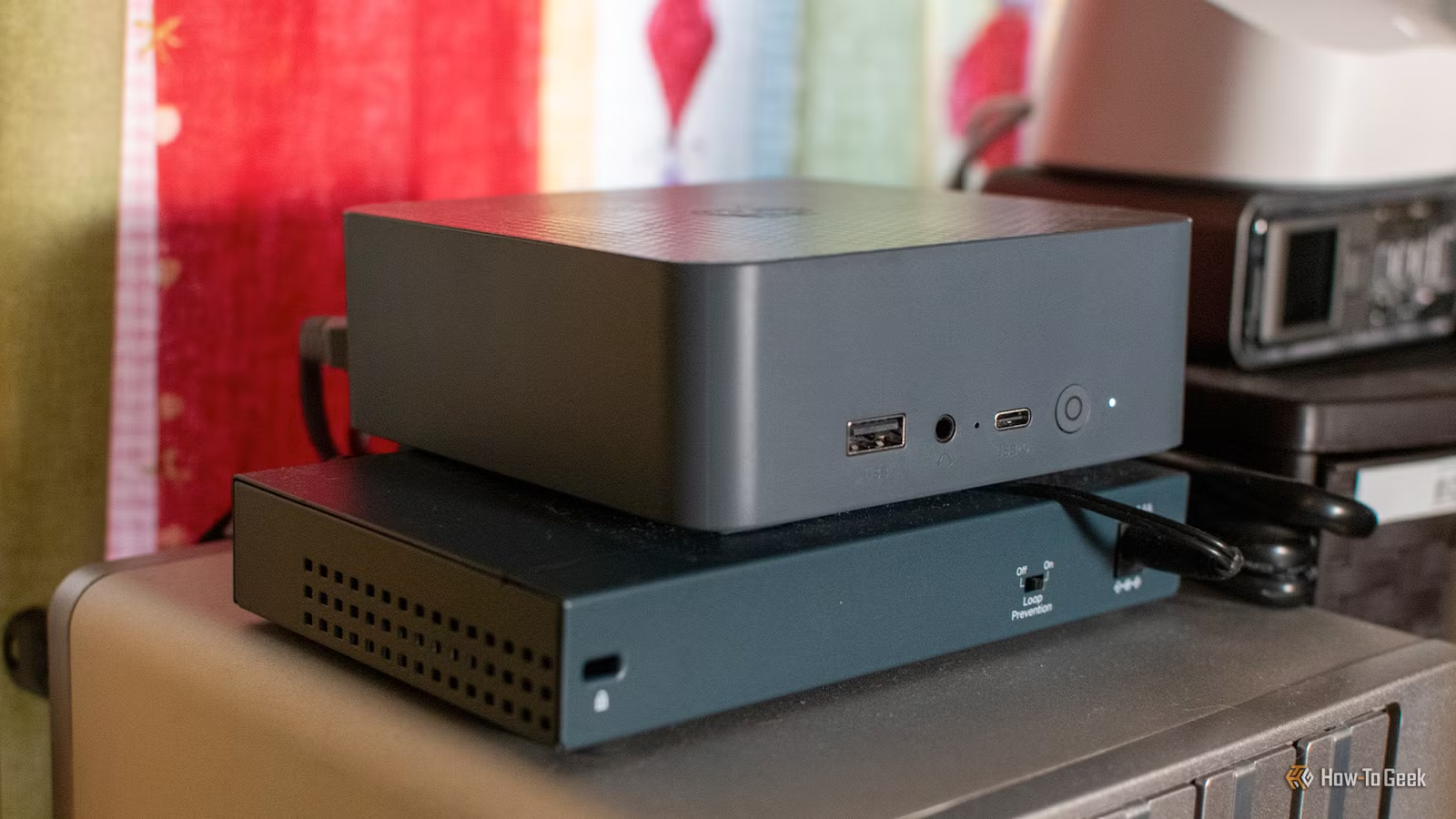
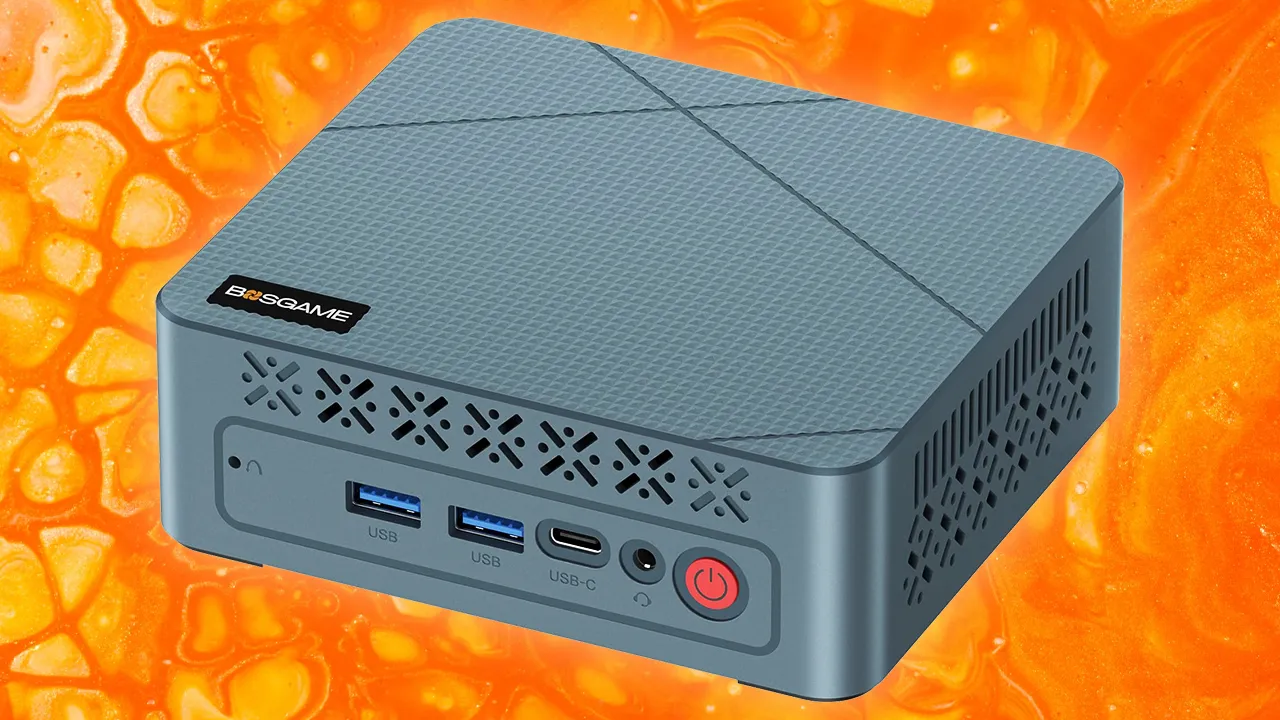
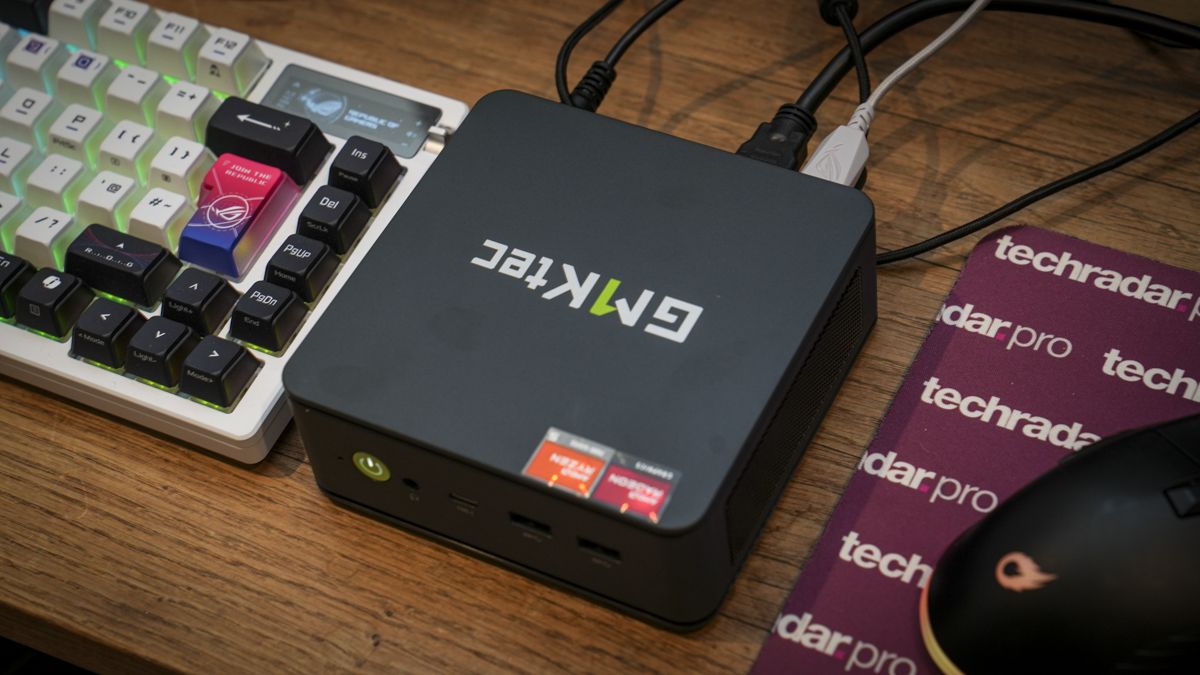
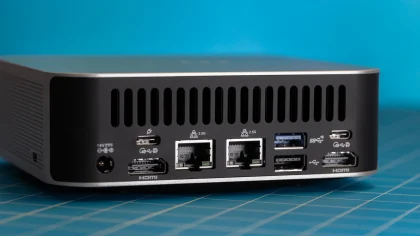
On the other side of the small form factor spectrum are premium mini PC professional systems aimed at most home‑office and creative users. These machines favor a compact, Mac‑mini‑style chassis that prioritizes aesthetics, quiet desk presence, and strong integrated performance over internal expansion. One example features an M‑series Pro chip with 14 CPU cores and 20 GPU cores plus up to 48GB of memory for fast general computing, media editing, and office workloads in a sealed box. Another Windows‑based model pairs a Ryzen AI processor with a tiny chassis, generous connectivity including four front USB ports and dual Ethernet, and upgradable memory and storage. As one review notes, this class of mini desktop "can ace pretty much anything while also serving specific use cases, like a tiny game‑emulation PC or a video and music player". If you seldom need add‑in cards and value simplicity, these desktops performance compact systems are compelling.
Choosing Between a Mini Workstation and a High-End Mini Desktop
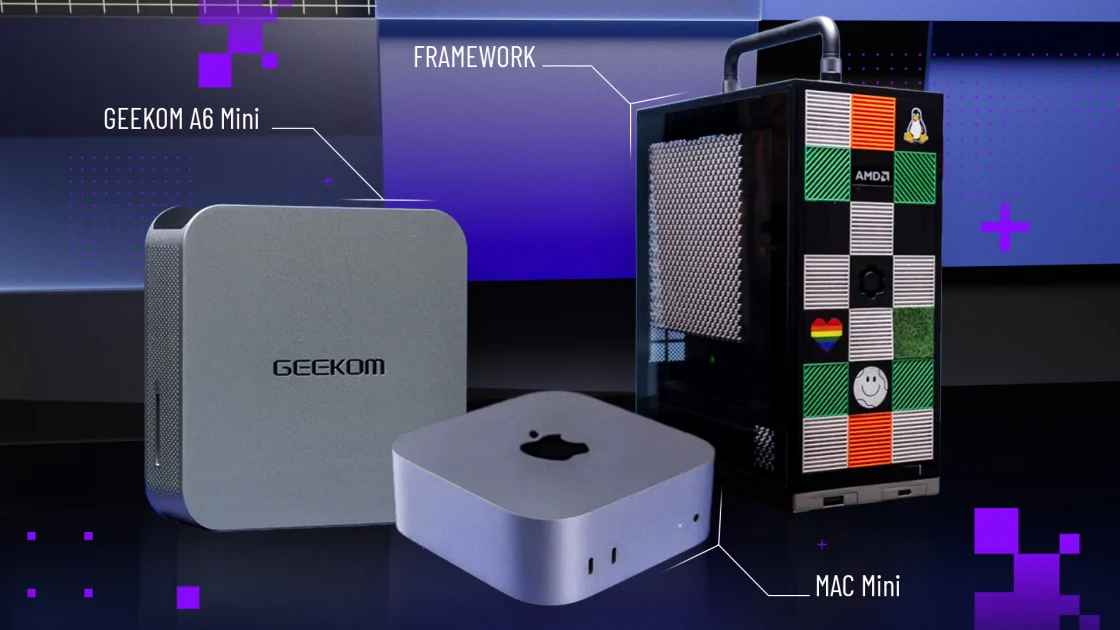
Thanks to the recent AI boom, vendors now offer a wide spread of mini‑PC form factor machines, from classic consumer desktops to highly integrated AI boxes and purpose‑built small form factor workstations. Lenovo, for example, ships mini PCs in multiple sizes, including the P3 Tiny and the larger ThinkStation P3 Ultra SFF Gen 2, so buyers can match chassis volume to expansion needs. The P3 Ultra SFF Gen 2 exists specifically to bridge the gap between a mini‑PC and a small tower, providing space for multiple PCIe cards in a compact workstation desktop. Consumer‑centered mini PCs, by contrast, trade that internal flexibility for a more appliance‑like experience: you configure CPU, RAM, and SSD at purchase and then treat the system as a sealed high‑performance node. Your decision hinges on whether your workload is stable and software‑driven, or likely to require new GPUs and niche cards over several refresh cycles.
Buy if / Skip if
- Buy the Lenovo ThinkStation P3 Ultra SFF Gen 2 if you need a small form factor workstation with multiple PCIe slots and room for dedicated GPUs and specialty cards.
- Skip the Lenovo ThinkStation P3 Ultra SFF Gen 2 if your work is light office or creative tasks that never demand add-in cards and you prefer a sleeker, sealed mini PC.
- Buy the consumer-style mini PC professional if you want desktop performance compact enough for a tiny footprint and value a polished, appliance-like experience.
- Skip the consumer-style mini PC professional if long-term flexibility, certified GPUs, and internal expansion matter more than having the smallest possible box on your desk.
- Buy the Lenovo ThinkStation P3 Ultra SFF Gen 2 if you expect your AI, CAD, or content workloads to grow and want to upgrade components instead of replacing the whole system.
- Skip the consumer-style mini PC professional if you dislike systems where internal memory and storage may not be user-upgradable after purchase.