
A Google Health Permissions Bug That Turns Pixel Watches Into Dumb Screens
The Google Health permissions bug on Pixel Watch devices is a software error where the watch reports missing sensor permissions, repeatedly blocking access to health tracking features even though users have already granted every required permission for Google Health and Fitbit, leaving many wearables unable to log or sync core health metrics such as heart rate, sleep, and activity data. This is not a minor annoyance; it undermines the entire point of a health-focused smartwatch. When your wrist is covered in sensors but the software insists it cannot see them, the device stops being a health tool and becomes a notification buzzer. The key takeaway: this bug exposes how fragile Google’s wearable health stack is, and how little control users have once the cloud software misbehaves.
Every Toggle Is Green, Yet Pixel Watch Sensor Access Still Fails
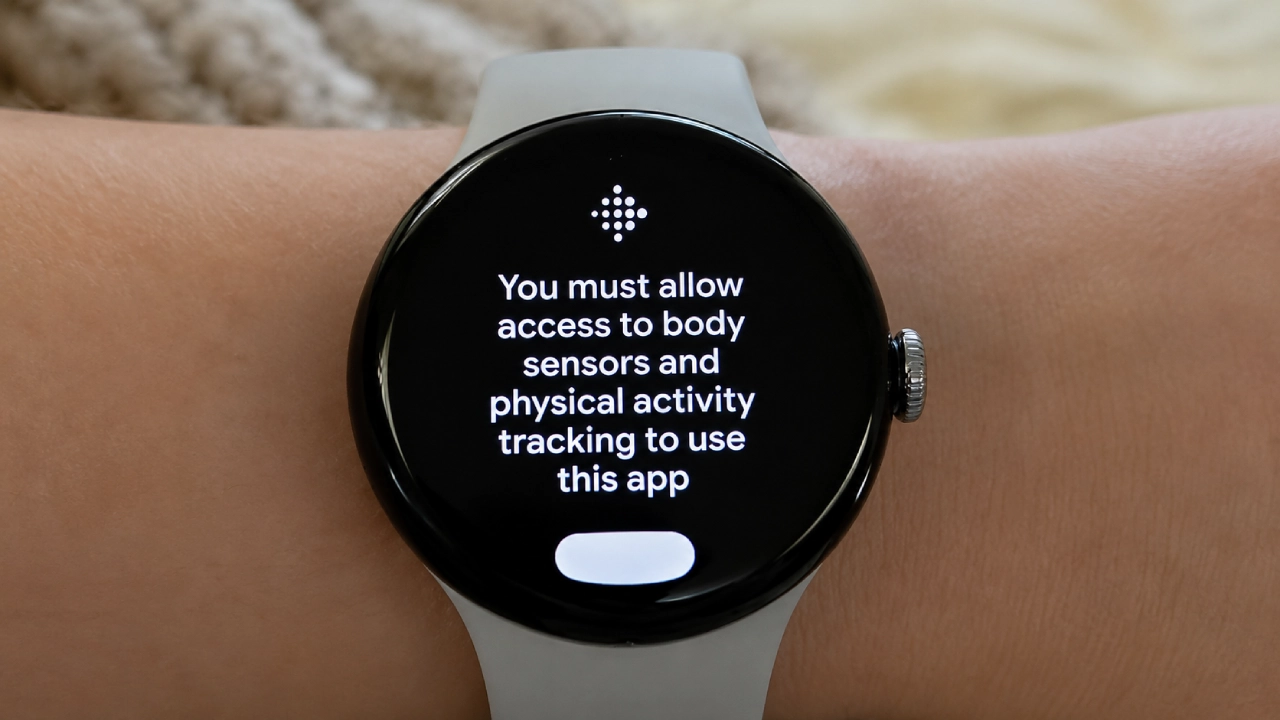
In recent days, Pixel Watch owners have been hit with a looping “permissions-required” screen branded with the Fitbit logo, demanding access to device sensors even though every requested toggle is already enabled. Users tap through, only to land back on the same warning. Some report that their watches “don’t seem able to access sensor data for health reporting” despite granting permissions on both phone and watch. According to one report, “a little under half” of responding Pixel Watch users said they were affected, suggesting this is widespread rather than a quirky edge case. Worse, standard advice fails. Changing app permissions has no effect, and several owners tried a full factory reset—the nuclear option—only to see the same error after setup. When a reset does nothing, this is no longer user error; it is a broken platform.
Broken Health Tracking, Silent Data Loss, and a Shaky Fitbit Integration
The practical impact of this Google Health permissions bug is severe. For some, the Health app still collects data in the background, but continues to display the permissions screen. Others are less lucky: health data stops syncing entirely, leaving gaps in charts and breaking any sense of continuous tracking. With metrics like sleep, SpO₂, and skin temperature, you cannot re-create missing nights; you “find out days later, open the app, and see an empty chart,” and the lost week is gone. This is happening against a backdrop of repeated wearable health tracking issues: step totals zeroed out with absurd calorie readings in March, inflated steps and distance, a permissions reset for SpO₂ and skin temperature in May, and ECG app failures across three Pixel Watch generations, for a total of “four separate health bugs in roughly four months.” It is hard not to see a pattern of instability.
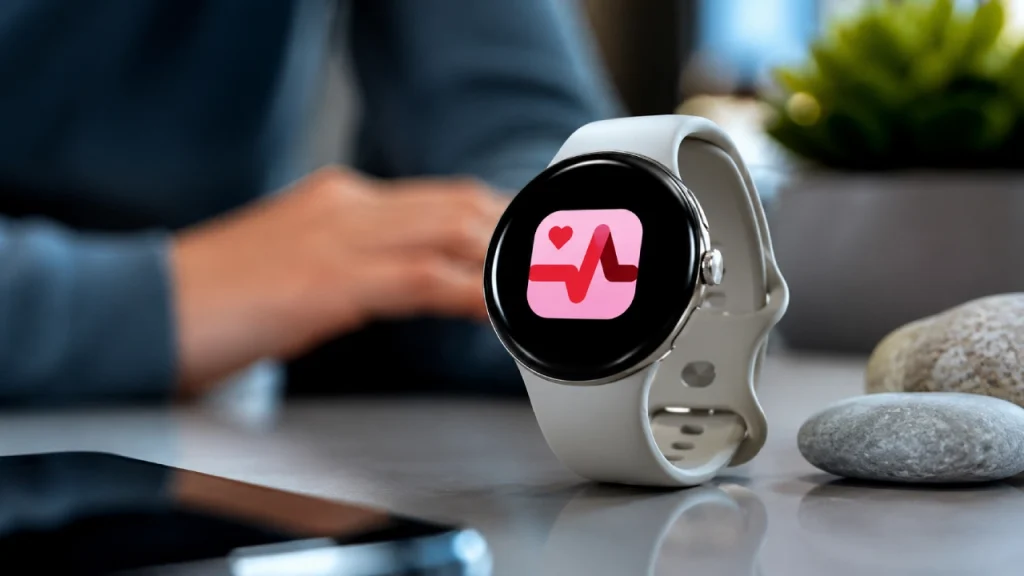
Why Google Health’s Ongoing Migration Keeps Breaking Wearable Health Tracking
The timing of this permissions fiasco is not random. The bug appears to have surfaced only in the past few weeks, and some users suspect a recent Google Health update is behind the strange behavior. That suspicion fits a larger story: Google is in the middle of folding Fitbit into the broader Google Health platform, dissolving a two-billion-dollar brand into its own ecosystem. Large platform migrations often break things, especially at fragile layers like permissions and sync. We have already seen a Fitbit firmware update silently reset sensor permissions for blood oxygen and skin temperature earlier this year, leaving users unable to restore them because “the permissions page insisted no app was requesting access.” Now, a Google Health permissions bug is reportedly blocking Pixel Watch sensor access as well. When the glue layer between hardware sensors and cloud services keeps failing, the whole health promise falls apart.
Google’s Fix Timeline and Why Users Should Expect Better
There is at least one piece of good news: Google engineers are aware of the permissions reports and are developing a fix. The bad news is everything else. There is no ETA, no official workaround, and no practical guidance beyond waiting. A separate report notes that Google has yet to publicly acknowledge the issue and that it “looks like a serious problem that needs fixing from the company’s side.” A few users say they restored functionality by reverting to the Fitbit app and removing the Google Health upgrade, which hints that the bug is tied to newer Health integrations, but this is hardly a safe or supported solution. The conclusion is blunt: Google Health’s wearable stack is too fragile for a product sold on medical-grade features. Until Google can prove that Pixel Watch sensor access and sync are boringly reliable, every permissions pop-up will feel less like a hiccup and more like a warning sign.